Tool Inventory Management
The average construction company loses 5-15% of its tool inventory every year. For a company with $300,000 in tools, that is $15,000 to $45,000 walking off job sites annually. The tools don't vanish mysteriously. They sit in someone's truck, get left at the wrong site, or get borrowed and never returned. The fix isn't buying more tools. It is knowing where the ones you already own are.
Tool inventory management covers the full lifecycle: procurement, storage, checkout, field tracking, maintenance, and eventually retirement. Most companies have the first two figured out. The middle steps are where things fall apart.
Why Tools Disappear
Before picking a tracking system, it helps to understand the failure modes. Tools don't all disappear the same way, and each cause requires a different countermeasure.
| Cause | % of Loss | Pattern |
|---|---|---|
| Unreturned checkouts | 35-40% | Employee checks out a tool, project ends, tool stays in their truck |
| No checkout at all | 25-30% | "I'll just grab this real quick" with no record created |
| Site-to-site drift | 15-20% | Tool moves to another job site, nobody updates the system |
| Theft | 10-15% | Deliberate removal, usually after hours |
| Damage/disposal | 5-10% | Tool breaks, gets tossed, never written off in the system |
Notice that outright theft is the smallest category. The bulk of tool loss comes from poor process, not criminal intent. That means a checkout system with accountability solves 60-70% of the problem without cameras or locks.
The Tool Inventory Stack
A complete tool management system has four layers. Most companies stop at layer one or two and wonder why tools keep disappearing.
Layer 1: The Database
Every tool needs a record. At minimum: asset ID, description, purchase date, cost, assigned location, condition, and calibration due date (if applicable). This is the foundation. Without it, you are counting tools by walking around with a clipboard.
Spreadsheets work until about 200 tools. Beyond that, you need actual tool tracking software with search, filtering, and multi-user access.
Layer 2: Physical Identification
Every tool needs a tag that connects it to its database record. Three options, each with tradeoffs:
Barcode / QR Code
- Cost: $0.05-0.50 per tag
- Scan method: Camera or handheld scanner, requires line-of-sight
- Durability: Fair. Adhesive labels survive 6-12 months in field conditions. Engraved metal tags last longer but cost more.
- Best for: Hand tools, consumable tracking, small operations
BLE (Bluetooth Low Energy)
- Cost: $3-8 per tracker
- Scan method: Automatic detection within 30-100 feet, no line-of-sight needed
- Durability: Good. 1-2 year battery life depending on beacon interval.
- Best for: Power tools, mid-value equipment, multi-site operations that need location data
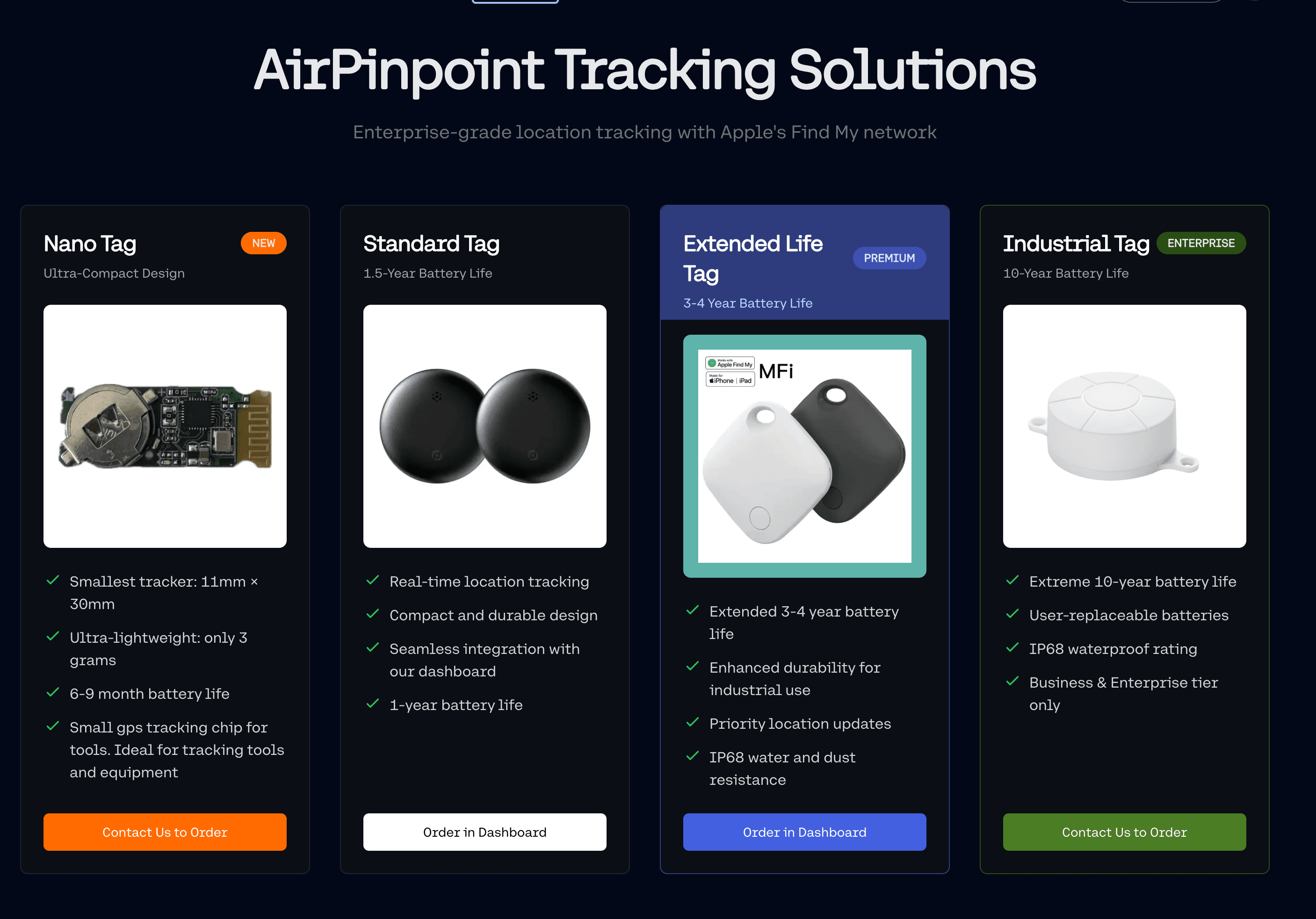
- Bonus: Apple Find My compatible trackers get location updates from any nearby iPhone, even off-site
RFID
- Cost: $0.50-5 per tag (passive), $15-50 (active)
- Scan method: Bulk scanning through a portal or handheld reader, no line-of-sight
- Durability: Excellent. Passive tags have no battery and last indefinitely.
- Best for: Tool crib operations, aerospace (FOD compliance), high-volume checkout environments
For most construction and field service companies, a hybrid approach works best: barcode stickers on low-value hand tools, BLE trackers on power tools and anything over $200.
Layer 3: Checkout and Check-in Workflow
This is where most tool inventory systems either succeed or fail. The checkout process needs to be fast enough that people actually use it, and enforced enough that they can't skip it.
What a good checkout system looks like:
- Scan to check out. Employee scans their badge, then scans the tool. Two scans, under 5 seconds. The system records who, what, when, and which job/site.
- Automatic due dates. Each tool category gets a default checkout duration. A circular saw might be 7 days. A laser level might be 3 days. The system flags overdue items automatically.
- Overdue escalation. Day 1: notification to the employee. Day 3: notification to their supervisor. Day 7: the employee can't check out additional tools until the overdue item is returned or accounted for.
- Bulk return. When a project wraps, the foreman scans all tools being returned in one batch. The system reconciles against what was checked out and flags anything missing.
- Transfer between sites. When tools move from Site A to Site B, the system tracks the transfer. The tool doesn't just vanish from Site A's inventory and mysteriously appear at Site B.
Kiosk vs. mobile checkout:
Self-service kiosks at tool cribs work for centralized operations. For distributed job sites, mobile app checkout is the only realistic option. The foreman's phone becomes the checkout terminal.
Layer 4: Location Tracking
Checkout records tell you who should have a tool. Location tracking tells you where the tool actually is. The gap between those two facts is where inventory shrinkage lives.
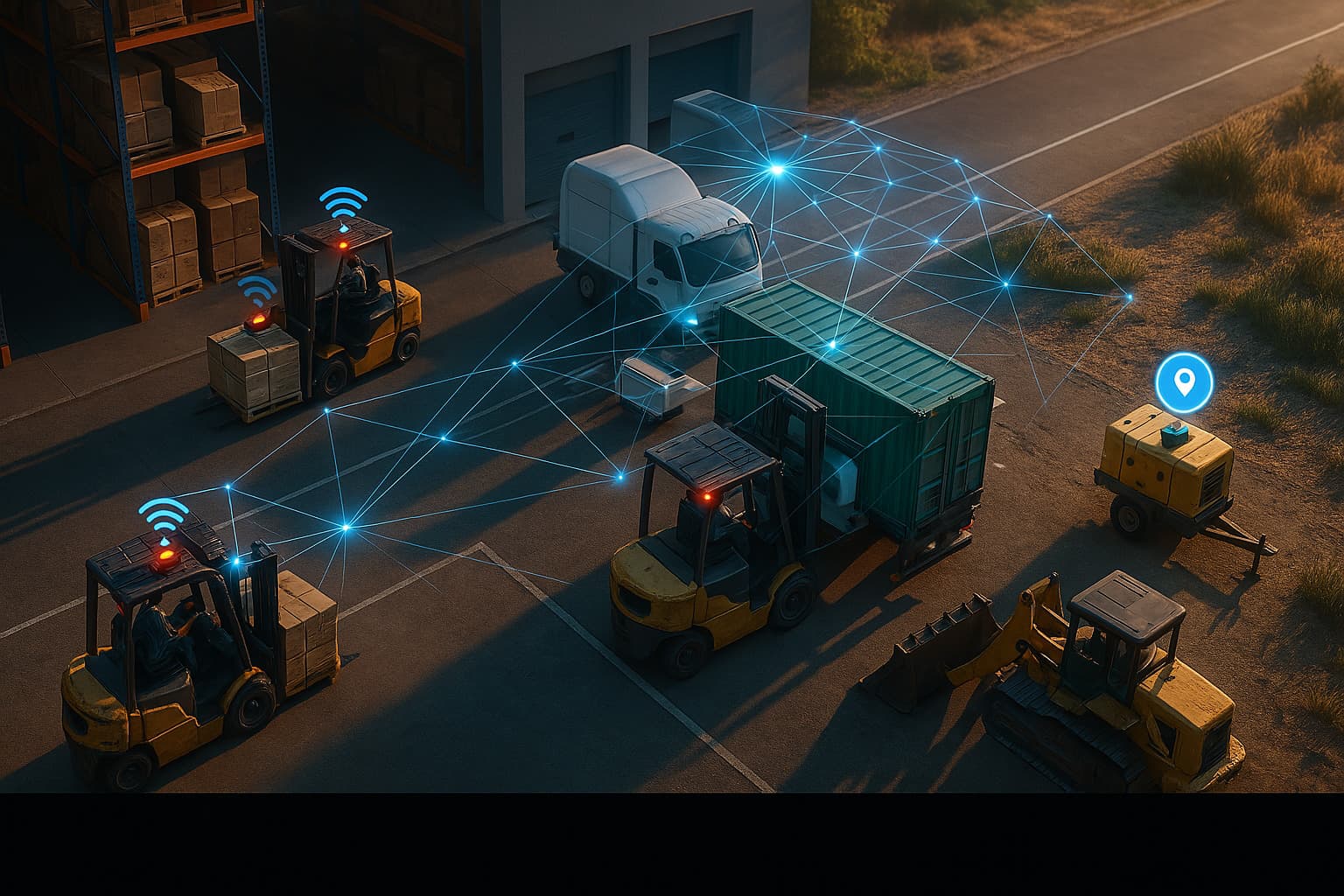
For tools that stay within a facility, RFID portals at doorways provide automatic tracking. For tools that travel to job sites, BLE trackers with network-based location (like Apple Find My) provide coverage without cellular subscriptions.
Geofencing adds another layer: set a boundary around each job site, and get an alert if a tagged tool leaves the area outside of work hours. This is where the Airpinpoint platform connects tool inventory to physical location, giving you both the checkout record and the GPS coordinate.
Tool Crib Management
The tool crib is the hub of any tool inventory system. How you organize and manage it determines how smoothly everything downstream works.
Physical Organization
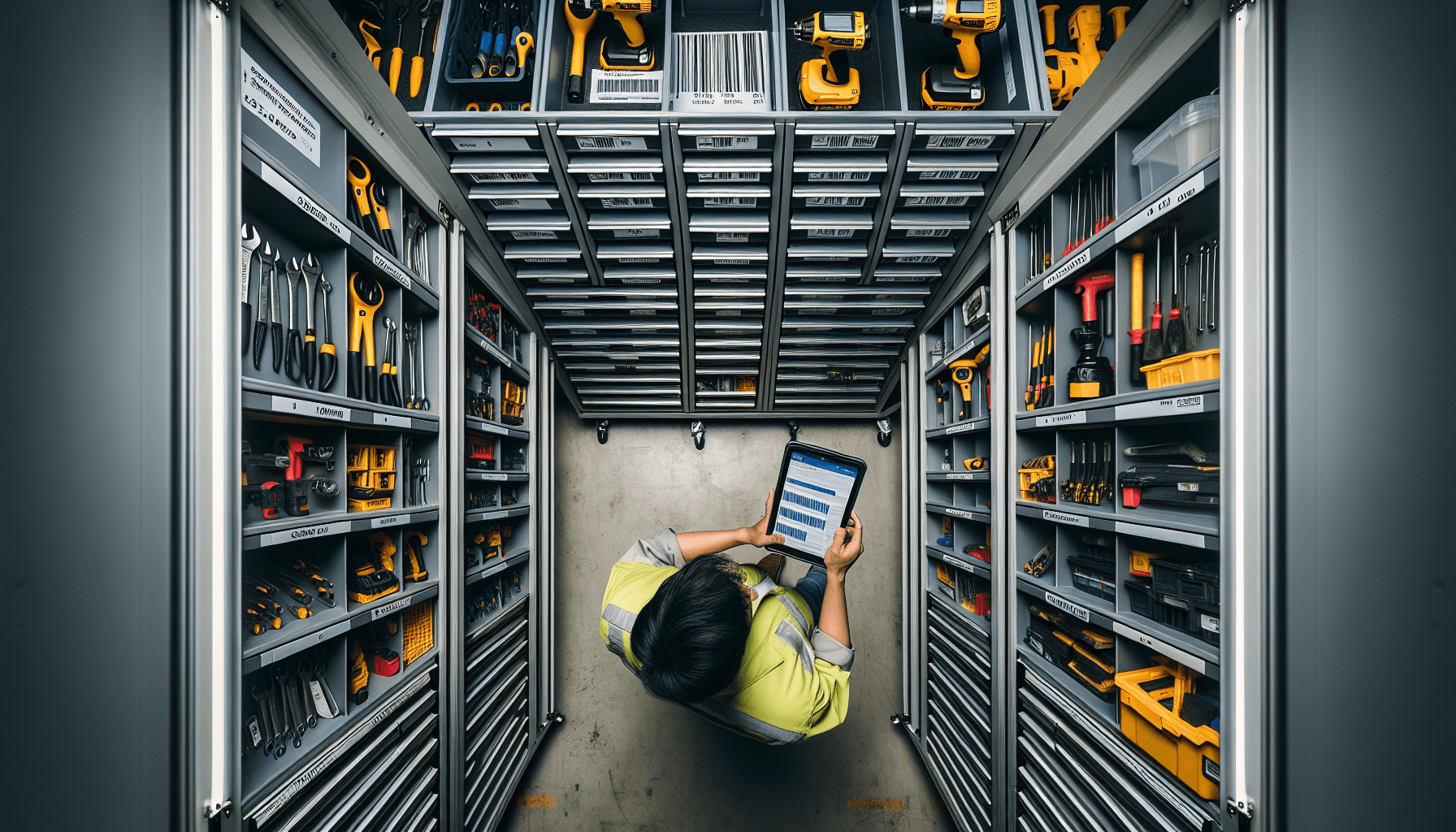
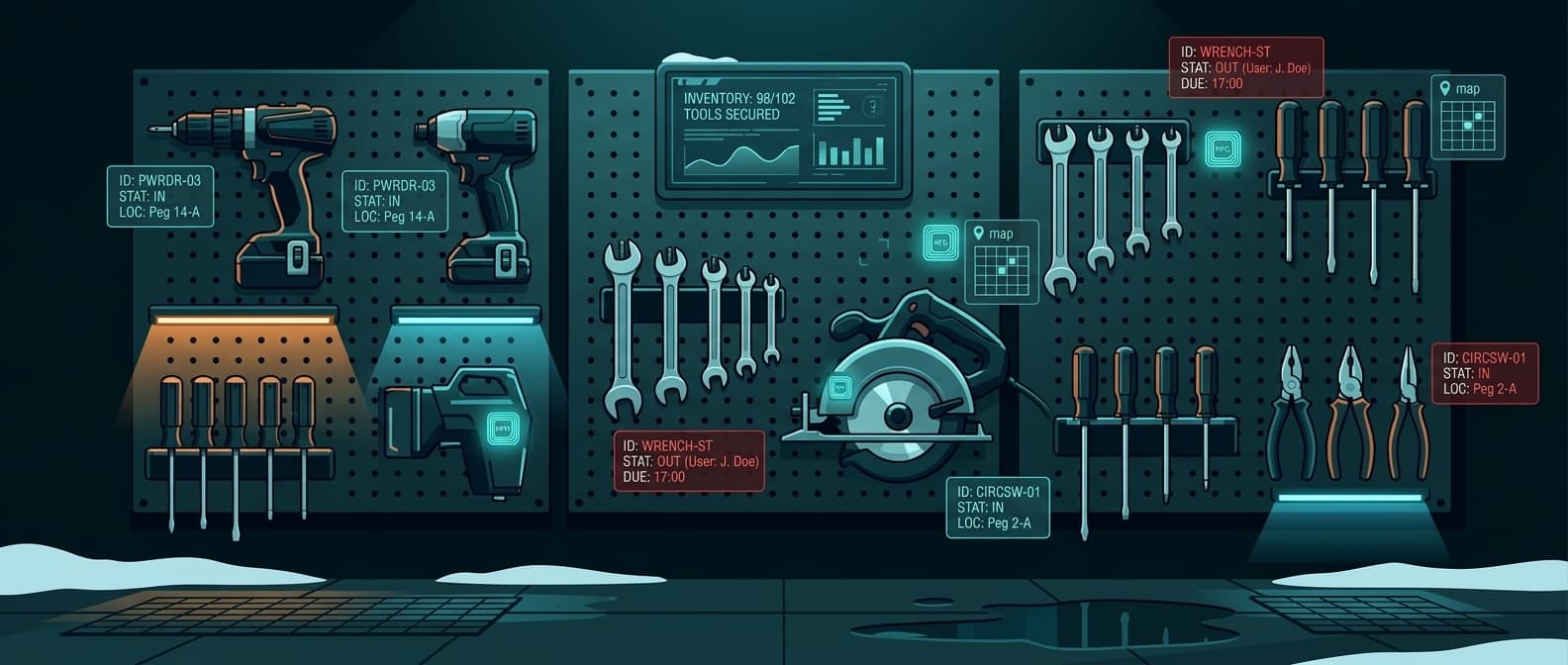
Shadow boards for hand tools. Every tool has an outlined slot on the board. A missing tool is visible from 20 feet away. This is the oldest and still one of the most effective inventory methods for frequently used items.
Locked cabinets for power tools and high-value items. Badge access logs who opened the cabinet and when. Smart cabinets with RFID readers inside can automatically track what was removed without manual scanning.
Vending machines for consumables. Drill bits, blades, safety glasses, gloves. Industrial vending (CribMaster, AutoCrib) dispenses items one at a time and tracks consumption per employee, per job. This eliminates the "grab a handful" problem that inflates consumable costs by 20-40%.
For a deeper dive on crib operations, see our tool crib management guide.
Inventory Accuracy
Two methods, one clearly better:
Periodic counting means shutting down and counting everything on a schedule. Monthly, quarterly, whatever your pain tolerance is. Problems discovered during a quarterly count have been compounding for up to 90 days.
Cycle counting means counting a small sample every day. Count 10-20 tools per day using ABC classification (high-value items counted more frequently). A daily 15-minute cycle count catches discrepancies within days instead of months.
Target metrics:
- Inventory accuracy: 98%+ (correct counts / total counts)
- Shrinkage rate: under 2% annually
- Stockout frequency: under 2 per month
Mobile App Scanning
Field teams won't walk back to the tool crib to check out a saw. Mobile scanning removes that friction.
How it works in practice:
The foreman opens the app on their phone, points the camera at the tool's barcode or QR code, and taps "check out." The app records their identity (logged-in user), the tool ID, the GPS coordinate, and the timestamp. When the tool comes back, same process: scan and tap "return."
For BLE-tagged tools, the process is even simpler. The app detects nearby tagged tools automatically and shows which ones are checked out to the current user. Returning a tool can be as simple as placing it back in the crib, where a BLE reader picks up the signal and marks it returned.
Key features for field scanning apps:
- Offline mode (job sites often have poor connectivity)
- Photo capture for damage documentation
- Batch scanning for bulk checkout/return
- Job code assignment (tie tool usage to specific projects)
- GPS stamping on every transaction
Utilization Reporting
Tracking where tools are is step one. Tracking how they are used turns inventory management into a cost optimization tool.
What to Measure
| Metric | Formula | What It Tells You |
|---|---|---|
| Utilization rate | Days checked out / Days available | Whether you own too many or too few of each tool type |
| Idle time | Days since last checkout | Which tools are gathering dust |
| Cost per use | Purchase price / Total checkouts | True unit economics per tool |
| Repair frequency | Repairs per year per tool | When to retire vs. repair |
| Loss rate by site | Tools lost / Tools deployed per site | Which sites need tighter controls |
| Loss rate by employee | Tools lost / Tools checked out per person | Pattern detection for accountability |
Decisions Utilization Data Enables
Right-sizing inventory. If you own 15 circular saws and utilization data shows peak concurrent demand is 8, you are carrying $2,100+ in idle inventory. Sell or redeploy the excess. Conversely, if a tool type shows 95%+ utilization, you need more units before projects start competing for equipment.
Rental vs. buy. A tool checked out 20 days per year at $800 purchase price costs $40 per use over a 1-year life. If renting the same tool costs $50/day, buying wins. If it is checked out 5 days per year, renting at $250 total beats owning at $160/use. Utilization data makes this math trivial.
Maintenance scheduling. Instead of calendar-based maintenance (every 90 days regardless of use), schedule based on actual usage. A tool with 200 checkout-hours needs service sooner than one with 40, regardless of calendar time.
Budget forecasting. Historical loss rates and utilization patterns predict next year's tool budget more accurately than "last year plus 10%."
Comparison: Tracking Method by Company Size
| Company Size | Tools | Recommended Approach | Monthly Cost |
|---|---|---|---|
| Small (1-3 crews) | 50-200 | Spreadsheet + barcode stickers + mobile scanning | $0-50 |
| Medium (4-10 crews) | 200-1,000 | Tool tracking software + barcode + BLE on power tools | $50-200 |
| Large (10+ crews) | 1,000-5,000 | Enterprise software + RFID at cribs + BLE for field + GPS for high-value | $200-1,000 |
| Enterprise (multi-region) | 5,000+ | Full stack: ERP-integrated software + RFID + BLE + GPS + vending | $1,000+ |
See the full tool tracking comparison for detailed feature-by-feature analysis.
Implementation: Week by Week
Weeks 1-2: Baseline
Take a full physical inventory. Every tool, every site, every truck. Yes, this is painful. You cannot manage what you haven't counted. Record: tool type, serial number (if any), condition, current location, estimated value.
Calculate your current shrinkage rate: (tools purchased in last 12 months minus tools currently accounted for) / tools purchased. If this number is over 10%, you are leaving real money on the ground.
Weeks 3-4: System Setup
Pick your software. Tag every tool. Set up user accounts. Define checkout rules (max duration by category, escalation thresholds). Import your baseline inventory.
The tagging step is where people cut corners. Don't. Every tool needs a tag, even the $15 ones. Loss tracking only works when the denominator is complete.
Weeks 5-6: Rollout
Train crews on the checkout process. Make it mandatory from day one with no "grace period" for old habits. The foreman on each site owns compliance. Run daily cycle counts to catch problems while the system is fresh.
Expect resistance. "This slows me down" is the universal complaint. A 5-second scan is the answer. If your checkout process takes longer than that, fix the process, don't abandon tracking.
Weeks 7-8: Optimize
Review the first month's data. Which tools have the highest loss rate? Which sites? Which employees have chronic overdue checkouts? Tighten controls where the data points.
Add BLE trackers to the top 20% of tools by value. This covers the majority of your inventory value with a manageable number of trackers.
Integration with Job Costing
When every checkout is tagged with a job code, tool costs flow directly into project accounting. This changes how you bid work.
Instead of estimating tool costs as a flat percentage of labor, you have actual historical data: "a project of this type and duration uses $X in tool wear and $Y in consumables." Better estimates win more bids at better margins.
For companies using Procore or similar construction management software, tool checkout data can sync directly to project cost tracking.
When to Add GPS Tracking
Barcode and RFID track tools within your controlled environment. BLE extends that to nearby detection. GPS gives you coordinates anywhere on the planet.
Add GPS/BLE network tracking when:
- Tools regularly travel between sites
- High-value items (over $500) leave your facility
- You need geofence alerts for after-hours movement
- Tool theft is a documented problem (not just a suspicion)
- Insurance requires proof of location for claims
Airpinpoint uses Apple Find My compatible trackers that cost a fraction of cellular GPS devices and require no monthly subscription per tag. Every iPhone in the world is a potential location relay for your tracked tools. For a tool inventory tracking system that covers both the crib and the field, this approach fills the gap between "checked out to John" and "actually sitting in John's truck at 742 Evergreen Terrace."
Key Takeaways
- Most tool loss is process failure, not theft. Fix checkout workflows before buying cameras.
- Tag everything. A tracking system with 80% coverage gives you 80% confidence, which isn't enough.
- Cycle count daily. Fifteen minutes a day beats eight hours once a quarter.
- Match tracking tech to tool value. Barcodes for hand tools, BLE for power tools, GPS for high-value portables.
- Measure utilization, not just location. Usage data drives right-sizing, rental decisions, and maintenance scheduling.
- Enforce the checkout process. No exceptions, no grace period. Five seconds to scan.
- Extend tracking to the field. Crib-only tracking misses the 60% of tool loss that happens on job sites.
Tool inventory management isn't complicated. It is mostly discipline: tag it, track it, count it, enforce it. The technology exists to make each step fast and painless. The companies that actually deploy it stop losing $40,000 a year in tools. The ones that keep putting it off keep buying replacements.
 Our Solution