Updated
Tool Tracking Software (2026): 10 Tools Compared, Plus How to Track Tools
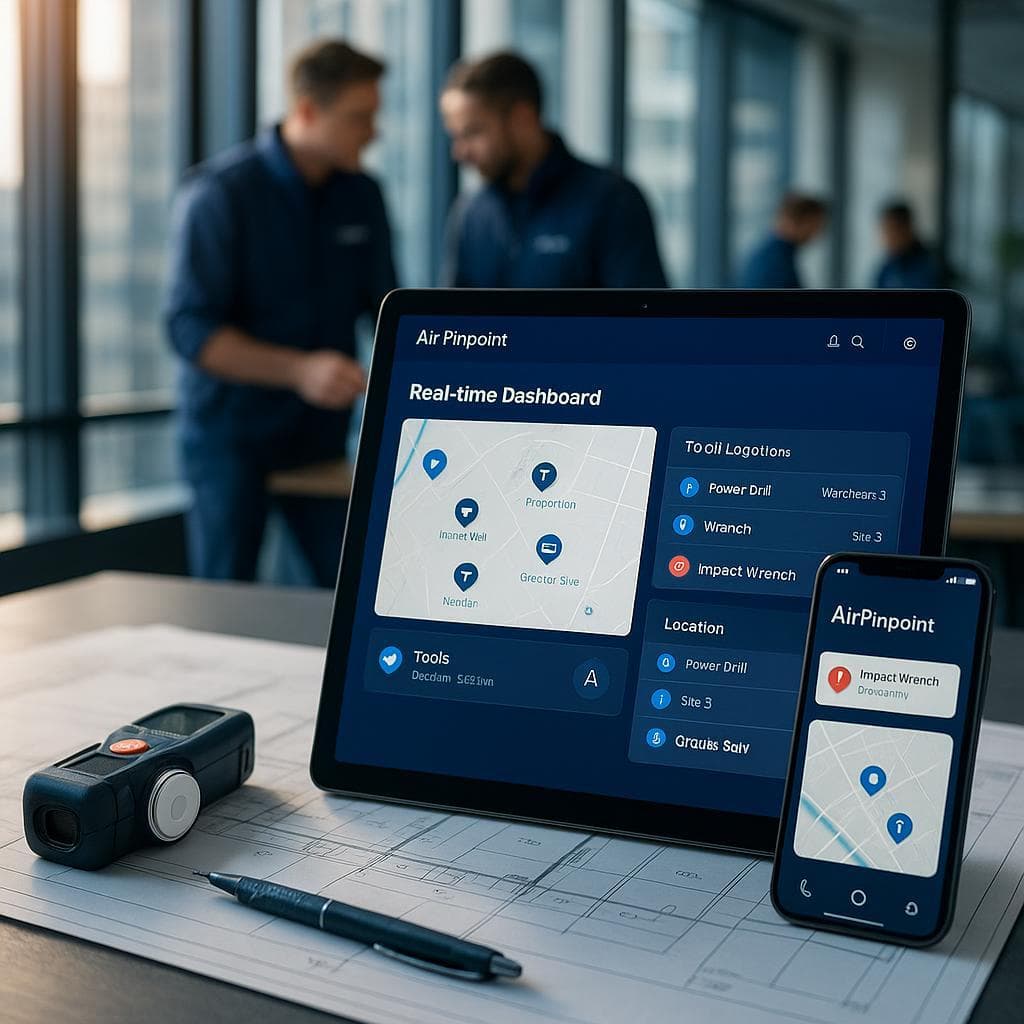
Updated October 2026. Tool tracking means knowing two things about every tool: who has it, and where it is right now. The best tool tracking software depends on whether you need to know who has a tool or where it is right now. For check-out accountability, ToolHound and ShareMyToolbox lead. For free asset inventory, AssetTiger wins. For live location instead of a check-out log, Airpinpoint puts an Apple Find My tag on each tool at 11.99 USD/tag/mo with no SIM or cellular fee, though its pings are periodic and depend on nearby Apple devices. Below: a real pricing matrix and 10 tools ranked honestly.
Construction crews spend about 38 hours a year, nearly an hour a week, looking for misplaced tools (ABAX, 2024). Theft makes it worse: US equipment theft losses run an estimated 300 million to 1 billion USD a year, and only 21 percent of stolen equipment is recovered (NER/NICB, 2,442 of 11,574 reported thefts). Yet 34 percent of organizations still track assets on spreadsheets or paper (Gartner Digital Markets, 2024). The software below exists to close that gap, and it splits into three categories that buyers keep confusing.
The Three Categories of Tool Tracking Software
There is no single "best" because these tools solve different problems:
- Check-out / accountability software logs who signed a tool out and when it is due back. It does not show live location. Examples: ShareMyToolbox, ToolHound, Cheqroom.
- Asset-inventory software tracks what you own and where it was last scanned, via barcode or QR. Updates only on a manual scan. Examples: AssetTiger, Sortly, GoCodes, Asset Panda, EZOfficeInventory.
- Location tracking attaches a continuously reporting tag to each tool and shows it move on a map. Examples: Airpinpoint (Find My, no SIM), and cellular GPS trackers (SIM + monthly line).
The buying mistake is treating these as interchangeable. A check-out log tells you the saw is "out to Mike"; it never tells you the saw is in a pawn shop.
How to Track Tools: A 6-Step Setup
How to track tools, in short: tag every tool worth more than a couple hundred dollars, pick software that matches the question you need answered (who has it or where it is), and set an alert for tools that leave a site. The steps below work for a single truck or a 50-person crew.
- List what you own and what it costs to replace. Start with a spreadsheet of every tool over about 200 USD. That list becomes your import file for whatever software you choose.
- Decide which question you need answered. If losses are "nobody knows who took it," you need check-out software. If losses are "it left the site and never came back," you need location tracking. Most crews need both.
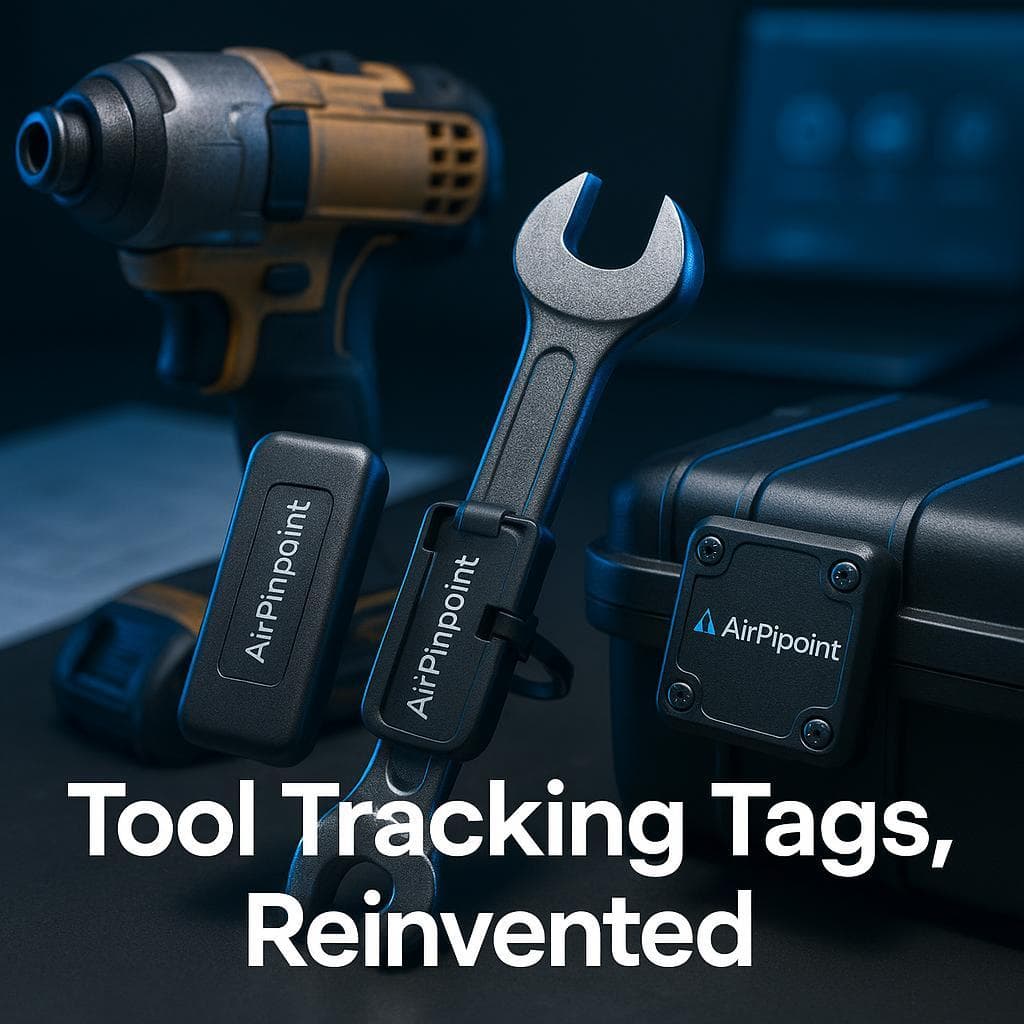
- Tag each tool. Use a QR or barcode label for check-out scans, and a Find My tag such as an AirTag for location. Mount tags inside a housing or under a battery pack where they are hard to pry off. See tool tracking tags for mounting options.
- Assign tools to people and places. Give every tool a home (a truck, crib, or site) and a person responsible for it, so a missing tool has an owner the day it goes missing.
- Set geofence alerts. Draw a boundary around each yard and job site. Airpinpoint sends an email or webhook alert when a tagged tool reports from outside it, which is usually the first sign of theft or a tool left at the last job.
- Review weekly. Check which tools have not moved or reported in a week. Those are the ones sitting forgotten in a truck bed or already gone.
| Tool type | Best way to track it | Why |
|---|---|---|
| Power tools and batteries | Find My tag inside the housing plus a QR label | Live location for theft, scan log for check-out |
| Hand tools and small kits | QR label on the case, Find My tag on high-value cases only | A tag per wrench costs more than the wrench |
| Generators, compressors, welders | Find My tag, or cellular GPS for remote sites | High value and easy to load onto a truck |
| Ladders, rack items, trailers | Find My tag hidden in the frame | Frequently borrowed between crews |
Pricing Matrix: 10 Tool Tracking Tools (2026)
| Tool | Hardware type | Price | SIM / per-device fee? | Best for |
|---|---|---|---|---|
| ToolHound | Barcode / QR + RFID | From 5,595 USD/yr (2 sites, 5 users) | No | Large tool cribs needing strict accountability |
| ShareMyToolbox | Software-only, QR / barcode | 100 USD/mo first admin + 10 USD/employee in blocks of 5 | No | Field tool transfers between crews |
| Sortly | Software-only, printable QR / barcode | Free (100 items); Advanced 49 USD/mo (500 items); Ultra 149 USD/mo | No | Fast onboarding for non-technical crews |
| GoCodes | Patented QR tags (bundled) | 500 USD/yr (200 assets) to 2,500 USD/yr (2,000) | No | Small fleets wanting bundled QR tags |
| Fleetio | Software-only (integrates telematics) | Essential 4 USD/asset/mo to Premium 10 USD; tools add-on ~0.50 USD/tool/mo | No (GPS via integrated provider) | Maintenance + work orders alongside tools |
| Cheqroom | QR / barcode standard, RFID add-on | Core 184 USD/admin/mo to Enterprise 367 USD | No | Mobile gear accountability, unlimited items |
| EZOfficeInventory | Barcode / QR + RFID | Essential 48 USD/mo (100 items) to Premium 65 USD | No | Deep asset + inventory feature set |
| AssetTiger | Software-only, barcode / QR | Free to 250 assets; Basic 220 USD/yr (500) to Pro 1,540 USD/yr | No | Genuinely free asset inventory to start |
| Asset Panda | Software-only, barcode / QR / RFID | Quote-only (~3,000 USD/yr reported, 5-user min) | No | Highly customizable cross-department assets |
| Airpinpoint | Apple Find My tag, no SIM | 11.99 USD/tag/mo + one-time tag (~25 to 29 USD) | No SIM, no cellular line | Live location for tools that leave the truck or site |
How to read this: Prices are taken from each vendor's own pricing page (or a flagged aggregator for EZOfficeInventory and Asset Panda) as of mid-2026. ToolHound, Asset Panda, and EZOfficeInventory Enterprise quote per customer. Every tool above avoids a per-device cellular SIM. Cellular GPS trackers, which are not in this table, add a monthly line of roughly 8.95 to 45 USD per device (Spytec benchmark); Samsara alone runs about 27 to 33 USD per asset per month plus hardware. Verify current pricing with each vendor before deciding.
The 10 Tools, Ranked and Reviewed
1. ToolHound
Best for large tool cribs that live or die on accountability. ToolHound pairs barcode and RFID with kiosk and scanner check-outs, and it is genuinely strong at preventing tool loss and over-purchasing across multiple locations. Pricing is transparent at the entry tier: Essentials from 5,595 USD/yr for two locations and five users, with higher tiers quote-only. The real weakness is the interface, which reviewers describe as dated, and a steep learning curve that makes it overkill for a small crew. It also does not show live location between scans.
2. ShareMyToolbox
Best for field tool transfers. Its standout feature is letting a worker accept or reject a tool handoff from a phone, which keeps a clean chain of custody when tools move crew to crew. It holds a 4.8 out of 5 on Capterra. Pricing is public and simple: 100 USD/mo for the first admin plus 10 USD per employee in blocks of five, month to month. The weaknesses: the feature set is rigid, bulk edits are awkward (one item at a time), and it captures GPS only at the moment of a scan, so there is no position between scans.
3. Sortly
Best for crews that want to be running today. Sortly is built for non-technical field users, with printable QR labels and a free tier (100 items, one user). Paid tiers run 49 USD/mo for 500 items up to 299 USD/mo for 5,000. The weakness reviewers flag most is renewal pricing: users report jumps from roughly 1,500 to 2,750 to 5,360 USD a year as item counts grow, plus hard per-tier item caps. It is inventory and check-out, not live location.
4. GoCodes
Best for small operations that want tags bundled in. GoCodes ships patented QR tags with the plan, needs no special hardware, and training takes under ten minutes. Pricing is asset-based: 500 USD/yr for 200 assets up to 2,500 USD/yr for 2,000. The honest weakness is that it is passive: location updates only when someone manually scans a tool, so a stolen tool that nobody scans never moves on the map. Extra QR tags cost more, and it is annual-only billing.
5. Fleetio
Best when tools ride alongside a vehicle fleet. Fleetio is strong at maintenance, work orders, and inspections, with unlimited users on every plan, and a tools add-on at roughly 0.50 USD per tool per month layered on Essential (4 USD/asset/mo) to Premium (10 USD). It is software-only and pulls GPS from an integrated telematics provider rather than its own hardware. The weakness: the per-vehicle rates assume a five-asset baseline and scale through undisclosed tiers, so a true price needs a quote.
6. Cheqroom
Best for mobile gear accountability with unlimited items. Cheqroom is easy to use, strong at tracking who has what, and gets credit for responsive support; QR and barcode are standard, with RFID as a paid add-on. Pricing is per admin: Core 184 USD/mo, Business 275 USD, Enterprise 367 USD, billed annually, with unlimited users and items. The weaknesses are practical: reviewers report mobile app crashes and stability issues, and the search can get complex. Like the others here, it is accountability, not continuous location.
7. EZOfficeInventory
Best for a deep asset and inventory feature set. EZOfficeInventory covers barcode, QR, and RFID across a broad toolset, priced per item at Essential 48 USD/mo (100 items), Advanced 58 USD, and Premium 65 USD with unlimited users (via the CostBench aggregator), Enterprise quote-only. The weaknesses: it gets expensive at scale, reviewers find it steep for a small business, and product innovation is described as slow. It tracks status on scan, not live position.
8. AssetTiger
Best free starting point. AssetTiger is genuinely free up to 250 assets with no per-user fee, then Basic 220 USD/yr (500 assets) up to Pro 1,540 USD/yr (50,000), with transparent asset-based pricing. For a shop that just needs a clean barcode register, the price is unbeatable. The weaknesses are the flip side of free: it is barcode and QR only with no realtime GPS or BLE location, and the interface feels dated. Use it for inventory of record, not for finding a tool that walked off.
9. Asset Panda
Best for highly customizable, cross-department asset management. Asset Panda is flexible, supports unlimited users, and has strong mobile scanning across barcode, QR, and RFID. The drawbacks are cost and opacity: pricing is quote-only after a seven-day trial, third parties report roughly 50 USD per user per month annual with a five-user minimum (about 3,000 USD/yr), and setup can be complex. It is configurable asset workflows, not a continuously reporting locator.
10. Airpinpoint
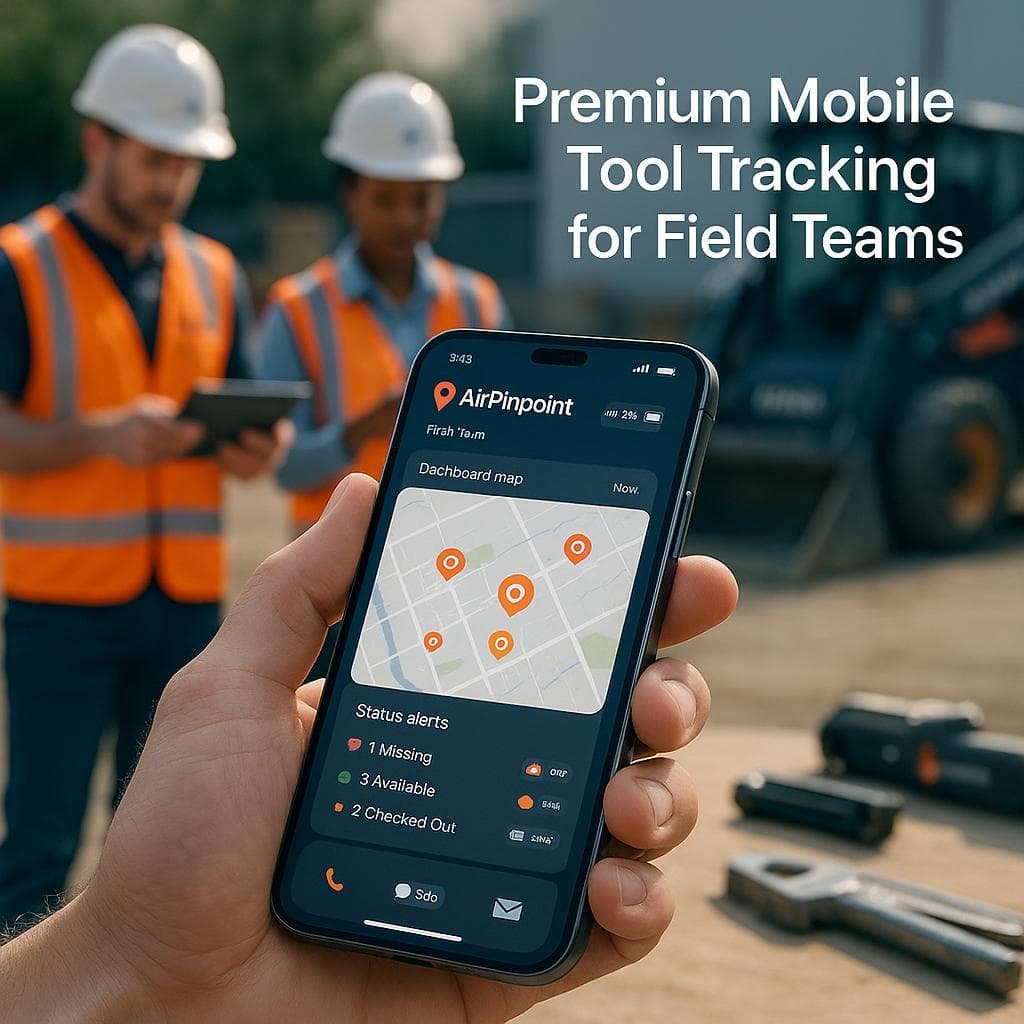
Best for live location when tools leave the truck or site. Airpinpoint puts an Apple Find My tag on each tool and shows it move on a map, with PostGIS geofence alerts by email and webhook when a tool crosses a boundary. It prices per tracked tool, 11.99 USD per tag per month, and the tag hardware (about 25 to 29 USD) is a one-time cost with no SIM and no per-tool cellular line, because location rides the Apple Find My network of over a billion devices. Across the 5,900-plus business tags Airpinpoint manages, the fetch pipeline pulls about 12,000 Find My locations an hour through a residential-proxy fetch.
The honest weakness: Find My reports periodically, not as continuous realtime GPS, and it depends on nearby Apple devices relaying each ping. In genuinely remote, no-foot-traffic areas, a cellular or satellite tracker will beat it. Airpinpoint also keeps the check-out workflow (assign a tool to a person, check it in and out), so it complements a crib log rather than replacing it.
Find My Tags vs Cellular GPS: The Per-Tool Cost
The hidden cost in tool tracking is the recurring line. Cellular GPS trackers put a SIM in every tag, which means a monthly data plan on every single tool, commonly 8.95 to 45 USD each (Spytec). Tag fifty tools and you pay for fifty cell lines forever, on top of recharging fifty batteries. Airpinpoint tags carry no cellular radio, so the tag is a one-time hardware purchase and the only recurring cost is the flat managed plan.
| Cost element | Cellular GPS tracker | Airpinpoint Find My tag |
|---|---|---|
| Per-tool monthly cellular line | Yes, ~8.95 to 45 USD each | None |
| Battery | Recharge, often weekly at live rates | CR2032 coin cell, ~12 to 18 months, ~1 USD to replace |
| Network | Cellular towers, weak indoors | Apple Find My, strong where phones are |
| Software account | Usually bundled per device | 11.99 USD/tag/mo flat managed plan |
| Update style | Continuous realtime | Periodic, depends on nearby Apple devices |
The tradeoff is in the last row. Cellular is continuous and works in empty country; Find My is periodic and needs phones nearby. For a shop, yard, and active job sites where people carry iPhones, Find My covers the cost-effective middle. For a tractor parked alone in a far field, cellular or satellite wins.
Why Scan-Based Software Goes Quiet
A scan is a moment, not a feed. ShareMyToolbox captures coordinates at the instant of a scan and plots one point. ToolHound, AssetTiger, GoCodes, and Asset Panda update their database on check-in and check-out events. All of that is accurate at the scan and silent the rest of the time. Tools do not disappear during a scan; they disappear in the gap, borrowed and never returned, loaded onto the wrong truck, or taken. Continuous location is the only thing that covers that gap, and among these tools only Airpinpoint provides it, with the periodic-ping caveat above.
Tip: If your losses are "we logged it out and never got it back," accountability software already failed at the moment that mattered: it knew who borrowed the tool and still could not point you to it.
Milwaukee One-Key and DeWalt Tool Connect vs Find My
The first tracker most trades reach for is built into the tools they already own: Milwaukee One-Key and DeWalt Tool Connect. Both are Bluetooth-proximity systems, and the honest limit is one Milwaukee states plainly on its own support page. One-Key recovery is a "community search party": a missing tool only updates its location when another One-Key app user happens to walk within Bluetooth range of it. The finder network is other tradespeople who bought the same brand and installed the app, which is a fraction of the roughly one billion Apple devices that relay a Find My tag automatically without anyone opting in.
Where One-Key does earn its place is lockout: marking a tool missing activates Tool Security, which disables the tool and renders it useless to a thief. But a locked, unfindable tool is still a lost tool. The pattern that actually works is to keep One-Key for the disable feature on your Milwaukee gear, and put a $29 Find My tag on everything (Milwaukee, DeWalt, the generator, the ladder rack) so location rides the far larger network. Van break-ins are the reason: 76 percent of 2025 tool thefts were from vans, most by "peel and steal" attacks that force the door skin back, and 94 percent of victims in one survey never saw any of it again.
Bulk and Managed Tracking
Apple's own Find My app caps at 32 items on one Apple ID and has no way to share tracking across a crew, which breaks immediately for a business. Airpinpoint shards across managed Apple IDs into one dashboard, so a business tracks hundreds or thousands of tags under a single login. On top of the same network you get unlimited tools, per-role access for foremen, shop, and office, geofence alerts by email and webhook into an ERP or maintenance system, and location history per tool, alongside a real check-in and check-out workflow.
- Tool tracking tags: the physical Find My tags that go on each tool, and how to mount them.
- Scalable tool tracking system: hardware plus app for tracking tools across any number of job sites.
- Tool crib inventory management: run a crib with check-out accountability and live location together.
Which Tool Tracking Software Should You Pick
-
You need to know who borrowed a tool and when it is due: ToolHound or ShareMyToolbox. Add Airpinpoint when you also need to find the tool.
-
You want free or cheap asset inventory: AssetTiger (free to 250 assets) or Sortly (free to 100 items), accepting that location updates only on a manual scan.
-
You need to know where tools are right now and stop them leaving the site: Airpinpoint, the only option here with continuous location and geofence alerts, as long as your sites have Apple devices passing through.
-
You are tired of paying a monthly cell line on every tracker: Airpinpoint, because Find My tags carry no SIM.
-
You track tools across a far-flung, no-foot-traffic location: a cellular GPS tracker (Samsara, Tenna, Geotab), accepting the per-device SIM fee.
-
Airpinpoint vs ShareMyToolbox: accountability software vs live location tracking, head to head.
The cleanest stack for most contractors is simple: keep whatever check-out process you trust, and put a Find My tag on every tool worth more than the tag. The log tells you who has it. The tag tells you where it is.


 Our Solution