Education Asset Tracking: How Schools and Universities Stop Losing Devices
Chicago Public Schools reported 77,505 devices lost or stolen in one school year. That's $23 million in missing Chromebooks, laptops, and tablets from a single district. Their inspector general called the 11% loss rate "alarming," but a vendor familiar with school tracking told them that nearly half of CPS schools exceeded a 10% loss rate.
Chicago is not an outlier. It's just the district that published numbers.
The Scale of the Problem
The pandemic-era device rollout put laptops and tablets into millions of students' hands between 2020 and 2022. Districts bought devices fast, far faster than they built systems to track them. The result: spreadsheets, paper sign-out sheets, and a lot of hope.
Here's what the data shows:
- Chicago Public Schools: 77,000 devices missing, $23M cost, 11% annual loss rate
- Twin Cities area schools: 4-4.5% annual loss rate (considered "on par" with national averages)
- Greenville County Schools (SC): ~4,000 laptops missing, $1.19M replacement cost
- Wake County (NC): 500 Chromebooks unreturned, plus 45% of WiFi hotspots lost or unaccounted for
Even at the "normal" 4% loss rate, a mid-size district with 10,000 devices loses 400 per year. At $300 per Chromebook, that's $120,000 annually in replacement costs alone, not counting IT staff time to process losses, reimage devices, and update inventory records.
Why Traditional School Tracking Fails
The Spreadsheet Problem
Most districts track devices with a combination of Google Sheets, asset tags, and manual check-in/check-out forms. Teachers fill out paper forms documenting which student received which device. At end of year, someone has to reconcile those forms against physical inventory.
This works until it doesn't. A teacher loses a form. A student transfers mid-year. A device gets reassigned without updating the sheet. By May, the "inventory" is a fiction.
Barcode Scanning Takes Too Long
Some districts adopt barcode or QR-code systems. These are better than spreadsheets, but they require someone to physically scan every device during collection. For a school with 1,200 Chromebooks, that's hours of scanning, assuming every device actually comes back to be scanned.
The devices that matter most, the missing ones, never get scanned at all.
MDM Tells You Status, Not Location
Mobile Device Management (MDM) tools like Google Admin Console or Jamf can tell you whether a Chromebook is online, what version it's running, and when it last checked in. What MDM cannot tell you is where a device physically is when it's powered off, sitting in a student's closet, or disconnected from WiFi.
A device that "last checked in 47 days ago" could be in a locker, at a student's home, at a pawn shop, or in a landfill. MDM gives you a timestamp, not a location.
How AirTag-Based Tracking Works in Schools
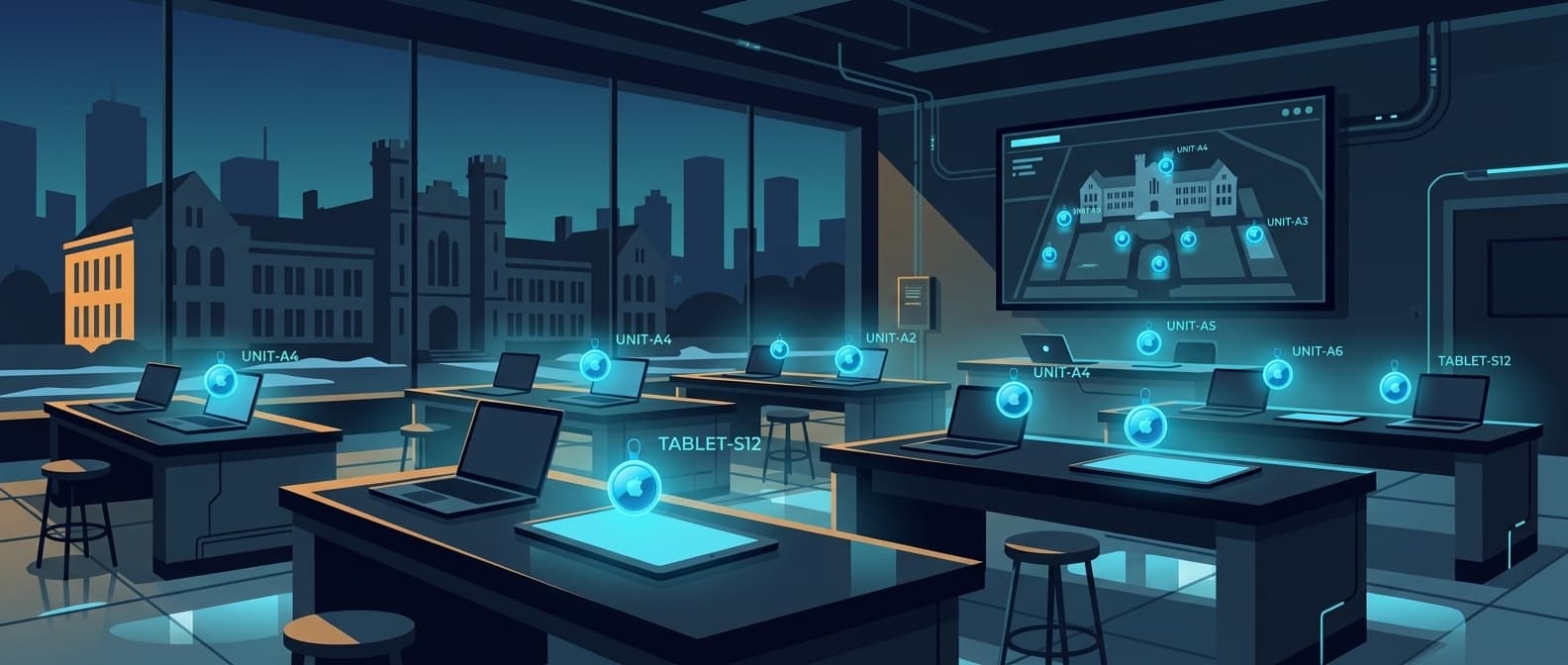
AirTags solve the location problem. Each AirTag uses Apple's Find My network of over a billion active devices to report its position. When any iPhone, iPad, or Mac passes within Bluetooth range of an AirTag, it silently relays the tag's location to Apple's servers.
This means a tagged Chromebook sitting in a student's backpack, powered off, still updates its location whenever someone with an iPhone walks nearby. In any populated area (which includes basically every neighborhood where students live), that's frequent.
What You Track
Student devices: Attach AirTags to Chromebook cases or laptop sleeves. Track assignment to individual students through the Airpinpoint dashboard. Know exactly which devices haven't returned to school by the collection deadline.
Shared classroom equipment: Projectors, document cameras, speaker systems, and other equipment that moves between rooms. Set geofence alerts so you're notified if a projector leaves the building.
Lab equipment (universities): Oscilloscopes, spectrometers, microscopes, and other instruments that get borrowed between labs and departments. This is the category where the arithmetic is easiest, because one $20,000 instrument that comes back covers the tracking bill for an entire department.
iPads and tablets: Especially for younger students using shared iPad carts. Tag the cart and individual devices to track both.
AV and IT equipment: Laptops, hotspots, cables, adapters. The small items that disappear fastest.
For IT teams outside schools, and for the details of tracking individual laptops when they are off or wiped, see our laptop tracker guide.
End-of-Year Device Collection (Without the Chaos)
End-of-year collection is where most tracking systems prove their worth or fall apart. Here's how it works with Airpinpoint:
Two weeks before collection day: Pull up the dashboard. Filter devices by "last seen at school" and identify any that haven't been on campus recently. Send targeted notices to those specific families instead of blasting the entire parent email list.
Collection week: As devices come in, your physical count reconciles against the dashboard in real time. You're not scanning barcodes and hoping, you can see which devices are still showing up at home addresses.
After the deadline: For the devices that didn't come back, you have last-known locations. Your IT team can follow up with specific addresses instead of sending generic "please return your Chromebook" letters into the void.
The difference: Instead of discovering 200 missing Chromebooks after summer starts (when recovery is nearly impossible), you catch problems in May while students are still in the building.
University Lab Equipment Tracking
University equipment tracking has different problems than K-12. The devices are fewer but far more expensive. A single piece of lab equipment can cost $10,000 to $100,000+. The challenge isn't volume, it's that expensive instruments get borrowed across departments without formal checkout processes.
Common University Tracking Problems
- Informal borrowing: A grad student takes a shared oscilloscope to another lab "for a few hours" and it stays there for a semester
- No checkout system: Sign-out sheets exist but nobody enforces them. Labs rely on institutional memory ("ask Dr. Chen, she probably knows where the spectrum analyzer went")
- Multi-building campuses: Equipment moves between buildings with no visibility. When it's time for maintenance or calibration, nobody knows which building to check
- Departing researchers: When a PI leaves, equipment sometimes leaves too, especially portable instruments
How Airpinpoint Helps Universities
Tag high-value equipment with AirTags. Set geofence boundaries around each building or lab. When a $40,000 instrument leaves its designated building, the responsible lab manager gets an alert.
The dashboard provides a searchable inventory with real-time locations. When a researcher needs a specific instrument, they check the map instead of emailing the entire department.
GASB 34 Compliance for Public Schools
Public school districts are required under GASB Statement 34 to report capital assets, including technology equipment, on their financial statements. This means tracking the acquisition, depreciation, and disposition of fixed assets above a certain threshold (typically $5,000, though some districts set lower thresholds for technology).
In practice, many districts struggle to maintain accurate fixed asset records. Equipment gets disposed of without updating the register. Devices are written off as "lost" without documentation. Auditors find discrepancies between physical inventory and reported assets.
Airpinpoint doesn't replace your accounting system, but it gives you a real-time source of truth for where assets are. Export your tracked inventory data to reconcile with your fixed asset register. When auditors ask where a specific piece of equipment is, you can show them, literally, on a map.
Cost Analysis: Tracking vs. Replacing
Let's run the numbers for a mid-size K-12 district with 5,000 student devices.
Without Tracking
| Item | Annual Cost |
|---|---|
| Device losses (4% of 5,000 at $300 each) | $60,000 |
| IT staff time processing losses (200 hrs at $35/hr) | $7,000 |
| End-of-year collection overtime | $3,000 |
| Replacement procurement and imaging | $5,000 |
| Total annual loss cost | $75,000 |
With Airpinpoint (tracking top 500 highest-risk devices)
| Item | Cost |
|---|---|
| AirTag hardware (500 x $29) | $14,500 (one-time) |
| Airpinpoint Business (500 x $11.99/mo x 10 school months) | $59,950/year |
| Year one, per tagged device | $149 |
Now work the break-even on your own numbers. You need three inputs and you already have all three: the replacement cost of the device you want to tag, your loss rate on that class of device last year, and $120 per device per school year for tracking at list price.
Here is where that lands, and it is worth being blunt about it. A $300 Chromebook has to go missing at better than a 40% annual rate before $120 of tracking pays for itself on replacement cost alone. No district has a 40% Chromebook loss rate. Tagging every student device does not pencil out, and we would rather say so than sell you 5,000 tags you will cancel in March.
What does pencil out is the top of the fleet. At $1,800 a teacher laptop, tracking pays for itself if it saves one laptop out of every fifteen you tag. At $4,000 a projector cart or AV kit, one in thirty-three. Hotspots, document cameras, and the loaner pool sit in the same range. Start with 10-20% of your fleet, weighted toward replacement cost rather than toward volume.
For universities, the math stops being close at all. One recovered $20,000 lab instrument pays for tracking 100+ devices for a year.
Two costs the replacement-cost math leaves out, both real and both hard to put a number on honestly: the staff hours that collection week eats, and the audit position you are in when a fixed asset register and a physical inventory disagree. Price those yourself; we are not going to invent a figure for them.
Getting Started
For K-12 Districts
- Identify high-risk devices. Pull your loss data from the last two years. Which grades, schools, or programs had the most missing devices? Start there.
- Pilot with one school. Tag 100-200 devices at your highest-loss school. Run for one semester. Measure recovery rates.
- Expand based on your own data. At the end of the semester, compare the pilot school's unreturned count against its own prior two years, and against a comparable school you did not tag. That control-school comparison is the number that survives a board meeting. Any percentage a vendor quotes you, including us, will not.
For Universities
- Inventory high-value equipment. Anything above $5,000 that moves between locations is a candidate.
- Set geofences per building. Get alerts when equipment leaves its designated area.
- Share dashboard access with lab managers across departments.
Pricing
- AirTag hardware: $29 per device (bulk pricing available)
- Airpinpoint Business: $11.99/device/month (dashboard, geofencing, team access, location history)
- Airpinpoint Enterprise: $14.99/device/month (API access, webhooks, priority support, advanced reporting)
What Makes Airpinpoint Different from School MDM
| Feature | MDM (Google Admin, Jamf) | Airpinpoint |
|---|---|---|
| Tracks powered-off devices | No | Yes (via Find My network) |
| Physical location on map | Only when online | Always (via Bluetooth crowd-sourcing) |
| Works without WiFi | No | Yes |
| Geofence alerts | Limited | Full polygon geofencing |
| Multi-user dashboard | Yes | Yes |
| Device management (wipe, lock) | Yes | No (tracking only) |
| Cost per device | $3-8/device/month | $11.99/device/month |
The two tools are complementary, not competing. MDM manages your devices. Airpinpoint finds them.
Real-World Results
We do not publish customer case studies and we are not going to invent one. What follows is the mechanism, so you can judge whether it applies to your district.
Tracking does not change how often a device goes missing. It changes what you know and when you know it, and in device recovery that is almost the whole game. A district without tracking learns a Chromebook is gone in late June, when the collection spreadsheet fails to balance. By then the trail is a month cold and the student has left the building. A district with tracking sees that same device sitting at a residential address in the first week of May, while school is in session and a counselor can still pick up the phone. Identical loss, completely different recovery odds.
Three things change concretely:
Collection day becomes a list instead of a search. Before the first device comes back, you already know which 40 of 1,200 are the problem and roughly where each one is. The other 1,160 stop consuming staff attention.
A written-off device becomes a police report with an address in it. "Chromebook asset 4471, last reported at a residence on Oak Street at 6:12pm on May 3" is a different conversation with a school resource officer than "we are missing 200 Chromebooks."
The fixed asset register stops being a guess. Export location history to CSV or JSON and reconcile it against what accounting believes the district owns. Auditors will take a timestamp over an attestation.
The limits are worth knowing before you take this to a board, because someone there will ask:
- A tag reports position, not identity. It tells you where the tag is, not who has it, and a tag can be peeled off a case.
- Accuracy is roughly 10 to 30 meters. That is address level, not locker level. You will know the house; you will not know the room.
- A tag updates when an Apple device passes near it. In a school hallway or a dense neighborhood that is near constant. A device in a rural outbuilding with nobody around can stay quiet for hours or days.
- Recovery runs through your district's process and your local police. Airpinpoint has no law enforcement partnerships and cannot compel anyone to act on a location.

 Our Solution