Manufacturing Inventory Tracking: Systems, Methods, and Real-World ROI
Manufacturing inventory isn't a single problem. It's three problems wearing a trench coat: raw materials that disappear into receiving docks, WIP that stalls between stations with nobody noticing, and finished goods that ship late because nobody can find them in the warehouse.
Every factory carries buffer stock against that uncertainty, and nobody can tell you how much of yours is genuinely needed versus how much exists because a planner got burned once and padded the number. That padding is capital sitting on shelves, and the only way to find it is to know what is actually there in real time rather than what the clipboard on the wall last claimed.
This guide covers what works, what doesn't, and how to pick a system that fits your factory, not a consultant's slide deck.
The Three Inventory Types and Why They Need Different Tracking
Raw Materials
Steel coils, chemical drums, electronic components, fasteners. These arrive in bulk, get stored in multiple locations, and deplete unpredictably based on production schedules and scrap rates.
Tracking challenge: High volume, low individual value, distributed across receiving docks, staging areas, and point-of-use bins. A missing pallet of capacitors doesn't get noticed until the line stops.
What to track: Quantity on hand, storage location, lot/batch number, expiration date (for chemicals and perishables), and supplier traceability.
Work-in-Process (WIP)
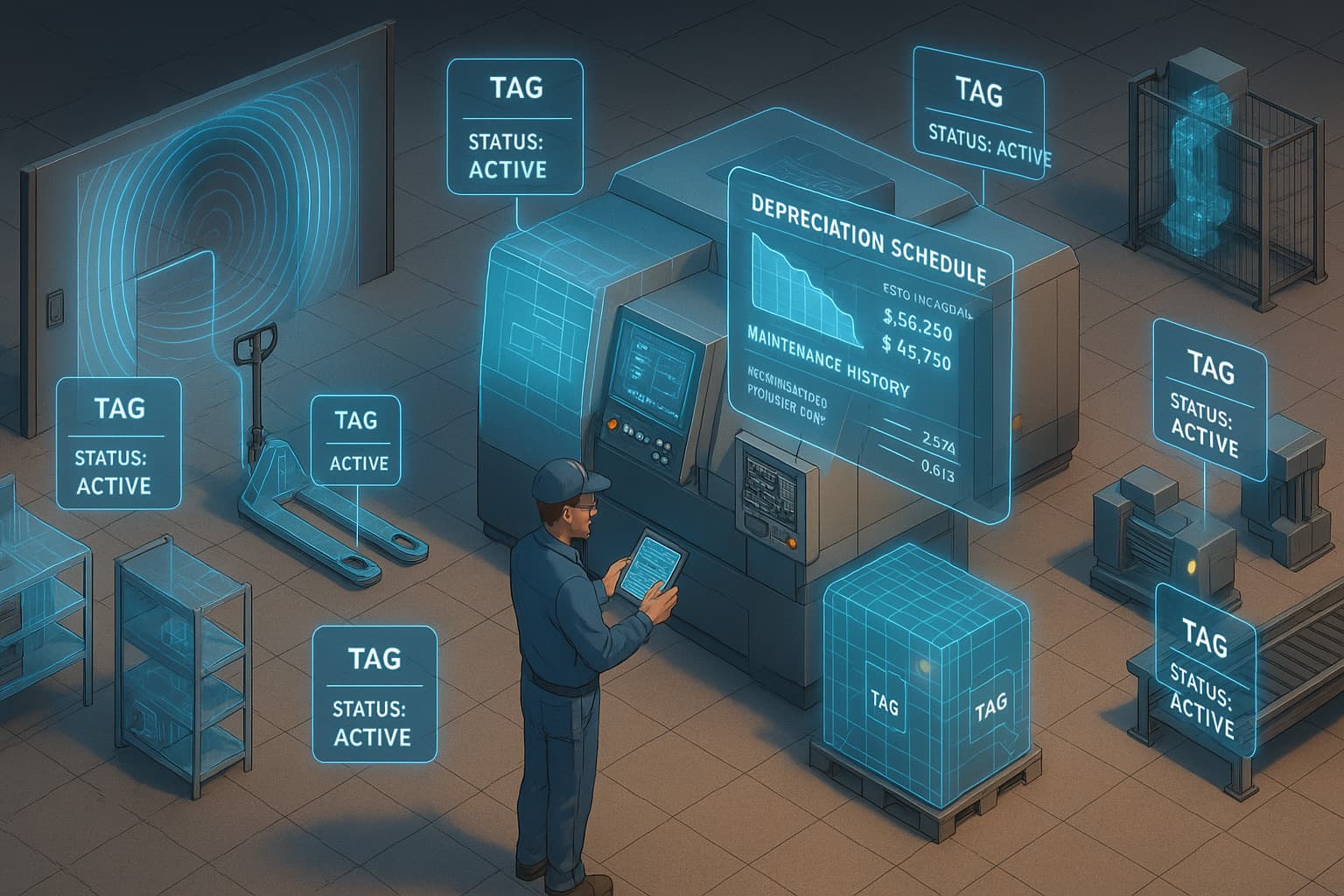
Partially assembled products moving through machining, welding, painting, testing, and other production stages. WIP tracking is where most manufacturers have the worst visibility gaps.
Tracking challenge: Items change form as they move through production. A sheet of aluminum becomes a bracket, then part of an assembly. Traditional inventory systems weren't built for this metamorphosis.
What to track: Current production stage, dwell time at each station, quality hold status, batch association, and estimated completion time.
Finished Goods
Completed products in the warehouse awaiting shipment. Tracking seems straightforward here, but manufacturers routinely lose visibility when finished goods are staged for shipping, returned for rework, or moved between buildings.
What to track: Location within the warehouse, lot/serial number, quality release status, age (FIFO compliance), and customer allocation.
Tracking Methods: What Actually Works in a Factory
Barcode/QR Code Scanning
How it works: Print labels, stick them on items, scan with handheld devices or smartphones at each process step.
| Aspect | Details |
|---|---|
| Cost per item | Near zero (printed labels) |
| Infrastructure | $500-$3,000 for scanners |
| Accuracy | 95-99% when scans are consistent |
| Labor | Requires manual scan at every move |
| Environment | Labels degrade in heat, oil, and chemical exposure |
Works well for: Small to mid-size operations, finished goods, environments where items move through defined checkpoints.
Breaks down when: Workers skip scans under time pressure, labels get destroyed in production environments, or you need real-time location between scan points.
RFID (Radio Frequency Identification)
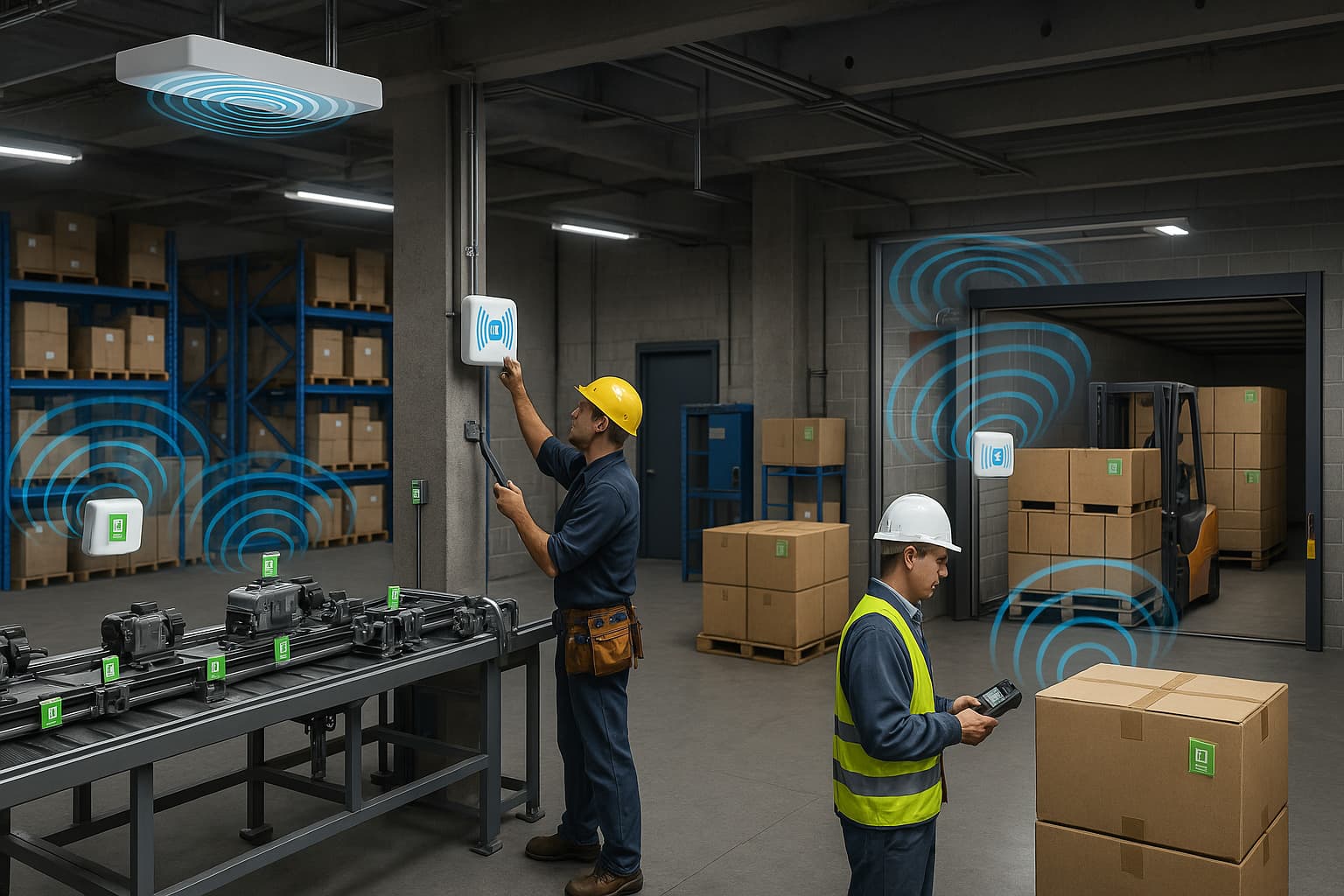
How it works: Tags containing microchips and antennas are read automatically by fixed readers or handheld devices. No line-of-sight required.
| Aspect | Details |
|---|---|
| Cost per tag | $0.10-$5.00 (passive); $5-$25 (active) |
| Infrastructure | $15,000-$200,000+ (readers, antennas, software) |
| Accuracy | 99%+ for counting; room-level for location |
| Labor | Minimal (automatic reads at chokepoints) |
| Environment | On-metal tags needed for metallic items; liquid interference |
Works well for: High-volume operations, dock door automation, WIP tracking through defined stations, industries with regulatory traceability requirements (aerospace, pharma, automotive).
Breaks down when: Your facility has lots of metal and liquid (common in manufacturing), you need location tracking between reader zones, or the infrastructure cost doesn't justify the inventory value. For more detail, see our RFID inventory management guide.
BLE (Bluetooth Low Energy) and Find My Network
How it works: Small battery-powered tags broadcast signals picked up by nearby devices. Apple's Find My network uses the billion+ iPhone install base as a passive reader network. No fixed infrastructure needed.
| Aspect | Details |
|---|---|
| Cost per tag | $2-$29 hardware (Find My compatible). Airpinpoint's dashboard, alerts, history and API are $11.99 per tag per month on top, with volume discounts |
| Infrastructure | None (uses existing device network) |
| Accuracy | Building-level outdoors; room-level with gateways |
| Labor | Zero (continuous passive tracking) |
| Environment | Works through packaging and walls; unaffected by metal/liquid |
| Battery | 1-2 years (replaceable CR2032) |
Works well for: Tracking containers, racks, carts, tooling, and high-value WIP across buildings and yards. Multi-site manufacturers get campus-wide visibility without installing anything.
Breaks down when: You need sub-meter precision indoors (consider UWB), or you're tracking thousands of individual low-value parts (tags cost more than the parts).
GPS and Cellular Trackers
How it works: Battery or vehicle-powered devices report GPS coordinates via cellular networks.
| Aspect | Details |
|---|---|
| Cost per unit | $20-$150+ hardware |
| Monthly fee | $5-$30 per device |
| Accuracy | 3-10 meter outdoor |
| Indoor performance | Poor to none |
| Battery | Days to years depending on reporting frequency |
Works well for: Tracking shipping containers, fleet vehicles, heavy equipment that moves between factory sites, and outbound finished goods in transit.
Breaks down when: You need indoor tracking (GPS doesn't penetrate buildings), or you're tracking anything that stays inside the factory.
Method Comparison: What Fits Your Factory
| Factor | Barcode | RFID | BLE/Find My | GPS |
|---|---|---|---|---|
| Upfront cost | Low | High | Low-Medium | Medium |
| Per-item cost | ~$0 | $0.10-$5 | $2-$29 | $20-$150 |
| Infrastructure | Minimal | Extensive | None | None |
| Real-time location | No | At readers only | Yes | Outdoors only |
| Manual labor | Every move | Chokepoints only | None | None |
| Indoor performance | N/A (scan-based) | Good at readers | Good | Poor |
| Outdoor/multi-site | Poor | Poor | Good | Best |
| Metal interference | None | Significant | Minimal | None |
| Best inventory type | All (with discipline) | Raw materials, FG | WIP, tooling, containers | Fleet, shipping |
The hybrid reality: Most manufacturers that get tracking right use more than one method. Barcodes for receiving and shipping verification. RFID at dock doors and production stations. BLE tags on carts, tooling, and high-value WIP. GPS on trucks and trailers.
Real-Time Visibility: What It Actually Changes
Before: The "Where Is It?" Tax
Nobody has a credible industry figure for how much time a factory spends looking for things, and the numbers that circulate in vendor decks trace back to nothing. So measure yours. It takes one week and a clipboard.
Put a sheet at each cell. Every time somebody goes looking for a material, a tool or a cart, they write the start minute and the found minute. At the end of the week: total minutes / 60 x loaded hourly rate x 50 gives you the annual labor cost of searching. Do it before any vendor shows you a slide, because after that you will be arguing against their number instead of from your own.
Then note which of those searches also stopped a machine, because that is the expensive column. The labor cost of a person walking the plant is real and bounded. The cost of a cell standing idle while they walk is neither.
Common symptoms of poor inventory visibility:
- Emergency purchases of materials already in the building (different location than expected)
- Line stoppages because WIP from the previous station hasn't arrived (it's on a hold cart in aisle 7)
- Missed shipments because finished goods were moved to a different dock for consolidation
- Phantom inventory where the system says you have 500 units but physical count finds 340
After: Decisions Based on Reality
We have no published factory deployments, so instead of inventing a before-and-after table, here is the one you should build. Fill the middle column from your own plant during the week you run the clipboard exercise, and fill the right column after the pilot. The third column is the part most projects skip, and it is the only reason the table is worth keeping.
| Metric | Your baseline | Your result after 90 days |
|---|---|---|
| Inventory accuracy | System count vs physical count, on a fixed sample of SKUs | Same sample, same method |
| Time searching for materials | From the clipboard log | Same log, same cells |
| Stockout-driven line stops | Count from the production log, not from memory | Same log |
| Cycle count frequency | Whatever you actually do, not what the SOP says | |
| Safety stock buffer | Current on-hand minus computed need, per A-tier SKU | |
| Excess inventory carrying cost | Excess value x your carrying rate |
Two warnings about this table. Measure the same sample both times, or you are comparing noise. And expect the accuracy line to move faster than the carrying cost line, because planners do not reduce safety stock the month accuracy improves. They reduce it after they have trusted the number for a couple of quarters, which is the correct behaviour and means the inventory saving arrives late in year one at the earliest.
ERP and MES Integration: The Missing Piece
Tracking hardware without system integration is just expensive data collection. The value comes from connecting real-time location and quantity data to the systems that drive purchasing, scheduling, and shipping decisions.
Common Integration Points
Goods receipt (raw materials): Tag/scan inbound materials at receiving. Push quantity, lot number, and storage location to ERP. Trigger quality inspection workflows. Auto-update available-to-promise quantities.
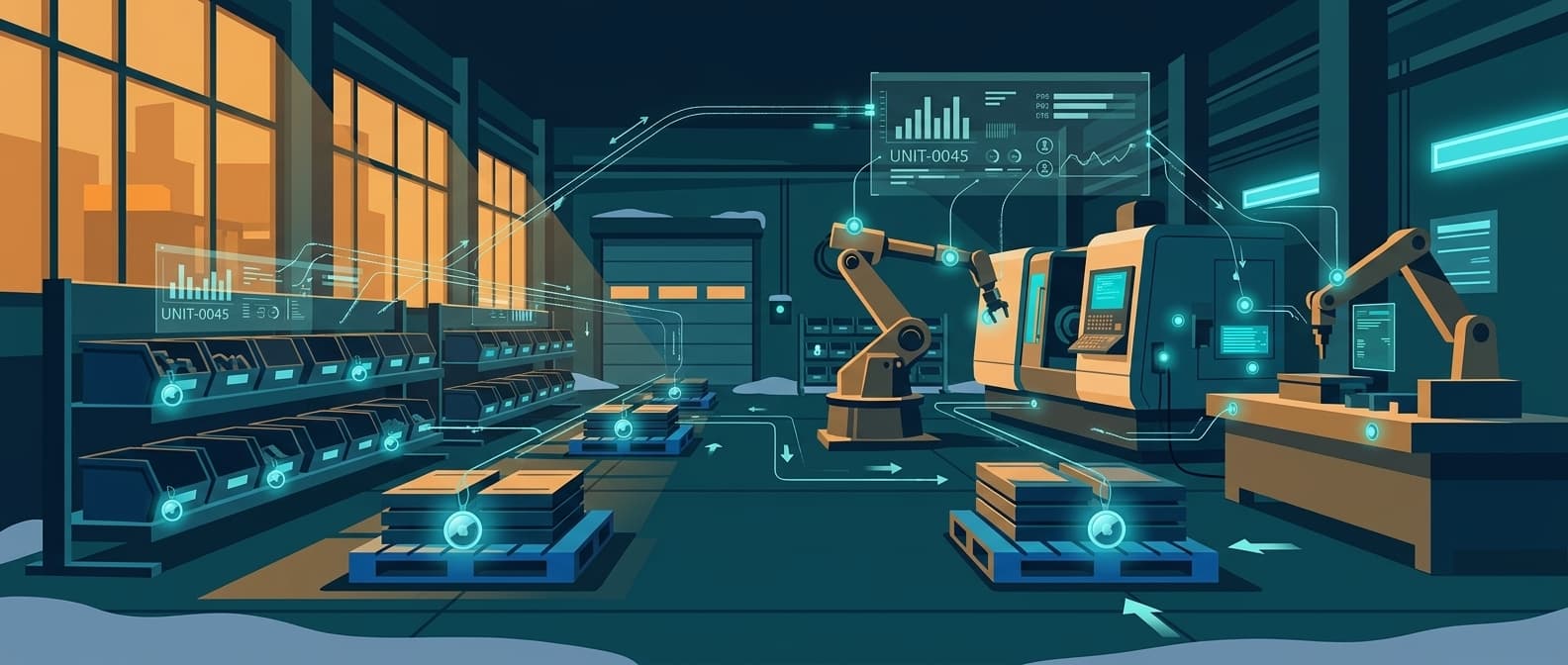
Production tracking (WIP): Scan or detect parts at each workstation. Advance production orders in the MES. Flag dwell time anomalies (parts sitting too long at a station). Update real-time WIP dashboards for production supervisors.
Shipping (finished goods): Verify pick accuracy against sales orders. Confirm lot traceability for compliance. Update ERP inventory on shipment. Trigger ASN (advance ship notice) to customers.
ERP Compatibility
| ERP/MES | Typical Integration Method | Complexity |
|---|---|---|
| SAP | RFC/BAPI, IDoc, or REST via SAP Integration Suite | High |
| Oracle | REST APIs, Oracle Integration Cloud | High |
| NetSuite | SuiteTalk REST API | Medium |
| Microsoft Dynamics | Dataverse API, Power Automate | Medium |
| Epicor | REST API, Epicor Integration Cloud | Medium |
| JobBOSS / E2 Shop | CSV import, ODBC connection | Low-Medium |
| Fishbowl | REST API, QuickBooks bridge | Low |
| Custom/Legacy | Middleware (MuleSoft, Boomi), flat file, EDI | Varies |
For manufacturers using QuickBooks for inventory, see our QuickBooks asset tracking guide for integration specifics.
Integration Architecture That Works
The pattern that scales:
- Tracking layer generates events (tag read, scan, location update)
- Middleware normalizes events and applies business rules (deduplicate, filter noise, enrich with context)
- ERP/MES receives clean, structured updates via API
Don't pipe raw tag reads directly into your ERP. A single RFID reader generates thousands of reads per minute. Your ERP wants "Pallet 4571 arrived at Station 3 at 14:22" not 47 individual tag pings.
ROI: Where the Money Actually Is
Cost of Inaccurate Manufacturing Inventory
There is no honest generic answer to "what does this cost a mid-size manufacturer," because the range across real plants is wider than any table. What there is, is a fixed set of six line items and a query that produces each one from systems you already run. Fill these in and you have a business case nobody can argue with, because it is your own data.
| Cost Category | How to calculate it from your own systems |
|---|---|
| Emergency material purchases (expedited shipping on items already in stock) | Filter freight invoices to expedited and next-day. For each, check whether that material was on site somewhere at the time. The subset where it was is pure visibility cost |
| Line stoppages from missing materials | Production log: hours held for material x your own cost per hour of that line. Use contribution margin per hour, not revenue per hour, or finance will reject the number |
| Excess safety stock (carrying cost on unnecessary buffer) | For A-tier SKUs, on-hand minus computed need, valued at cost, times your carrying rate. Build the carrying rate from capital cost, storage, insurance, obsolescence and shrink rather than a rule of thumb |
| Shrinkage and loss (materials that "disappear") | Annual write-offs for unexplained variance. Your controller has this number and it is usually not shared widely |
| Cycle count labor (physical counts) | People x hours x count frequency x loaded rate. Include the production time lost if you stop lines to count |
| Shipping errors (wrong product, wrong quantity) | Credits and reships issued for picking errors, plus the freight on both legs |
Total these six and you have the size of the problem. Then the harder question, and the one that separates a real business case from a vendor deck: what share of each line would knowing the location in real time actually remove? Expedites on material that was already in the building, yes, almost all of it. Line stoppages, partly, since some are supplier failures that no tracking system prevents. Safety stock, eventually and only once planners trust the data. Write that share down per line before you model anything.
ROI by Tracking Method
The cost side of each method is quotable. The benefit side is the six lines above, weighted by the share you decided each method can actually address. Notice how differently the three shapes behave.
Barcode system (small manufacturer, 5,000 SKUs):
| Item | How to size it |
|---|---|
| Hardware (scanners, printers) | Scanners at $500 to $3,000 for the set, plus label printers and consumables |
| Software | Often bundled with an inventory package you already pay for. Check before buying |
| Ongoing cost nobody quotes | Labels degrade in heat, oil and chemicals, and somebody reprints them. Budget for it |
| The benefit it addresses | Counting labor and picking errors. It does nothing for location between scan points |
| The risk that kills it | Workers skipping scans under time pressure. If your floor already skips scans, barcode will not fix data quality, it will document the gap |
RFID system (mid-size manufacturer, 25,000 SKUs):
| Item | How to size it |
|---|---|
| Readers and infrastructure | Chokepoints you genuinely need x $3,000 to $10,000 each. Halve your first list |
| Tags (year 1) | Tag count x $0.10 to $5. On-metal tags cost more, and a metal-heavy plant needs them |
| Software and integration | $20,000 to $100,000, plus the integration line that vendors underquote |
| The benefit it addresses | Counting labor at scale, plus automatic WIP progression at stations. The strongest case in high-mix, high-volume plants with regulatory traceability |
| The risk that kills it | Read rates in your actual environment. Metal and liquid are the two things manufacturing has most of. Test on your own dock with your own product before signing |
BLE/Find My system (multi-site manufacturer, high-value WIP and tooling):
| Item | How to size it |
|---|---|
| Tags | Items tagged x $29 one time |
| Platform subscription | Items tagged x $11.99 per month, with volume discounts on larger deployments. This is the line to model carefully: it is per tag, so 500 tags is a real annual number, not a rounding error |
| Infrastructure | None. Needing no installed hardware is the reason the method exists, and it is why a multi-building campus is where it wins |
| The benefit it addresses | Search time and loss on things that move between buildings, yards and sites. Tooling, carts, racks, containers, high-value WIP |
| The risk that kills it | Tagging too much. At roughly $173 per tag in year one, tagging 2,000 low-value items produces a bill and no case. Tag the 50 things that three departments argue about |
The pattern across all three: the costs are knowable today and the benefits are not. So run the pilot narrow enough that a failure is cheap, with a baseline recorded before the first tag goes on. A pilot without a baseline cannot succeed or fail, it can only generate opinions.
Implementation: Factory-Floor Realities
Start With the Pain Point, Not the Technology
The number one mistake: buying RFID readers because a vendor demo looked impressive, then discovering your actual problem was tracking 50 expensive jigs across three buildings (a $2,500 BLE deployment, not a $100,000 RFID installation).
Priority matrix:
| Symptom | Root Cause | Best Starting Point |
|---|---|---|
| Lines stop waiting for materials | Poor WIP and raw material visibility | BLE tags on carts and containers |
| Can't find tools and fixtures | No location tracking | Find My tags on high-value tooling |
| Cycle counts take days | Manual counting process | RFID at dock doors + handheld readers |
| Shipments go out wrong | Pick/pack verification gaps | Barcode scanning at shipping |
| Materials "disappear" | No tracking between receiving and point-of-use | RFID or BLE at storage transitions |
Pilot Design for Manufacturing
Week 1-2: Select one production line or material flow. Tag 100-200 items. Deploy minimal hardware.
Week 3-4: Run parallel tracking (old process + new system). Measure accuracy, time savings, and adoption friction.
Week 5-6: Address integration gaps. Connect to ERP/MES if applicable. Train operators.
Week 7-8: Evaluate results against baseline. Build business case for expansion.
What kills pilots:
- Tagging everything at once instead of starting narrow
- Skipping the parallel-run phase
- Not measuring baseline metrics before deployment
- Choosing technology before understanding the problem
Scaling From Pilot to Full Deployment
After a successful pilot, resist the urge to deploy everywhere at once. Expand in concentric circles:
- Same line, more items (validate the technology handles full volume)
- Adjacent lines (validate across different product types)
- Across buildings (validate multi-site coordination)
- Full facility (with trained champions in each area)
Give each expansion enough time to surface its own failure mode before you move on, which in practice means weeks rather than days. The pace is set by adoption, not by how fast you can stick tags on things. The constraint is always the same: somebody has to keep putting the tag back on the cart.
Industry-Specific Considerations
Discrete Manufacturing (Automotive, Aerospace, Electronics)
Key requirement: Part-level traceability and lot tracking. Regulatory compliance (IATF 16949, AS9100) demands knowing exactly which lot of raw material went into which finished assembly.
Best approach: RFID at production stations for automatic WIP progression. Barcode/QR for serialized component traceability. BLE for tracking containers and tooling across the facility.
Process Manufacturing (Chemical, Food, Pharmaceutical)
Key requirement: Batch genealogy and expiration management. FDA 21 CFR Part 11 compliance for pharma. Hazmat tracking for chemicals.
Best approach: Barcode/RFID for batch-level tracking through production. Temperature and condition monitoring tags for sensitive materials. ERP integration for automatic batch record updates.
Job Shop / Make-to-Order
Key requirement: Tracking materials and WIP across simultaneous custom jobs. Preventing material mix-ups between orders.
Best approach: Simple barcode scanning tied to work orders. BLE tags on job-specific material carts. Dashboard showing which jobs are at which production stage.
When Airpinpoint Makes Sense for Manufacturers
Traditional tracking systems (barcode, RFID) require infrastructure: readers at every door, antennas at every workstation, servers to process data. That works for single-building operations with defined material flows.
It falls apart when:
- Materials move between buildings across a factory campus
- Tooling and fixtures travel between sites for different jobs
- Finished goods sit in outdoor staging yards before shipping
- Containers and racks circulate between your plant and suppliers
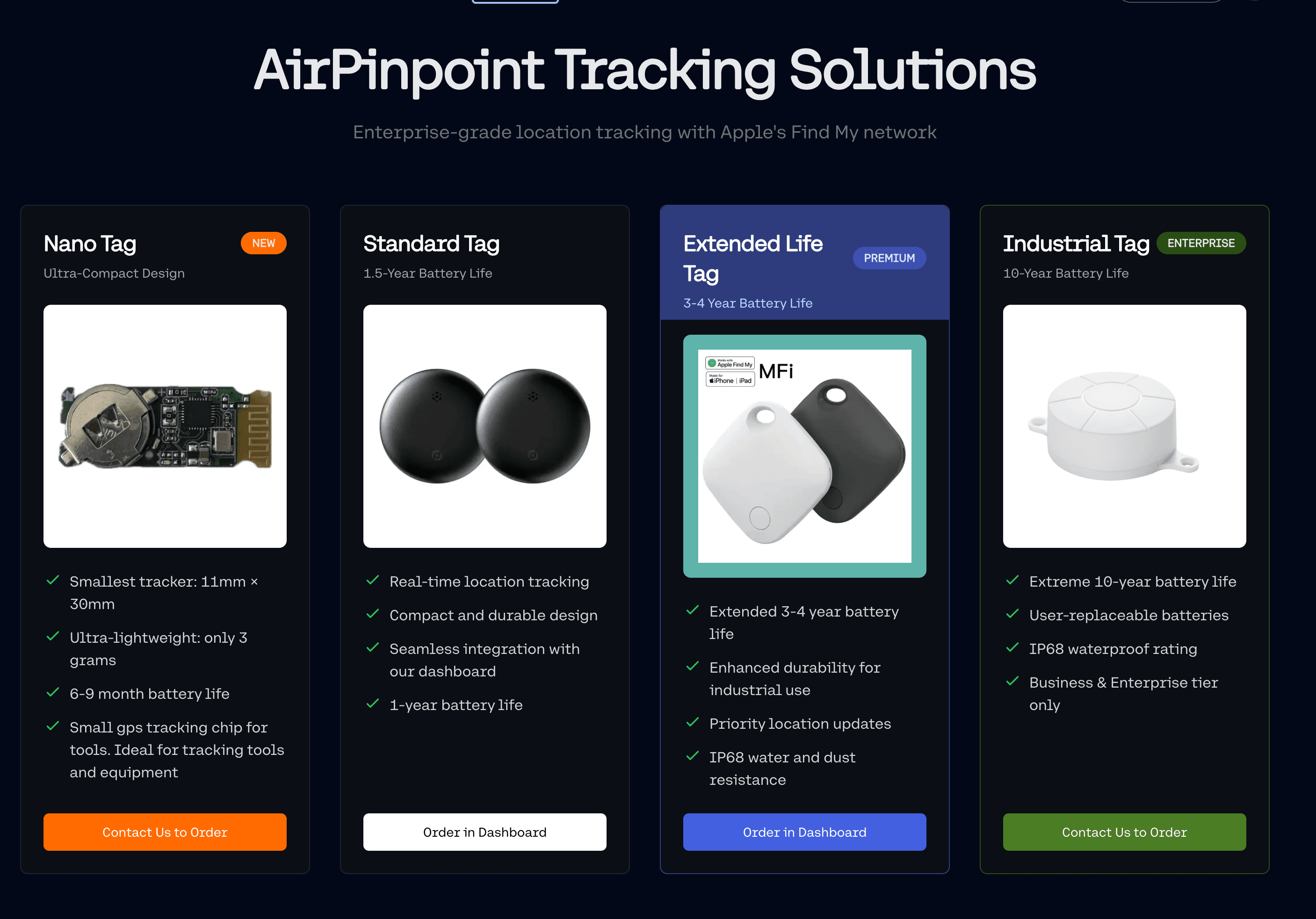
Airpinpoint uses Find My-compatible tags that track across all of these environments with zero infrastructure. The billion-device Apple network acts as your reader network. You get live location, geofence alerts, location history, CSV and JSON export, and a REST API, without installing a single antenna.
The limits, stated up front so you can size the fit before a call:
- Accuracy is roughly 10 to 30 meters. It tells you the container is in the north yard, not which row
- A tag reports when an Apple device passes near it. A busy plant reports often. A locked outbuilding at the back of a rural site may not report for a while
- A geofence alert is not instant. Airpinpoint waits for consecutive readings to agree before emailing, so a confirmed alert typically lands 15 to 40 minutes after an asset leaves an authorized area. That is a theft and drift tool, not an interlock
- There is no pre-built ERP or MES connector. No SAP, Oracle or NetSuite integration ships in the box. You get a REST API with a per-user key, outbound webhooks on geofence entry and exit, and exports. The integration table above describes what each ERP accepts; building the middleware between it and Airpinpoint is your project, and it should be budgeted as one
- It tracks location, not quantity. Airpinpoint does not count what is in the container, and it does not do maintenance scheduling, engine hours or predictive analytics
For manufacturers already using barcode or RFID inside the four walls, Airpinpoint fills the gap for everything that moves between or beyond those walls. It is a complement to that stack, not a replacement for it.
Further Reading
- RFID Inventory Management Guide for detailed RFID cost and implementation data
- General Inventory Tracking Overview for broader inventory management context
- Asset Inventory Tracking Software for software that keeps the asset register current
- AI-Powered Inventory Management for predictive and autonomous approaches
 Our Solution