Procore Equipment Tracking: Where the Platform Ends and the Tracking Gap Begins
Procore knows your CAT 320 excavator is assigned to the Morrison Highway project. It logs 6.2 operating hours and 1.8 idle hours per day. It even pulls telematics from Caterpillar's system to show the machine on a map.
But your 12 trailers, 40 scaffolding sets, 8 generators, and 300 hand tools? Procore has no idea where they are.
That is the Procore equipment tracking gap. The platform does project management, scheduling, documentation, and financial tracking better than anything else in construction. For physical asset location, it depends entirely on telematics integrations that only cover a fraction of what you own.
What Procore's Equipment Module Actually Does
Procore released its Equipment tool to give construction companies a centralized place to manage fleet data. Here is what it covers:
Assignment and scheduling. You can assign equipment to projects, track which jobs need which machines, and plan resource allocation across your portfolio. The tool integrates with Procore's Resource Planning module so PMs can see equipment availability before committing to a schedule.
Hours and utilization. As of early 2026, the Equipment module lets you log both operating hours and idle hours per day. This was a recent upgrade from the single "hours" field, and it gives better visibility into actual utilization rates.
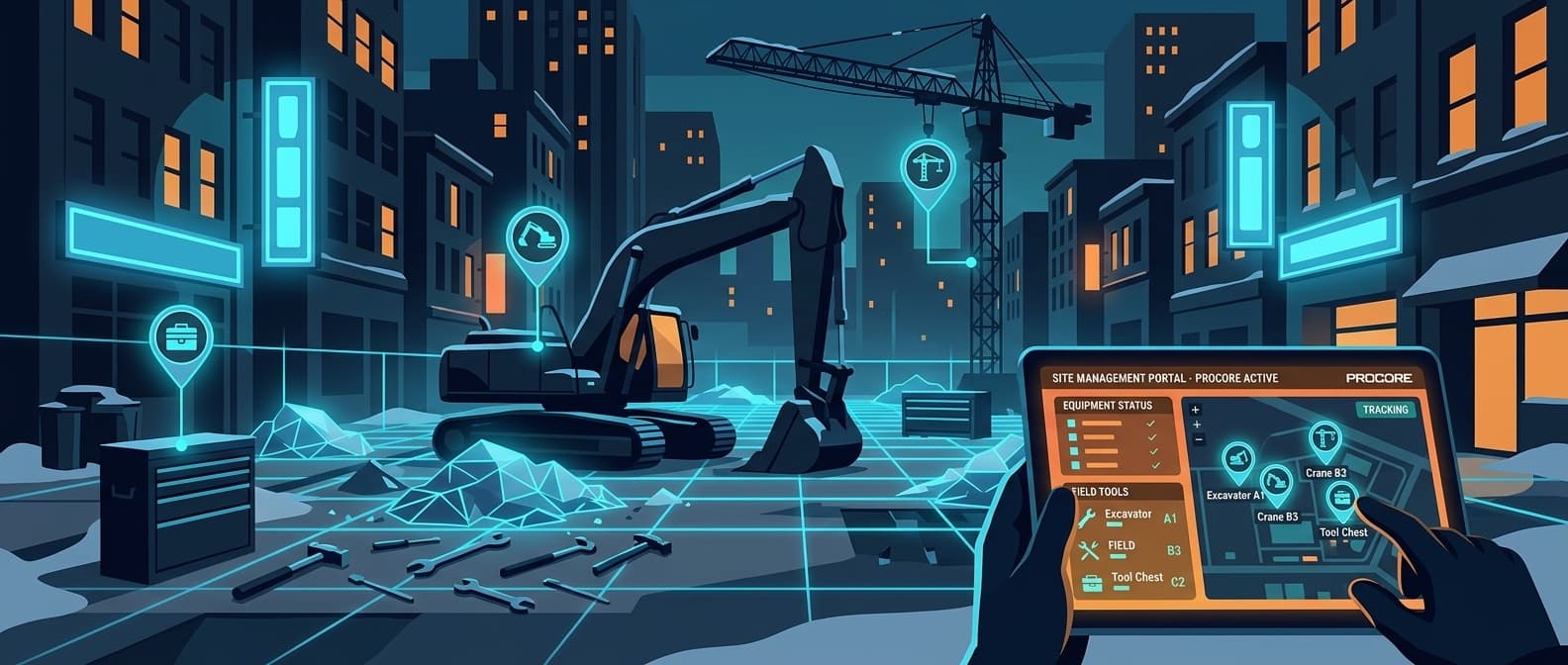
Telematics integration. Procore connects with Caterpillar, John Deere, Samsara, and United Rentals to pull telemetry data into the platform. If your equipment has one of those telematics units installed, you get location on a map, engine hours, fuel consumption, and fault codes inside Procore.
Maintenance tracking. You can log service records, schedule preventive maintenance, and track repair history against each piece of equipment.
That is a solid foundation. The problem is what happens when equipment doesn't have a telematics unit.
The 40-60% Visibility Gap
Telematics work for excavators, dozers, and loaders, the machines that come from the factory with Cat Product Link or John Deere JDLink already installed. But a typical GC's equipment list looks more like this:
| Equipment Category | Telematics Coverage | Typical Quantity |
|---|---|---|
| Excavators, dozers, loaders | Yes (OEM telematics) | 10-30 |
| Trailers (flatbed, lowboy, utility) | Rarely | 15-50 |
| Scaffolding systems | No | 20-100 sets |
| Concrete forms and shoring | No | 30-80 sets |
| Generators and compressors | Sometimes (if rented from United Rentals) | 10-30 |
| Welding machines | No | 5-20 |
| Light towers | No | 5-15 |
| Temporary fencing | No | 50-200 panels |
| Hand and power tools | No | 200-1,000+ |
The machines in the top row are the ones Procore can locate. Everything below that row is tracked by spreadsheet, phone calls, or not at all.
For a GC with $5 million in total equipment value, the assets without telematics often represent $2-3 million of that total. These are the items that get lost between job sites, sit forgotten at completed projects, or walk off without anyone noticing for days.
What Procore Users Actually Do Today
Without native location tracking for non-telematics equipment, Procore users resort to workarounds:
Manual logs in Procore's Daily Log. Superintendents note which equipment arrived or left site that day. This works until someone forgets, which happens constantly. The log tells you what was supposed to be on site, not what actually is.
Spreadsheets alongside Procore. The operations team maintains a separate spreadsheet tracking where each trailer, generator, and scaffolding set should be. It's out of date the moment someone moves equipment without updating it.
Phone trees. When a PM needs a generator for a new project, they call 3-5 superintendents asking "do you have a spare generator on your site?" This wastes 30-60 minutes of collective time per request.
QR code or barcode check-in/check-out. Some companies use barcode scanning at tool cribs. This records the last person who checked something out, but not the current location. If someone moves a generator from Site A to Site B without scanning, the system shows it at Site A.
All of these methods share the same flaw: they track where equipment is supposed to be, not where it actually is.
Adding Real-Time Location to Your Procore Workflow
Airpinpoint fills the location gap for non-telematics equipment. The setup is straightforward:
Step 1: Tag Your Equipment
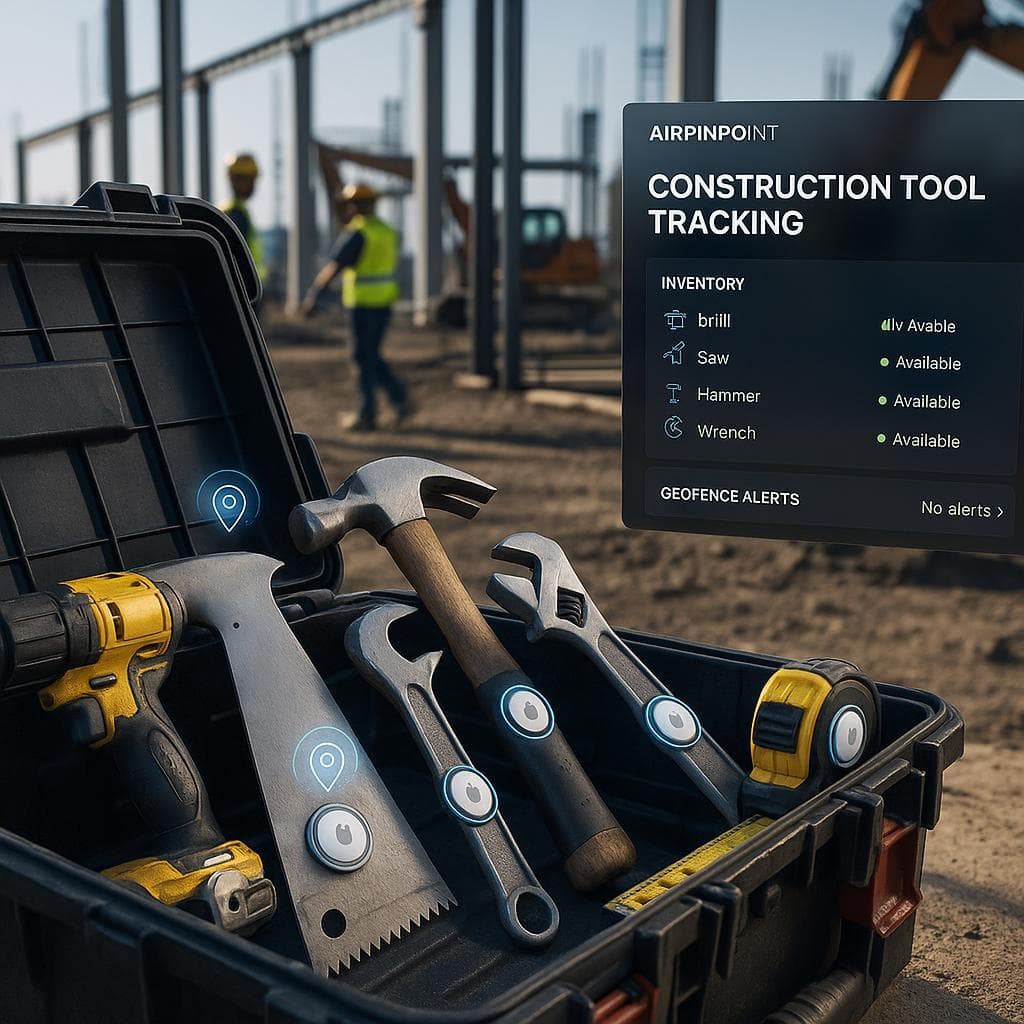
Attach an Apple AirTag ($29 each) to each piece of non-telematics equipment. Trailers, generators, scaffolding carts, form sets, tool gang boxes. AirTags are small (31.9mm diameter), waterproof (IP67), and the CR2032 battery lasts about a year.
For harsh construction environments, use a ruggedized AirTag holder that bolts or welds onto equipment. Several third-party cases are rated for construction use.
Step 2: Track via Airpinpoint Dashboard
Airpinpoint uses Apple's Find My network, over a billion iPhones, iPads, and Macs worldwide, to locate your AirTags without any cellular subscription or proprietary hardware. Every time a device in the Find My network passes near your tagged equipment, the location updates.
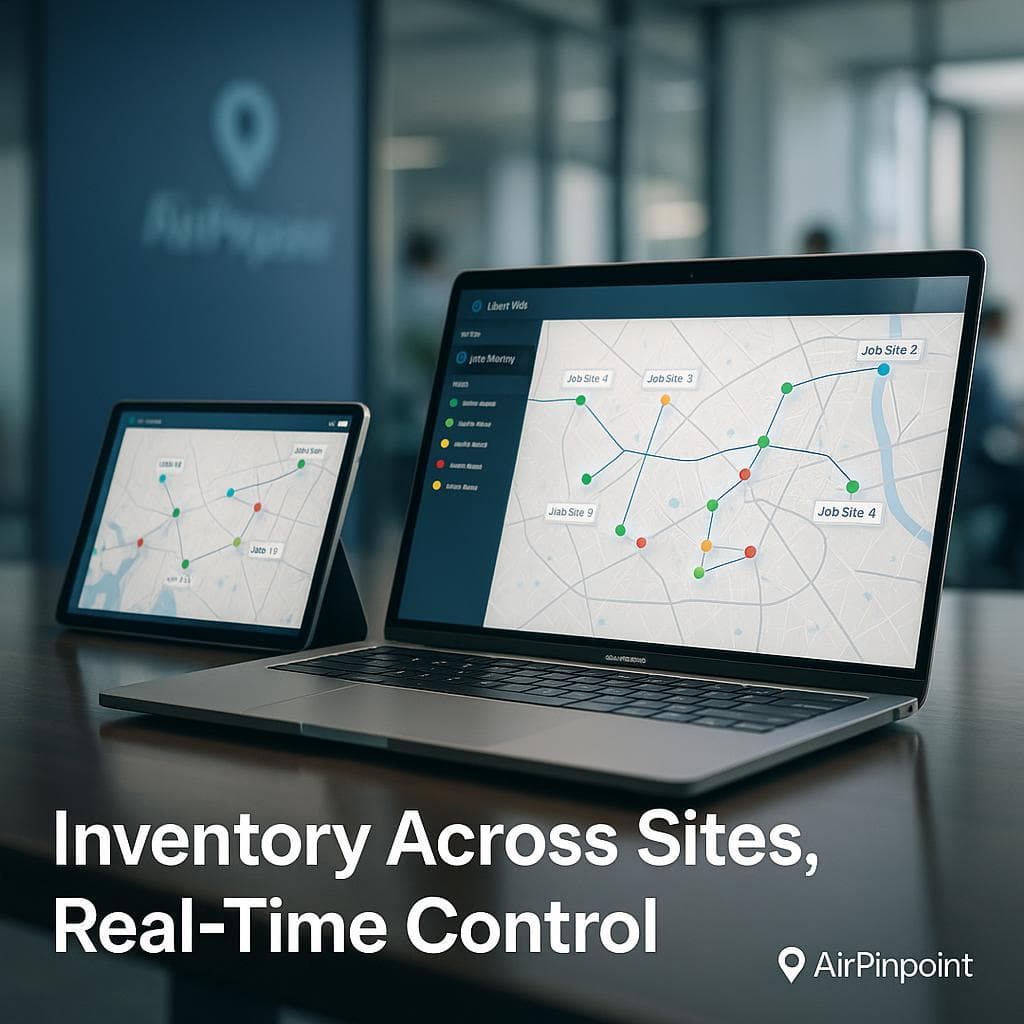
The Airpinpoint dashboard shows all your equipment on a single map. You can see which job site each asset is at, when it last moved, and filter by equipment type or project.
Step 3: Set Geofence Alerts
Draw a geofence polygon around each job site. When tagged equipment leaves the polygon (after hours, or without authorization), Airpinpoint sends an alert via email or webhook. This catches:
- Unauthorized movement overnight
- Equipment that leaves a completed job site (forgot to pick it up)
- Transfers between sites that weren't coordinated with the office
Step 4: Connect to Your Procore Workflow
Airpinpoint's webhook API fires events on location updates and geofence state changes. These payloads include equipment ID, coordinates, timestamp, and geofence status.
You can route these webhooks through middleware (Zapier, Make, or custom scripts) to:
- Post a message in a Procore project's Daily Log when equipment arrives or departs
- Trigger a notification to the PM when a critical asset leaves a site
- Update a custom field in Procore with the current site location
- Feed into your own BI dashboard alongside Procore project data
This is not a deep two-way Procore integration. It is a practical bridge: Airpinpoint handles location, Procore handles everything else, and webhooks connect the two.
Cost Comparison: Telematics vs. Airpinpoint
For the equipment that already has telematics (your Cat and Deere machines), keep using those integrations inside Procore. They provide engine diagnostics, fuel data, and fault codes that AirTags cannot.
For everything else, the cost difference is significant:
| Cellular GPS/Telematics | Airpinpoint | |
|---|---|---|
| Hardware per asset | $100-300 (plus installation) | $29 (AirTag, self-install) |
| Monthly per asset | $25-40 | $11.99 |
| Cellular plan | Required | Not required |
| Installation labor | 30-60 min per unit | Peel and stick |
| Contract | 1-3 year typical | Month-to-month |
| Battery life | Wired or 2-3 year battery | ~1 year (CR2032, $3 replacement) |
Example: 150 non-telematics assets
- Cellular GPS: $15,000-45,000 hardware + $3,750-6,000/month = $60,000-117,000/year
- Airpinpoint: $4,350 hardware + $1,799/month = $25,935/year
That is a 50-75% savings for location data on equipment that doesn't need engine diagnostics.
When Airpinpoint Is the Right Fit (and When It Isn't)
Use Airpinpoint for:
- Trailers, scaffolding, forms, generators, compressors, tool gang boxes, light towers, temporary fencing
- Knowing which job site each asset is at
- Detecting unauthorized movement via geofence alerts
- Eliminating phone calls and spreadsheets for equipment location
- Multi-site visibility across your entire portfolio
Keep using telematics for:
- Heavy equipment with OEM telematics already installed
- Machines where you need engine hours, fuel consumption, fault codes, and DTC alerts
- Assets in very rural areas with minimal iPhone traffic (AirTag updates depend on nearby Apple devices)
The two systems complement each other. Procore's telematics integrations cover your heavy iron. Airpinpoint covers everything else. Together, you get full fleet visibility instead of the 40-60% you have today.
Getting Started
- Audit your fleet. Identify every piece of equipment that doesn't have telematics. That is your Airpinpoint candidate list.
- Start with high-value, high-movement assets. Trailers, generators, and scaffolding sets are the best starting point. They move between sites frequently and are the subject of most "where is it?" calls.
- Tag and register. Attach AirTags, register them in Airpinpoint, and set up geofences around your active job sites.
- Connect webhooks. Route location events into your existing communication channels (Slack, email, or Procore via middleware).
- Expand. Once the high-value assets are tracked, extend to form sets, fencing panels, and tool gang boxes.
Most companies get full visibility on their non-telematics fleet within a week. There is no hardware installation appointment, no cellular activation, and no IT department involvement.
Your Procore instance handles project management. Airpinpoint handles "where is it?" Together, they close the equipment visibility gap that costs GCs thousands of hours and hundreds of thousands of dollars per year in wasted time, duplicate rentals, and lost assets.

 Our Solution