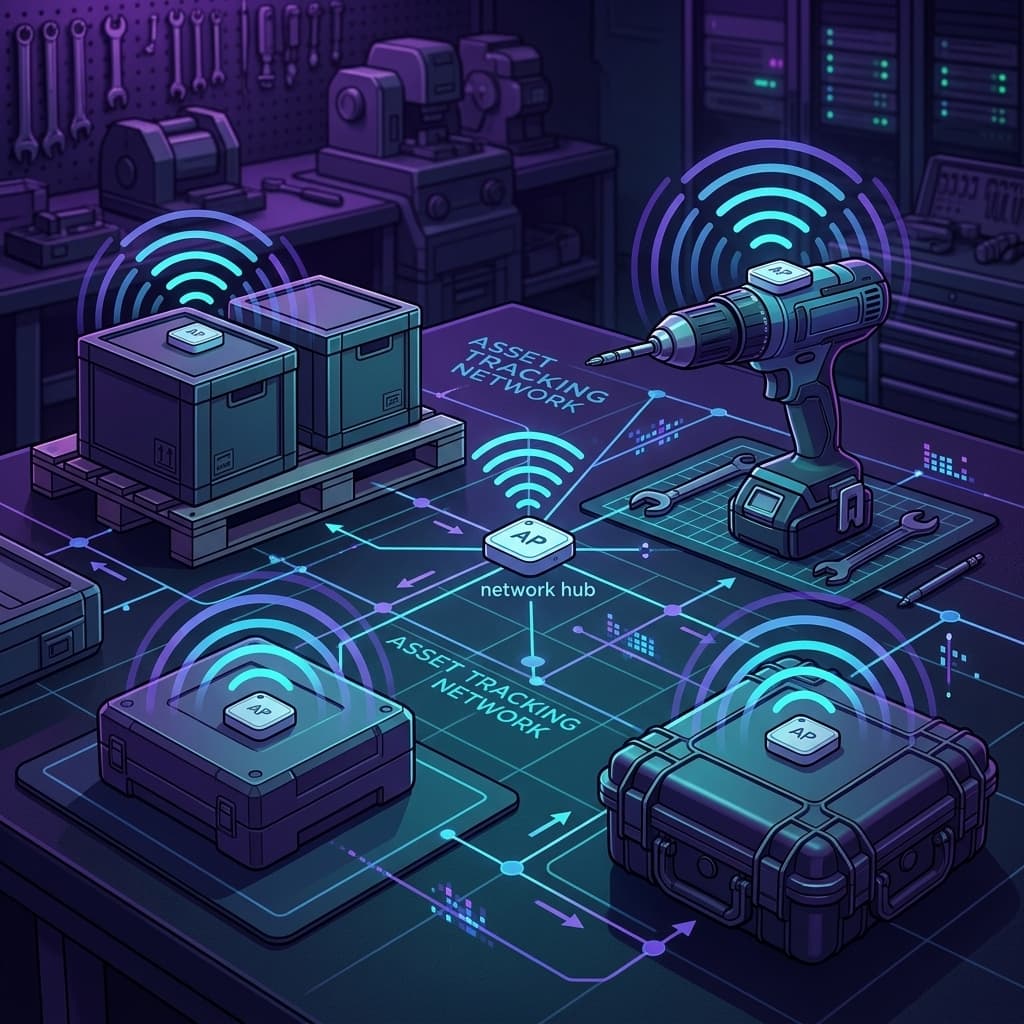
Bluetooth Tracking: How BLE Beacons and Tags Work for Business Asset Management
Every business that tracks physical assets faces the same question: what technology actually works without draining budgets on monthly subscriptions and battery replacements? For most companies operating in populated areas, the answer is bluetooth tracking, specifically Bluetooth Low Energy (BLE).
This guide covers the full technical picture: how bluetooth tracking works at the protocol level, the differences between beacon types, real-world range and accuracy numbers, and how Apple's Find My network turned a short-range radio into a global tracking system.
How Bluetooth Tracking Works
Bluetooth tracking relies on a simple principle: a small device broadcasts a signal, and nearby receivers report where they detected it.
The Advertising Model
BLE tracking tags operate as advertisers. They transmit small data packets (called advertising packets) at regular intervals, typically every 1-10 seconds. Each packet contains:
- A unique identifier (or rotating encrypted key)
- Transmit power level (used to estimate distance)
- Optional sensor data (temperature, motion, battery level)
These packets are tiny, usually 31 bytes or less in BLE 4.x, and up to 255 bytes with BLE 5.0 extended advertising. The tag spends most of its time asleep. It wakes, transmits for a few milliseconds, and sleeps again. This duty cycle is why a CR2032 coin cell can power a tracker for over a year.
Receivers and Relay Networks
The other half of the system is the observer or scanner: a device that listens for advertising packets. In consumer bluetooth tracking, the receivers are smartphones. In enterprise deployments, they may be fixed BLE gateways mounted throughout a facility.
When a receiver detects a tag's broadcast, it records:
- The tag's identifier
- The receiver's own GPS coordinates (or known fixed position)
- Signal strength (RSSI), which correlates loosely with distance
- A timestamp
This detection event is sent to a cloud platform, which plots the tag's location on a map. The tag never knows where it is. The receiver does the work.
Crowdsourced Networks: The Scale Multiplier
This is where bluetooth tracking stops being a short-range technology. Apple's Find My network has over a billion active relay devices (iPhones, iPads, Macs). Samsung's SmartThings network adds hundreds of millions of Galaxy devices. Google's Find My Device network covers Android.
When you attach an AirTag to a piece of equipment, you are not limited to your own phone's bluetooth range. Every iPhone that passes within 30-100 feet of that tag automatically, silently relays its location. On a busy urban street, a construction job site in a metro area, or a commercial district, detection events happen constantly.
This is the key insight that makes bluetooth viable for business tracking: the infrastructure already exists. You don't build it, deploy it, or pay for it.
BLE vs Classic Bluetooth: Why BLE Won
Bluetooth tracking exclusively uses BLE (Bluetooth Low Energy), not Classic Bluetooth. The distinction matters.
| Property | Classic Bluetooth | BLE (Bluetooth Low Energy) |
|---|---|---|
| Designed for | Continuous data streams (audio, file transfer) | Intermittent small data bursts |
| Peak current | ~30-100 mA | ~15 mA |
| Idle current | ~25 mA | Sub-microamp (sleep mode) |
| Connection model | Always-on connection | Connectionless advertising |
| Time to transmit | Milliseconds (after connection setup) | 3-6 ms total |
| Battery on coin cell | Days to weeks | 1-3 years |
Classic Bluetooth was designed for headphones, keyboards, and file transfers. It establishes a persistent connection and maintains it. BLE was designed from scratch for devices that need to send small bursts of data infrequently with minimal power. Tracking tags need exactly that.
BLE was introduced in Bluetooth 4.0 (2010). Every version since has improved it:
- BLE 4.2 (2014): LE Secure Connections, increased packet size, better privacy with address randomization
- BLE 5.0 (2016): 2x speed, 4x range, 8x advertising data capacity
- BLE 5.1 (2019): Direction finding (AoA/AoD) for sub-meter accuracy
- BLE 5.2 (2020): LE Audio, isochronous channels
- BLE 5.3 (2021): Enhanced periodic advertising, connection subrating for lower power
- BLE 5.4 (2023): Periodic Advertising with Responses (PAwR) for large-scale beacon networks
For tracking purposes, BLE 5.0 was the inflection point. The 4x range improvement meant tags could be detected from further away, and extended advertising packets allowed richer data without multiple transmissions.
Beacon Types and Protocols
Not all bluetooth beacons are the same. The protocol a beacon uses determines what it can do, what devices can read it, and what network it can participate in.
iBeacon (Apple)
Apple's proprietary beacon format, introduced in 2013. Broadcasts a UUID, major value, and minor value. Originally designed for proximity marketing (triggering actions when a phone enters a store zone). Still widely used in retail and indoor positioning. Cannot participate in Find My network tracking.
Eddystone (Google)
Google's open beacon format. Supports three frame types: Eddystone-UID (unique identifier), Eddystone-URL (broadcasts a URL), and Eddystone-TLM (telemetry data like battery voltage and temperature). Google deprecated the Eddystone platform in 2021 but the protocol remains usable for custom deployments.
AltBeacon (Open Source)
Radius Networks' open-source alternative to iBeacon. Removes Apple's proprietary restrictions. Interoperable with Android and custom receivers.
Find My Network Accessories
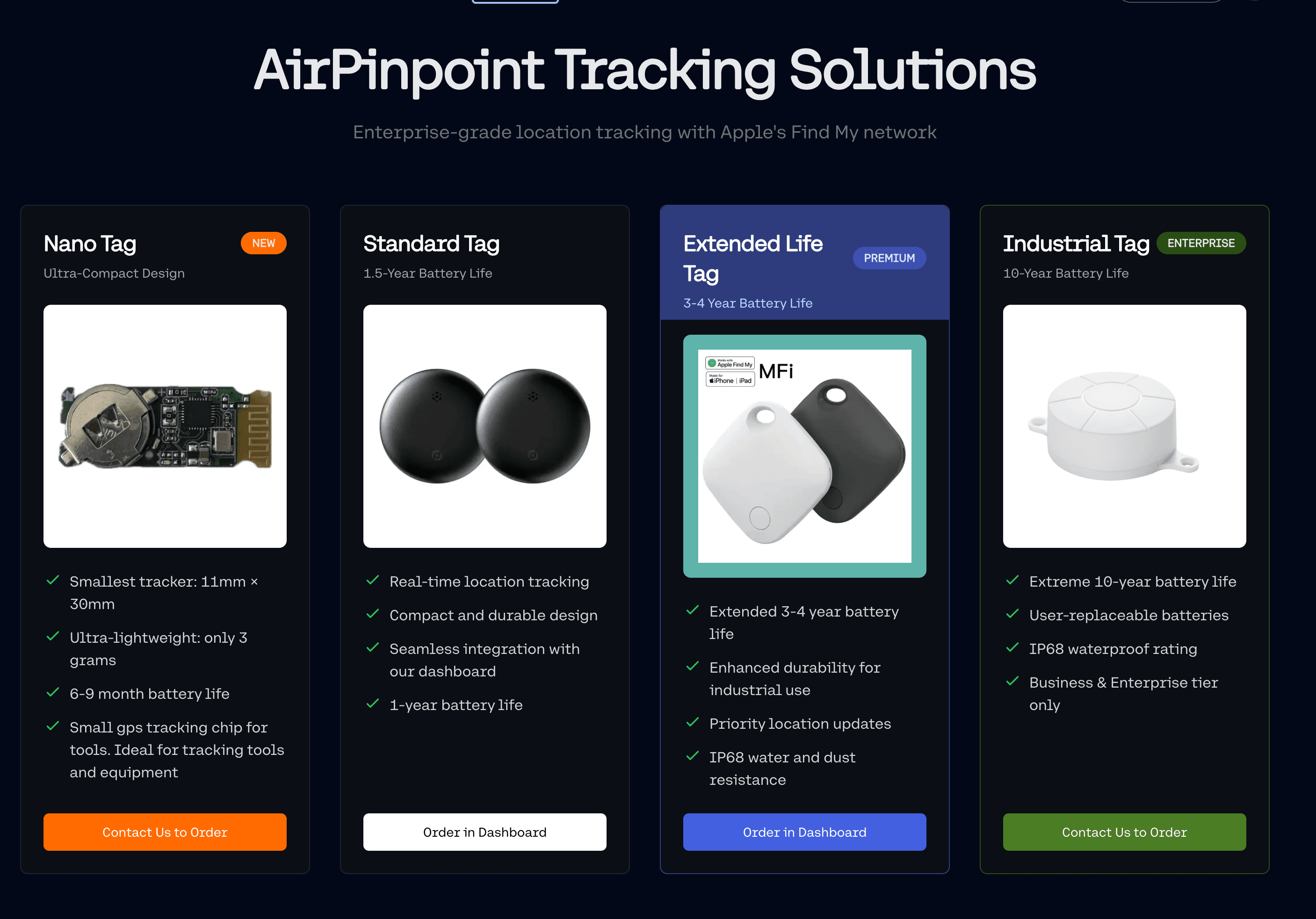
This is the category that matters most for business tracking. Apple's Find My network accessory protocol allows third-party devices (not just AirTags) to use the billion-device relay network. These accessories:
- Broadcast rotating encrypted public keys
- Are detected by any nearby Apple device
- Have location reports encrypted end-to-end (only the owner can decrypt)
- Support separation alerts and unwanted tracking notifications
- Require Apple MFi certification
Find My compatible tags are the most practical bluetooth tracking solution for business because the network effect is unmatched. No other beacon protocol gives you billions of relay points without deploying infrastructure.
Protocol Comparison
| Protocol | Network Size | Encryption | Open Standard | Business Use |
|---|---|---|---|---|
| Find My | 1B+ Apple devices | End-to-end | No (MFi required) | Asset tracking |
| iBeacon | Custom receivers | None built-in | No | Indoor positioning, retail |
| Eddystone | Custom receivers | None built-in | Yes | Custom deployments |
| AltBeacon | Custom receivers | None built-in | Yes | Android-first deployments |
Range and Accuracy: Real Numbers
Marketing materials claim "up to 300 feet" for BLE range. Real-world numbers are different.
Broadcast Range (Tag to Receiver)
The physical radio range of a BLE tag depends on transmit power, receiver sensitivity, and environment:
| Environment | Typical Detection Range |
|---|---|
| Open air, line of sight | 30-100 meters (100-330 feet) |
| Office building (walls, furniture) | 10-30 meters (30-100 feet) |
| Dense warehouse (metal shelving) | 5-15 meters (15-50 feet) |
| Through concrete/steel | 3-10 meters (10-30 feet) |
Higher transmit power extends range but drains batteries faster. Most tracking tags use moderate power levels to balance detection probability against battery life.
Effective Tracking Range
With crowdsourced networks, "range" becomes a different concept. Your tag does not need to reach your phone. It needs to reach any participating device. In practice:
- Dense urban area: Detection within minutes, often seconds. Effective "range" is unlimited within the metro area.
- Suburban: Detection within 5-30 minutes depending on foot/vehicle traffic.
- Rural: Detection may take hours or never happen. Bluetooth tracking is not suited for truly remote locations.
- Indoor commercial space: Near-continuous detection due to foot traffic.
Accuracy Tiers
| Method | Accuracy | Requirements |
|---|---|---|
| RSSI-based (signal strength) | 2-10 meters | Single receiver |
| Trilateration (multiple receivers) | 1-3 meters | 3+ fixed gateways |
| AoA/AoD (Bluetooth 5.1 direction finding) | Sub-meter | Antenna array gateways |
| UWB precision finding | Centimeters | UWB-equipped device nearby |
| Crowdsourced (Find My) | ~15-50 meters | Relay device GPS accuracy |
For most business tracking, crowdsourced accuracy of 15-50 meters is sufficient. You need to know which job site, which building, or which yard the asset is in. If you need to find the exact shelf, you deploy fixed gateways or use UWB precision finding.
Power and Battery Life
BLE tracking's defining advantage is power efficiency. Understanding why requires looking at the radio duty cycle.
How BLE Saves Power
A BLE tag spends most of its life in deep sleep, drawing sub-microamp current. It wakes at its configured advertising interval (typically every 1-10 seconds), powers the radio, transmits for 1-3 milliseconds, and returns to sleep.
The math on an AirTag:
- CR2032 battery capacity: ~225 mAh
- Peak transmit current: ~10-15 mA
- Transmit duration: ~2 ms per event
- Advertising interval: ~2 seconds
- Energy per advertisement: ~0.005 mAh
- Advertisements per hour: ~1,800
- Hourly consumption: ~9 mAh (transmit) + sleep current
- Practical battery life: ~12 months
Increasing the advertising interval from 2 seconds to 5 seconds nearly doubles battery life but reduces detection probability. For business tracking where assets stay in one place for hours, a 5-second interval is more than adequate.
Battery Life by Configuration
| Advertising Interval | Estimated Battery Life (CR2032) |
|---|---|
| 100 ms (fast) | 2-3 months |
| 1 second | 8-12 months |
| 2 seconds | 12-18 months |
| 5 seconds | 18-30 months |
| 10 seconds | 24-36 months |
Temperature affects battery life significantly. CR2032 cells lose capacity below freezing. Equipment tracked outdoors in cold climates may see 30-50% reduced battery life.
Security and Privacy in Bluetooth Tracking
Security is a legitimate concern, particularly for businesses tracking valuable assets. BLE has evolved significantly from its early days.
Find My Network Encryption
Apple's implementation is the gold standard for crowdsourced tracking security:
- The tag generates a public/private key pair during setup
- The public key rotates every 15 minutes to prevent tracking by third parties
- Relay devices (other people's iPhones) encrypt location reports using the tag's current public key
- Only the tag owner's iCloud account holds the private key needed to decrypt
- Apple's servers store encrypted reports but cannot read them
- Relay devices never learn what they relayed or who owns the tag
This means a competitor cannot track your assets by sniffing BLE signals, because the identifiers rotate and the location data is encrypted.
BLE Protocol Security
At the radio level, BLE 4.2+ supports LE Secure Connections using ECDH (Elliptic Curve Diffie-Hellman) key exchange. This prevents passive eavesdropping on connected sessions. For advertising-only tags (which is what trackers use), the rotating MAC address feature in BLE 4.2+ prevents devices from being tracked by their bluetooth address.
Anti-Stalking Protections
Apple, Google, and Samsung have implemented unwanted tracking alerts. If a bluetooth tracker that is not registered to you travels with you for an extended period, your phone will notify you. AirTags also play an audible tone after being separated from their owner for an extended period. These protections are important for consumer safety but do not affect business asset tracking use cases.
Business Use Cases for Bluetooth Tracking
Bluetooth tracking is not a one-size-fits-all solution. It excels in specific scenarios and falls short in others.
Where Bluetooth Tracking Works Best
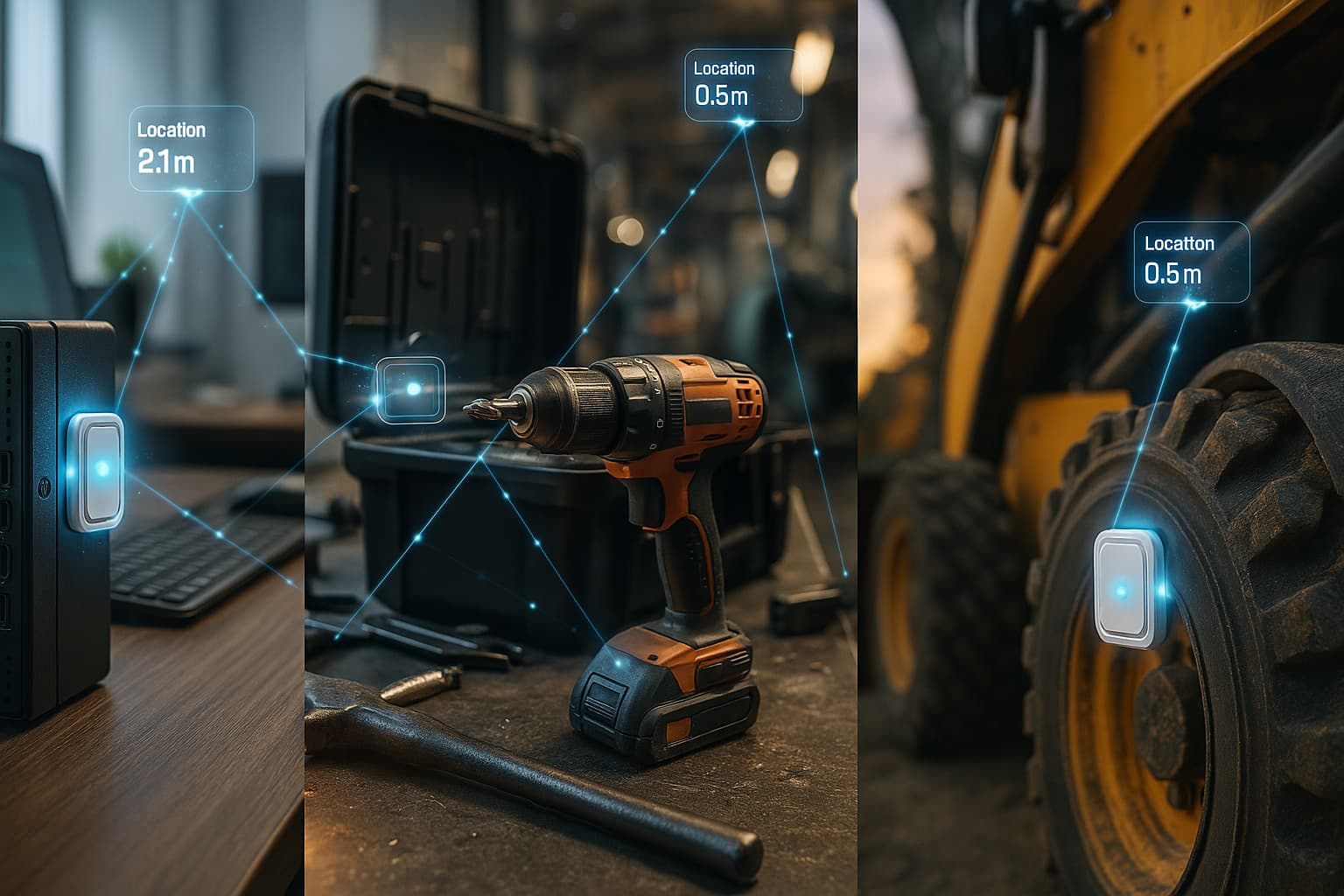
Construction tool management. A general contractor tags 200 power tools with BLE trackers. Every tool that moves between job sites in a metro area is automatically tracked through the Find My network. When a $800 rotary laser goes missing, the ops manager checks the dashboard and sees it was last detected at the previous job site.
Fleet equipment in urban areas. A plumbing company puts tags on every piece of equipment in their service vans. When a technician reports a missing pipe camera, the office can see which van it is in based on the last detection from a passing iPhone.
Indoor warehouse inventory. A distribution center installs BLE gateways at dock doors and aisle ends. Pallets tagged with bluetooth devices are automatically tracked as they move through the facility. No manual scanning required.
Mixed-value asset portfolios. A facilities management company has vehicles (high value, mobile, remote) and hand tools (lower value, urban). GPS goes on the vehicles. BLE tags go on everything else. Total tracking cost drops 60% compared to GPS-on-everything.
Where Bluetooth Tracking Falls Short
Remote and rural assets. Farm equipment, mining sites, forestry operations. If there are not enough smartphones nearby to relay detections, bluetooth tracking provides no value. Use GPS or cellular IoT instead.
Real-time continuous tracking. Bluetooth tracking provides point-in-time location reports when detected, not continuous breadcrumb trails. If you need to see an asset's exact route, GPS is the only option.
High-security theft recovery. A determined thief can put a stolen item in a Faraday bag, blocking all radio signals. For high-value theft-prone assets, bluetooth tracking should be a secondary layer alongside a hardwired GPS tracker.
Bluetooth Tracking vs Other Technologies
Understanding the tradeoffs helps you pick the right tool.
Bluetooth vs GPS
| Factor | Bluetooth (BLE) | GPS |
|---|---|---|
| Monthly cost | Optional; Airpinpoint from $11.99/tag/month for business features | $10-45/month per device |
| Battery life | 1-3 years (coin cell) | Days to months (rechargeable) |
| Indoor tracking | Works natively | Does not work |
| Accuracy | 2-50m depending on method | 3-10m outdoors |
| Real-time tracking | No (detection-based) | Yes |
| Rural coverage | Poor | Good (satellite-based) |
| Device cost | $25-35 | $50-300 |
For a deeper comparison, see Bluetooth vs GPS vs Cellular.
Bluetooth vs RFID
| Factor | Bluetooth (BLE) | RFID |
|---|---|---|
| Read range | 10-100m | 1-10m (passive), 30-100m (active) |
| Infrastructure | None (crowdsourced) or gateways | Readers at chokepoints |
| Battery | Required (coin cell) | None (passive) or battery (active) |
| Location data | Coordinates via relay network | "Passed through reader X" |
| Cost per tag | $25-35 | $0.10-$10 (passive), $20-50 (active) |
| Best for | Location tracking | Access control, inventory counts |
RFID tells you an item passed a specific point. Bluetooth tells you where an item is. Different problems.
Bluetooth vs UWB
UWB (Ultra Wideband) provides centimeter-level accuracy, far exceeding BLE's 2-10 meter range. But UWB requires dedicated infrastructure (anchor points), costs more per tag, and has shorter battery life. UWB is the right choice for high-precision indoor applications: manufacturing lines, surgical equipment, automated guided vehicles. For general asset tracking where "which building is it in?" is sufficient, BLE wins on cost and simplicity.
Deploying Bluetooth Tracking for Your Business
Option 1: Crowdsourced Only (Lowest Cost)
Tag assets with AirTags or Find My compatible devices. Use Airpinpoint's dashboard for team visibility, location history, geofencing, and alerts. No infrastructure to deploy.
Best for: Companies with assets primarily in urban and suburban areas. Construction, plumbing, HVAC, electrical contractors, landscaping companies, property management firms.
Cost: AirTag hardware ($29/tag) + Airpinpoint subscription for business features (location history, team access, geofence alerts, webhooks).
Option 2: Gateway-Enhanced (Higher Accuracy Indoors)
Deploy BLE gateways in your facilities for reliable indoor coverage. Continue using crowdsourced networks for assets in the field.
Best for: Warehouses, hospitals, manufacturing plants, large campuses where you need consistent indoor detection.
Cost: Gateways ($50-200 each) + tags + platform subscription.
Option 3: Hybrid Bluetooth + GPS
Use BLE tags for the bulk of your assets. Add GPS trackers to high-value mobile assets that travel to remote areas. Manage everything from a single platform.
Best for: Companies with diverse asset types spanning urban and rural environments. See our technology comparison guide for detailed cost modeling.
Getting Started with Airpinpoint
Airpinpoint turns AirTags and Find My compatible devices into a business tracking platform. The system provides:
- Live location map with last-seen timestamps for every tagged asset
- Location history showing where each asset has been
- Geofence alerts that notify your team when assets leave designated areas
- Team access so multiple people can track the same assets
- Webhook integrations for connecting to your existing systems
- API access for building custom workflows
No proprietary hardware required. Use standard AirTags or any BLE tracking tag compatible with the Find My network. Set up takes minutes: add tags to your Apple ID, connect your account to Airpinpoint, and your assets appear on the dashboard.
The Find My network handles the tracking. Airpinpoint handles the business layer: who can see what, where things have been, and when to send alerts.


 Our Solution