Equipment GPS Tracker: The Complete Guide to GPS Locators for Equipment (2026)
Every year, construction and industrial companies lose $300 million to $1 billion in stolen equipment. Recovery rates hover around 20%. The math is simple: if you're not tracking it, you're gambling with it.
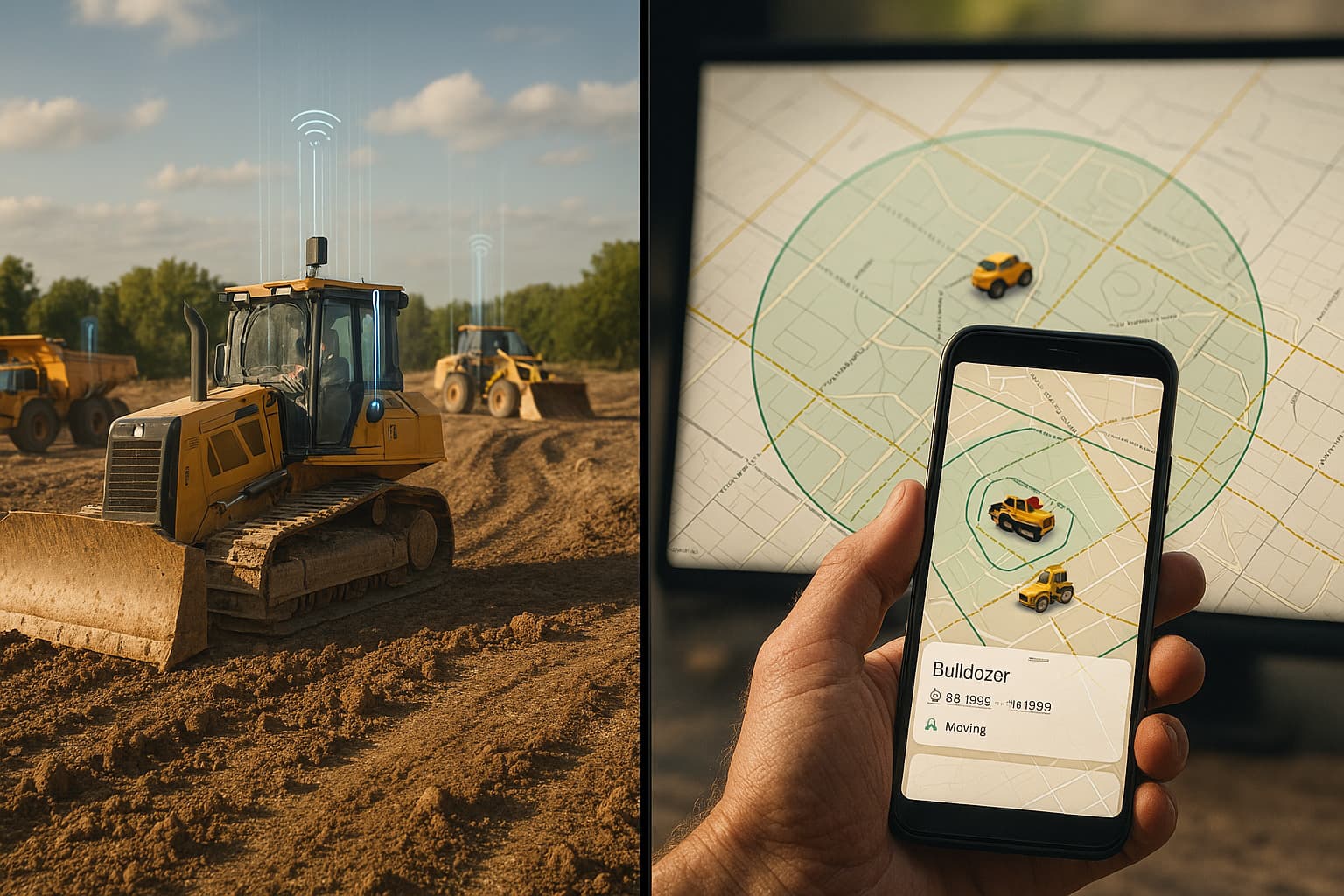
An equipment GPS tracker solves more than theft. It tells you which job site your generator is sitting at, whether your skid steer has moved in two weeks, and who took the pressure washer home last Friday. The right GPS tracking system for equipment pays for itself in weeks, not months.
This guide breaks down every option available in 2026, from cellular GPS to Bluetooth to satellite, so you can pick the GPS locator for equipment that actually fits your operation.
How Equipment GPS Tracking Works
All equipment trackers answer the same question: where is this thing right now? But they answer it using different technologies, and the differences matter.
Cellular GPS Trackers
Traditional GPS equipment trackers contain a GPS receiver (for positioning) and a cellular modem (for transmitting that position to a server). They work like a phone that only does one thing: text its location every few minutes.
Strengths: Real-time updates, works anywhere with cell coverage, can transmit sensor data (engine hours, temperature, vibration).
Weaknesses: $100-300 per device, $5-20/month cellular fees, batteries die in 1-3 months at frequent reporting intervals. Hardwired units drain the equipment battery when the engine is off.
Bluetooth/Find My Network Trackers (AirTags)
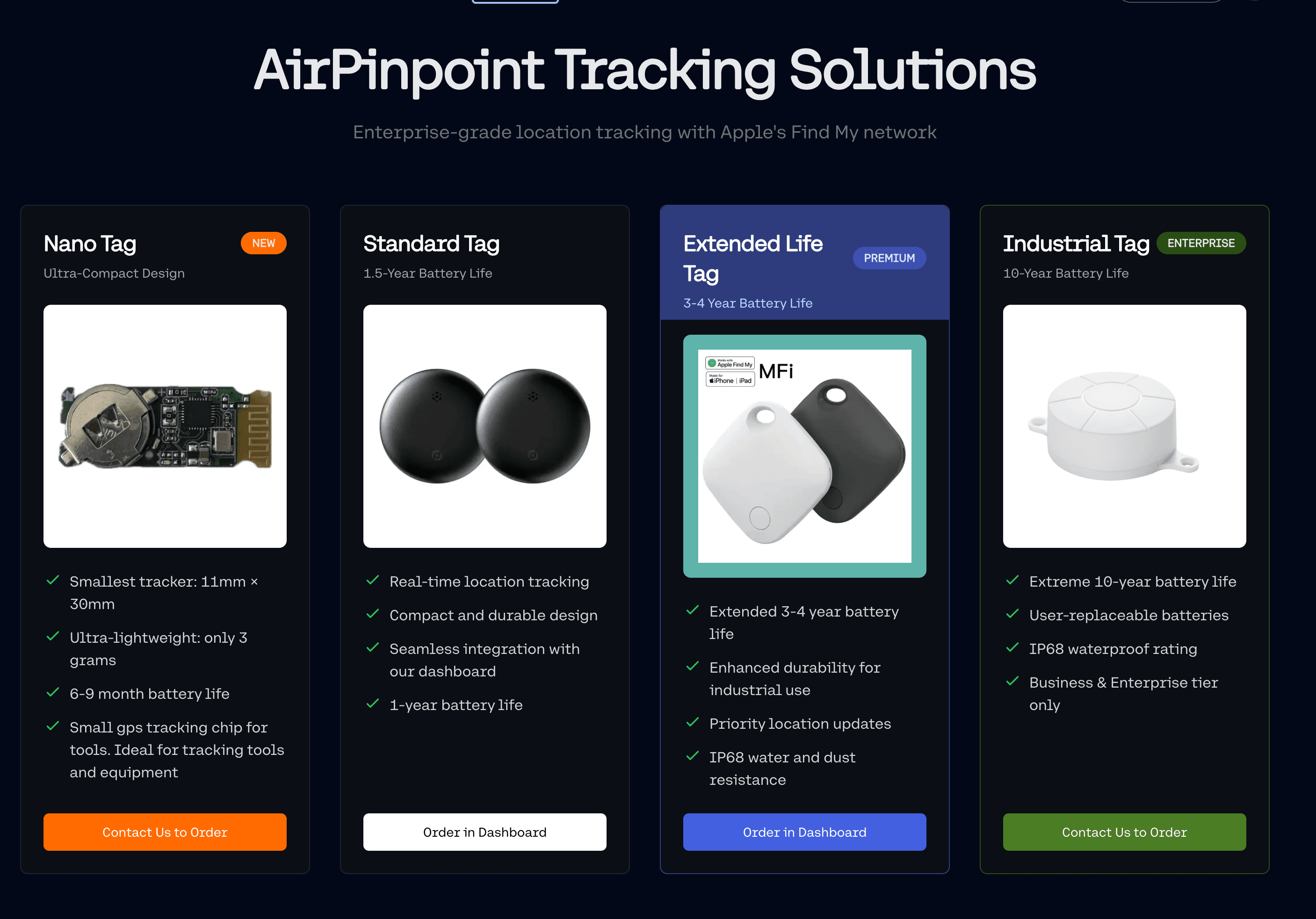
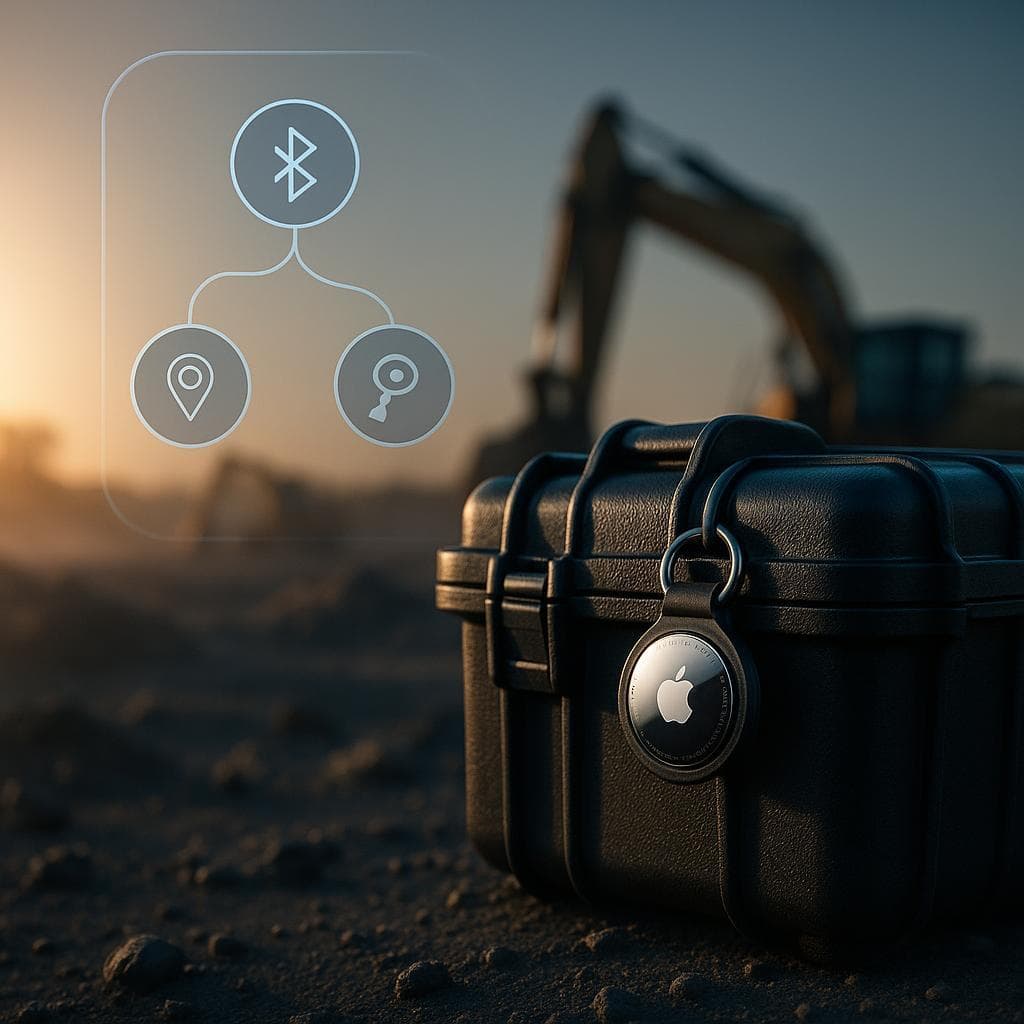
AirTags and Find My compatible trackers take a different approach. They broadcast a small Bluetooth signal. Any nearby Apple device (over 1 billion worldwide) picks up that signal and anonymously relays the tracker's location to iCloud. No cellular modem, no SIM card, no cell plan.
Strengths: $29 per tracker, 12-18 month battery life, CR2032 replacement costs $1, coverage in any area where people carry iPhones.
Weaknesses: Updates are periodic (not continuous), accuracy depends on Apple device proximity, limited in truly remote/unpopulated areas.
Satellite Trackers
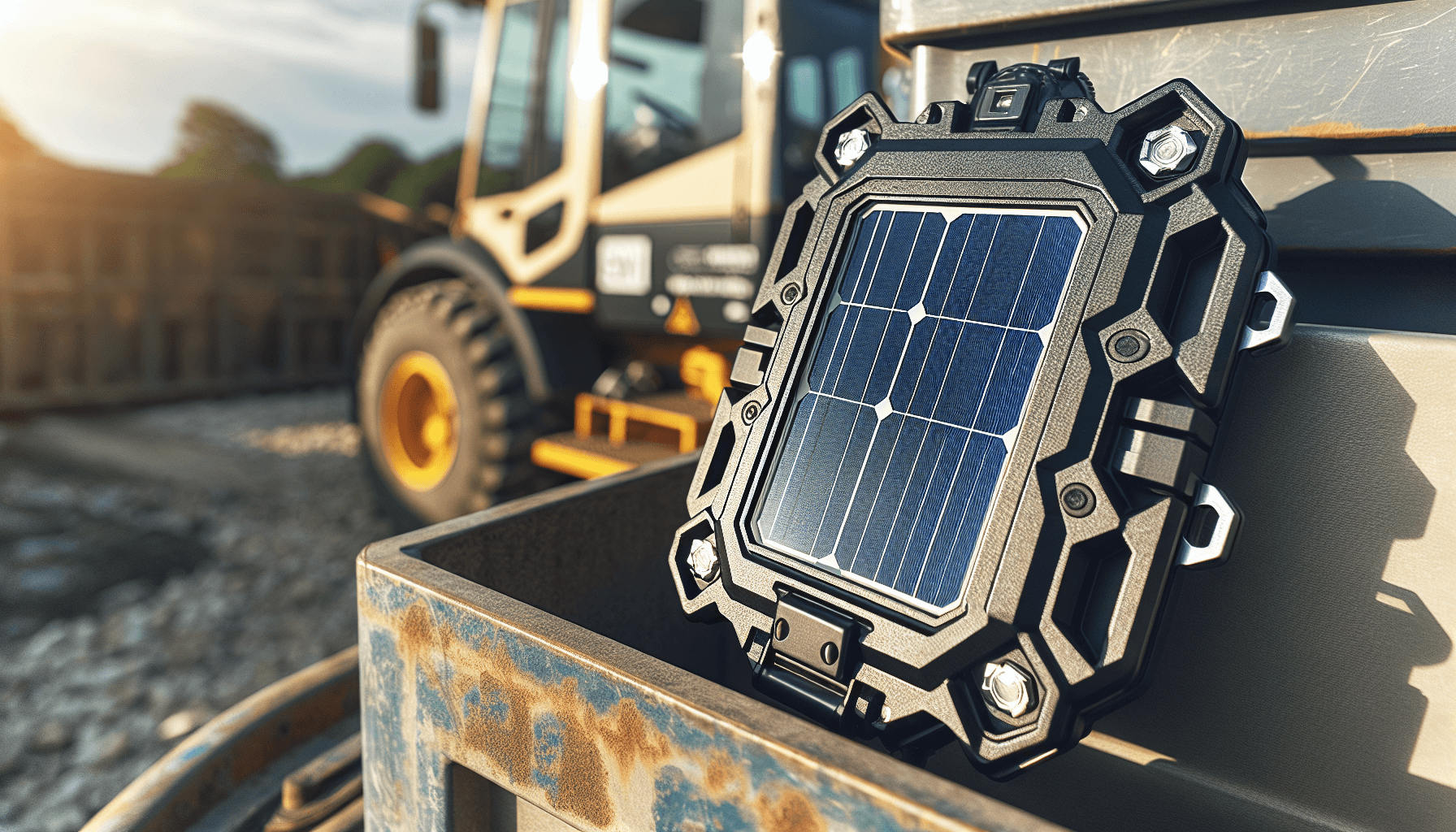
For equipment operating in locations with zero cell coverage and zero human traffic (remote mining, wilderness forestry, ocean rigs), satellite trackers communicate via Iridium or Globalstar networks.
Strengths: Works literally anywhere on Earth.
Weaknesses: $200-500+ per device, $25-50/month subscription, bulky hardware, slower update intervals.
The Real Cost of Each GPS Locator for Equipment
Cost comparisons that only look at device price miss the picture. Here's what a 50-unit fleet actually costs over two years:
| Cost Component | AirTags + Airpinpoint | Cellular GPS | Satellite GPS |
|---|---|---|---|
| Hardware (50 units) | $1,450 | $10,000-15,000 | $15,000-25,000 |
| Monthly service (24 mo) | $14,388 | $6,000-24,000 | $30,000-60,000 |
| Battery replacements | $100 | $2,500-5,000 | $1,000+ |
| Two-year total | $15,938 | $18,500-44,000 | $46,000-86,000 |
The AirTag approach flips the traditional cost structure. Hardware is cheap. The platform subscription (Airpinpoint at $11.99/tag/month) is the primary cost, but it includes features that cellular GPS vendors charge extra for: geofencing, location history, team management, and unlimited tags.
For most fleets, the AirTag + Airpinpoint combination delivers the lowest total cost while covering 90%+ of real-world equipment tracking needs.
When Each GPS Tracking System for Equipment Makes Sense
AirTags + Airpinpoint: Best for 80% of Fleets
Use AirTags when your equipment operates in areas where people exist. That covers construction sites, warehouses, parking lots, urban job sites, suburban developments, and even most rural areas near roads.
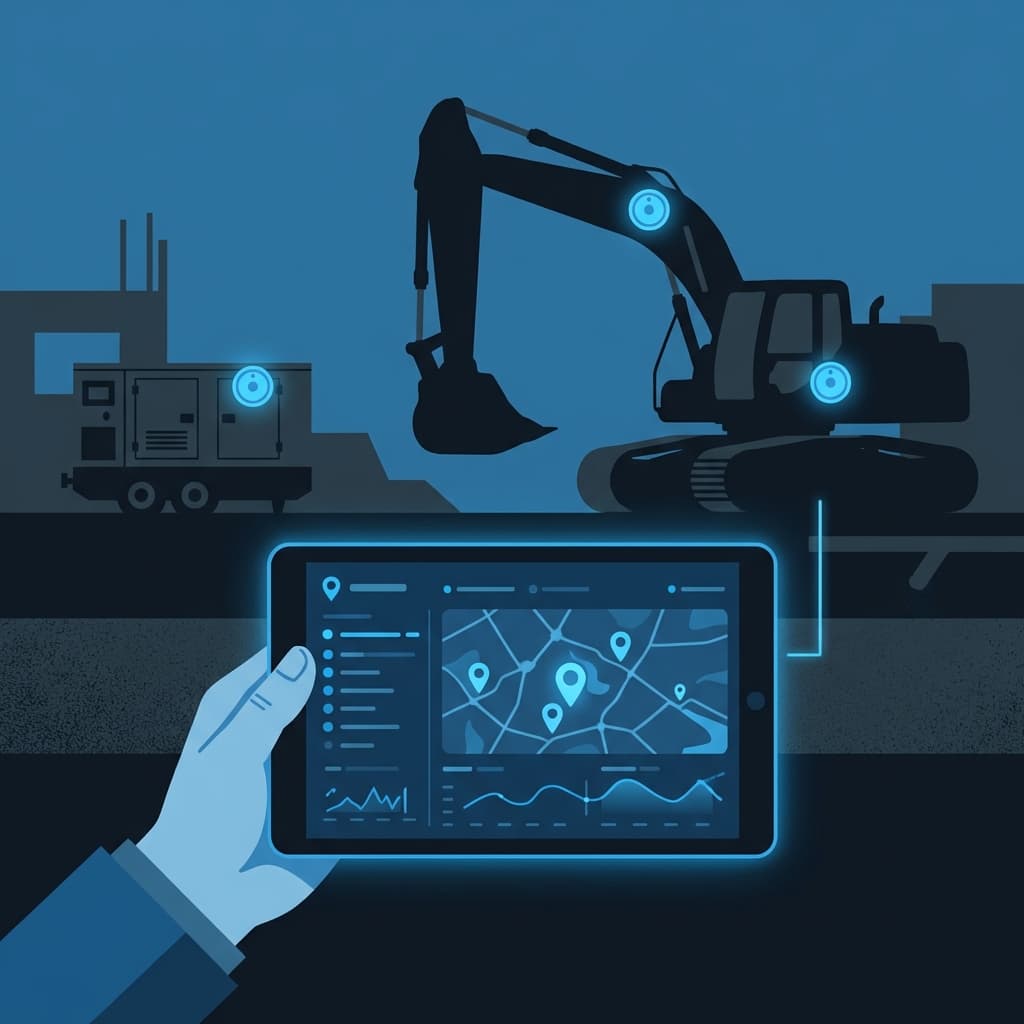
Airpinpoint turns consumer AirTags into an enterprise GPS tracking system for equipment by removing Apple's 32-device limit and adding:
- Unlimited equipment tracking in a single dashboard
- Geofence alerts when equipment crosses job site boundaries
- Location history showing where each asset has been
- Team access so project managers see their own equipment
- Movement notifications for after-hours theft detection
- Custom categories to organize by type, site, or project
A fleet manager tracking 200 pieces of equipment across 8 job sites logs into one dashboard and sees everything. No per-device cellular contracts to manage, no battery swaps every quarter, no $300 trackers to write off when equipment gets scrapped.
Cellular GPS: Best for Remote + High-Value Assets
If your excavator works 40 miles from the nearest town on a pipeline project, an AirTag won't help. There are no iPhones passing by to relay its position. A cellular GPS equipment tracker with a good antenna will still connect to distant cell towers and report.
Cellular GPS also makes sense for high-value assets ($100K+) where you need continuous, real-time tracking, not periodic updates. If you're tracking a $400,000 crane, the $200 tracker and $15/month fee is rounding error.
Satellite: Best for True Wilderness Operations
Mining operations in northern Canada, forestry equipment in the Amazon, marine vessels. If there's no cell tower within 50 miles, satellite is the only option. The cost is high, but so is the equipment value in these scenarios.
The Hybrid Approach (What Most Smart Fleets Do)
The pragmatic move: put AirTags on 80-90% of your fleet (the equipment that stays in populated areas) and cellular GPS on the 10-20% that ventures into genuinely remote territory. This cuts total tracking costs by 50-70% compared to cellular GPS across the board while maintaining full coverage.
Choosing the Right GPS Locator for Equipment: Decision Framework
Before buying anything, answer these five questions:
1. Where Does Your Equipment Operate?
Map out your job sites. If they're in cities, suburbs, or anywhere near roads with regular traffic, AirTags will cover them. If some sites are genuinely remote (no cell service, no people), budget cellular or satellite trackers for equipment assigned to those sites.
2. How Many Assets Need Tracking?
Fleet size drives the cost calculation. At 10 assets, the difference between AirTags and cellular GPS is a few thousand dollars over two years. At 200 assets, it's tens of thousands. Large fleets benefit most from the AirTag cost structure.
3. What Update Frequency Do You Need?
If you need to know where an excavator is every 30 seconds (think: active theft pursuit), cellular GPS provides that. If you need to know which job site it's at when you check in the morning, AirTags with Airpinpoint's periodic updates are more than sufficient. Most equipment tracking is the latter, not the former.
4. How Critical Is Battery Maintenance?
A 50-unit fleet of cellular GPS trackers reporting every 5 minutes means replacing or recharging 50 batteries every 2-3 months. That's 200-300 battery swaps per year, each requiring someone to physically access the equipment and open the tracker housing. AirTags cut that to 50 swaps per year (once every 12-18 months per tag), using a $1 coin cell that takes 10 seconds to replace.
5. What's Your Budget Reality?
If capital expenditure is the constraint (limited upfront budget), AirTags win on hardware cost by 5-10x. If operating expenditure is the constraint (monthly fees matter more), the comparison is closer, but AirTags + Airpinpoint still typically come in lower than cellular GPS when you factor in battery replacement labor.
How to Deploy an Equipment GPS Tracker Fleet
Step 1: Inventory and Prioritize
List every piece of equipment worth tracking. Prioritize by value, theft risk, and mobility. A $50,000 generator that moves between sites weekly is a higher priority than a $2,000 compressor that stays in your yard.
Step 2: Choose Mounting Methods
The tracker only works if it stays attached. For each equipment type, select the right mount:
- Steel frames (excavators, dozers, forklifts): Magnetic mounts or bolt-on cases
- Enclosed compartments (generators, compressors): Internal mounting with epoxy
- Trailers and containers: Concealed bolt-on housings
- Small tools and equipment: Tamper-evident AirTag holders
- Vehicles and trucks: Under-dash or behind-panel concealment
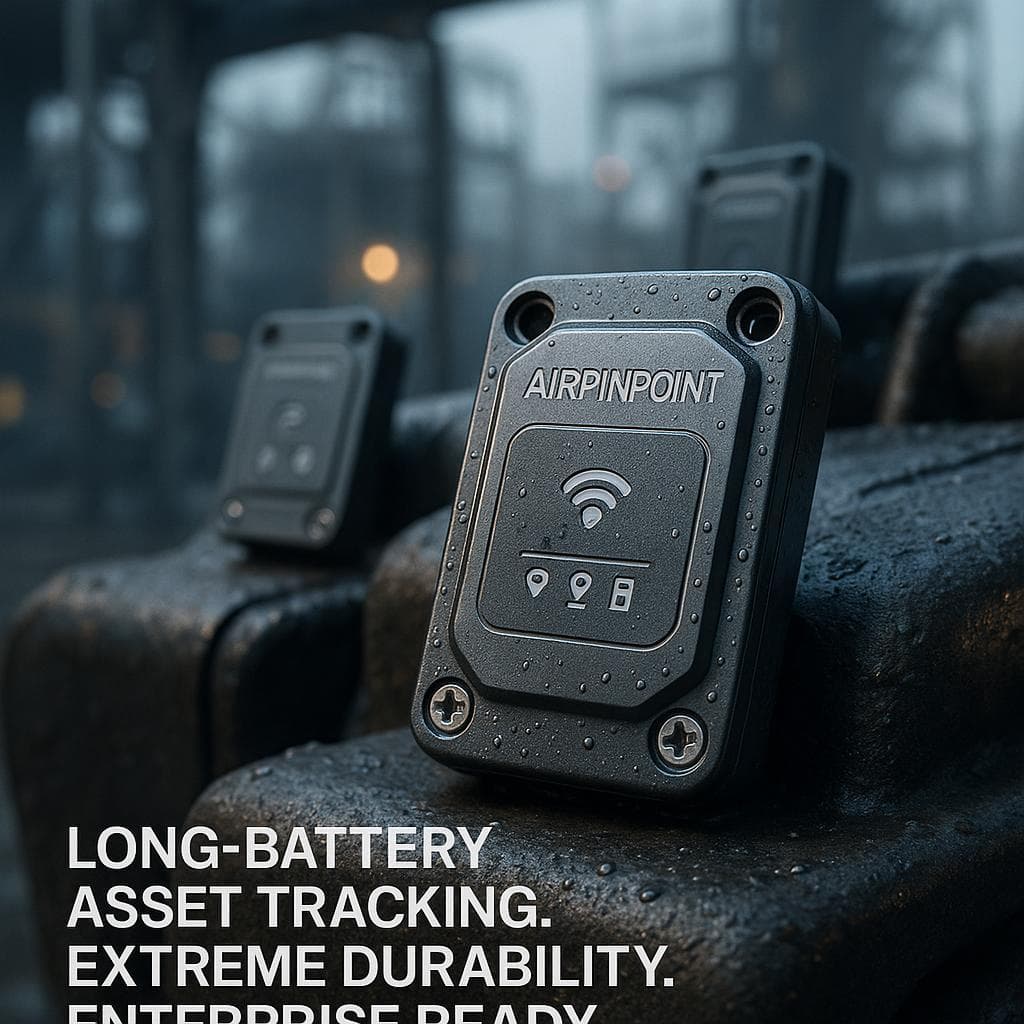
Airpinpoint provides mounting hardware designed for industrial use. The enclosures are IP67 rated, vibration resistant, and designed to be invisible to anyone who doesn't know where to look.
Step 3: Configure Geofences and Alerts
Define boundaries for each job site, yard, or warehouse. When equipment crosses a geofence boundary outside work hours, the alert should go to a phone number and email that someone actually checks. Alerts that go to an unmonitored inbox are worthless.
Step 4: Assign and Organize
Tag each asset in Airpinpoint with its name, category, assigned site, and responsible person. When the project manager at Site 3 logs in, they should see only their equipment. When the fleet manager logs in, they see everything.
Step 5: Establish Response Procedures
A GPS alert means nothing without a response plan. Define who gets called when equipment moves after hours, what the escalation path looks like, and when to involve law enforcement. The tracker gives you the information. The process determines whether you recover the asset.
Industry Applications for Equipment GPS Trackers
Construction
Construction sites are the highest-risk environment for equipment theft and the highest-value application for tracking. Job sites change constantly, equipment moves between them, and security is often limited to a chain-link fence.
A GPS locator for equipment on a construction site delivers:
- Theft deterrence and rapid recovery (equipment with visible or known trackers is stolen less often)
- Job costing accuracy (which excavator was on which site, for how many days)
- Utilization data (that mini-excavator sitting idle for 3 weeks should be redeployed or returned to rental)
- Accountability (who checked out the plate compactor last?)
Related: Construction equipment tracking guide, Heavy equipment anti-theft
Rental and Leasing Companies
Rental companies face a unique challenge: their assets are always in someone else's hands. A GPS tracking system for equipment lets rental operators verify equipment location during the rental period, confirm returns, detect unauthorized sublet, and recover assets when customers go dark.
AirTags are particularly effective here because the cost per tracker is low enough to put one on every rental item, including lower-value assets that wouldn't justify a $200 GPS tracker.
Related: Rental equipment tracking, Equipment rental software
Utilities and Municipalities
Utility companies and municipal fleets track generators, pumps, transformers, and vehicles across service territories. The equipment often sits in utility easements, substations, and road shoulders where cellular coverage is inconsistent but pedestrian and vehicle traffic provides Find My network coverage.
Healthcare and Labs
Medical equipment, diagnostic devices, and lab instruments move between floors, buildings, and campuses. An equipment GPS tracker (or more precisely, an indoor Bluetooth tracker) helps biomedical teams locate $50,000 infusion pumps and $200,000 ultrasound machines that tend to disappear into storage closets.
Related: Healthcare equipment tracking
Common Mistakes with Equipment GPS Tracking
Visible tracker placement
If a thief can see the tracker, they remove it. Always conceal the device inside a panel, compartment, or housing. The 30 seconds spent hiding it properly is the difference between recovery and a loss.
Ignoring battery maintenance
A dead tracker is the same as no tracker. Set calendar reminders for battery replacements, or use AirTags to reduce the frequency to once a year instead of once a quarter.
Over-tracking with expensive technology
Not every asset needs a $300 real-time cellular GPS tracker. A $29 AirTag handles 80% of use cases. Save the expensive trackers for the assets that genuinely need them.
No response procedures
The most common failure mode: the tracker sends an alert, nobody responds for 12 hours, and the equipment is already stripped or repainted. Tracking without response procedures is just expensive documentation of your losses.
Skipping geofences
A tracker without geofences is a map you have to manually check. Geofences turn passive tracking into active alerting. Set them for every job site, yard, and warehouse.
Comparing Top GPS Trackers for Equipment in 2026
| Feature | AirTag + Airpinpoint | Tracki | LandAirSea Overdrive | SpyTec GL300 | CalAmp LMU |
|---|---|---|---|---|---|
| Device cost | $29 | $20-30 | $30 | $40 | $100+ |
| Monthly fee | $11.99 (Airpinpoint) | $20 | $25 | $25 | $15-25 |
| Battery life | 12-18 months | 5 days (rechargeable) | 2 weeks | 2.5 weeks | Hardwired |
| Network | Find My (1B+ devices) | Cellular | Cellular | Cellular | Cellular |
| Geofencing | Yes | Yes | Yes | Yes | Yes |
| Location history | Yes | Yes | Yes | Yes | Yes |
| Water resistance | IP67 | IPX4 | IPX7 | IPX5 | IP67 |
| Fleet management | Unlimited | Limited | Limited | Limited | Yes |
The rechargeable cellular trackers (Tracki, LandAirSea, SpyTec) have aggressive device pricing but their battery life makes them impractical for equipment that isn't accessed daily. Charging a tracker every 5-14 days defeats the purpose of passive equipment monitoring.
Related: Best GPS tracker for equipment comparison, Top asset trackers
Getting Started with Airpinpoint
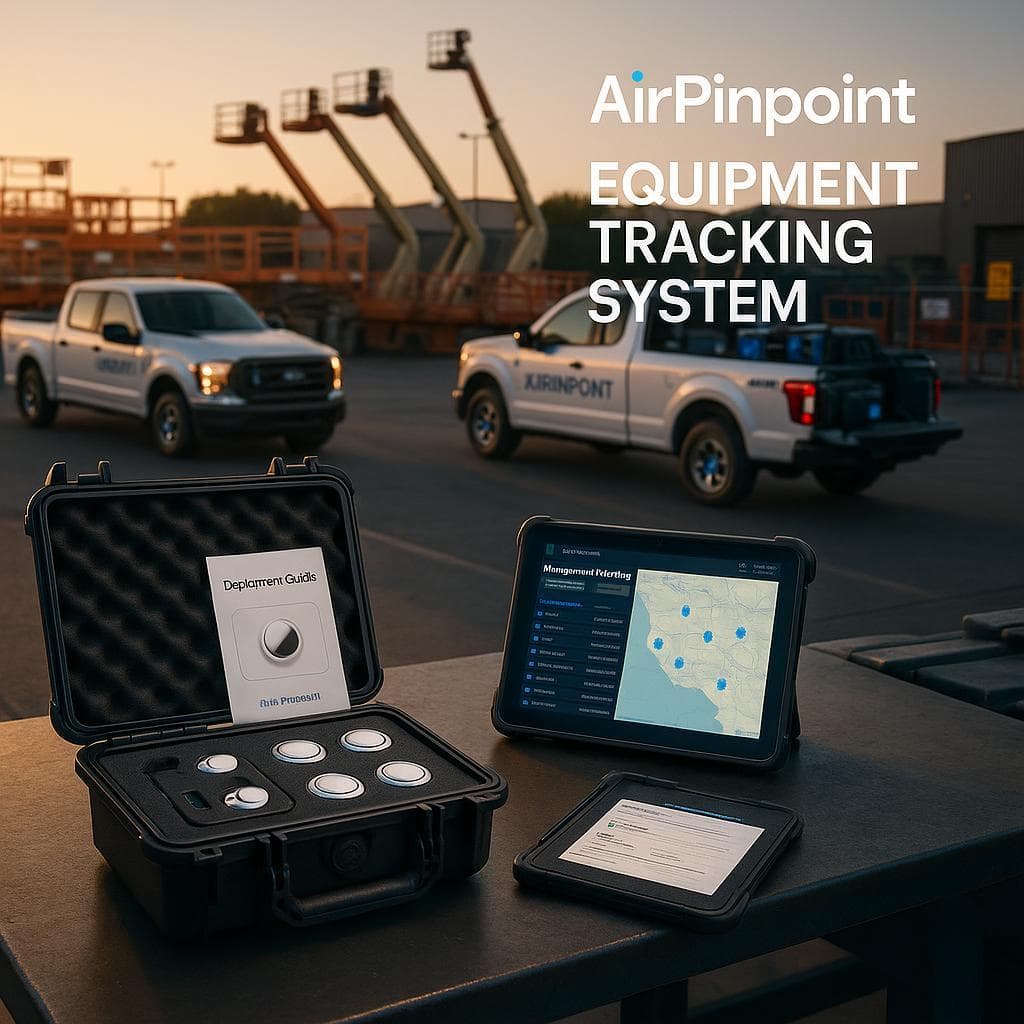
Setting up equipment tracking with Airpinpoint takes about 20 minutes for a fleet of any size:
- Buy AirTags in bulk ($24.99 for a 4-pack at Apple, volume discounts available)
- Sign up for Airpinpoint at airpinpoint.com and connect your iCloud account
- Register each AirTag and assign it to an equipment asset in the dashboard
- Mount the AirTags using Airpinpoint's industrial enclosures
- Set geofences around your job sites and configure alert recipients
- Invite team members and assign equipment visibility by role
No hardware installation appointments, no cellular activation, no complex onboarding. The system is live and tracking within the hour.
Related: GPS asset tracking overview, AirTags for equipment tracking
The Bottom Line
The equipment GPS tracker market in 2026 is no longer a choice between "expensive cellular GPS" and "nothing." AirTags, combined with a platform like Airpinpoint, give businesses a third option that costs less, lasts longer, and covers the vast majority of real-world equipment tracking scenarios.
Put AirTags on everything. Add cellular GPS to the few assets that genuinely operate in the middle of nowhere. Skip satellite unless you're tracking equipment on another continent.
Your equipment is either tracked or it's at risk. At $29 per tag plus $11.99/month, the only reason not to track it is because you haven't started yet.
 Our Solution