Updated
Healthcare Equipment Tracking Solution
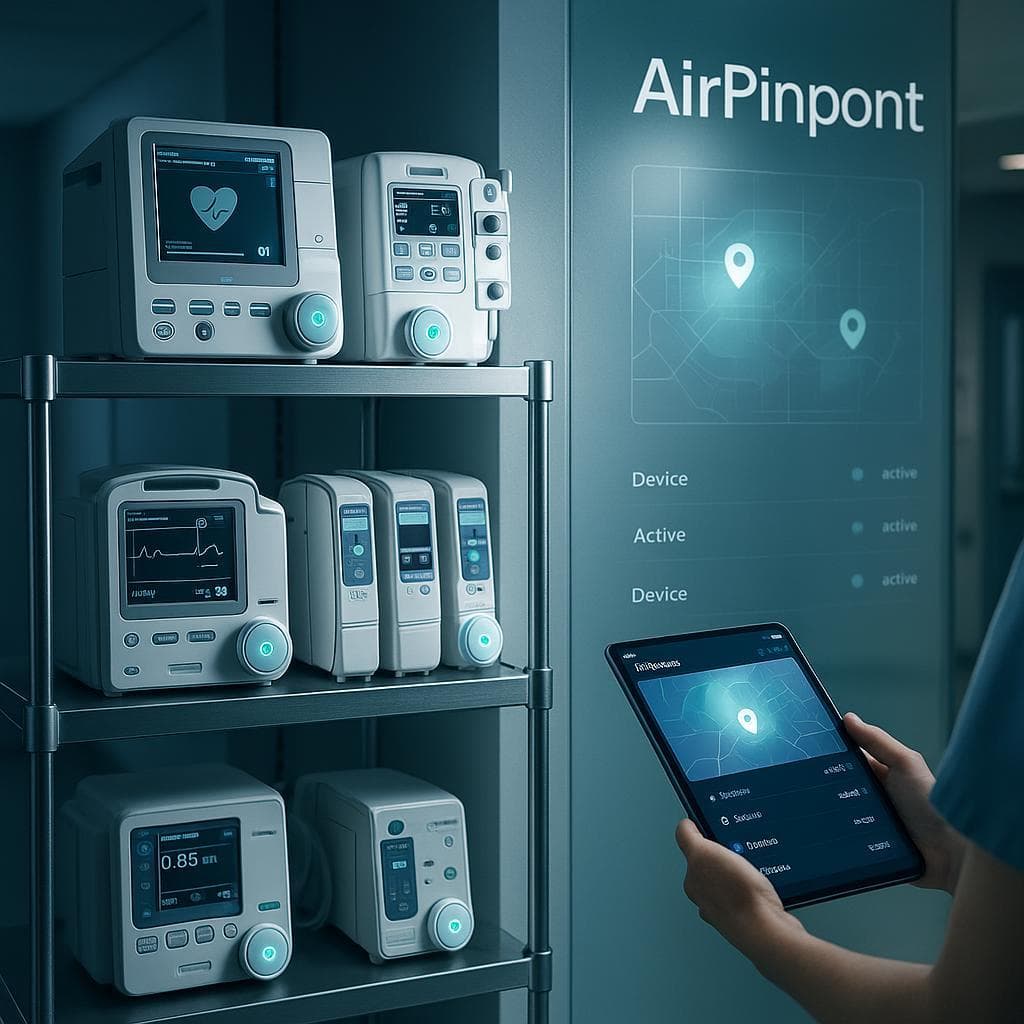
In modern healthcare facilities, locating and managing critical equipment quickly can directly impact patient care outcomes. Our healthcare equipment tracking solution provides instant visibility of your valuable medical assets, streamlining workflows and improving equipment utilization.
The Challenge of Medical Equipment Management
Healthcare facilities face unique equipment management challenges:
- Clinical staff spend up to 1 hour per shift searching for equipment
- Equipment hoarding in departments creates artificial shortages
- Regular maintenance and sanitization tracking is essential for compliance
- High-value mobile equipment is vulnerable to loss and theft
- Efficient equipment utilization directly impacts facility financial performance
Our healthcare-specific tracking solution addresses these challenges with a system designed for medical environments.
Key Benefits for Healthcare Facilities
1. Immediate Equipment Location
When every second counts, our system delivers:
- Equipment finding from any phone or workstation, with no app rollout required beyond the browser
- Floor and wing accuracy, roughly 10 to 30 meters, then Precision Finding on an iPhone to close the last few feet
- Equipment status showing whether an item is checked out and whether it is currently inside one of its home zones
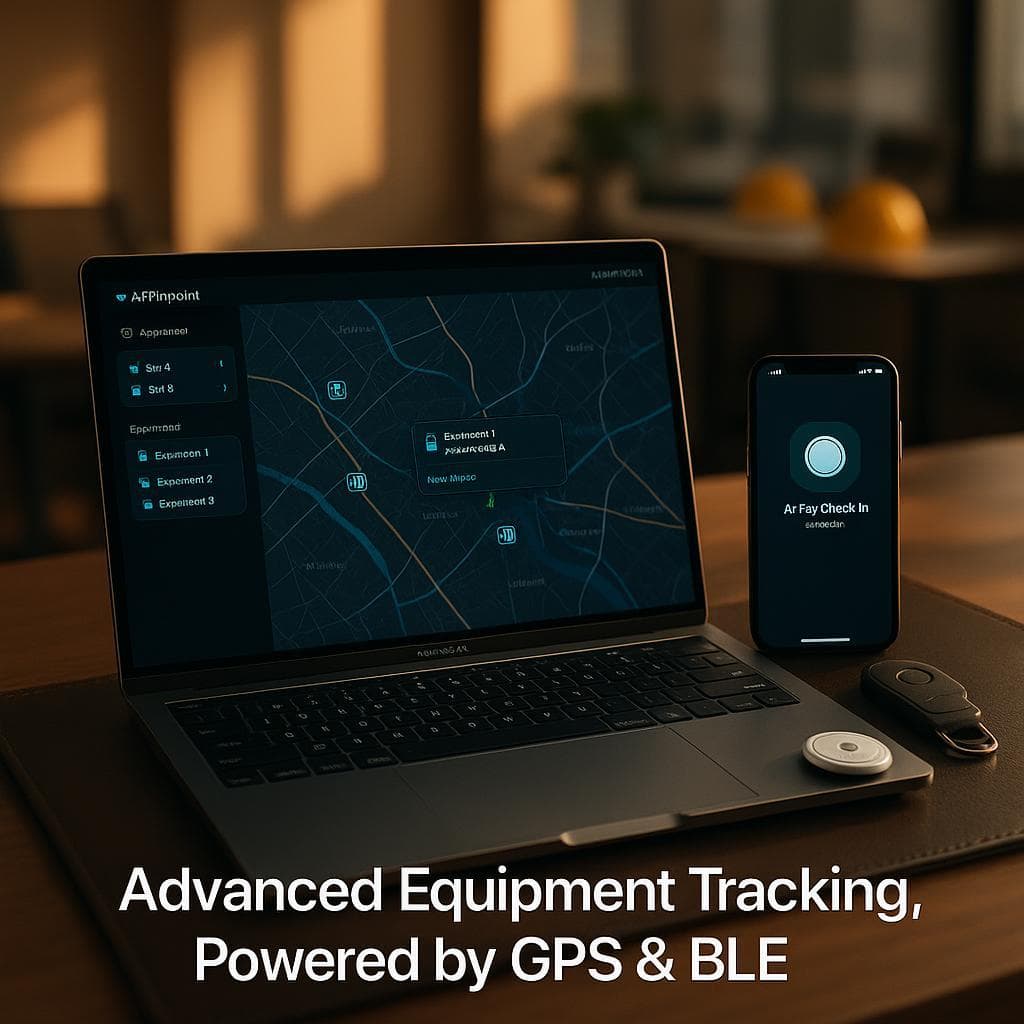
- Visual mapping of your facility showing equipment distribution
- Search and filters by type, group and status to find the nearest available item
The accuracy claim, stated honestly. Anyone selling you room-level precision from a Bluetooth tag is selling you installed beacon infrastructure, which is a capital project with a different price tag. Airpinpoint gets you to the floor and the general area. That is enough to end most searches, because the failure mode in a hospital is rarely "which of these two rooms" and almost always "which of these six floors."
The latency, also stated honestly. A confirmed geofence crossing lands 15 to 40 minutes after the fact, because Airpinpoint waits for consecutive readings before calling a boundary crossing real. For a defibrillator needed right now, the map's last known position plus Precision Finding is the tool. The geofence is for patterns, not for seconds.
2. Optimized Equipment Utilization
Make the most of your equipment investment:
- Utilization rate per asset, computed from your own check-out log as days out over days owned
- Idle flagging for items that have not moved, which is how equipment parked in a back corridor surfaces
- Location history, exportable as CSV or JSON, so you can analyze distribution in whatever tool your analysts already use
- Group filtering by department or unit, so a manager sees their own fleet
- Hoarding made visible as a pattern: the same items resident in the same wing week after week
What this is not. There is no par level engine, no demand forecasting and no predictive analytics. Airpinpoint gives you accurate location history and a utilization number. Turning that into a par level decision is analysis your materials management team does, and the export exists so they can do it with real data instead of a monthly count.
Why the hoarding case is the one that pays. Hoarding is invisible to periodic counting by design: a unit holding six pumps against a par of two looks like normal consumption from the supply side, and purchasing responds by buying more. Continuous location turns that into an observation with dates attached, which is a very different conversation from a suspicion. Measure it by tracking purchase volume for that item class over a year, not by anything on this page.
3. Maintenance and Compliance Management
Ensure equipment is safe, clean, and ready when needed:
Be direct about this category, because it is where tracking vendors oversell into healthcare hardest.
Airpinpoint does not schedule maintenance, verify sanitization, or document compliance. There is no service history module, no cleaning log, and no way for the system to know whether a bed has been wiped down. A Bluetooth tag reports position. It has no sensor that can observe any of the above, so no amount of software on top can produce it honestly.
What Airpinpoint actually contributes to biomed and infection control workflows:
- Finding the device when the PM is due. The single largest cause of missed preventive maintenance is that nobody could locate the unit during the window. Location fixes that specific problem and nothing else about the process.
- Location history as supporting documentation. If you need to establish where a device was during a period under review, the trail exports with timestamps.
- Knowing what came back. A geofence on the soiled utility or reprocessing area shows what physically reached it, which is one input to a cleaning workflow, not the workflow itself.
- Feeding your real systems. The REST API and outbound webhooks let you push location into the CMMS that already owns your PM schedule. That is a development task, not a configuration screen. There is no pre-built connector.
If your primary problem is maintenance compliance rather than finding things, buy a CMMS and use tracking to feed it.
4. Theft and Loss Prevention
Protect your valuable medical assets:
- Exit alerts when equipment leaves a geofenced area, by email, Slack or WhatsApp
- Movement history providing a timestamped audit trail per device
- Outbound webhooks on geofence entry and exit, so security systems you already run can react
- Recovery support in the form of a last known position with a timestamp, which is what a police report needs
Set expectations on exit alerts before you rely on them. The alert lands 15 to 40 minutes after the device leaves, not at the doorway. That threshold is deliberate: firing on a single stray position fix would generate false alarms nightly and the alerts would be ignored within a week. What this design catches is a device that left the building and did not come back. What it does not catch is a device passing through a specific door at a specific second, which is what an RFID gate is for. Hospitals concerned with the second case usually already own gate infrastructure, and the two approaches coexist fine.
Depreciation and lifecycle tracking are not included. That lives in your fixed asset register, and Airpinpoint's export exists to help you reconcile against it.
Healthcare-Specific Features
Our system is built specifically for healthcare environments:
Why Bluetooth, Not GPS
GPS requires a line-of-sight connection to satellites 20,000+ km away. That signal does not penetrate steel beams, concrete floors, or elevator shafts. Inside a hospital, a GPS tracker goes dark the moment a device rolls into any interior corridor. Battery-powered GPS also has an update-rate problem: each location report means the radio holds on for a satellite fix (up to 30 seconds of continuous draw) plus a cellular transmit burst. That pulls hundreds of milliamps per update. GPS trackers advertising multi-year battery life achieve it by updating roughly once per day. At frequent update rates, those batteries die in 2-3 days.
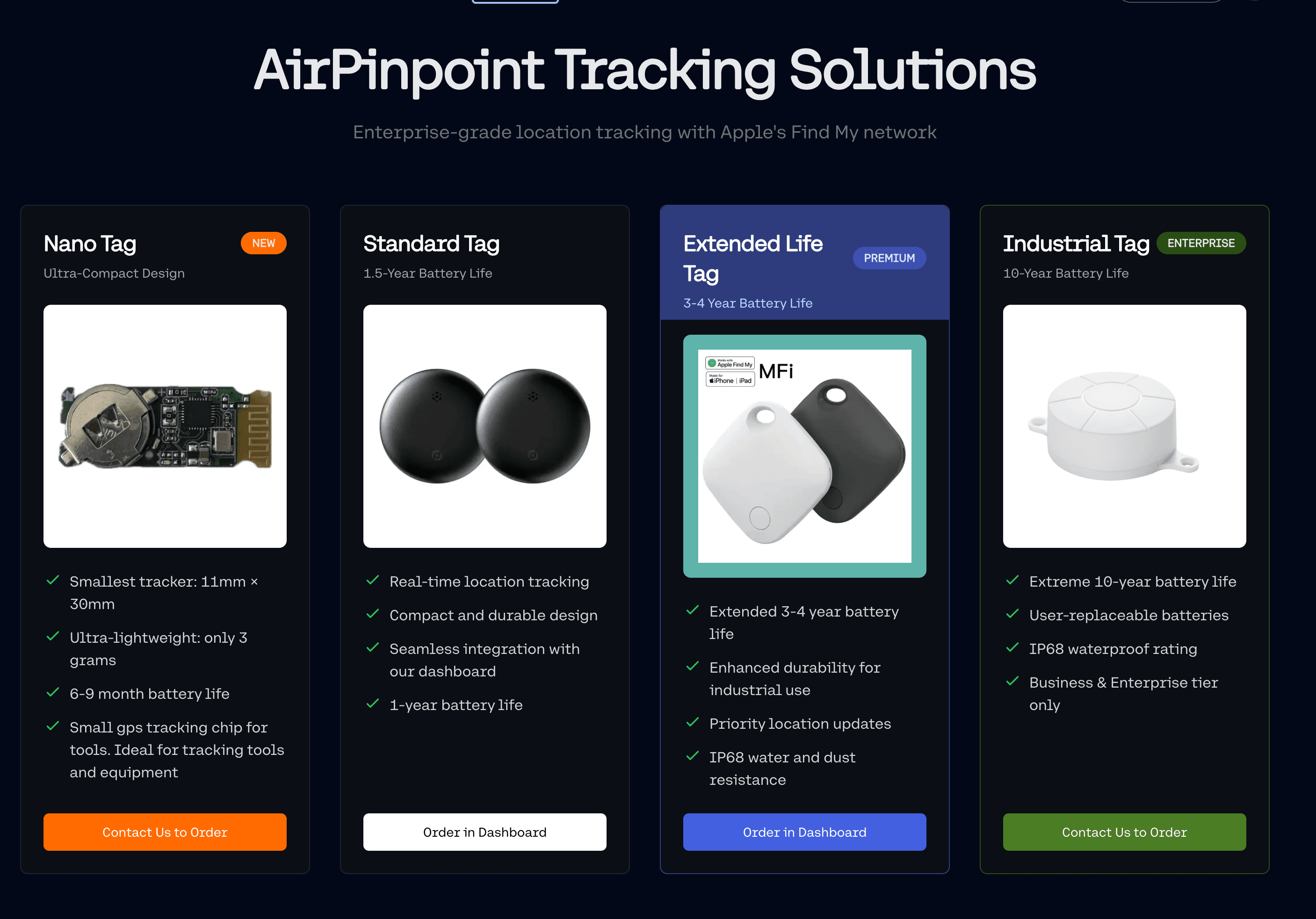
Bluetooth-based tracking (AirTags via Apple's Find My network) works indoors because the signal only needs to reach the nearest iPhone, not a satellite. Hospital corridors, nursing stations, and supply rooms have staff with iPhones throughout every shift. Location updates happen every few minutes, at full frequency, for 12+ months on a $1-3 CR2032 coin cell. No GPS radio, no cellular modem, no charging required.
Low-Profile Hardware
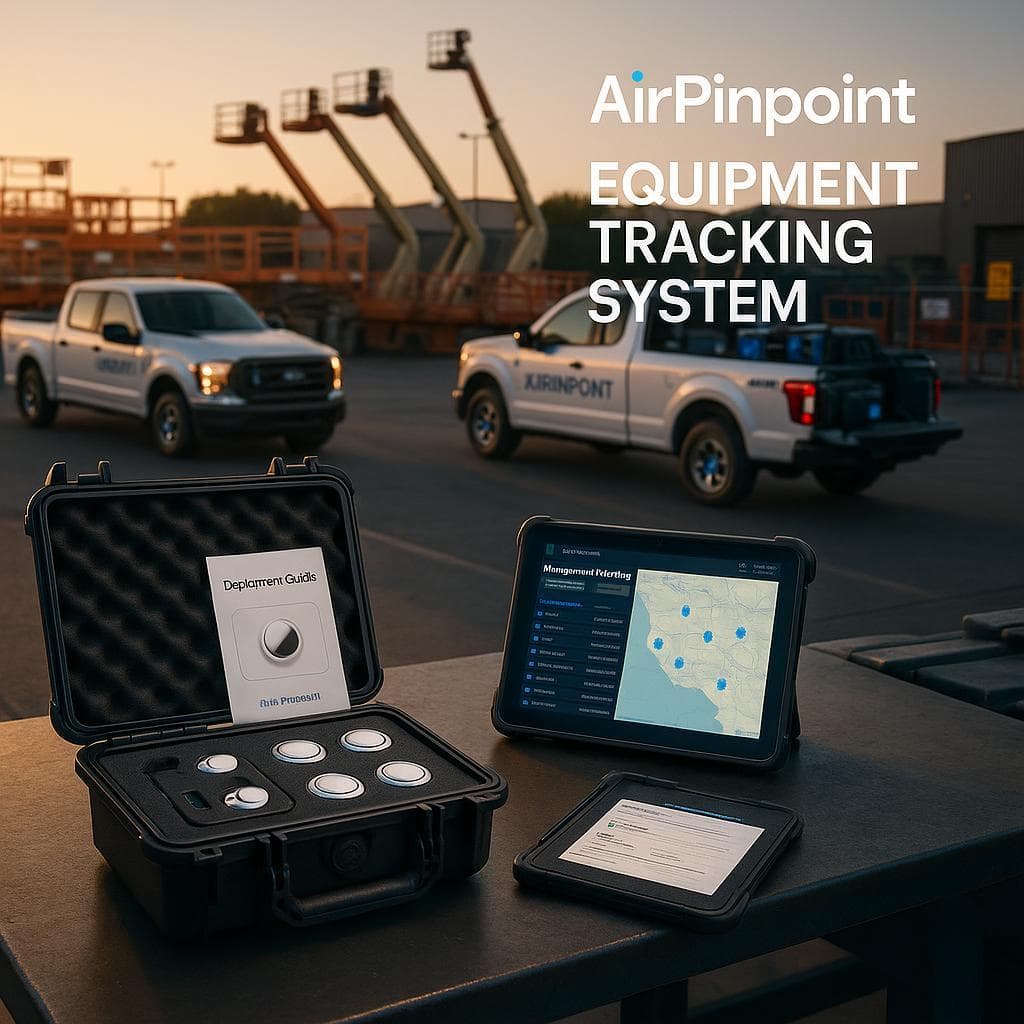
- Discreet, compact tags that don't interfere with equipment operation
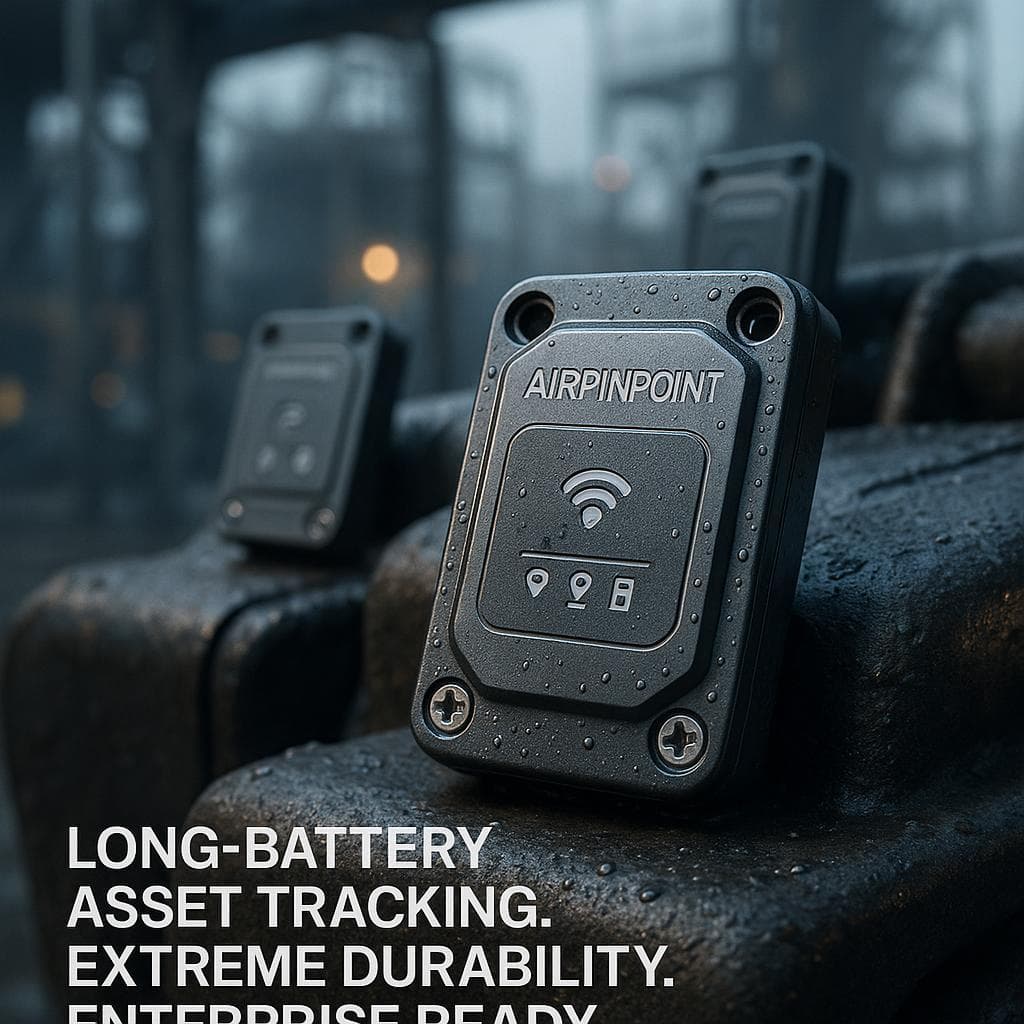
- Sealed plastic housing rated IP67, which wipes down with the disinfectant wipes already on your carts. The housing is not antimicrobial and we're not going to claim it is; it is a smooth sealed surface that cleans the way the rest of the equipment cart does.
- 12+ months battery life at full update rate on a user-replaceable $1-3 CR2032 coin cell, with the dashboard tracking when each tag was last changed
- Multiple attachment options for different equipment types, including adhesive mounts and concealment inside housings and handle cavities
- No tamper alert. The tag does not report being removed. Concealment is the only mitigation available, which for hospital equipment is usually easy: inside a pole base, behind a battery door, under a mattress platform.
One practical note that matters more than any spec here: a dead tag is indistinguishable from a tracked device until someone needs it. Assign battery replacement to a named person on a schedule before you deploy, not after the first time it bites.
Healthcare-Optimized Software
- No patient data, by design: the system holds equipment records and locations, with no field for anything clinical
- End-to-end encrypted location reporting through Apple's Find My network
- Team and organization roles: owner, admin and viewer, so a unit manager sees their own equipment
- Intuitive interface requiring minimal training, which matters when the users are clinical staff mid-shift
- Custom alerting per geofence, routed to email, Slack or WhatsApp
- REST API and CSV or JSON export for anything you need to move elsewhere
There is no EHR integration. Not with Epic, not with Cerner, not with anything else, and there is no roadmap commitment here we'd ask you to believe. If you want equipment location visible inside a clinical system, the path is the REST API and a developer, and you should scope that work before you buy tags rather than after.
Implementation Process
We understand healthcare facilities can't disrupt operations. Our implementation process is designed to be minimally invasive:
- Facility Assessment: identify which equipment classes actually go missing. Start from your own search complaints and your purchasing history, not from a list of everything mobile.
- Network Design: there is no network to design. No gateways, no readers, no wiring, no IT project, no security review of installed hardware on your VLAN. Coverage comes from the iPhones your staff already carry, which is the main reason this deploys in an afternoon rather than a quarter.
- Phased Installation: tag one department first. Attach the tags, name them in the dashboard, draw geofences around the unit and any home storage area, and let it run for two weeks before expanding.
- Staff Training: show nurses the map on a phone and show them Precision Finding. That is most of it. The one process rule worth enforcing is check-out discipline, because the utilization numbers are worthless without it.
- Continuous Optimization: after a season, read the utilization report and the idle list. That is where the purchasing decisions are.
Integration Capabilities
Our system works with your existing healthcare technology:
Airpinpoint has no pre-built connector to any healthcare system. Not to EHR platforms, not to nurse call, not to CMMS or RTLS or RFID. We'd rather you learn that here than in an implementation meeting.
What exists instead is a documented path to build the integration yourself:
- REST API with a key you generate from the dashboard, reading the same data the dashboard reads
- Outbound webhooks on geofence entry and exit, POSTed to any endpoint you control
- CSV and JSON export of location history, for analytics and reconciliation with no code at all
- Coexistence with existing RTLS: Airpinpoint does not interfere with an installed RTLS or RFID system, and hospitals that own gate infrastructure often keep it for chokepoint precision while using tags for the equipment classes that never pass a gate
Budget developer time for anything beyond the export. It is a modest job for someone who knows your stack, and it is not zero.
Equipment Types We Track
Our solution can track virtually any mobile equipment in your facility:
- IV pumps and poles
- Patient monitors
- Ventilators and respiratory equipment
- Specialty beds and stretchers
- Wheelchairs and transport equipment
- Diagnostic devices
- Specialty medical equipment
- Computers on wheels (COWs)
Success Stories
We have no published customer case studies and no permission to name any facility, so there are no success stories printed here. A hospital is exactly the kind of buyer who will ask for a reference and check it, and a fabricated one would fail that test immediately.
What is useful instead is the mechanism, plus the measurements your own facility can run.
Why search time falls. The clinical complaint is almost never "which of these two rooms is the pump in." It is "which of these six floors, and is it even in this building." That question has a cheap answer once every pump reports a floor and a wing, and Precision Finding closes the last few feet once a nurse is nearby. Nothing about this requires the tracking to be precise, only present.
Why purchasing falls, when it does. Hoarding is invisible to periodic counting. A unit holding six pumps against a par of two reads as normal consumption from the supply side, so purchasing buys more, which makes scarcity worse, which encourages more hoarding. Continuous location breaks that loop by making the held stock visible with dates attached. Whether it falls at your facility depends entirely on whether hoarding is actually your problem or whether you are genuinely short.
How to measure it here, in three steps that cost nothing:
- Before tagging anything, have one unit log equipment search time for two weeks. It is a tally sheet on a clipboard. Multiply by 26 for an annual figure.
- Pull twelve months of purchase volume for the equipment class you plan to tag. That is your baseline, and it already exists in your system.
- Tag one department, run it for a season, then repeat both measurements. Compare against a comparable untagged unit if you have one, which controls for everything else changing in your facility at the same time.
That comparison is a number your finance committee can interrogate, which is more than any vendor percentage will survive.
What will not move, so do not put it in the business case: maintenance compliance driven by usage metrics, sanitization compliance, and anything requiring the system to know what a device is doing rather than where it is.
Get Started
Contact us with your equipment list, the number of buildings on your campus, and the one class of device your staff complain about losing most. We will tell you honestly whether floor-and-wing accuracy solves that problem or whether you need installed RTLS for it. Tags are $29 each, Airpinpoint Business is $11.99 per tag per month, there is no minimum and no contract, so a single-department pilot is a real option rather than a sales concession.
 Our Solution