Updated
Equipment Tracking System: How to Build One in 2026
An equipment tracking system is three layers: a tag on each asset, a network that reports where that tag is, and software that turns raw pings into a map, location history, and alerts. Get the layers right and you know where every machine is and get a warning in tens of minutes when one leaves. Get them wrong and you are paying a monthly cellular fee on a parked trailer, or staring at a QR label that only updates when someone remembers to scan it.
Updated July 2026. This is a build guide, not a vendor roundup. For a ranked comparison of the platforms themselves, see best equipment tracking software.
Equipment theft is the problem the system exists to solve, and the numbers are why it matters: the National Equipment Register estimates US construction and heavy-equipment theft at $300 million to $1 billion a year, roughly 1,000 machines stolen every month, with fewer than 25 percent ever recovered and an average loss near $30,000 per incident (NER/NICB). When equipment is tracked, recovery flips: LoJack's data showed 69 percent of tracked machines recovered within 24 hours of being reported stolen. Speed of detection is the whole game.
Layer 1: The Tag (What Goes on the Asset)
Three tag technologies cover almost every asset. The mistake is using one type for everything.
| Tag type | How it reports | Cost | Update rate | Weakness |
|---|---|---|---|---|
| Apple Find My (AirTag) | Relays through any nearby iPhone/iPad/Mac | ~$29 once, no SIM | 1 to 2 min in populated areas; 30 min to hours when no phones pass | Needs Apple foot traffic; no coverage in empty terrain |
| Cellular GPS | Its own SIM and cell modem | $99 to $148 + $27 to $60/mo | Continuous, or throttled to save battery | Monthly fee per asset, contract, jammable |
| BLE beacon | Short-range broadcast to fixed gateways | $10 to $30 + gateway cost | Only at a gateway choke point | Needs you to install and power gateways |
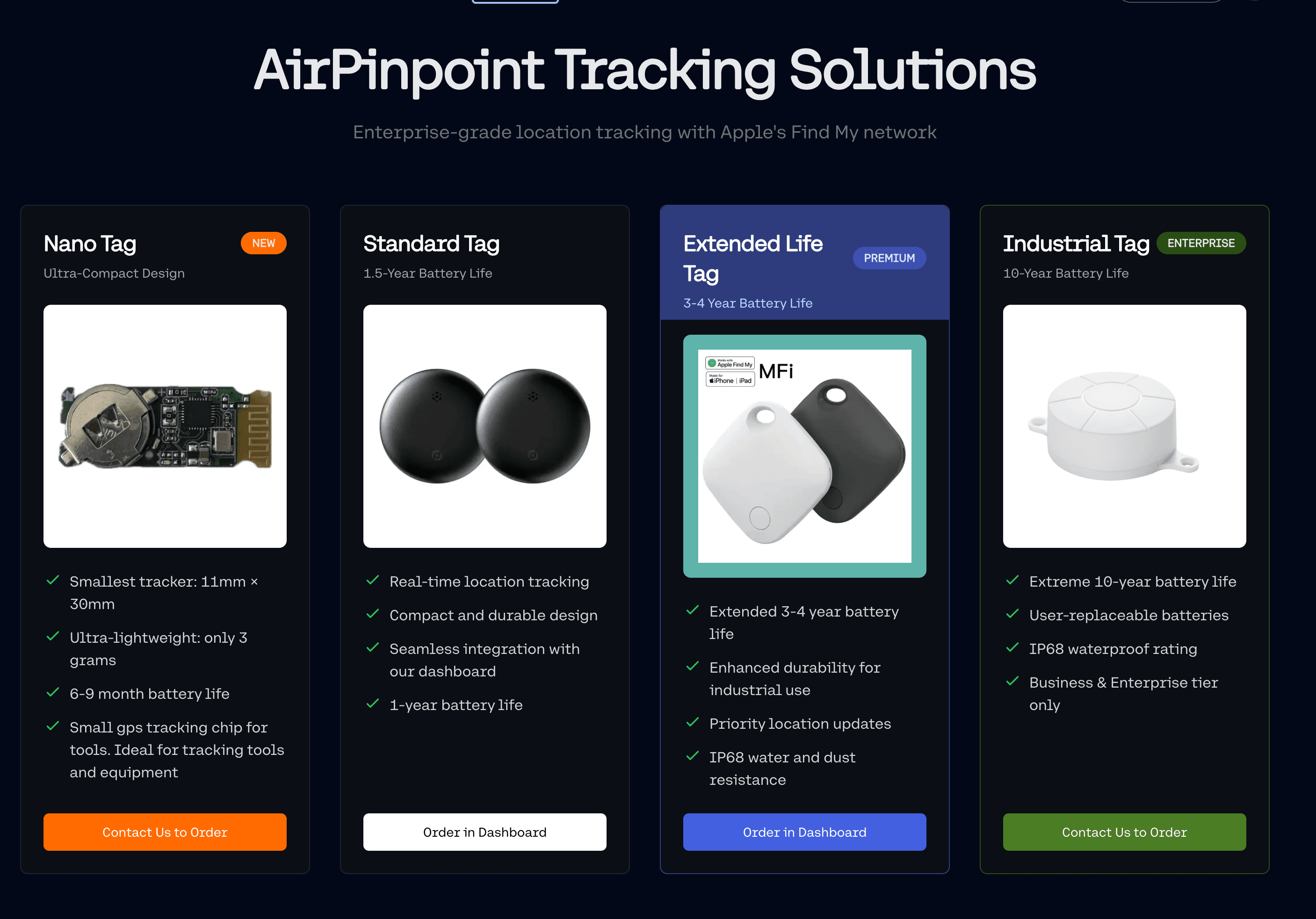
For most fleets the split is simple: put a Find My tag on the 80 to 90 percent of equipment that lives on populated sites, yards, and city job sites, and reserve a cellular GPS unit for the few assets that work in genuinely remote terrain with no passing phones. A Find My tag runs on a user-replaceable CR2032 coin cell that Apple rates for over a year, with no subscription ever. A cellular unit's "3 to 5 year battery" only holds if it checks in rarely: Samsara's unpowered asset gateway defaults to just 2 check-ins a day to earn that number.
One security note the spec sheets skip: a $25 to $50 GPS jammer that plugs into a cigarette lighter creates a 10 to 50 meter dead zone that silences a cellular GPS tracker completely. It cannot block a Find My tag, because the tag is not transmitting GPS or cellular; nearby iPhones are doing the detection on their own radios. For a stolen asset, that is the difference between a tracker a thief can mute and one they cannot.
Layer 2: The Network (How Location Gets Back to You)
The tag is only as good as the network that carries its position.
- Apple Find My is a crowdsourced mesh of over a billion active Apple devices. Each one anonymously relays any tag it detects, which is why a Find My tag needs no SIM. The cost is that it only reports when an Apple device comes within roughly 30 feet, so update cadence tracks foot traffic: every minute or two in a busy yard, every few hours on a dead-quiet rural site.
- Cellular (LTE) gives continuous reporting anywhere there is a signal, at the price of a data plan on every single unit and a battery that drains fast at high report rates.
- BLE gateways work well inside a fixed footprint (a warehouse, a fenced yard) but turn every location into a choke-point event ("passed the gate at 4:02pm") rather than a live position, and you pay to install and power the readers.
Layer 3: The Software (Turning Pings Into Action)
This is the layer that makes it a system instead of a pile of tags. The software should do four things:
- One dashboard for every tag. Apple's own Find My app caps at 32 items on a single Apple ID and cannot share tracking across a crew, which breaks the day a business tags its 33rd asset. Airpinpoint shards across managed Apple IDs into one login, so a business tracks hundreds or thousands of tags under a single view with per-role access for the yard, the shop, and the office.
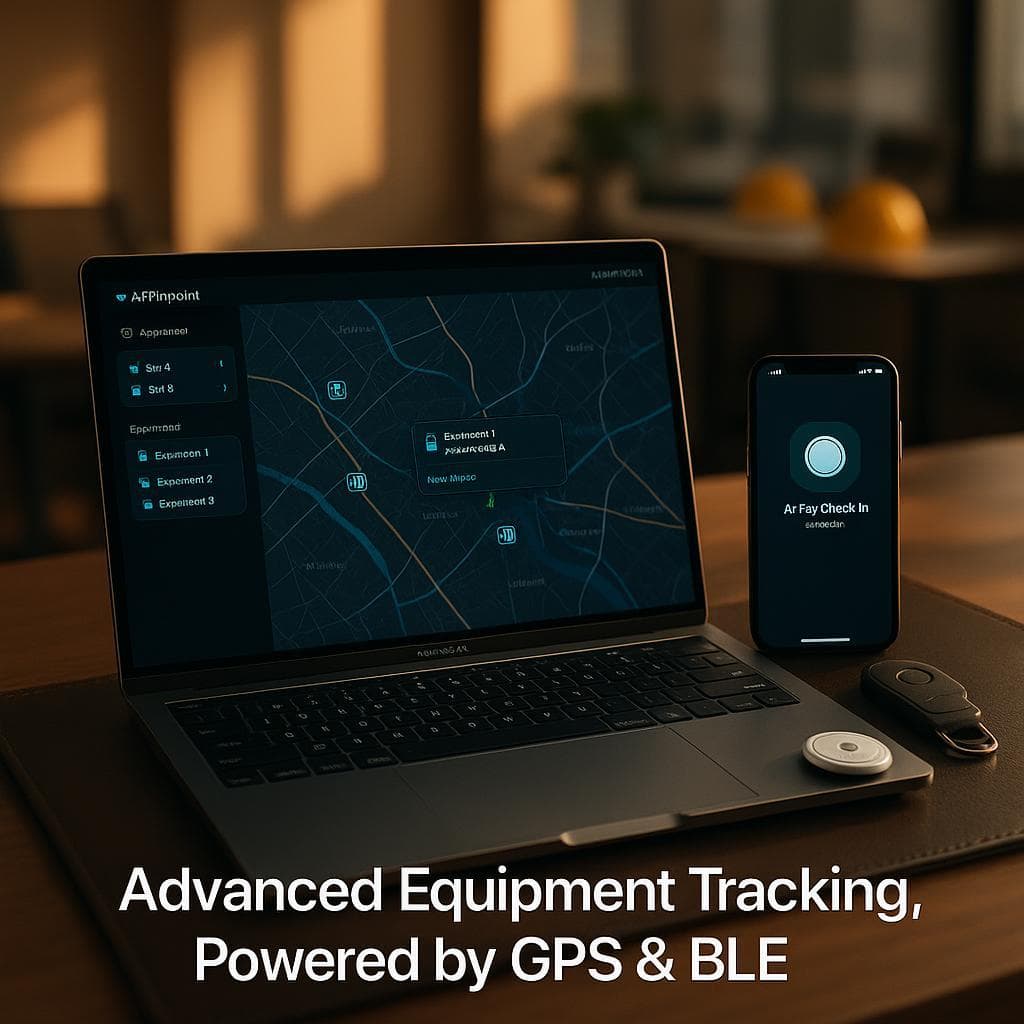
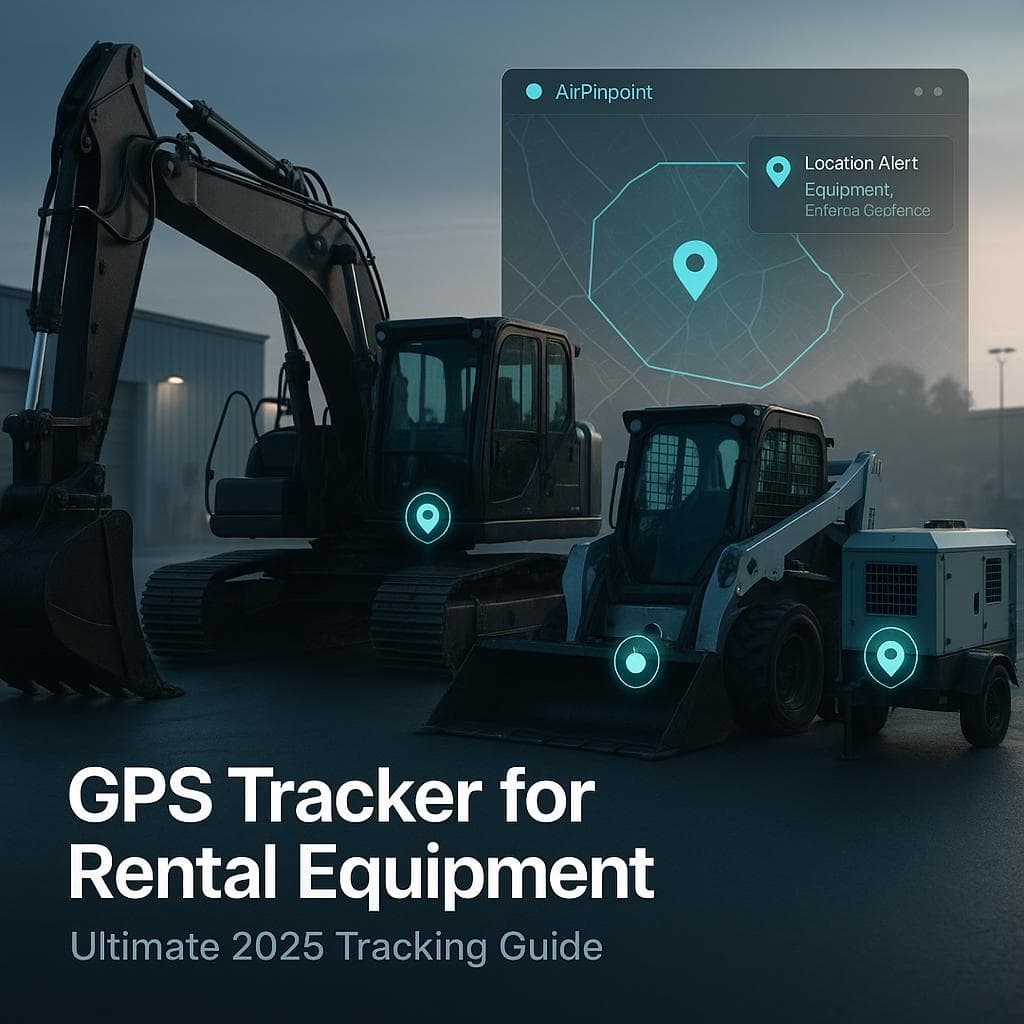
- Geofence alerts. Draw a polygon around each yard and job site. Airpinpoint runs PostGIS geofences and fires an email or a webhook once seven consecutive reports agree a tagged asset is outside the boundary, so an after-hours move hits your dispatch system inside the hour instead of showing up on a Monday count.
- Location history per asset. Not just where a machine is now, but where it has been, so you can prove utilization and reconstruct a theft.
- An API. Push location and geofence events straight into your ERP, maintenance platform, or dispatch board.
Across the 5,900-plus business tags Airpinpoint manages, the fetch pipeline pulls thousands of Find My locations an hour through a residential-proxy fetch, so the dashboard stays current without anyone scanning anything.
How to Mount a Tag on Steel Equipment
This is where most DIY equipment tracking quietly fails. A Find My tag broadcasts over Bluetooth at roughly 30 to 100 feet in open air, and a solid metal enclosure blocks that signal almost entirely. Bury a tag inside a sealed steel toolbox or a welded cab cavity and it only reports when a relay phone is nearly touching it.
The fix is placement, not a stronger tag:
- Mount the tag near a vent, gap, seam, or non-metal panel rather than sealed inside a steel cavity. Crews running 3D-printed PETG mounts with neodymium magnets on skid steers and excavators report the best detection comes from an exposed edge, not a hidden steel pocket.
- Keep it exposed to open air on at least one side. Direct contact with a large metal surface creates a partial Faraday-cage effect that shortens close-range detection.
- For a bait setup, pair a visible decoy tracker with a hidden Find My tag, so a thief who finds and kills the obvious one leaves the real one reporting.
Temperature matters too. An AirTag is rated to operate from -4F to 140F (-20C to 60C) and is IP67 rated for rain and dust (submersion to 1 meter for 30 minutes), which covers most outdoor equipment. But a CR2032 loses 15 to 20 percent of its capacity around -20C, and below roughly -17C its voltage can droop under the shutdown threshold during a radio pulse, so a tag on equipment parked outside through a hard freeze may go quiet until it warms. For cold-chain or winter-storage assets, plan a battery swap schedule or use a cellular unit rated for the cold.
What It Costs to Build
For a 50-machine yard, the two paths diverge sharply over three years:
- Find My system: about $29 per tag once, plus $11.99 per tag per month for the Airpinpoint dashboard with geofencing, history, and API. No SIM, no contract, battery swaps about once a year on a $1 coin cell.
- Cellular GPS system: $99 to $148 per unit in hardware, plus $27 to $60 per asset per month, typically locked to a 3-year term. Samsara's standard early-termination penalty is the full remaining balance, so a fleet that exits after year one still owes for the unused two years.
Most operators build a hybrid: Find My on everything that lives where people are, cellular on the handful of assets that work in the middle of nowhere. That covers the whole fleet without paying a cell line on gear that never leaves a populated site.
Build It in Five Steps
- Inventory your assets and sort them into "lives on populated sites" (Find My) and "works in remote terrain" (cellular).
- Tag each asset, mounting the tag near a vent or non-metal surface, never sealed in steel.
- Register every tag in one dashboard so you are not fighting Apple's 32-item limit.
- Draw geofences around every yard and active site, and wire the webhook into your dispatch or ERP.
- Set a battery cadence (CR2032 swaps roughly yearly, sooner for cold sites) so no asset goes dark unnoticed.
For the physical tags and mounts, see equipment tracking tags. For the platform comparison, see best equipment tracking software. For rental-specific setups, see rental equipment tracking.
 Our Solution