AirTags vs Cheqroom: Knowing Who Has It vs Knowing Where It Is
Cheqroom is well-built check-out software. Film crews, university AV labs, broadcast teams, and corporate IT use it to book shared gear, scan it in and out, and keep a clean custody chain. It rates 4.4 out of 5 on G2 and 4.6 on Capterra across 128 reviews. For accountability over expensive, shared equipment, it does the job.
It tells you who has an item. It does not tell you where the item is.
Those sound like the same thing until a scan record goes stale. The moment gear gets borrowed without a scan, handed off between crew, or simply never checked back in, Cheqroom shows the last scan, which can be days or weeks old. The app says "checked out to the Tuesday shoot." The case is actually in a production van across town.
Airpinpoint tracks the other half. Attach a beacon, and the item's position updates automatically through Apple's Find My network, which spans over a billion devices worldwide. No scan, no check-in, no honor system.
What Each Tool Actually Does
These are not competitors. They answer two different questions about the same gear.
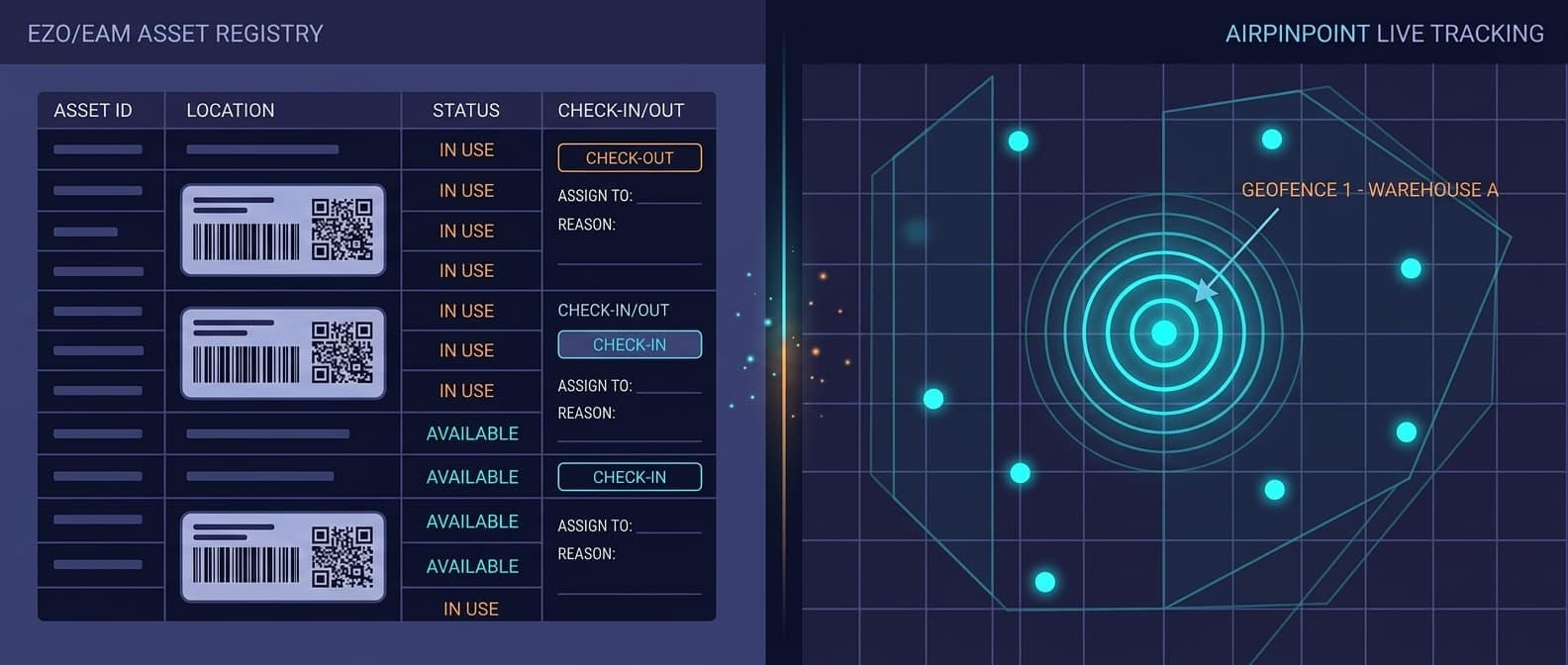
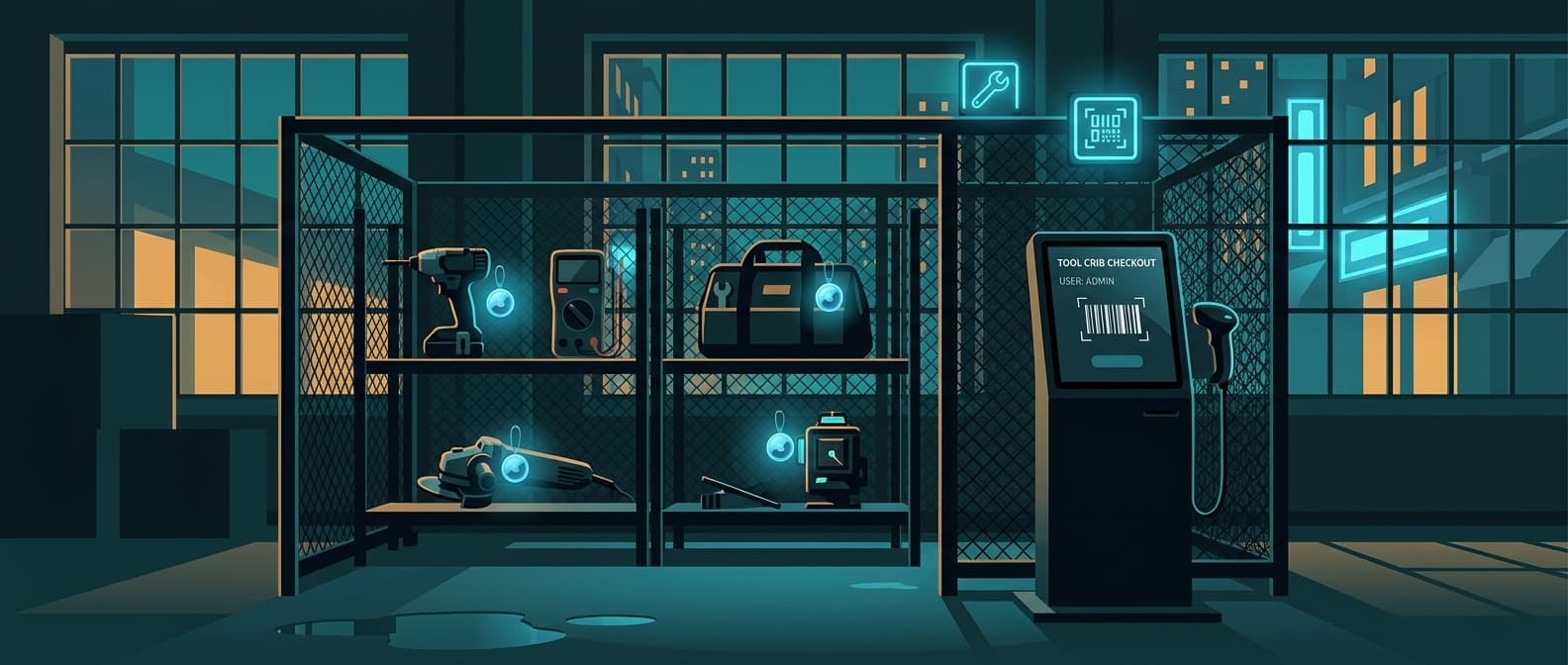
Cheqroom is equipment check-out and reservation software. It answers: who booked this, who signed it out, when is it due back, is it reserved for a conflicting shoot, who is responsible if it comes back broken. It runs on QR, barcode, and RFID labels that a person scans, plus a booking calendar and digital loan agreements.
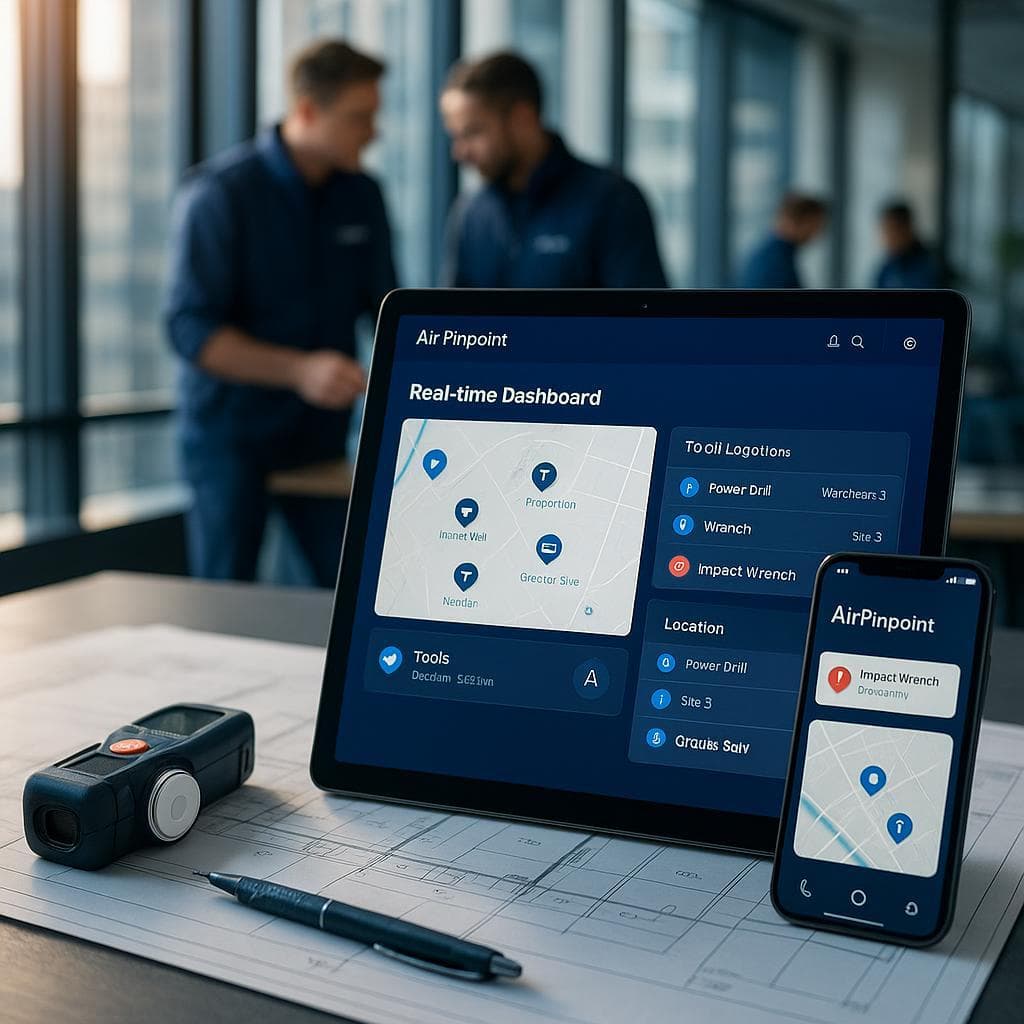
Airpinpoint is a location tracking platform. It answers: where is this item right now, where has it been, did it leave the building, did it move after hours. It is a live map with alerts, history, and reporting, with no human in the loop.
Head-to-Head Comparison
| Feature | Cheqroom | Airpinpoint |
|---|---|---|
| Primary function | Equipment check-out, booking, custody | Real-time location tracking |
| Price | $184-$367/admin/mo (annual), unlimited items | $11.99/device/mo |
| Location tracking | Custody and last-scanned only | Automatic via Apple Find My network |
| Live map | No (last-scan location, not live) | Yes, with location history |
| Updates without a scan | No, requires a manual scan | Yes, automatic |
| Reservations / booking | Yes, with conflict prevention | No |
| Custody / who-has-what | Yes, with digital loan agreements | No |
| QR / barcode / RFID labels | Yes | Not required |
| Geofence alerts | No | Yes, polygon-based with custom schedules |
| After-hours movement alerts | No | Yes |
| Mobile app | Yes (works offline) | Web app (any browser, any device) |
| Hardware required | Printed labels | BLE beacons ($12-25 each) |
| Location history | Scan history only | Full continuous movement history |
Where Cheqroom Excels
Cheqroom is a focused, polished product for the job it was built for: keeping shared gear accountable.
Reservations and Booking
The scheduling layer prevents two crews from booking the same camera for the same day. Self-service reservations, permission rules, and conflict checks make it genuinely useful for a busy equipment room. This is where Cheqroom is stronger than a generic asset database.
A Clean Custody Chain
Every check-out records who took the item, when, and when it is due back. Digital loan agreements get signed on a phone. When something comes back damaged, there is a clear record of who had it. For high-turnover gear shared across many people, that accountability is the whole point.
Fast Labeling and Scanning
QR, barcode, and RFID labels make check-out quick. Scan, assign, done. The mobile app works offline, which matters in basements, trucks, and field locations where signal drops.
Unlimited Users and Items
Pricing is per admin, not per item or per regular user. A university lab can label thousands of items and let hundreds of students check them out without the bill scaling on item count. For large catalogs of lower-value gear, that pricing model is friendly.
Where Cheqroom Falls Short
The gaps appear the instant the scan record and reality drift apart.
Location Is Only as Fresh as the Last Scan
Cheqroom knows where an item was when it was last scanned. It does not know where the item is now. Between scans, the position is a guess. Gear that gets handed off informally, left on a truck, or carried home shows up as wherever it was last seen, which is exactly the moment you most need the real answer.
Nothing Updates on Its Own
Every location data point in Cheqroom requires a human to scan a label. Skip the scan, and the record freezes. In a busy equipment room, the missed scans are not the exception, they are the daily reality. The honor system is the tracking system.
No Geofencing or Movement Detection
Cheqroom cannot tell you when a case leaves the building, when a kit moves after hours, or when something walks off a set. There is no boundary alert and no movement notification, because the platform only knows what the last scan told it.
Cost Scales With Admins and Locations
At $275/admin/month (Business, annual), each location and each admin seat adds real cost. The per-admin model is generous on item count but can get expensive for organizations with many sites and many people who need full management access.
Where Airpinpoint Fills the Gap
Location Without a Scan
Airpinpoint beacons broadcast on Apple's Find My network. Any iPhone, iPad, or Mac in Bluetooth range relays a beacon's position back to Airpinpoint. The position updates whether or not anyone scanned, checked in, or remembered the loan agreement. The dashboard shows every tagged item on a live map with a real timestamp.
Geofence Alerts
Draw a polygon around your equipment room, studio, or campus. If a tracked item crosses that boundary, you get an alert. Add schedules so you only hear about after-hours movement. This is the layer that catches the case walking out the door, not the one that already left last week.
Location History
Every update is stored. Pull up any item and see where it has actually been, not just where it was scanned. That answers the questions a custody log cannot: where did this kit spend the weekend, did it ever leave the building, where is it right now.
Hardware That Disappears
Airpinpoint's custom NRF52810 beacons run a 7-year battery on a continuous 5-second advertising interval. Drop one in a camera case or pelican and forget it. No labels to re-scan, no batteries to swap, no dependence on anyone remembering to check the gear back in.
The Real Decision: Custody vs. Location
This is not either/or. It is a question of which problem hurts more, and whether you need both.
You need Cheqroom (or a check-out tool like it) when:
- Many people share a catalog of gear and you need a booking system
- Accountability for who signed out what is the priority
- You run reservations and need conflict prevention
- Digital loan agreements and a clean custody chain matter
- Most of your gear stays in one place and gets scanned reliably
You need Airpinpoint when:
- Gear goes missing between scans and you need to find it now
- Equipment moves across sites, vehicles, and job locations
- Theft or unauthorized after-hours movement is a risk
- The scan record consistently lags behind where things actually are
- You need to recover a high-value item, not just see who was supposed to have it
You need both when:
- Cheqroom tells you who has an item but you still cannot find it
- High-value cases need a custody chain and a live location
- Missed scans regularly leave your records out of sync with reality
Cost Comparison
Cheqroom (Business, 2 admins, up to 3 locations)
- Per admin: $275/admin/mo (annual)
- Monthly: $550/mo
- Annual: $6,600/year
- Items and regular users: unlimited
Airpinpoint (50 high-value items)
- Hardware: 50 beacons at $12-25 each = $600-1,250 (one-time)
- Subscription: $11.99/device/mo = $599.50/mo
- Annual: $7,194 + hardware
Both Together
- Cheqroom Business: $550/mo
- Airpinpoint (50 tagged items): $599.50/mo
- Total: roughly $1,150/mo for full custody management plus real-time location on your highest-value gear
The two scale on different axes. Cheqroom grows with admin seats and locations, and lets you label unlimited items cheaply. Airpinpoint grows with the number of items you tag. The practical move is to catalog everything in Cheqroom and put beacons only on the gear you cannot afford to lose.
Migration Path
If you run Cheqroom today and want real location, nothing in your Cheqroom setup changes.
- Keep Cheqroom for reservations, check-out, custody, and loan agreements
- Sign up for Airpinpoint at airpinpoint.com
- Order beacons for your highest-value or most-frequently-lost gear
- Drop a beacon in each case, pelican, or kit before it ships out
- Use Airpinpoint to find the items whose Cheqroom scan record has gone stale
Start with the gear that causes the most "the app says it is checked out but nobody knows where it is" incidents, then expand. No changes to your Cheqroom catalog, no data migration, no downtime.
The Bottom Line
Cheqroom is good booking and custody software. The reservations, the loan agreements, and the unlimited-item pricing make it a strong fit for equipment rooms with big catalogs and many borrowers.
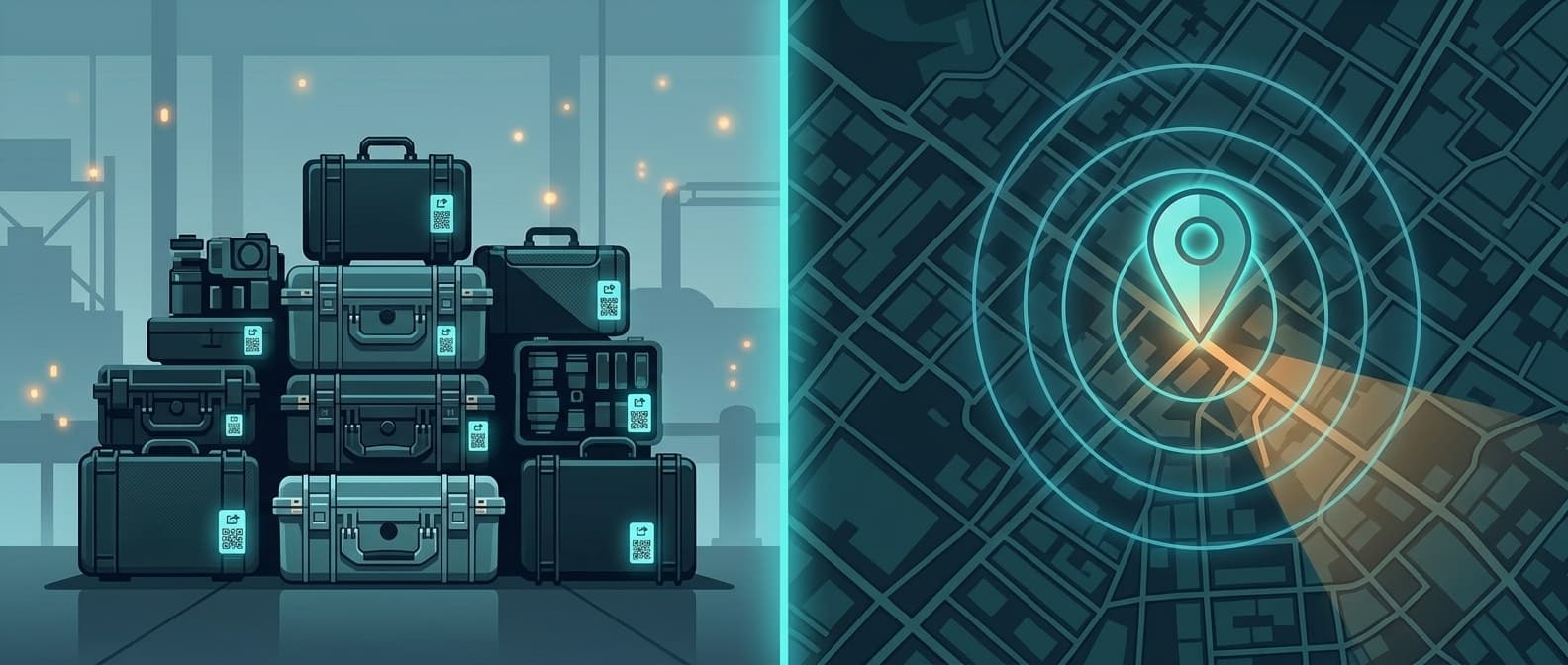
But custody is not location. Cheqroom knows a camera was checked out to a crew on Tuesday and is due back Friday. It does not know the camera is currently in a van on the other side of the city because it never got scanned back in. A scan tells you where something was. It cannot tell you where it is.
One tool keeps your gear accountable. The other finds it when the paperwork and reality disagree. For teams whose equipment actually moves, a check-out system without a live location layer answers half the question.

 Our Solution