AirTags vs EZO / EZOfficeInventory: When Your Asset Database Needs a Location Layer
EZO (formerly EZOfficeInventory) has 4.6 stars across 1,543 reviews. It is genuinely good at what it does. That is not the problem.
The problem is that EZO knows your assets exist. It doesn't know where they are.
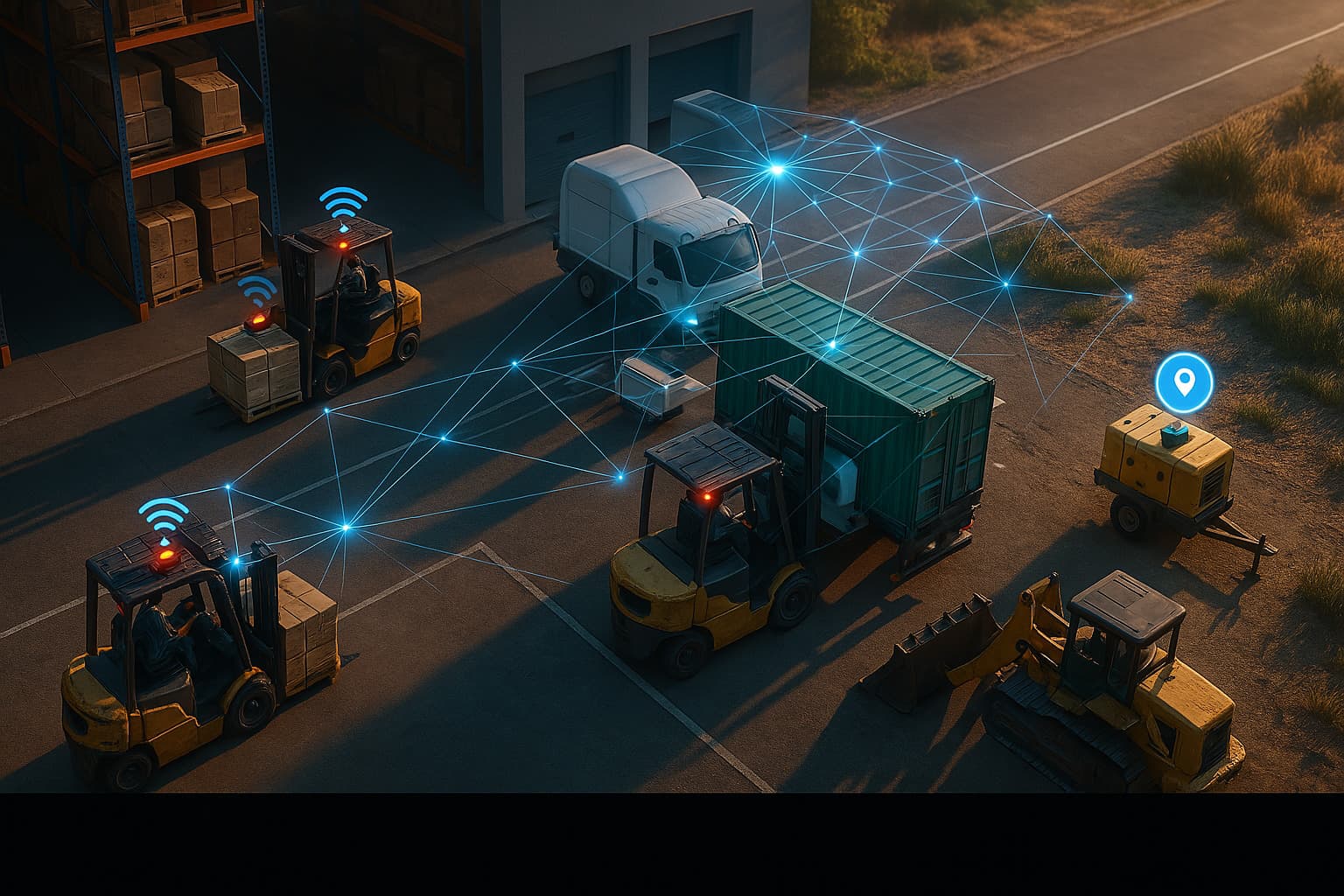
That gap shows up when your $12,000 scissor lift is not at the job site where EZO says it was checked out. EZO will tell you it was assigned to Site B on Monday, serviced in March, and has a warranty through 2028. It will not tell you it is currently sitting in a parking lot six miles away because the crew changed sites and nobody updated the system.
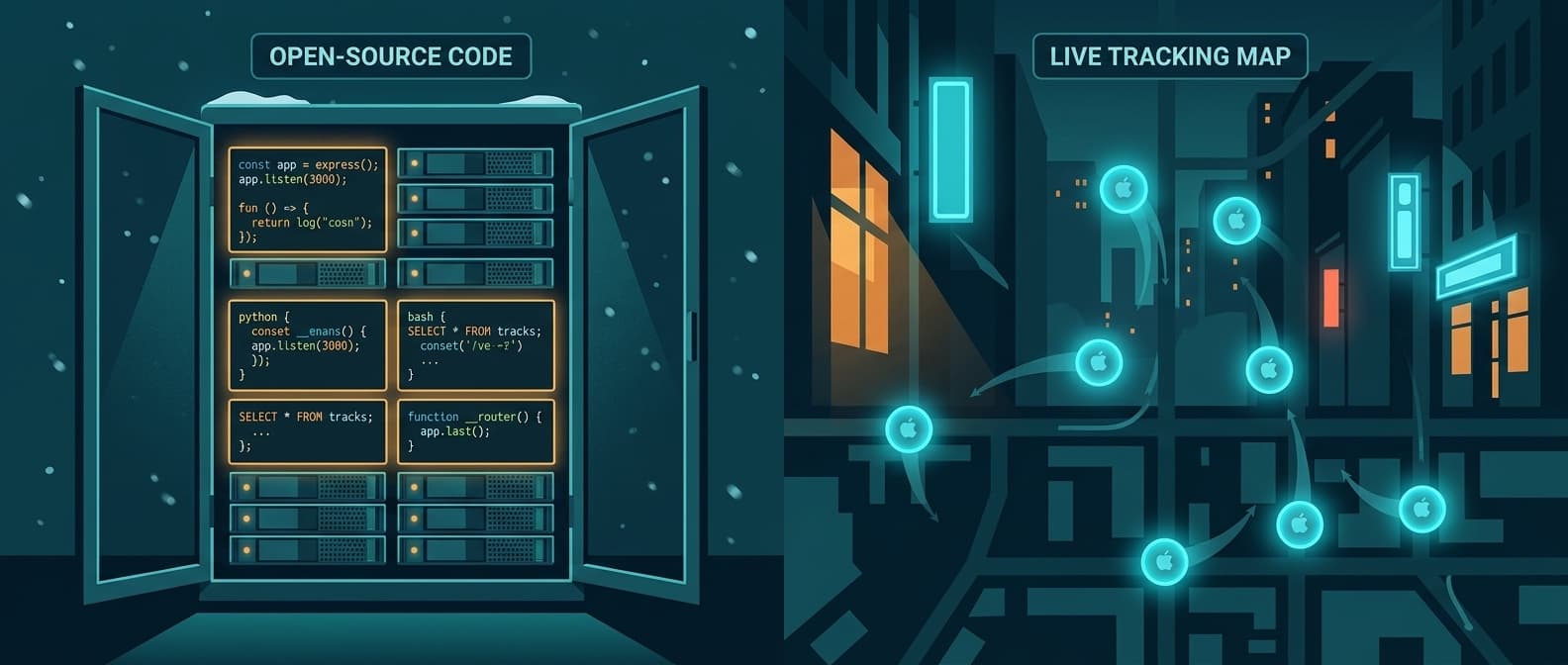
Airpinpoint solves the location half. Attach a beacon, and the asset's position updates automatically through Apple's Find My network. No scan, no check-in, no "last known location: Site B."
What Each Tool Actually Does
These are not competitors. They solve different problems that happen to involve the same noun: "assets."
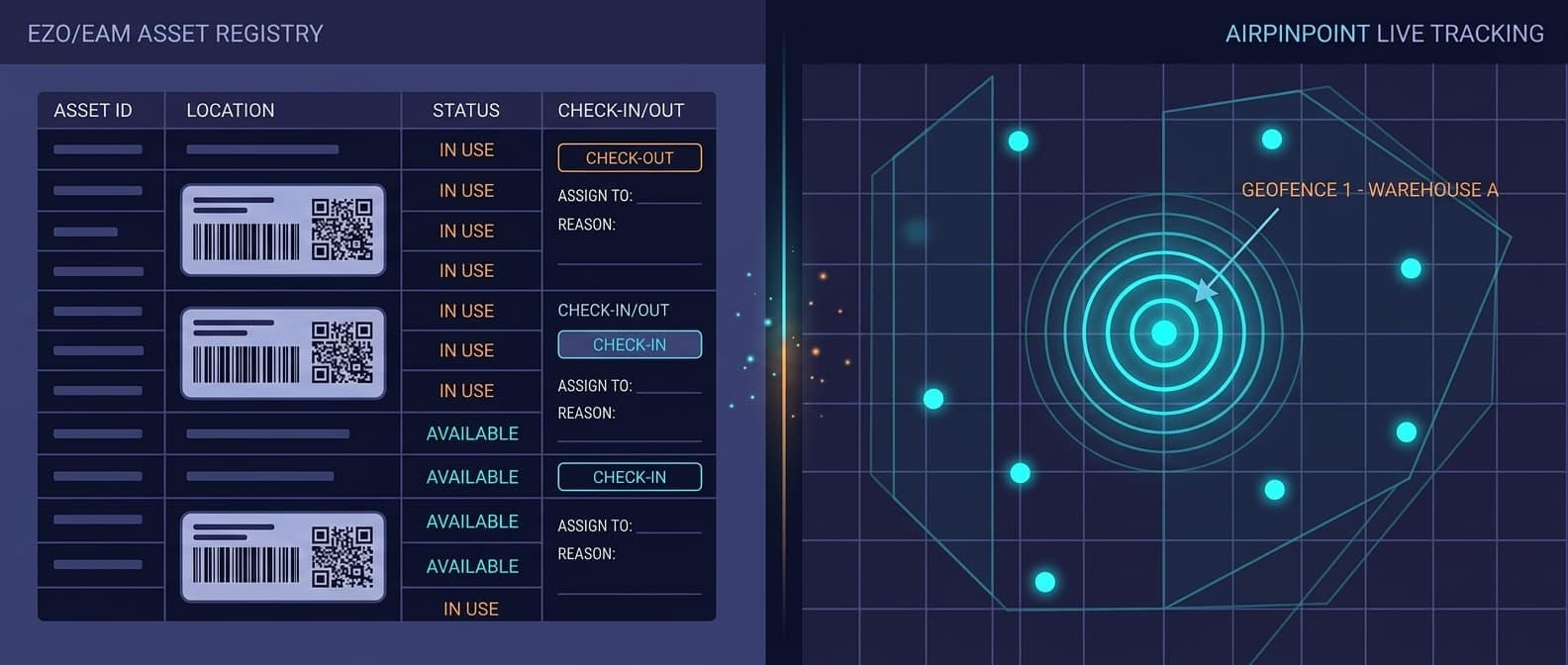
EZO / EZOfficeInventory is an enterprise asset management platform. It answers: what do we own, who has it, when was it purchased, what maintenance is scheduled, when does the warranty expire. It is a database with good workflows, barcode/QR/RFID scanning, check-in/check-out with audit trails, depreciation tracking, and purchase order management.
Airpinpoint is a location tracking platform. It answers: where is this asset right now, where has it been, did it leave the geofence, did it move after hours. It is a live map with alerts, history, and a REST API.
Head-to-Head Comparison
| Feature | EZO / EZOfficeInventory | Airpinpoint |
|---|---|---|
| Primary function | EAM/CMMS: asset lifecycle and maintenance management | Real-time passive location tracking |
| Price | $48-65/mo for 100-30,000 items (unlimited users) | $11.99/device/mo |
| Location tracking | Scan-based (user must scan to record location) | Automatic via Apple Find My network |
| Live map | Map view of last-scanned locations | Yes, continuous live map with history |
| Geofence alerts | No | Yes, polygon-based with custom schedules |
| Check-in/check-out | Yes, with audit trail and custody tracking | No (not a registry) |
| Barcode/QR/RFID scanning | Yes, built-in with mobile app | No (uses BLE beacons instead) |
| Maintenance scheduling | Yes, with service history | No |
| Depreciation tracking | Yes | No |
| Purchase orders | Yes | No |
| Custom fields | Yes, extensive | Tags and notes |
| API | REST API | REST API + Zapier |
| Mobile app | Yes, iOS and Android | Web app (works on any device) |
| Hardware required | None (software only) | BLE beacons ($12-25 each) |
| User management | Unlimited users on all plans, role-based access | Team invites, role-based access |
| Passive background updates | No, requires user action | Yes, every hour via Find My network |
Where EZO Excels
EZO is genuinely strong at structured enterprise asset management. 4.6/5 stars from 1,543 verified reviews, with consistent praise for customization and workflow flexibility.
Full EAM Lifecycle
EZO tracks assets from procurement through disposal. Every event is logged: who checked out what, when, and whether it came back. Maintenance schedules, service history, warranty tracking, and depreciation calculations are all first-class features. For operations with compliance requirements, this audit trail is essential.
Barcode, QR, and RFID Workflows
EZO supports barcode and QR labels out of the box, with RFID integration available on higher tiers. Scanning with the mobile app records custody and location in a single step. For environments where staff already carry phones and check assets in/out at defined points, this workflow is smooth and low-friction.
Flat-Rate Pricing at Scale
EZO prices by item count, not per user. Essential at $48/mo covers 100 items with unlimited users. Advanced at $58/mo handles up to 15,000 stock units. Premium at $65/mo covers 30,000 stock units. For organizations with large teams and moderate asset counts, the cost per user approaches zero as you add staff.
Maintenance and CMMS Features
Service scheduling, preventive maintenance calendars, work order management, and purchase order tracking are built in. For facilities, construction, and manufacturing where equipment service histories matter, these features set EZO apart from simpler inventory tools.
Where EZO Falls Short
The limitations are specific, not general. EZO does not track location passively, and that missing layer is the one that costs money.
Location Is Only as Good as the Last Scan
EZO's location management records where an asset was when someone last scanned it. Between scans, EZO has no idea where the asset is. In fast-moving environments, construction sites, field services, and multi-site operations, the last scan can be hours or days out of date. EZO's "map view" shows last-scanned locations, not current positions.
No Passive Monitoring
There is no background process updating location. If an asset moves, EZO does not know until a user physically scans it again. This means you cannot get an alert when a generator leaves a site at 2 AM, because no one scanned it at 2 AM.
No Geofencing
EZO has no geofence capability. You cannot define a boundary around a job site and get notified when assets cross it. Theft detection, after-hours movement, and site-based compliance monitoring are all outside what EZO can do.
GPS Integration Requires Additional Hardware and Setup
EZO's Construction+ plan mentions telematics integration, and EZOfficeInventory can ingest GPS coordinates via third-party API integrations. But this requires external GPS hardware, integration setup, and ongoing coordination. It is not a plug-and-play passive location layer.
Where Airpinpoint Fills the Gap
Automatic Location Without Scanning
Airpinpoint beacons broadcast on Apple's Find My network. Any of the billion-plus active Apple devices in the world can relay a beacon's position without any user interaction. Location updates happen hourly in the background and on-demand when you open the map. No scan, no check-in, no human involvement required.
Geofence Alerts
Draw a polygon around any site, building, or parking area. When a tracked asset enters or exits that boundary, you get an alert. Set schedules to catch only after-hours movement, or monitor continuously. This is the theft-prevention and accountability layer that a database cannot provide.
Location History
Every position update is stored. Pull up any beacon and see exactly where it traveled over the past week or month. This data resolves disputes, supports insurance claims, and answers utilization questions that EZO's audit log cannot: not just who had it, but where it physically went.
Hardware That Runs for Years
Airpinpoint's custom NRF52810 beacons have a 7-year battery life. Attach one to an asset and it reports position for the life of the equipment. No barcode sticker to scratch off, no QR code to fade in the sun, no manual scan required every time the asset moves.
The Real Decision: Registry vs. Location
This is not an either/or for most organizations. EZO and Airpinpoint solve different problems.
Use EZO when:
- You need check-in/check-out audit trails and custody records
- Maintenance scheduling, warranty tracking, and service history matter
- Depreciation and purchase order management are required
- Your team already scans assets at defined handoff points
- Unlimited users across flat-rate pricing is a budget advantage
Use Airpinpoint when:
- Assets move between locations and you need continuous position, not last-scan data
- Theft, unauthorized movement, or after-hours activity is a risk
- Multiple crews share equipment across sites with no consistent scan points
- You need location history for insurance, utilization analysis, or dispute resolution
- Manual update workflows cannot keep pace with operational speed
Use both when:
- EZO is already handling lifecycle management but location between scans is a blind spot
- You want custody records in EZO and continuous spatial data in Airpinpoint
- Compliance requires both structured audit trails and physical location documentation
Cost Comparison
EZO (100 items)
- Essential: $48/mo (100 items, unlimited users)
- Advanced: $58/mo (up to 15,000 stock units)
- Premium: $65/mo (up to 30,000 stock units)
- Construction+/Enterprise: Custom pricing with telematics integration
Airpinpoint (100 assets)
- Hardware: 100 beacons at $12-25 each = $1,200-2,500 (one-time)
- Subscription: $11.99/device/mo = $1,199/mo
- Annual cost: ~$14,388 + hardware
Both Together (100 assets)
- EZO Essential: $48/mo
- Airpinpoint: $1,199/mo
- Total: ~$1,247/mo for full lifecycle management plus real-time location
The math looks imbalanced until you price one recovered asset. A $15,000 piece of equipment recovered because Airpinpoint's geofence fired at 11 PM pays for multiple years of subscription.
Migration Path
If you are running EZO today and want to add continuous location tracking, nothing needs to change in EZO.
- Keep EZO for check-in/check-out, maintenance scheduling, and lifecycle records
- Sign up for Airpinpoint at airpinpoint.com
- Order beacons for high-value and high-mobility assets first
- Attach beacons to equipment that moves between sites, is shared across crews, or is at theft risk
- Use Airpinpoint's API to push current location coordinates into EZO's custom location fields if you want a single pane of glass
Start with 10-20 beacons on your most critical assets. No changes to EZO workflows, no retraining staff on check-in/check-out procedures.
The Bottom Line
EZO is a strong cloud EAM. For asset lifecycle management, maintenance workflows, barcode/RFID check-in/check-out, and compliance audit trails, it is hard to fault. The 4.6 rating from 1,543 reviews reflects a product that genuinely does what it promises.
What it promises is not a location layer.
EZO knows your excavator exists, costs $180,000, was last serviced in April, and was checked out to Crew C on Monday. Airpinpoint knows it is currently at 33.9425 N, 118.4081 W, arrived there at 6:22 AM, and left the geofenced job site at 9:47 PM on Tuesday.
One tool manages your asset database. The other knows where your assets actually are. Companies that outgrow EZO's location capabilities don't need to replace EZO. They need to add the passive location layer it was never built to provide.

 Our Solution