AirTags vs ShareMyToolbox: Construction Tool Tracking Comparison 2025
Understanding the Difference
This comparison highlights two different approaches to the tool tracking problem:
ShareMyToolbox is a mobile-first tool accountability app. It tracks who has a tool and when they checked it out. GPS location is captured only at the moment of scanning. The app explicitly states it's "NOT attempting to track where a tool is at every moment." The focus is chain of custody and preventing disputes.
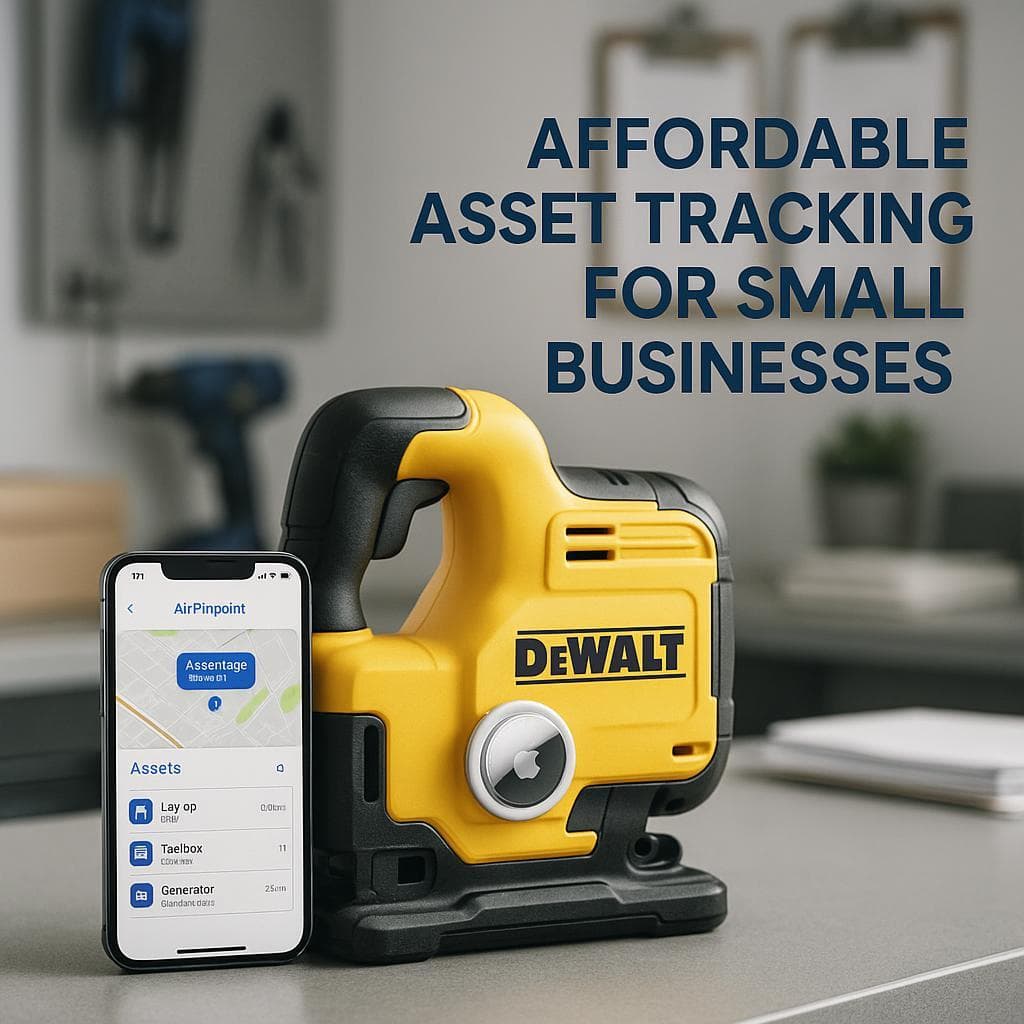
Apple AirTags are automatic location trackers. Attach one to a tool, and it continuously reports location via Apple's Find My network. No scanning required, no checkout procedures, just location.
These solve related but different problems. ShareMyToolbox answers "who has it?" AirTags answer "where is it?" Understanding this distinction is key.
Company Background
| Fact | Detail |
|---|---|
| Founded | 2015 |
| Headquarters | Matthews, North Carolina |
| Founder | Chuck Elyea (late), former CFO of a general contractor |
| CEO | Chris Wirtz (Co-Founder) |
| Origin | Viewpoint Construction Software's Business Incubator |
| Employees | 1-10 |
| Revenue | $1-5M estimated |
| Recognition | 2025 Top Tech (Construction Executive), Best App 2024 (Northern Digital Awards) |
ShareMyToolbox was born from Chuck Elyea's belief that "a solution for tracking small tools didn't have to be complicated." The company was developed inside Viewpoint Construction Software's innovation lab before Elyea purchased it in 2015. The platform has since won recognition for its user-focused simplicity.
How Each System Works
ShareMyToolbox
- Setup: Add tools to inventory with descriptions, costs, serial numbers
- Label: Attach barcodes or QR codes to tools
- Scan to transfer: Worker scans tool to check out or transfer
- GPS captured: Phone's location recorded at moment of scan
- Track accountability: See who has each tool and when they got it
Result: Complete chain of custody with location data at scan points
AirTags
- Purchase: Buy AirTags ($29 each)
- Attach: Secure to tools
- Track: Location updates automatically via Find My network
Result: Current location without scanning or checkout procedures
Pricing Comparison
ShareMyToolbox Costs
| Plan | Cost | Features |
|---|---|---|
| Free | $0 | 3 employees, 10 virtual connections, email support |
| Business | $80/month + $10/user | Robust features, reporting, phone/web/email support |
| Enterprise | Custom | Advanced features, dedicated support |
Key considerations:
- Month-to-month, no contract
- 14-day free trial (no credit card)
- Users added in blocks of 5
- No expensive hardware required
- Barcode labels are inexpensive (~$0.10-0.50 each)
AirTags + Airpinpoint Costs
| Component | Cost |
|---|---|
| AirTags | $29 each (one-time) |
| Checkout procedures | None required |
| Platform | ~$100-200/month total |
| Per-Asset Monthly | ~$2-4/asset |
50-Tool Comparison (1 Year)
ShareMyToolbox Business (10 users):
- Platform: $80 + (10 × $10) = $180/month × 12 = $2,160
- Labels: ~$50
- Training: Minimal
- Total: ~$2,210/year
- Location tracking: At scan time only
AirTags + Airpinpoint:
- Hardware: 50 × $29 = $1,450
- Platform: $150 × 12 = $1,800
- Total: ~$3,250/year (but includes hardware)
- Location tracking: Continuous, automatic
Year 2+ comparison: ShareMyToolbox continues at ~$2,160/year while AirTags drop to ~$1,800/year (no new hardware cost).
What ShareMyToolbox Does Well
Simple, Intuitive Design
ShareMyToolbox won Best App of 2024 specifically for user-focused simplicity:
- Mobile-first: Designed for phones, not desktops
- Minimal learning curve: Users report their "55yr old motor tech (who still has a flip phone)" mastered it quickly
- Phone camera scanning: No expensive barcode scanner needed
- Clean interface: Non-technical users work with it daily without issues
Tool Accountability Excellence
The core value proposition is knowing who has what:
- Complete checkout history: Every transfer logged with timestamp
- Chain of custody: Clear record for disputes
- Assigned responsibility: Each tool has an accountable person
- Audit capability: Conduct tool counts and reconciliation
- Prevents finger-pointing: Clear records end "I never had it" arguments
GPS at Scan Points
While not continuous tracking, ShareMyToolbox captures location intelligently:
- Scan location recorded: GPS captured when tool is scanned
- Map visualization: See where tool was last scanned
- Up to 20 location history points: Track movement patterns
- Person + tool + time + place: Complete context at each scan
Responsive Customer Support
Users consistently praise support quality:
- "They pick up every time I call"
- "No need to press 1 or chat with someone online"
- "They understand the urgency of the world we live in"
- Phone, web, and email support for paid plans
Affordable Entry Point
Compared to enterprise solutions:
- Free plan available for small teams
- No expensive hardware requirements
- No long-term contracts
- Flexible month-to-month billing
- Lower cost than ToolWatch, Hilti, or Milwaukee ecosystems
ShareMyToolbox Limitations
Not Real-Time Location Tracking
This is explicitly by design:
- "ShareMyToolbox is NOT attempting to track where a tool is at every moment"
- Location captured only when someone scans
- Between scans, tool could be anywhere
- If nobody scans, there's no location data
- "If you want geolocation or complex maintenance planning, this is not the solution"
For "where is this tool right now?", ShareMyToolbox depends on the last scan.
Limited Feature Set
ShareMyToolbox is intentionally simple:
- No maintenance scheduling
- No calibration tracking
- No job costing integration
- No ERP connections
- "Purpose built to address the basic critical aspects of tool management"
- "This is for companies that just want to track tool location and history, not asset management"
Desktop Experience
Users note:
- Mobile app is the primary experience
- "Difficult to use the computer version as it is harder to see all columns"
- Web portal functional but secondary to mobile
Requires Scanning Compliance
Like all scan-based systems:
- Workers must scan to transfer
- Skipped scans create data gaps
- Accountability depends on consistent use
- "Who has it" is only accurate if checkout was recorded
Feature Comparison
| Feature | ShareMyToolbox | Apple AirTags |
|---|---|---|
| Primary Purpose | Tool accountability | Location tracking |
| Location Method | GPS at scan time | Automatic (crowd-sourced) |
| Pricing Model | Free + $80/mo + $10/user | $29 one-time + platform |
| Checkout Tracking | Yes (core feature) | No |
| Chain of Custody | Yes | No |
| Real-Time Location | No | Yes |
| Scanning Required | Yes | No |
| Maintenance Tracking | No | No |
| Job Costing | Basic | No |
| Mobile App | Yes (primary interface) | Yes (Find My) |
| Learning Curve | Minimal | Minimal |
| Contract Required | No | No |
| Free Plan | Yes | No |
When to Choose Each Solution
Choose ShareMyToolbox When:
- Accountability is the priority: Knowing who has tools matters most
- Preventing disputes: Need clear chain of custody records
- Budget is tight: Free plan or low monthly cost works
- Team will scan consistently: Workers will follow checkout procedures
- Simple needs: Don't need maintenance tracking or job costing
- Basic location is enough: Knowing last scan location is sufficient
- Mobile-first workforce: Team uses phones, not desktops
Choose AirTags When:
- Finding tools is the priority: "Where is it?" is the main question
- Scanning won't happen: Workers won't consistently check out tools
- Tools go missing often: Need to actually locate missing equipment
- Real-time location needed: Can't wait for next scan to know location
- High-value equipment: Critical tools that can't disappear
- Mixed crew compliance: Some workers reliable, others not
- Field equipment: Tools that move frequently between sites
The Combined Approach
Many contractors optimize by using both:
Use ShareMyToolbox for:
- Tool checkout and accountability
- Preventing "I never had it" disputes
- Basic tool inventory management
- Low-cost tracking for general tools
- Chain of custody documentation
Use AirTags for:
- Actually finding tools when they go missing
- High-value equipment that can't disappear
- Tools used by less-compliant workers
- Backup tracking for critical assets
- Real-time location when ShareMyToolbox says "assigned to Dave" but Dave can't find it
This approach provides accountability (ShareMyToolbox) plus actual findability (AirTags).
ShareMyToolbox vs. Other Platforms
| Platform | Approach | Real-Time Location | Starting Price |
|---|---|---|---|
| ShareMyToolbox | Mobile checkout app | No (scan GPS only) | Free / $80+/month |
| ToolWatch | Enterprise asset management | GPS hardware optional | $2,520/year + implementation |
| Milwaukee ONE-KEY | Brand-specific | Bluetooth proximity | Free (Milwaukee only) |
| Hilti ON!Track | RFID + services | Scan-based | ~$10-100/asset/month |
| AirTags | Location tracking | Yes (automatic) | $29 one-time |
ShareMyToolbox occupies the affordable, simple end of the market, competing on ease of use and low cost rather than feature depth.
Our Recommendation
For small contractors needing accountability: ShareMyToolbox delivers excellent value. If your main problem is "who checked out this tool and when?", the app's simple design, responsive support, and affordable pricing make it a solid choice. The free plan lets you try before committing.
For contractors needing to find tools: ShareMyToolbox won't help between scans. Knowing a tool is "assigned to Dave" doesn't help when Dave says "I think I left it at the last job site." If finding tools is the priority, you need actual location tracking.
For most operations: Consider both. ShareMyToolbox is affordable enough to use for accountability, while AirTags on high-value equipment ensures you can actually find things when the checkout record doesn't help.
The key question: Do you need to know who has a tool, or where a tool is? ShareMyToolbox answers the first question well and affordably. AirTags answer the second question automatically. Together, they provide complete visibility at a reasonable combined cost.

 Our Solution