IT Asset Tracking: From Purchase to Disposal
IT asset tracking is the record of every laptop, monitor, phone, tablet and server a company owns, who holds each one, where it physically is, and what stage of its life it has reached. It runs on three layers. An asset register holds the record, device management software reports what the device is doing, and a tag on the hardware ties the record to a physical object you can find.
Key takeaway: Registers and MDM tell you what a device should be and what it last reported. Only a physical tag tells you where the hardware is when it is switched off, wiped, or sitting in a box. Tag at receiving, audit at every handoff, and track the devices that leave the building.
What Is IT Asset Tracking?
IT asset tracking answers four questions about every device. What is it, who has it, where is it, and is it still in service. The first two live in a register or ITSM tool. The third is where most programs break down, because the register records the location someone typed in on the day the device was issued.
Hardware drifts away from its record in predictable places. A new hire gets a laptop from a shelf that was never logged out. A remote employee leaves and the return box never ships. A loaner pool runs on a shared spreadsheet. Retired devices wait in a storage closet for months before a recycler collects them. Each of these is a moment when a device changes hands without anyone scanning it.
IT Asset Tracking vs IT Asset Management (ITAM)
IT asset management is the wider discipline. It covers purchasing, warranties, software licensing, contracts, depreciation and retirement. IT asset tracking is the part of ITAM that keeps the physical facts current, meaning which serial number is in which room or with which person.
The two fail together. A register that lists 400 laptops when 370 exist overstates insured value, inflates license counts that are billed per device, and hides the 30 machines that may still hold company data. Tracking is what keeps the ITAM numbers honest.
The Methods Compared
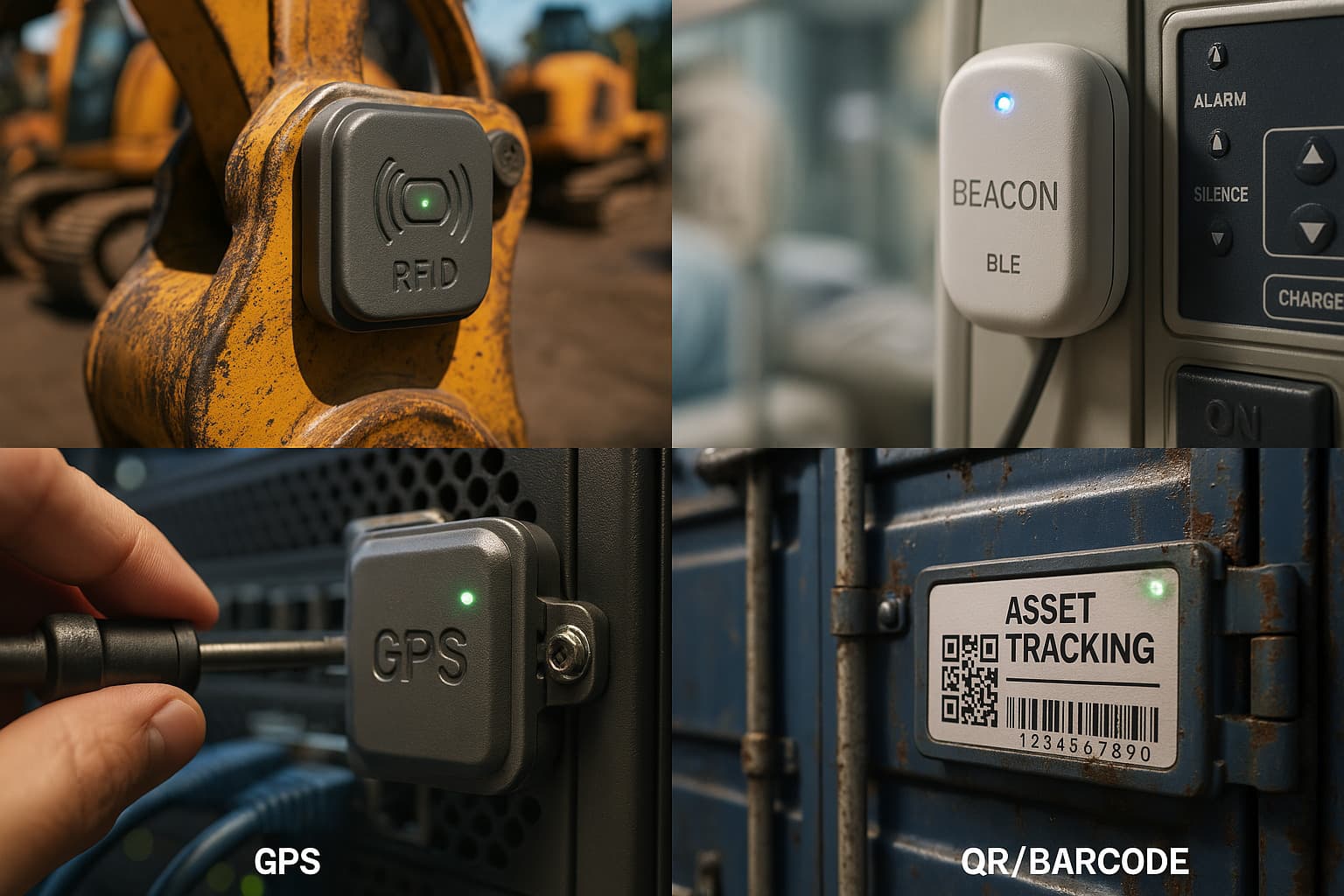
| Method | What it tells you | Works when the device is off? | Main cost |
|---|---|---|---|
| Spreadsheet register | What you bought and who it was issued to | Not applicable, it is a record | Staff time to keep it current |
| Barcode or QR asset tags | Which record a device belongs to, when scanned | Yes, but only at the moment of a scan | Labels and audit labor |
| Passive RFID | Which tagged devices passed a reader | Yes, inside reader coverage | Readers and installation |
| MDM or tracking agent (Intune, Jamf, Google Admin console, Absolute, Prey) | Last check-in, user, OS state, remote lock and wipe | No, the agent must be running and online | Per-device license |
| Find My tag (AirTag on Airpinpoint) | Physical location through nearby Apple devices | Yes, the tag reports on its own battery | About $29 per AirTag plus $11.99 per tag per month |
Most fleets need three of these together. The register and asset tags are the baseline for every device. MDM handles security, updates and remote wipe. A Find My tag goes on the hardware that moves or tends to disappear, such as laptops issued to field and remote staff, loaner kits, conference room devices and anything waiting for disposal.
How to Set Up IT Asset Tracking in Five Steps
- Pick one asset number scheme. Use it on the label, in the register, in MDM and in the tracking tag's name, so any one of them can find the others.
- Tag at receiving. Apply the barcode or QR asset tag and log the serial number before the device reaches a desk. Devices tagged later are the ones that never get tagged.
- Record every handoff. Issue, return, repair, loaner checkout and offboarding each get a scan and an update to the assigned user. An equipment checkout system makes this a ten-second step.
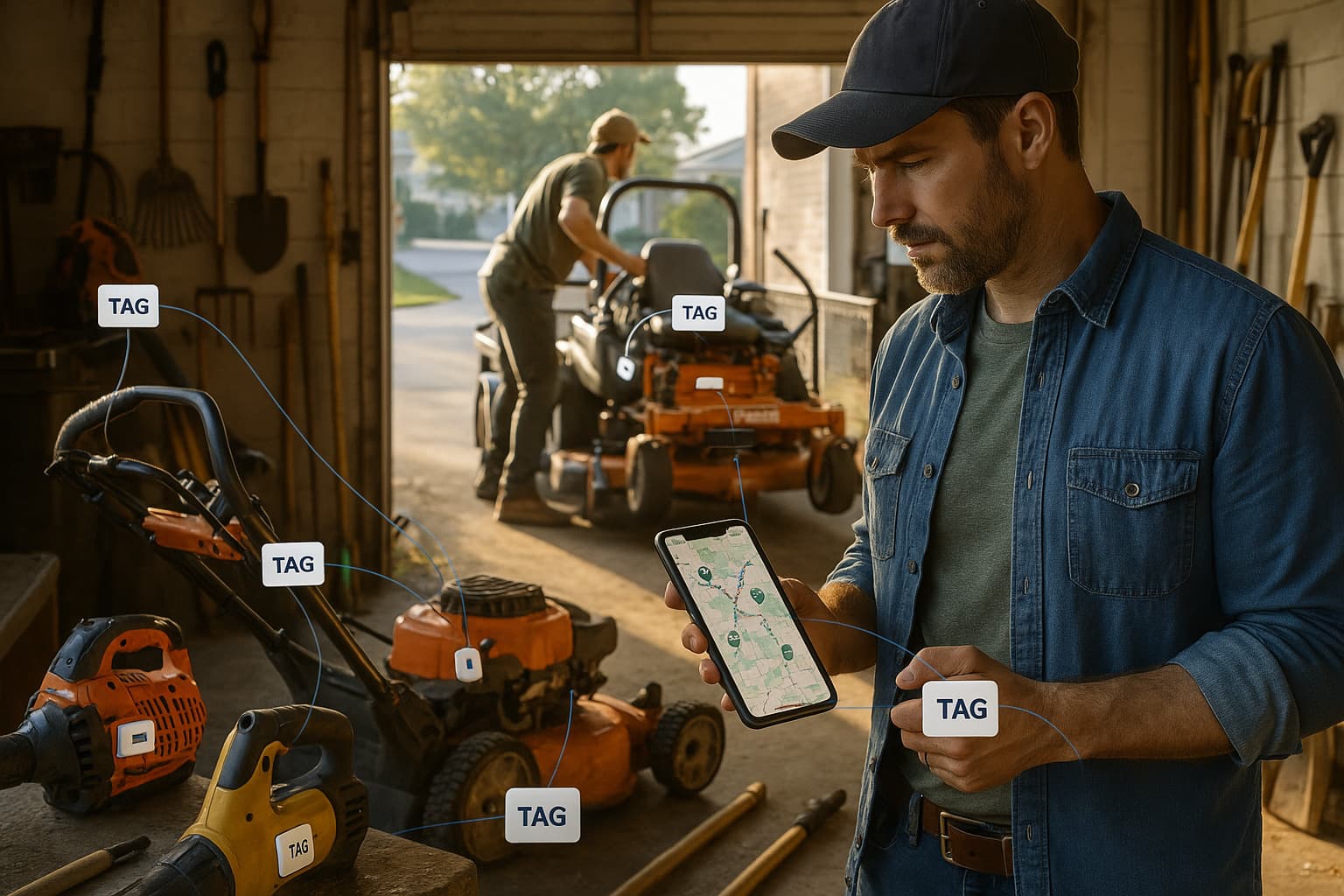
- Add tracking tags to mobile hardware. Put a Find My tag in the laptop sleeve, case or kit bag. Do not open a laptop to fit one inside. See the laptop tracking guide for placement on Windows, Mac and Chromebook fleets.
- Audit against the register. Scan every tag at least once a year and reconcile against MDM check-ins. A device that MDM has not seen in 30 days and that has no tag location is the first one to chase.
Remote Employees and Offboarding
Remote work moved most IT hardware out of the office. A laptop shipped to a home address is outside any RFID reader and only reports through MDM while its owner keeps using it. Once an employee leaves, that check-in often stops, and the return depends on a box arriving at the warehouse.
A tag in the laptop bag keeps reporting through Apple's Find My network while the kit sits at the former employee's home and while it travels back with the carrier. The IT asset return management guide covers the full offboarding workflow, from the return request to the restock check.
Tracking IT Assets Through Disposition (ITAD)
IT asset disposition is the end of the lifecycle. A device is retired, its data is sanitized or destroyed, and the hardware is resold, recycled or shredded. Each handoff along the way is a chance for a device that still holds data to go missing, so the physical chain of custody matters as much as the certificate at the end.
Collection. IT staff gather retired devices from desks, closets and remote offices. Tag or scan each one as it is collected, so the list of devices in staging is a measured list and not a guess.
Staging. Devices are inventoried and palletized for transport. Geofence the staging room. If a device leaves before the truck does, you get an alert instead of finding the gap at the next audit.
Transport. A truck takes the pallets to the disposal vendor. A paper manifest records what left the building and nothing more. A Find My tag on the pallet or in the collection box shows the route and the arrival, independent of the carrier's paperwork.
Processing. The vendor verifies serials and sanitizes or destroys the data. Sanitization should follow NIST SP 800-88, which defines the Clear, Purge and Destroy methods, and the vendor should hold R2 (administered by SERI) or e-Stewards (run by the Basel Action Network) certification. Confirm that your devices arrived at the certified facility named in the contract.
Final disposition. Resale, recycling or destruction ends the record. Keep the certificate of data destruction with the asset record, and retire the tag from the dashboard so it can be reused on the next batch.
IT Asset Tracking Software: What to Look For
ITSM suites such as ServiceNow and Jira Service Management include asset registers tied to tickets. Snipe-IT is a widely used open-source register. Asset Panda and AssetTiger focus on tagging, check-in and check-out, and audits. Device management sits alongside these in Microsoft Intune, Jamf for Apple devices, and the Google Admin console for Chromebooks.
Whatever you choose, check that it handles unique asset numbers with barcode or QR scanning from a phone, a full custody history for every device, imports from your MDM so check-in data lands next to the record, and an API or webhooks so location data from a tracking tag can feed the same record. The asset tracking software comparison ranks the general-purpose platforms.
Where Airpinpoint Fits
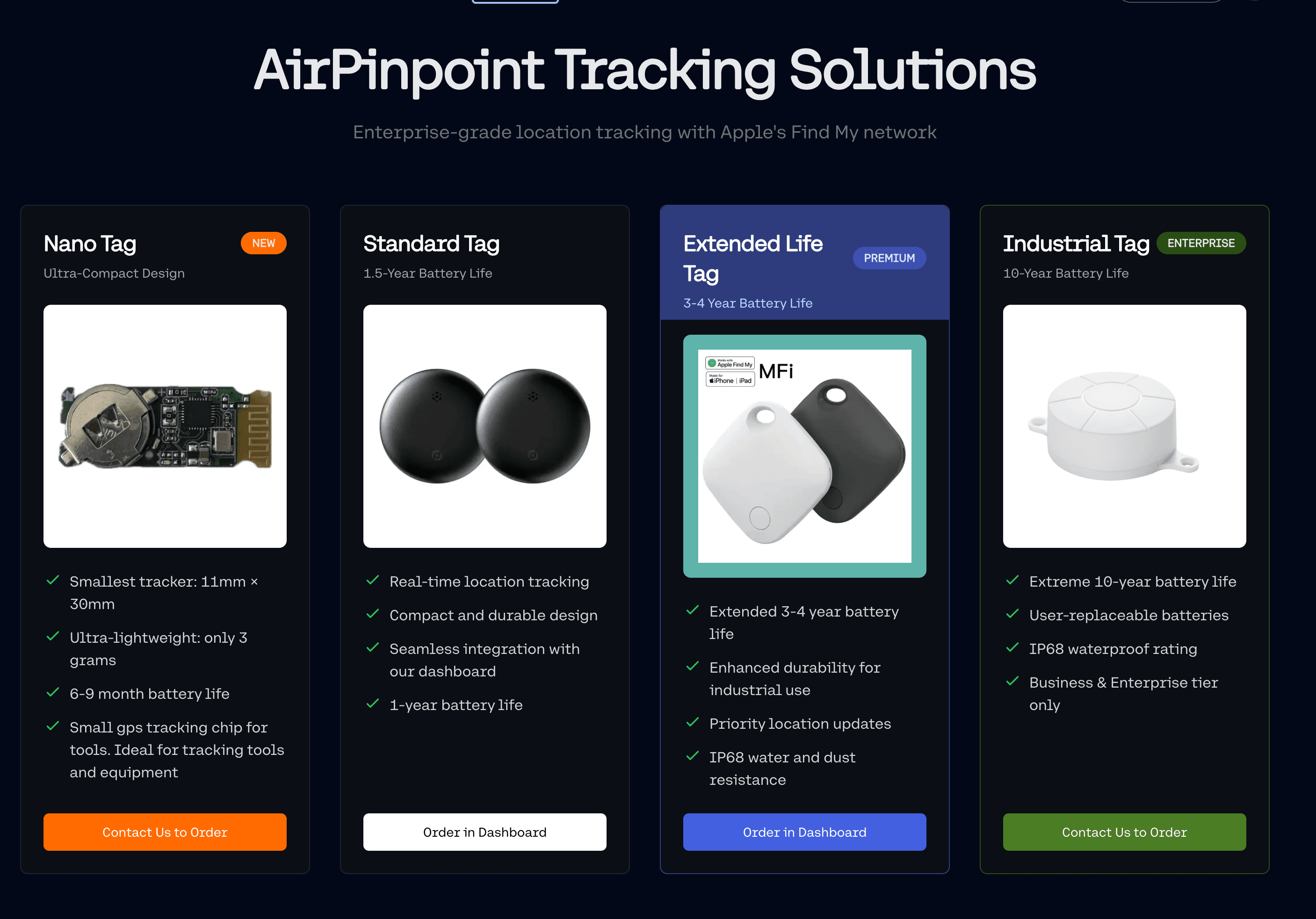
Airpinpoint is the physical location layer. It puts AirTags and other Find My tags on one map for a whole team, past the Find My app's 32-item limit, with geofence alerts for offices, staging rooms and vendor sites, location history for each tag, and a REST API to push locations into your register. Pricing is $11.99 per tag per month, and the tag needs no SIM or charging for about a year on its coin cell.
Find My reports when Apple devices pass near the tag, so it is periodic and not live. In offices, homes and cities that is usually every few minutes. A device in a remote, empty location may report far less often, and a cellular GPS tracker is the better fit there.
 Our Solution