Updated
Asset Tracking System: How to Build One That Stays Current
An asset tracking system answers two different questions, and most buyers pick the wrong one. To IT and finance, "asset tracking" means the register: what do we own, what is its serial number, who has it, what is it worth. To operations and the warehouse, it means location: where is it right now. Most software solves the register and calls it tracking. A real system does both, and the piece that usually fails is keeping location current without a human in the loop.
Updated July 2026. This is a build guide. For a ranked comparison of the platforms, see best asset tracking software.
Here is the failure that makes this worth getting right: on a typical fixed-asset register, 12 to 35 percent of the listed assets do not physically exist. They were transferred, sold, scrapped, or stolen, and nobody told finance. These "ghost assets" are a top audit finding and a direct cause of financial misstatements. The root cause is not laziness; it is that the register depends on people remembering to update it, and when scanning an asset before moving it adds 30 seconds to a task, field staff skip the scan. User abandonment is the single most common way an asset tracking rollout dies.
Register vs Location: Pick the Real Problem First
| You need to know | That is a | Solved by |
|---|---|---|
| What we own, serial, custody, book value | Register | Any barcode/QR software (AssetTiger, Snipe-IT, Sortly) |
| Where an asset physically is, right now | Location | A passive tag layer (Find My, cellular GPS, BLE/RTLS) |
| Both, kept current without manual scans | System | Register software plus passive tags |
If your pain is an audit that never reconciles, you need a register with a scan discipline you can actually enforce. If your pain is assets walking off, or a warehouse where nobody can find the right pallet, no register will help, because a barcode only updates when someone scans it. That gap is exactly where assets disappear.
The Technology Decision (This Is What Makes or Breaks It)
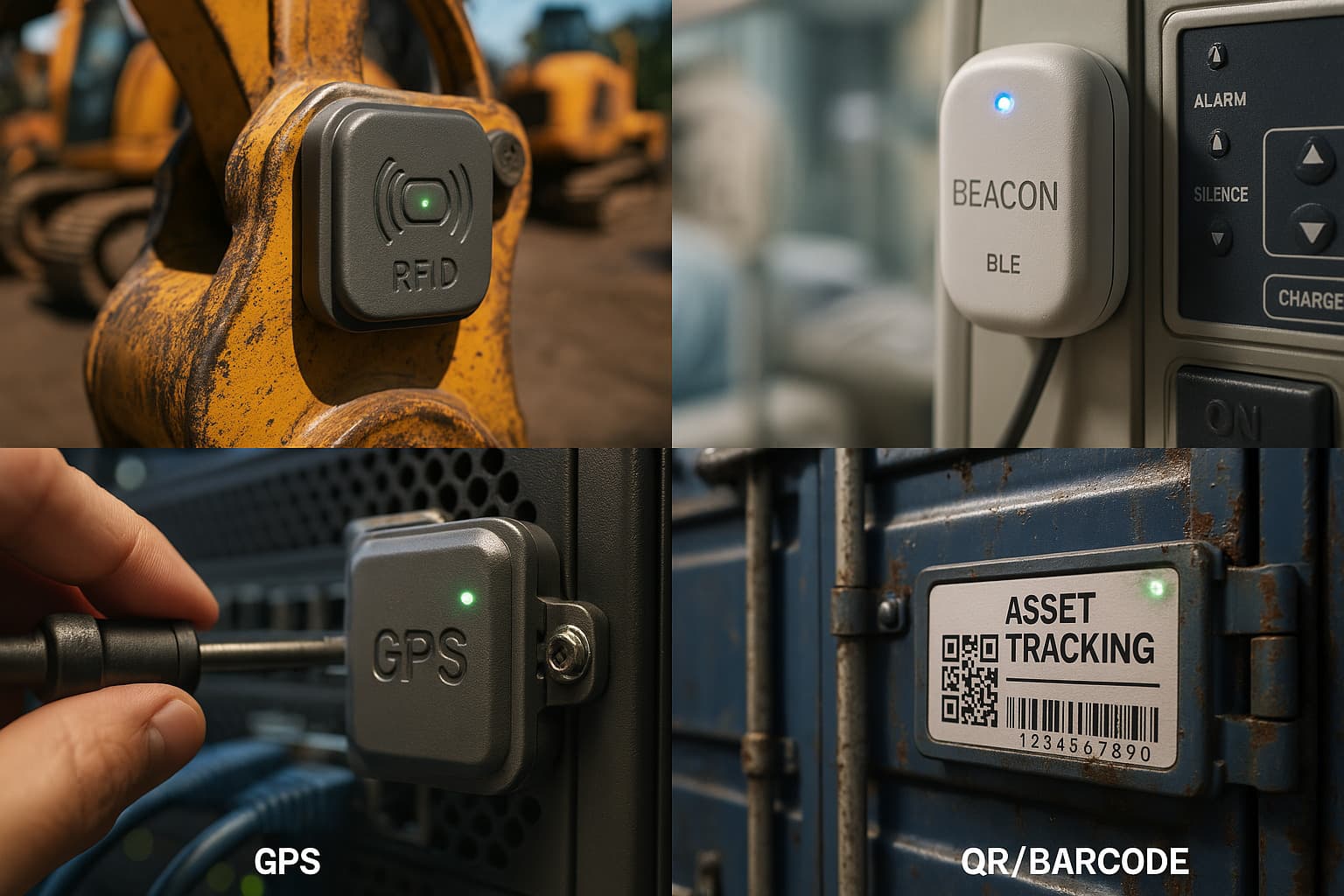
Three tag technologies dominate, and their weaknesses are mirror images of each other.
RFID is choke-point counting. A passive RFID tag has no battery and only reports when a fixed reader energizes it at 1 to 10 meters, so an RFID "location" is really an event ("passed gate 3 at 4:02pm"), not continuous tracking. It is powerful in a controlled doorway and useless everywhere else. The cost is the catch: a single fixed reader runs $1,000 to $4,000 (some past $8,000), antennas add $100 to $1,200, installation is $2,000 to $15,000, integration is $5,000 to $10,000, and real-time RFID software runs $15,000 to $50,000 a year. Without middleware, RFID data accuracy often runs under 75 percent. Teams frequently buy RFID because it sounds advanced, not because it solves a measured problem.
BLE beacons broadcast continuously and reach 30 to 50 meters indoors, but the enterprise model still needs fixed gateways, roughly one per 200 to 600 square meters. Good for a fixed indoor footprint you control; expensive to blanket a large or changing site.
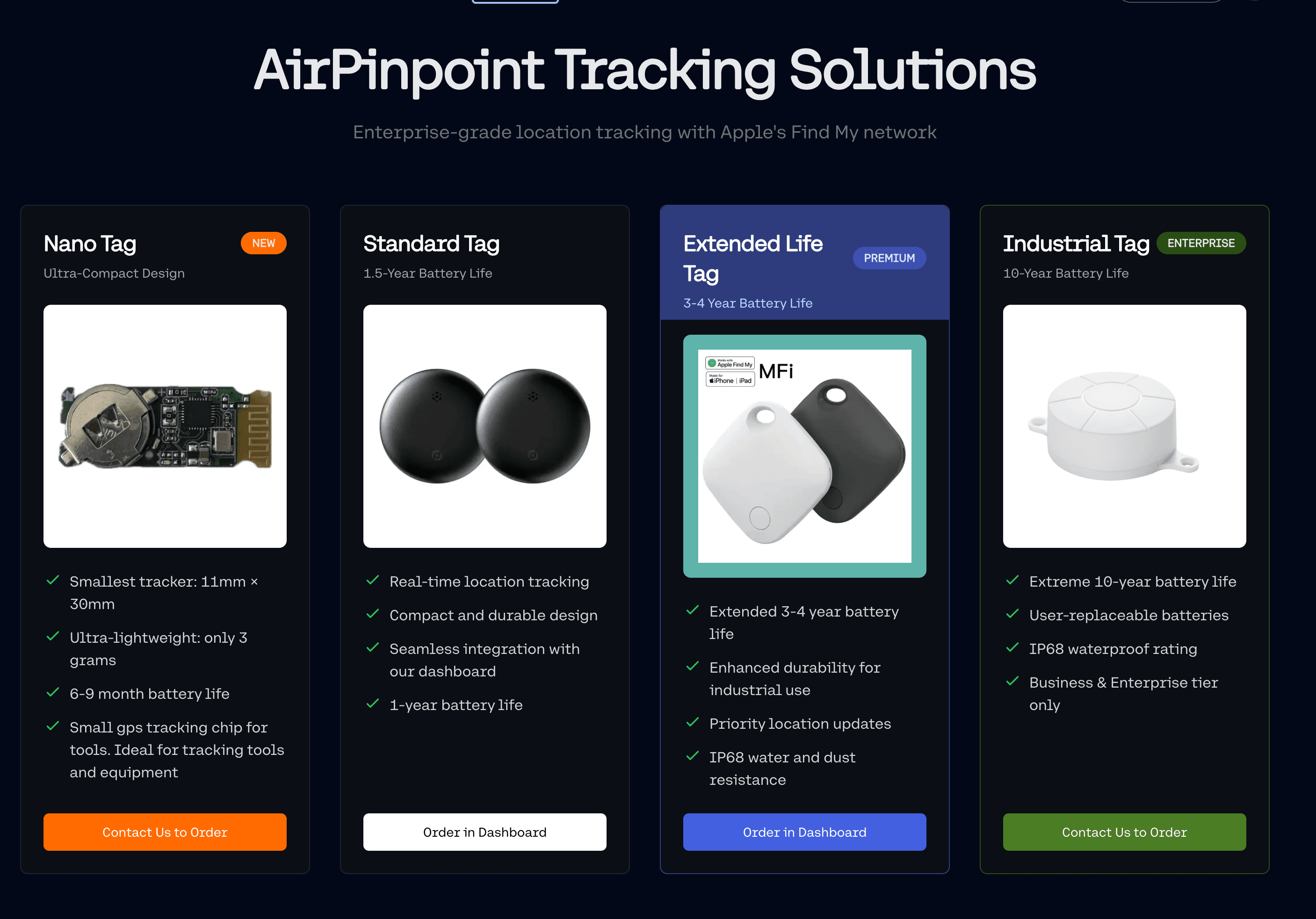
Apple Find My inverts the infrastructure question. Instead of you mounting and powering readers, it rents the billion-plus Apple devices already in the world as free detectors. A tag is about $29 with zero fixed infrastructure, no battery on your part beyond a yearly CR2032, and no SIM. In Apple-device-dense areas it refreshes every 1 to 5 minutes and a single coin cell delivers over 100,000 updates. Its blind spot is the mirror of RFID's: it needs foot traffic, so it goes quiet where no phones pass.
The honest rule: RFID for a controlled gate, BLE for a fixed indoor site, Find My for anything that moves through places where people are.
Why Systems Drift, and How to Stop It
A scan-based system is only as current as its last scan. Between scans there is no truth, only the last thing someone remembered to record. That is why registers fill with ghost assets and why "we have asset tracking" so often means "we had asset tracking in March."
Two ways to close the gap:
- Remove the human from location. A passive tag that reports on its own (Find My, cellular) does not depend on anyone scanning. The location is current because the network updated it, not because a person did.
- Make the scan worth less. Keep barcode/QR for the register (custody, book value, maintenance), but do not rely on it for location. Let the tag answer "where," and the scan answer "who signed for it."
Build It in Five Steps
- Separate register from location. Write down which of your two problems is actually costing you money. Buy for that one first.
- Tag each asset with the technology that matches where it lives: Find My for assets that move through populated areas, BLE for a fixed indoor site, RFID for a counting gate.
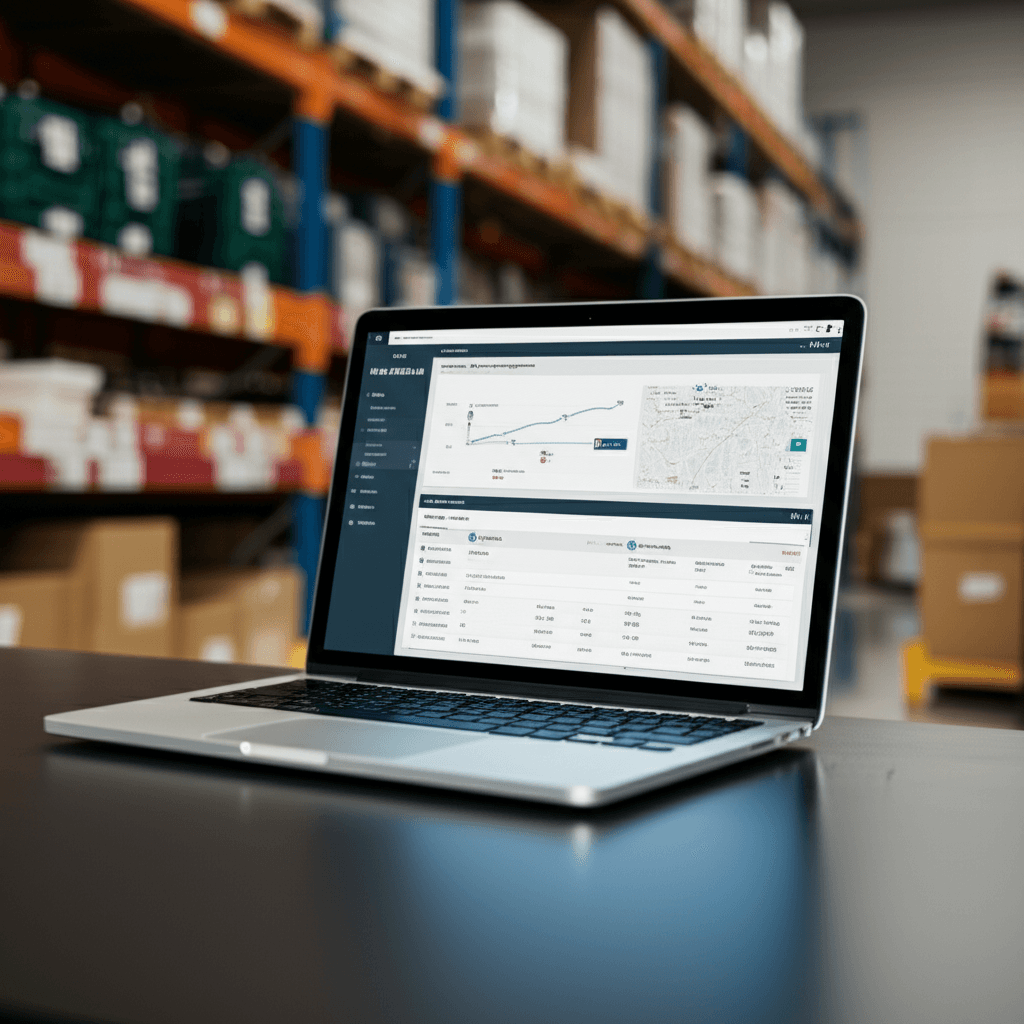
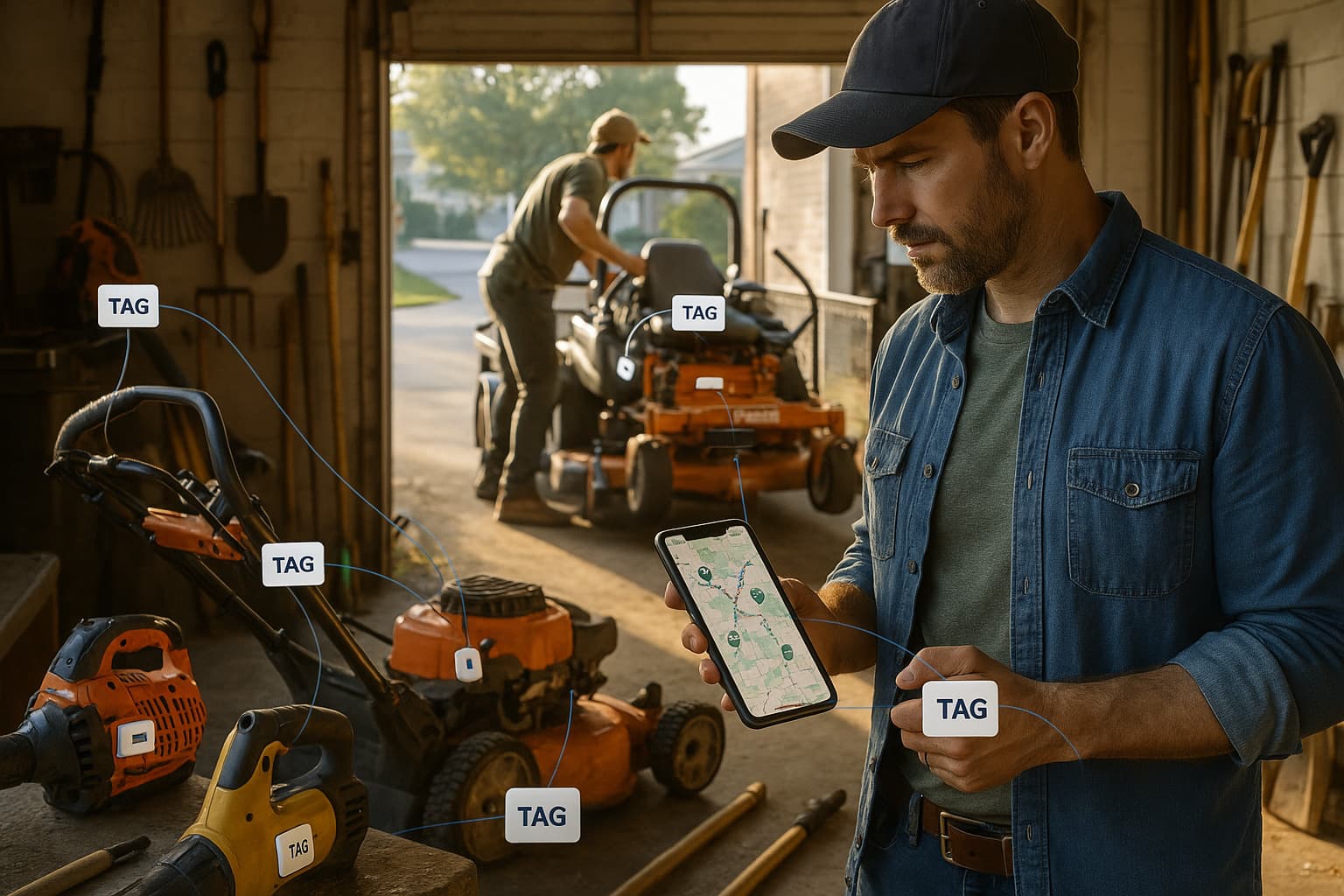
- Register every tag in one dashboard. Apple's own Find My app caps at 32 items per Apple ID (and AirPods Pro eat three slots each, since the case and both buds count separately), with no way to share across a team. Airpinpoint shards across managed Apple IDs into one login, so a business tracks hundreds or thousands of tags with per-role access.
- Set geofences and alerts. Airpinpoint runs PostGIS geofences and fires an email or webhook once seven consecutive reports agree an asset has left a defined area, so a move shows up in tens of minutes instead of at the next audit.
- Automate the audit. With live location, reconciliation becomes a filter, not a fire drill: anything that has not reported, or has left its zone, surfaces on its own.
Across the 5,900-plus business tags Airpinpoint manages, the fetch pipeline pulls thousands of Find My locations an hour, so the register stays current without anyone scanning anything.
Where to Go Next
- Asset tracking tags: the physical Find My and BLE tags, and which to use where.
- Best asset tracking software: the platforms ranked, with a real pricing matrix.
- GPS asset tracking: when an asset needs its own cellular position instead of Find My.
 Our Solution