Updated
GPS Tracker for Elderly and Dementia Patients: Watches, Pendants, Insoles, and AirTag Compared
Short answer: For an elderly parent who wanders or lives alone, pick a cellular GPS tracker with an SOS button in a form they will keep on. That is usually a watch, a pendant, or a GPS insole. These report location within seconds and most bill a monthly plan. A $29 AirTag has no monthly fee and is a useful backup sewn into a coat or bag, but it reports only when an Apple device passes nearby and cannot call for help.
The Alzheimer's Association says six in ten people living with dementia will wander at least once. When that happens, the first hours matter, so the device has to be on the person and has to report fast.
Elderly GPS tracker types compared
| Device type | How it reports location | Speed of updates | SOS / fall alert | Monthly fee | Charging | Best for |
|---|---|---|---|---|---|---|
| GPS watch | Own cellular connection | Seconds to minutes | SOS on most; fall detection on some | Yes | Every 1-3 days on most models | People who already wear a watch |
| GPS pendant or clip | Own cellular connection | Seconds to minutes | SOS button is the main feature | Yes | Every few days on most models | People living alone who may fall |
| GPS shoe insole | Own cellular connection | Minutes | Usually none | Yes | Every 1-2 days | Dementia patients who remove watches and pendants |
| Find My tag (AirTag) | Nearby Apple devices relay it | When an iPhone passes nearby | None | None | Coin cell lasts about a year | Low-cost backup in a coat, wallet, or bag |
Read the table by the person's habits first and the spec sheet second. A pendant with fall detection is useless if it sits in a drawer, and a watch is useless if the person takes it off. Insoles exist because many people with dementia remove anything unfamiliar but keep wearing the same shoes.
What to look for in a GPS tracker for dementia
Work through these in order. The first two rule out most devices.
- Will they keep it on? Choose the form factor they already accept. Locking watch bands and devices sewn into clothing help for people who remove things.
- Does it report fast enough? Wandering can cover a long distance in an hour. Cellular GPS reports within seconds or minutes; a Find My tag can go quiet in areas with few iPhones.
- Can it call for help? An SOS button or automatic fall detection matters most for people who live alone.
- Does it alert you when they leave? A safe-zone alert (a geofence around the home or care facility) tells you they have left before anyone notices they are missing.
- How often does it need charging, and who will do it? A device that needs daily charging only works if a caregiver owns the routine.
- What does it cost each month, and is there a contract? Read the cancellation terms. Our AirTag vs Jiobit comparison shows how an $8.33 monthly price can depend on a 12-month contract.
Can you use an AirTag for an elderly person?
Yes, as a backup, as long as the family understands what it cannot do. Apple designs AirTag to find belongings, not people, and that shows in four places:
- Updates depend on passers-by. An AirTag has no GPS chip or cellular radio. It broadcasts Bluetooth, and any nearby iPhone, iPad, or Mac on Apple's Find My network relays its position. In a busy town that can be every few minutes. On a rural road at night it can be hours.
- There is no SOS and no fall detection. The person cannot use it to call anyone.
- Their own iPhone may warn them about it. Apple's unwanted-tracking protection alerts an iPhone user when an AirTag that is not theirs travels with them. If the person carries an iPhone, share the AirTag with them in Find My (item sharing, up to five people) so the alert does not confuse or frighten them.
- It can be lost with the item it is in. A tag in a bag only helps if the bag goes with them. Sewing it into the lining of a coat they always wear works better than a keyring.
Where an AirTag earns its place is cost and battery. It is $29 with no subscription, runs about a year on a CR2032 coin cell, and Precision Finding on an iPhone 11 or later can guide you to it within a few feet once you are close.
GPS tracker for elderly with no monthly fee
A GPS tracker needs a cellular connection to send its position to your phone, and that connection costs money every month. Devices sold as having no monthly fee usually work one of three ways:
| "No monthly fee" claim | What it really means |
|---|---|
| Data bundled into the hardware price | You prepay for one to three years, then pay again or the device stops reporting |
| Bring your own SIM | The device is fee-free, but the carrier bills you for the SIM |
| Find My tag (AirTag) | Genuinely no fee on the device, because nearby iPhones relay its location instead of a SIM |
For families, the practical answer is a cellular GPS device with an SOS button as the primary tracker, and an AirTag in the coat or wallet as the fee-free backup for the day the primary device is left on the charger.
How to set up a dementia tracker so it works on the bad day
- Pick one primary device the person will wear, and test it at home for a week before relying on it.
- Draw a safe zone around the home or facility so you get an alert when they leave it, rather than discovering it later.
- Add a backup tag in the item they never go without, such as a coat, wallet, or walker bag.
- Share access with every family member or caregiver who might need to search, so no one is waiting on one person's phone.
- Set a charging routine and assign it to a person. Most failed searches start with a flat battery.
- Keep a recent photo and description ready alongside the tracker app. Police and neighbors still find most people by sight.
For memory-care and assisted-living teams
Facilities usually handle resident wandering with door alarms, wander-management systems at exits, and staff check-ins. Location tags solve a different, daily problem: the things residents depend on go missing. Walkers, wheelchairs, hearing-aid and glasses cases, and personal bags move between rooms, dining areas, and therapy, and staff lose time hunting for them.
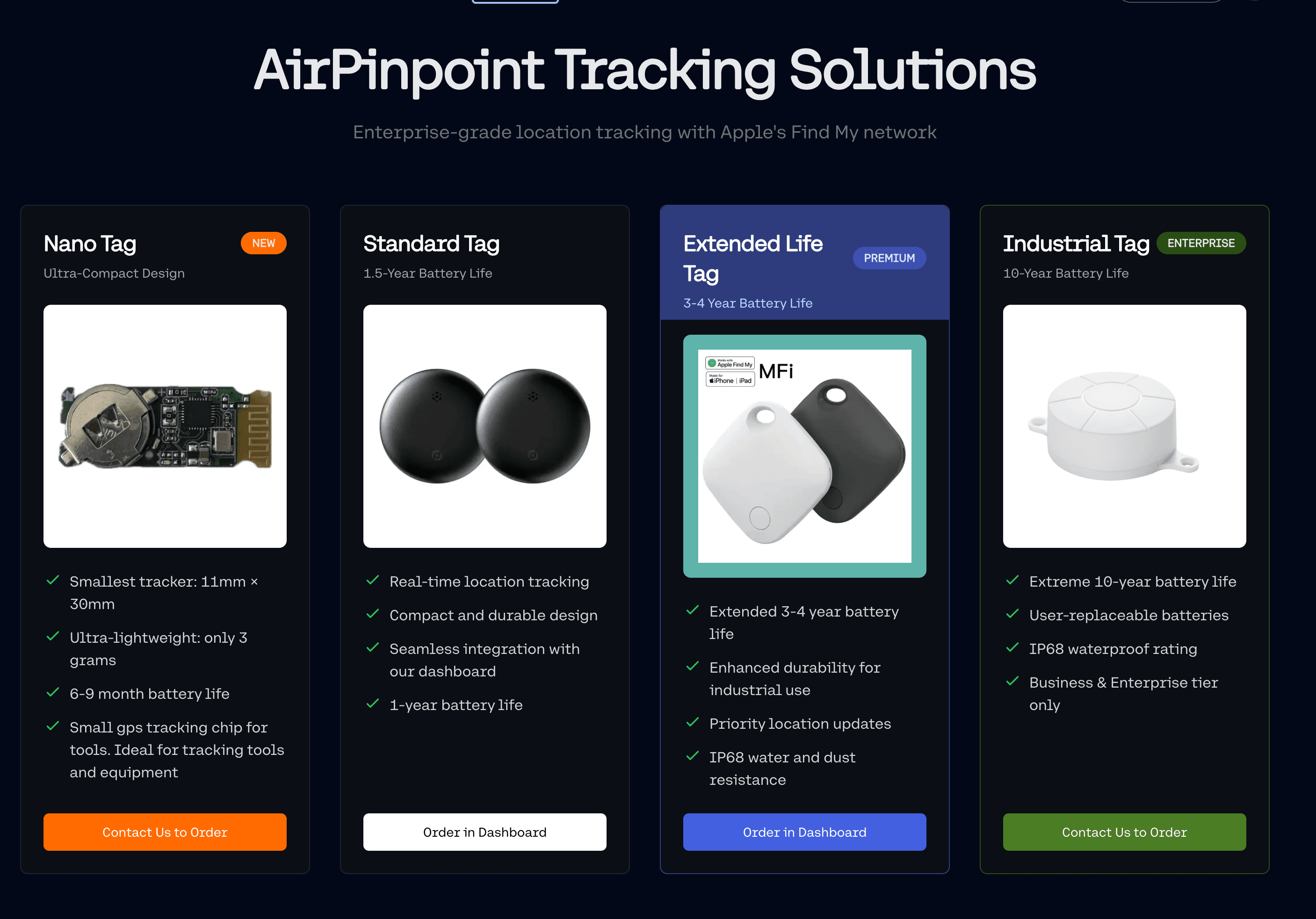
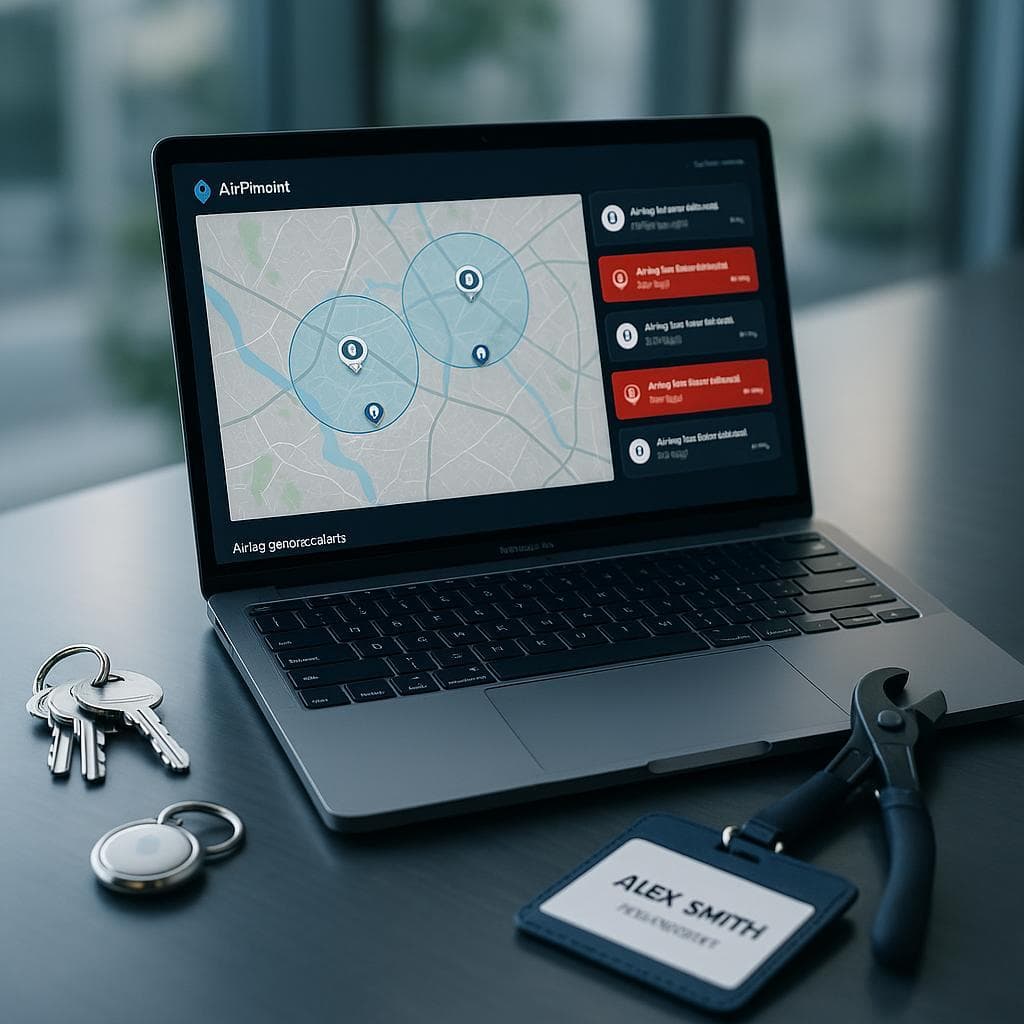
Airpinpoint puts every Find My tag in the building on one map, across all staff Apple Accounts and past the 32-item limit of a single account. You can see location history, and a geofence alert by email or webhook fires when a tagged wheelchair or bag leaves the property. Pricing is $11.99 per device per month on the Business plan, with a 12-month minimum.
Airpinpoint is not a medical alert or wander-management system, and it should not be used as the only way to keep a person with dementia safe. It covers the equipment side so staff time goes to residents.
Which one to buy
- Parent who lives alone and may fall: a cellular GPS pendant or watch with an SOS button and fall detection.
- Person with dementia who removes watches and pendants: a GPS insole in their everyday shoes, plus an AirTag sewn into their coat.
- Budget backup for a parent who is mostly safe: an AirTag in a coat or wallet, shared with them through Find My if they use an iPhone.
- Care facility tracking residents' walkers, wheelchairs, and bags: Find My tags on each item, managed on one Airpinpoint dashboard with geofence alerts.

 Our Solution