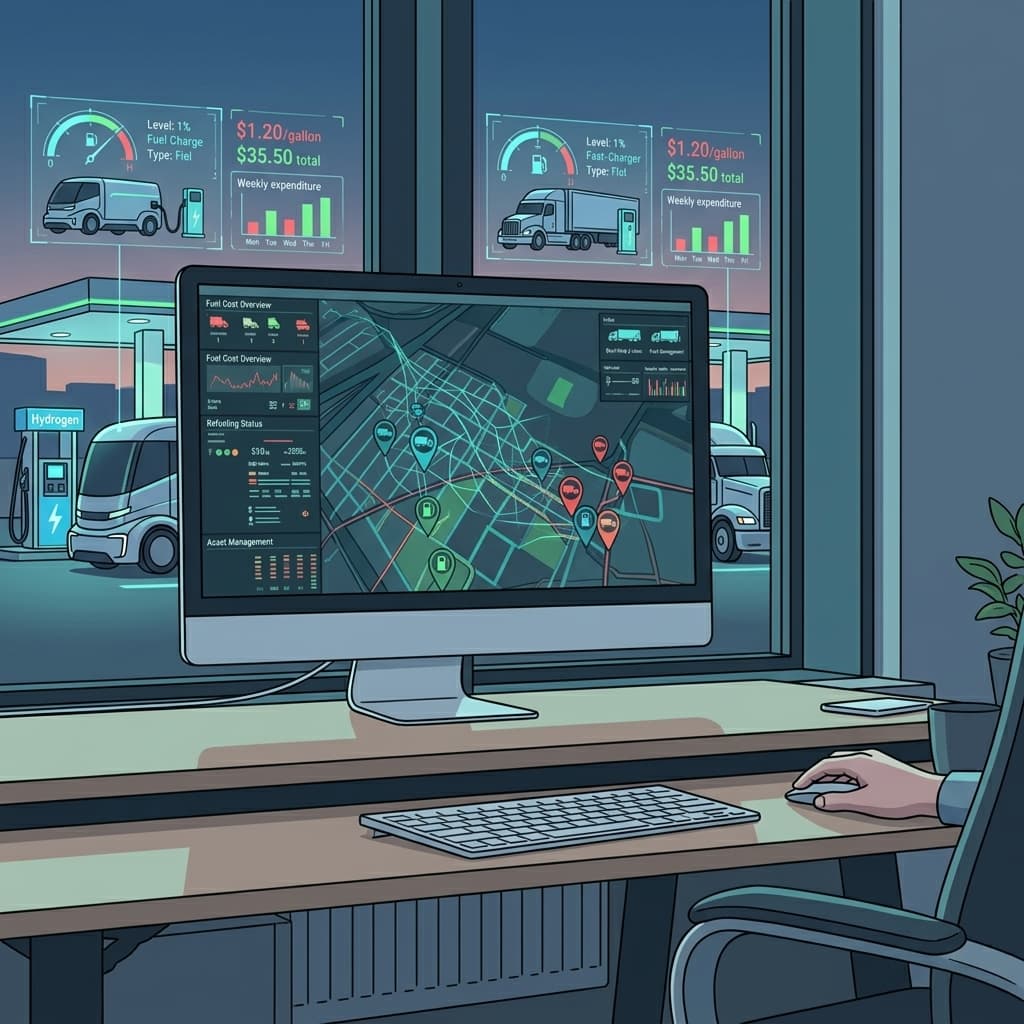
Fleet Fuel Management: Where Your Money Actually Goes
Start with the disclaimer, because it decides whether the rest of this page is worth your time.
Airpinpoint is not fuel management software. It is a $29 Find My tag that reports where an asset is and how long it has been there. It does not read fuel level. It does not read engine idle state. It does not connect to an OBD-II port, a CAN bus or a fuel card processor. There is no gallons number, no MPG number and no idle-hours number anywhere in the product, and there is no roadmap item to add one.
So if you landed here looking for a system that tells you how much fuel each truck burned, close the tab and go look at Samsara, Geotab or your fuel card provider's reporting. They genuinely do that. We do not.
What we do is narrower. Some of what gets filed under "fuel waste" is not a fuel measurement problem at all. It is a question about where a vehicle was, and a location record answers it. The rest of this page separates the two so you can tell which of your problems is which before you spend anything.
Your fuel spend is a number you already have: it is on your fuel card statement. We are not going to estimate it for you, and you should be suspicious of any vendor that does.
The Three Fuel Cost Leaks
Fleet fuel problems sort into three buckets. Against each one, we have marked what a location tag actually contributes, which in one case is nothing.
1. Fuel Card Fraud
What a tag contributes: a location record you reconcile by hand. It does not see the transaction.
You will find a lot of confident percentages here, and most of them trace back to nobody. The most commonly cited real figure is NAFA's, and it is smaller and narrower than the numbers vendors quote: NAFA has put fuel theft at up to roughly 6 percent of a fleet's total fuel cost. Broader "5 to 15 percent" and "19 to 22 percent" figures circulate on vendor blogs without a study behind them. Treat them as marketing.
Your own exposure is knowable without any of those numbers. Take one month of fuel card statements and count the transactions you cannot immediately explain. That count, times your average transaction, times twelve, is your actual upper bound.
Common patterns:
- Ghost fueling: card swiped at a station, but the vehicle was parked 20 miles away
- Personal fill-ups: company card used on weekends or outside operating areas
- Gallon mismatches: 40 gallons charged to a truck with a 30-gallon tank
- Station clustering: repeated fueling at the same off-route station (kickback schemes)
Note what a tag does and does not see here. Gallon mismatches are invisible to us: we have no idea how many gallons went into the tank, because nothing in the product measures fuel. Ghost fueling and off-route fueling are visible, but only after you export the location history and read it against the statement yourself. There is no alert that fires on a suspicious fuel charge, because we never see the charge.
2. Unauthorized Vehicle Use
What a tag contributes: this is the one it is actually built for.
A fleet truck parked at a driver's home overnight burns no fuel. The same truck making a 60 mile round trip for personal errands burns real money, and the per-incident cost is easy to work out for your own fleet: your vehicle's rated mpg, your local diesel or gas price, the round trip distance. We are not going to invent a fleet-wide percentage on top of that, because the honest answer is that nobody has measured it credibly and it varies enormously by how your drivers take vehicles home.
This is a location question end to end, which is why a location tag answers it cleanly. Draw a polygon around the work zone, set an exit alert, and an off-hours departure produces a notification. One caveat on timing: an Airpinpoint geofence alert is not instant. It waits for consecutive readings to agree the asset really left, so a confirmed alert typically lands 15 to 40 minutes after the crossing. That is fine for catching a pattern of weekend use. It is not a live pursuit tool.
3. Idle Time and Routing Waste
What a tag contributes: dwell time at a location. Not engine idle, and not routing.
This is where the distinction matters most, and where most tracking vendors blur it.
Idle fuel consumption on a heavy truck runs in the neighborhood of 0.8 gallons per hour, a figure that comes out of US Department of Energy and Argonne National Laboratory idle reduction research. But knowing that rate is useless unless you know how many hours the engine actually idled, and we cannot tell you. A Find My tag has no connection to the engine. It cannot distinguish a truck parked with the engine off from a truck sitting at a loading dock with the engine running and the cab AC on. Both look identical to us: a stationary asset.
What we report instead is dwell time. This vehicle was at these coordinates for three hours. That is a weaker signal than engine idle data, and it is worth being clear about how much weaker. Dwell time tells you a vehicle is spending time somewhere it probably should not be. It does not tell you a single gallon was burned while it sat there. If you need engine idle hours, you need an OBD-II device, and you should buy one.
Routing is the same story with a different shape. We store a location history you can pull up and read, so you can see after the fact that a vehicle took a longer path. There is no route planning, no planned-versus-actual comparison, no mileage report and no routing engine in the product. Comparing a trail against an intended route is something you do by eye, on a map, one vehicle at a time.
What Fleet Fuel Management Software Typically Costs
Enterprise Fuel Management Platforms
| Platform | Monthly Cost | Hardware | What You Get |
|---|---|---|---|
| Samsara (fuel add-on) | $35-50/vehicle | $150-300 | Real-time MPG, fuel efficiency scores, idle alerts |
| Geotab (fuel tracking) | $30-40/vehicle | $100-200 | Fuel consumption reports, exception rules, idling data |
| Fleetio + fuel integration | $5-10/vehicle + fuel card fees | None (software only) | Fuel card reconciliation, cost-per-mile, vendor tracking |
| WEX/Fleetcor (fuel cards) | $2-5/vehicle | None | Transaction controls, PIN verification, alerts |
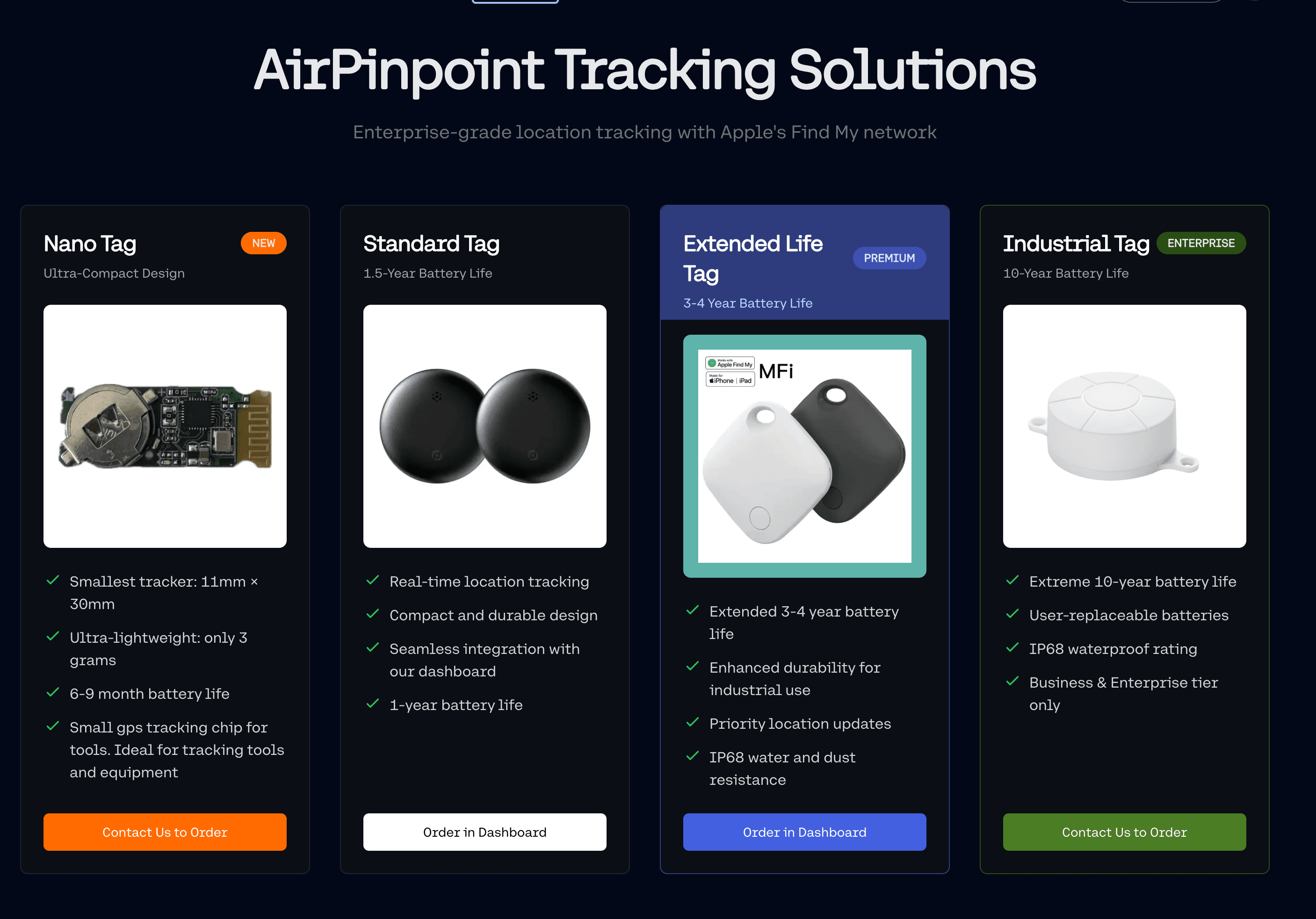
| Airpinpoint | $11.99/device | $29/tag | Location history, dwell time, geofence alerts. No fuel data of any kind |
Enterprise platforms bundle fuel tracking with everything else: driver scorecards, ELD compliance, dashcam video, maintenance scheduling. The fuel management piece costs $10-20/vehicle/month on its own, but you can't buy it separately. You get the whole stack or nothing.
Fuel cards (WEX, Fleetcor, Voyager) handle transaction-level controls, PIN verification at the pump, and spending limits. They catch a portion of fraud at the point of sale. They can't tell you where the vehicle actually was when the card was swiped.
The Gap Between Fuel Cards and Full Telematics
Fuel cards tell you what was purchased and where (which station). They don't tell you whether the vehicle was actually at that station, whether the trip to the station was authorized, or whether the vehicle was idling for two hours before it got there.
Full telematics (Samsara, Geotab, Motive) tell you everything, including data you'll never look at. At $35-50/vehicle/month with 3-year contracts, you're paying for OBD-II diagnostics, driver behavior AI, and real-time streaming that most fleet managers check once a quarter.
Airpinpoint sits below both, and it is worth being precise about where. We are not a cheaper telematics system. We are a different and smaller thing: a location record, at a price that lets you put one on every vehicle and trailer rather than only the expensive ones. Against a fuel card we add the vehicle's position at the transaction timestamp. Against full telematics we are missing everything that comes off the engine.
How Airpinpoint Handles Fleet Fuel Tracking
Geofence-Based Fuel Card Verification
Set geofences around:
- Your approved fuel stations
- Job sites and normal operating corridors
- The yard, warehouse, and depot locations
- Restricted zones (residential areas during work hours)
Then, at the end of the month, do the comparison yourself. Export the vehicle's location history to CSV from the dashboard, open your fuel card statement beside it, and check each transaction timestamp against where the vehicle was. Inside an approved zone, the charge looks clean. Thirty miles away, you have a question to ask.
Be clear about what that workflow is and is not. Airpinpoint has no connection to WEX, Fleetcor, Voyager or any other card processor, so nothing on our side ever sees a fuel transaction, and no alert can fire on one. The geofences are there to tell you where the vehicle was, not to validate a purchase. The matching is a human sitting with two files once a month. For a fleet of fifteen trucks that is an hour of work. For four hundred trucks it is a real job, and at that scale a fuel card platform with native transaction controls will serve you better than we will.
Also worth knowing before you build a process on this: a location mismatch is evidence, not proof. Fuel card receipts carry the station's billing address, which is not always where the pump is. Cards get passed between drivers legitimately. A driver can park around the corner and walk. Use the mismatch to start a conversation, not to end one.
Movement History for Route Accountability
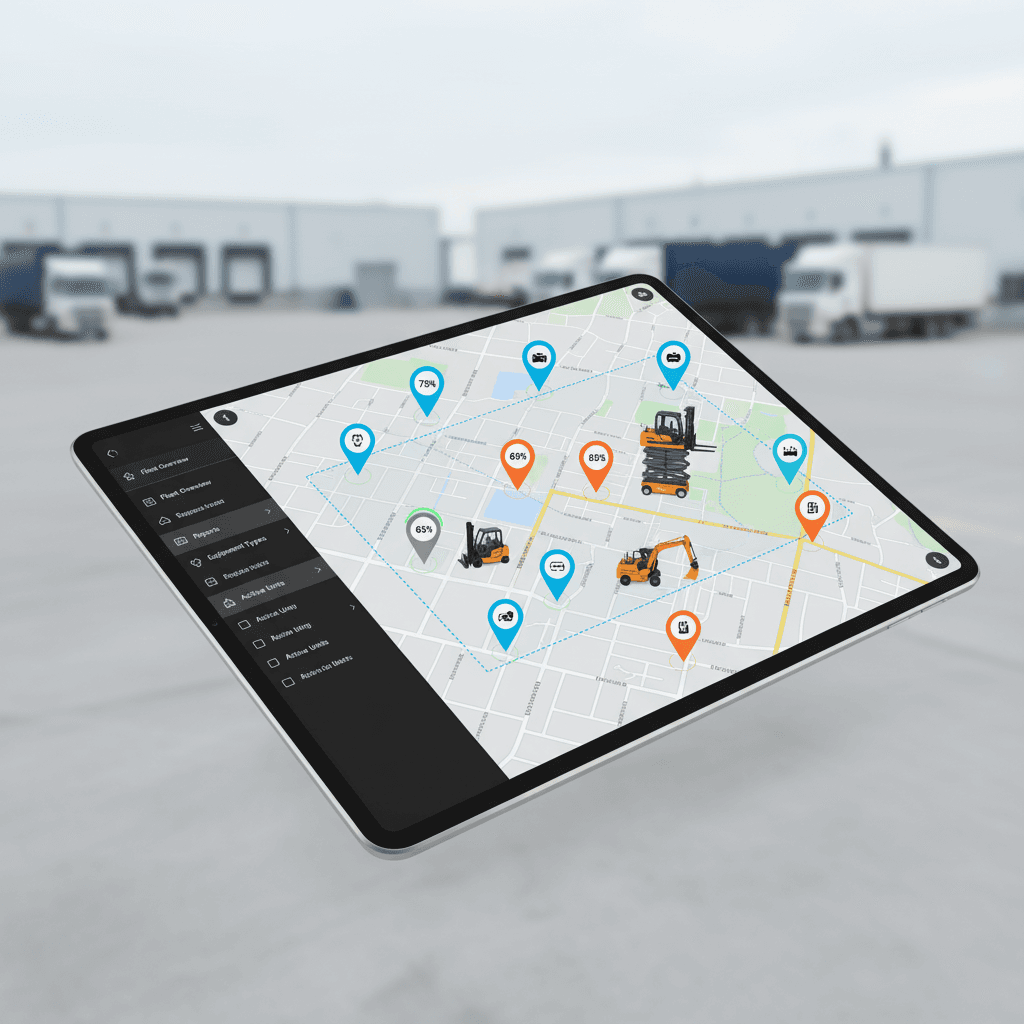
Every Airpinpoint-tracked vehicle generates a location history trail. Pull up any vehicle for any date range and see exactly where it went.
For fuel management, this means:
- Route deviation detection: Did the driver take a 15-mile detour? You'll see it.
- Unauthorized trip identification: Vehicle left the yard at 10pm on a Saturday? The trail shows where it went.
- Mileage verification: Cross-reference actual miles traveled (from location data) against reported mileage for reimbursement accuracy.
Idle Location Monitoring
The heading says location monitoring rather than idle monitoring on purpose. Airpinpoint's periodic location updates show when a vehicle is stationary for an extended period. They do not show engine state. An OBD-II device knows the engine is running and burning 0.8 gallons an hour. We know the vehicle has not moved. Those are different facts and only one of them is ours.
What the weaker fact is still good for: if a truck shows up at the same parking lot for three hours every afternoon, that is either a legitimate work stop or a recurring leak, and it is a pattern you would never have spotted otherwise. The location context narrows it down. Confirming that the engine was running the whole time is a conversation with the driver or a job for hardware we do not sell.
Theft Detection and Recovery
Fuel management doesn't help if the truck disappears. Airpinpoint's theft detection alerts trigger when a vehicle moves outside its assigned geofence during off-hours. Apple's Find My network with over a billion devices means your stolen truck is broadcasting its location to every iPhone, iPad, and Mac it passes.
The Math: Fuel Savings from Location Visibility
Conservative Scenario: 50-Vehicle Fleet
We previously published a table here with percentages like "catch 60% of incidents" and a headline 19.7x return. We took it down. Those numbers were not measured against anything, and a fuel savings figure from a company that cannot see your fuel is worth nothing.
Here is the honest version. Only one side of this calculation is knowable in advance, and it is ours:
| Input | Where the number comes from | Who has it |
|---|---|---|
| Airpinpoint cost, 50 vehicles | $11.99 x 50 x 12, plus $29 x 50 in hardware | Published. $7,194/year plus $1,450 once |
| Your annual fuel spend | The total on twelve fuel card statements | You |
| Unexplained transactions | Count them on one month's statement, multiply by twelve | You, after one hour |
| Vehicles taken home | Your own policy, plus a week of location history | You, after a week of tagging |
| Recurring odd dwell locations | The map, after about a month of history | You, after a month |
Every line in the second column is arithmetic you can do on data you already own. We deliberately have not filled in a savings column, because we would be guessing, and because you can compute the only number that matters once you have the first month of history: what did we find, and was it worth $7,194.
A fair way to test this without committing: tag ten vehicles, run it for one month, and do the reconciliation once by hand. Ten tags is $290 in hardware and about $120 for the month. If that month surfaces nothing, you have learned something real for $410 and you should not roll it out.
Why Location Data Beats Telematics for Fuel ROI
It does not, on fuel. Telematics measures fuel. We do not. On the question "how much fuel is this fleet wasting," a Geotab or Samsara install will always beat us, because it is reading the engine and we are reading a Bluetooth beacon.
The narrower claim we will stand behind is about coverage and cost. Telematics vendors publish $25 to $50 per vehicle per month with multi-year contracts, which is why most fleets running them have them on the tractors and on nothing else. The trailers, the yard equipment, the generators and the pickups go untracked, and those are frequently the assets nobody can account for. At $11.99 per tag per month with no contract, tagging all of them is affordable in a way that telematics is not.
So the comparison is not "cheaper telematics." It is: full instrumentation on a few vehicles, or a location record on all of them. Plenty of fleets should have both, and the vehicles worth instrumenting are usually obvious.
One more honest note on driver behavior programs. Telematics vendors do claim fuel savings from MPG coaching and driver scorecards. We have not independently verified those claims and we are not going to quote a percentage for a product we do not sell. Ask them for the study.
When You Need More Than Airpinpoint
Airpinpoint covers one slice of fuel management: where the vehicle was, and how long it sat. Here is the list of things that take you outside that slice, and for several of them the answer is that you need a different product entirely.
You need telematics, not us, if:
- You want to know how many gallons any vehicle burned. This is the big one. We have no fuel data.
- You want engine idle hours rather than parked dwell time
- You operate your own fuel depot and need pump-to-vehicle reconciliation
- DOT or FMCSA compliance requires ELD integration with fuel records
- Your insurance carrier mandates specific telematics hardware for fuel related coverage
- You need MPG data for driver coaching programs
- You want route planning or planned-versus-actual route comparison
You need a fuel card platform, not us, if:
- You want purchase controls at the pump, PIN verification or per-driver spending limits
- You want automated alerts on suspicious transactions rather than a monthly manual check
Airpinpoint fits when the question is genuinely about location:
- Which assets are where, including the trailers and equipment telematics never got installed on
- Whether a vehicle left an authorized area outside working hours
- Whether a vehicle was anywhere near the station on a receipt
- Which vehicles habitually sit for hours somewhere nobody dispatched them
The hybrid approach works best. Put full telematics on the vehicles that need compliance, fuel measurement and real-time dispatch. Put Airpinpoint on everything else, which in most fleets is the larger count and the part currently tracked on a whiteboard. Your fuel card provider handles transaction-level controls across both tiers.
Industries Where This Hits Hardest
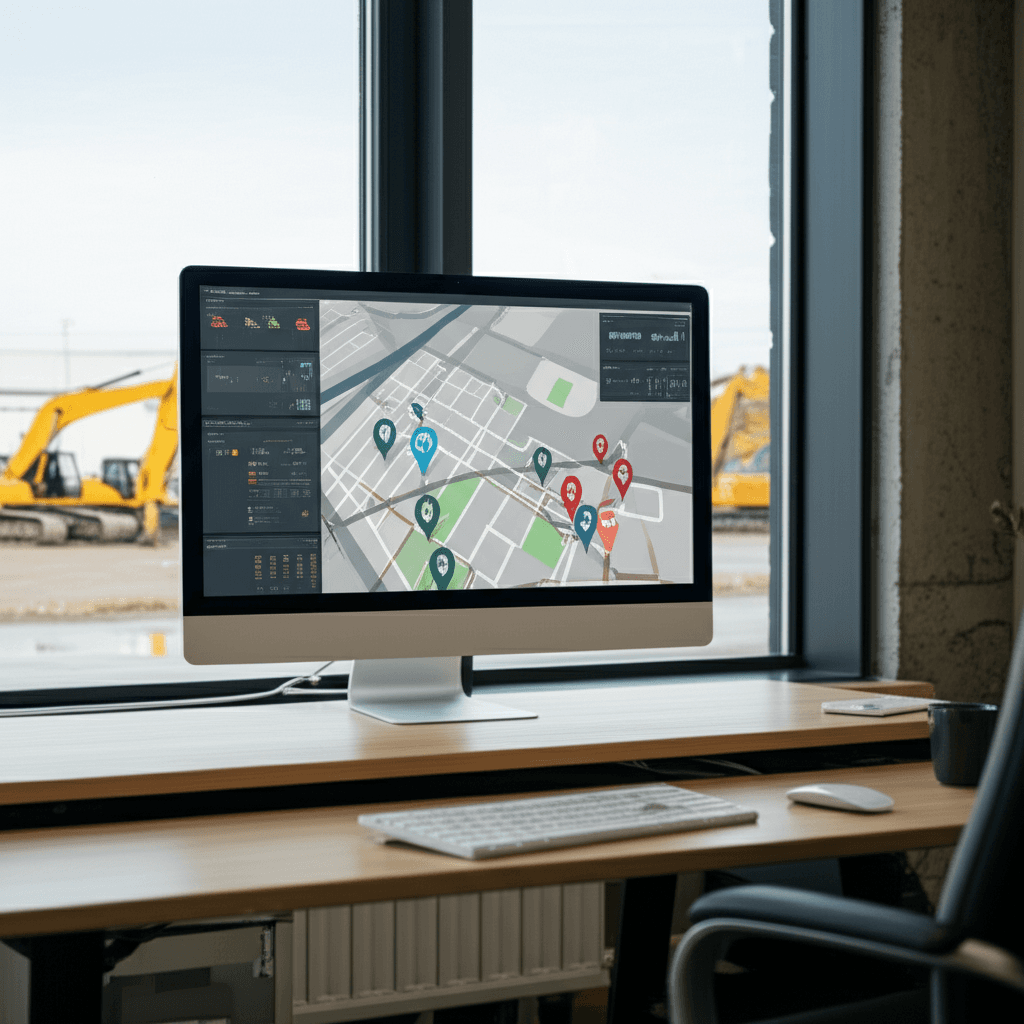
Construction: Trucks, heavy equipment, and generators spread across job sites. Fuel cards get shared between operators. Location history per vehicle eliminates the "who fueled what" ambiguity. See how fleet tracking works for construction.
Landscaping and property services: Small crews with company trucks scattered across a metro area, usually taken home overnight. Personal use is the leak operators most often suspect and least often have evidence for. Geofence the service territories and you at least have a record instead of a suspicion.
Delivery and logistics: Route deviation is visible in a location trail after the fact, and you compare it to the intended route by eye. Airpinpoint has no route planner and does no planned-versus-actual analysis, so this is a manual review, useful for spotting a habit rather than a single trip. Works the same for small fleets.
Trades (HVAC, plumbing, electrical): Service trucks moving between short stops. What a tag shows is dwell time per stop, which is a scheduling and productivity signal before it is a fuel signal. How long a tech sits is something we can tell you. How much fuel was burned while sitting is not, because we cannot see whether the engine was running.
Getting Started
Airpinpoint's fleet fuel management approach works in three steps:
- Attach beacons: 2 minutes per vehicle, no wiring, no OBD-II ports, no professional installation. The battery lasts over a year.
- Set geofences: Draw polygons around your operating zones, approved fuel stations, yards, and restricted areas. Alerts trigger automatically.
- Cross-reference fuel cards: Export your fuel card transactions monthly and compare station locations against vehicle location history. Flag mismatches.
No 3-year contracts. No $150/vehicle hardware cost. No cellular data plans or SIM cards. At $11.99/device/month, the cost barrier that prevents fleets from tracking every vehicle is gone.
Want the location half of the problem solved? Get started with Airpinpoint: $29 per tag, $11.99 per tag per month, for location history, dwell time and geofence alerts. No fuel measurement, no fuel card integration, no engine data, and no contract. Volume pricing for 100+ devices: reach out for a quote.
 Our Solution