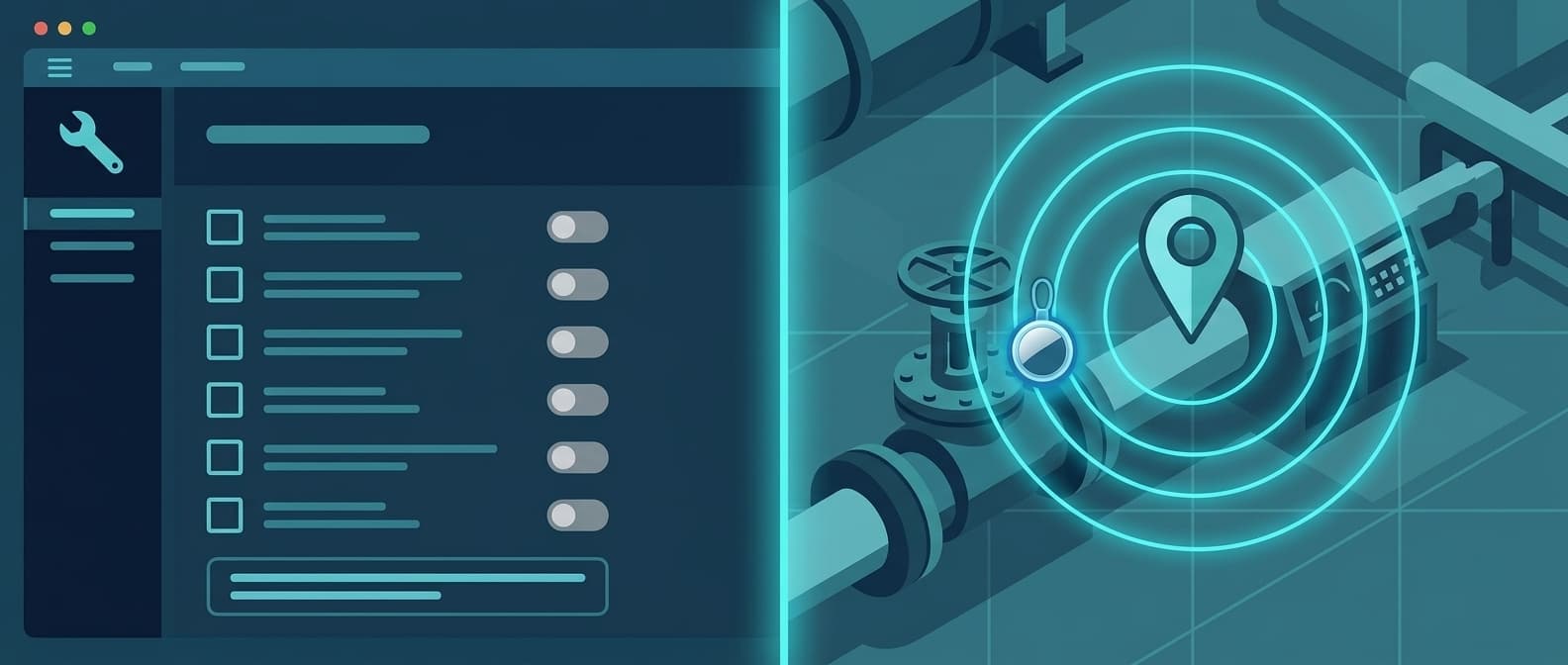
AirTags vs UpKeep: The Location Layer Your CMMS Is Missing
UpKeep is one of the highest-rated maintenance platforms on the market: 4.5 out of 5 on G2 across 1,091 reviews, 4.6 on Capterra across 1,324. For mobile-first maintenance, work orders, and asset operations, it is a genuinely strong product.
It cannot tell you where your assets physically are.
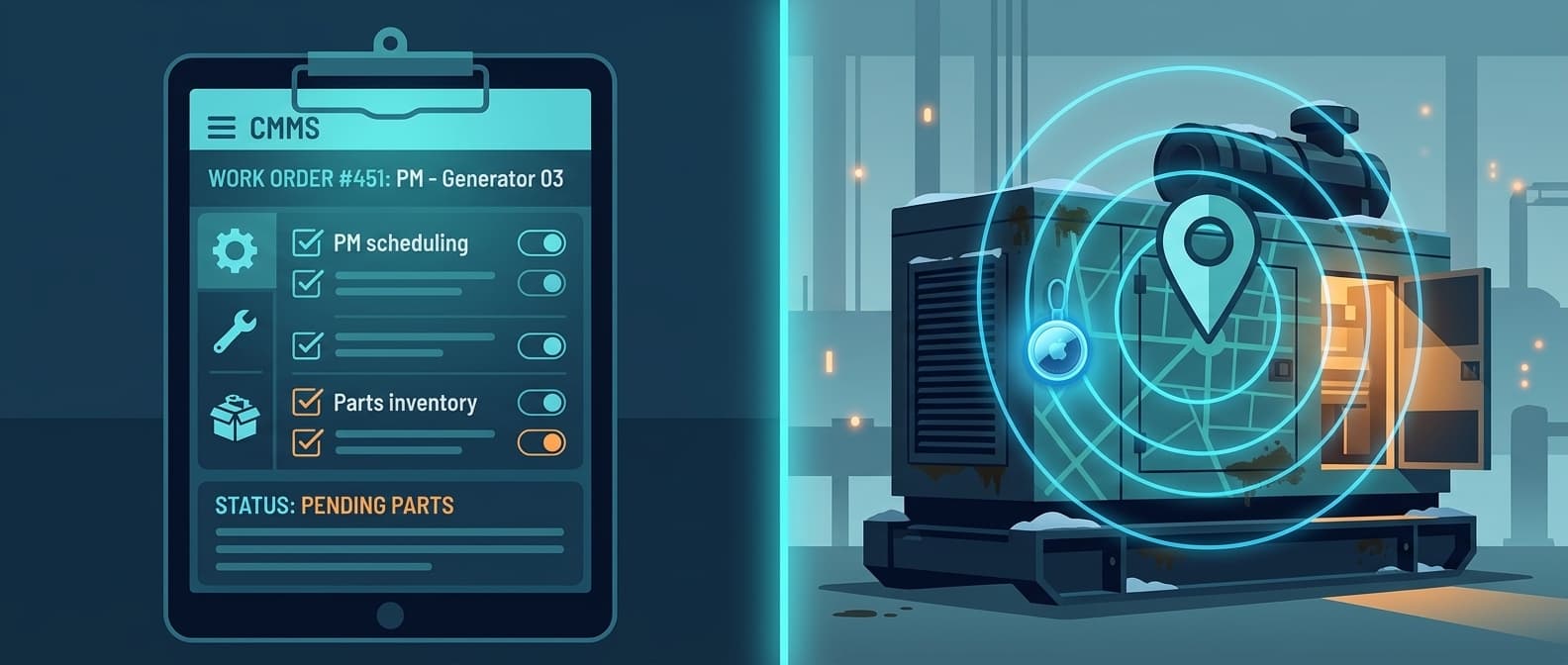
That gap shows up the moment a technician picks up a work order and has to figure out which site the asset is on before doing anything else. UpKeep will show the full maintenance history, the parts on hand, and the last PM date. It will not show a map pin.
Airpinpoint solves the location half. Attach a beacon, and the asset's position updates automatically through Apple's Find My network, which spans over a billion devices worldwide. No scans, no check-ins, no phone calls.
What Each Tool Actually Does
These are not competitors. They solve adjacent problems that share one noun: "asset."
UpKeep is a CMMS and asset operations platform. It answers: what maintenance is due, who is assigned, what parts are needed, what the asset's service history looks like, and whether the PM is on schedule. It has a strong mobile app, Nova AI, barcode and QR scanning, and optional IoT sensors for condition monitoring.
Airpinpoint is a location tracking platform. It answers: where is this asset right now, where has it been, did it leave the geofence, did it move after hours. It is a live map with alerts, history, and reporting.
Head-to-Head Comparison
| Feature | UpKeep | Airpinpoint |
|---|---|---|
| Primary function | Maintenance management, asset operations | Real-time location tracking |
| Price | $24-$55/user/mo (Pro and Enterprise custom) | $11.99/device/mo |
| Location tracking | None (QR scans are manual identifiers) | Automatic via Apple Find My network |
| Live map | No | Yes, with location history |
| Geofence alerts | No | Yes, polygon-based with custom schedules |
| Work orders | Yes, full mobile workflow | No |
| PM scheduling | Yes (Premium and above) | No |
| Parts inventory | Yes (Premium and above) | No |
| IoT sensors | Yes, condition only (vibration, temperature) | Position via BLE beacons |
| Mobile app | Yes, mobile-first (iOS + Android) | Web app (any browser, any device) |
| AI features | Nova AI (from Essential) | No |
| Hardware required | None | BLE beacons ($12-25 each) |
| Location history | No | Yes, full movement history |
| After-hours alerts | No | Yes, geofence with schedule |
Where UpKeep Excels
UpKeep earned its ratings. For maintenance teams, it covers the fundamentals well.
Mobile-First Maintenance
The app is built for technicians in the field, not managers at desks. Work orders open on a phone, photos attach inline, labor logs without a laptop. For teams that are always moving across a plant, hospital, or facility, that mobility is the core value.
Asset Operations Beyond Work Orders
UpKeep pitches itself as asset operations, not just a CMMS. Asset lifecycle tracking, downtime and reliability reporting, and purchase order management on the higher tiers push it past simple ticketing into a broader maintenance system of record.
Condition Monitoring With IoT Sensors
UpKeep Edge sensors stream vibration, temperature, and runtime data over a cellular gateway and trigger work orders when a reading crosses a threshold. For predictive maintenance on critical machines, this closes the loop between a sensor reading and a scheduled repair.
Nova AI Included Early
Nova AI ships from the Essential tier, which is unusual. AI-assisted procedures and insights are available without jumping to the top of the pricing ladder.
Where UpKeep Falls Short
The gaps appear when "maintenance management" runs into "I have to find the thing first."
No Physical Location
UpKeep has no GPS, no BLE positioning, no live map at any tier. The QR codes and barcodes are manual identifiers: scanning one pulls up an asset's record, but only once a person is already standing in front of it. The scan proves an asset was seen at that moment, not where it sits now. This is a category boundary, not a setting.
Condition Sensors Are Not Location Sensors
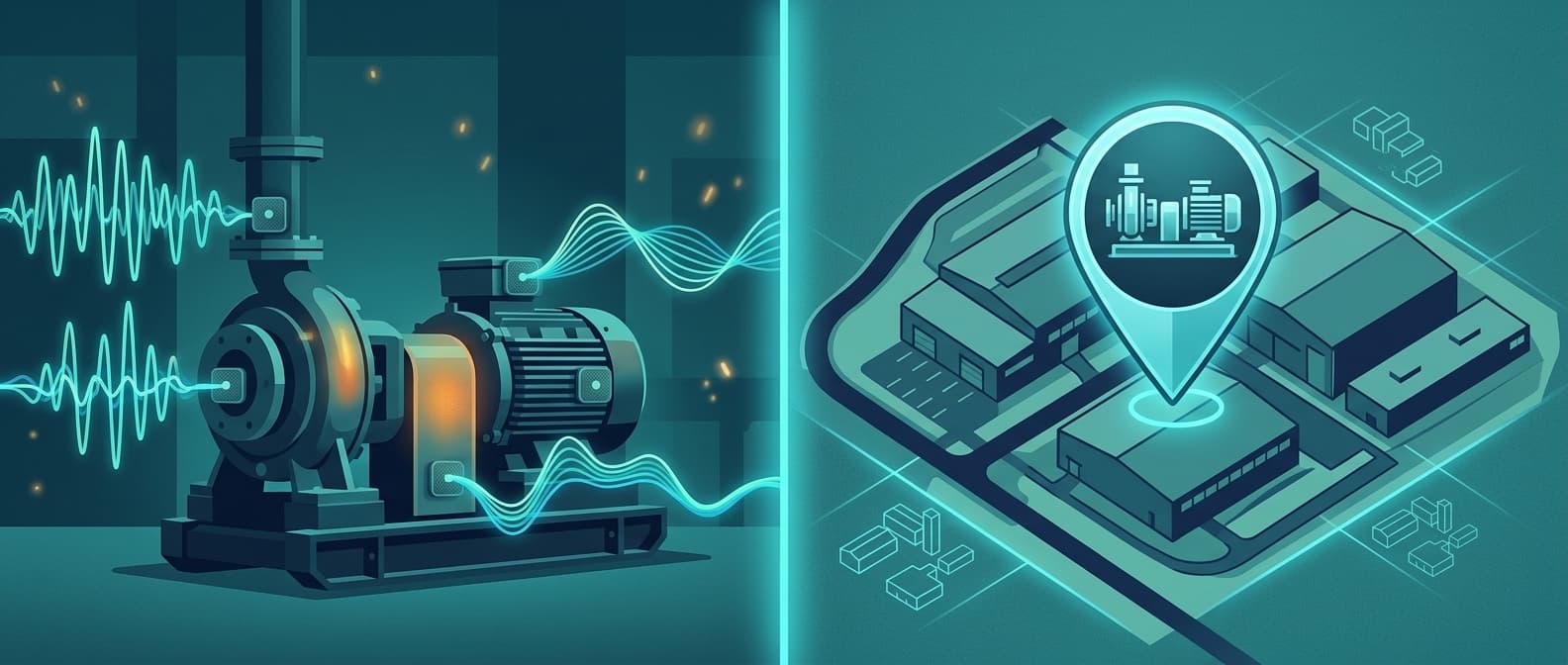
UpKeep's IoT integration is real, but it measures condition (vibration, temperature, runtime), not position. A sensor can tell you a motor is overheating. It cannot tell you the motor left the building. For asset-intensive operations where equipment moves between sites, that is the question that goes unanswered.
No Geofencing or After-Hours Monitoring
UpKeep alerts on overdue PMs and unassigned work orders. It cannot alert you when a generator leaves a job site at 11 PM. There is no boundary detection and no theft-prevention layer, because that was never the product's job.
Cost Scales With Headcount
At $55/user/month (Premium), 25 technicians run $1,375/month before any hardware or add-ons. That is a fair price for a full CMMS, but it is a recurring per-person cost that grows with your workforce, not with your asset count.
Where Airpinpoint Fills the Gap
Automatic Location Without Human Action
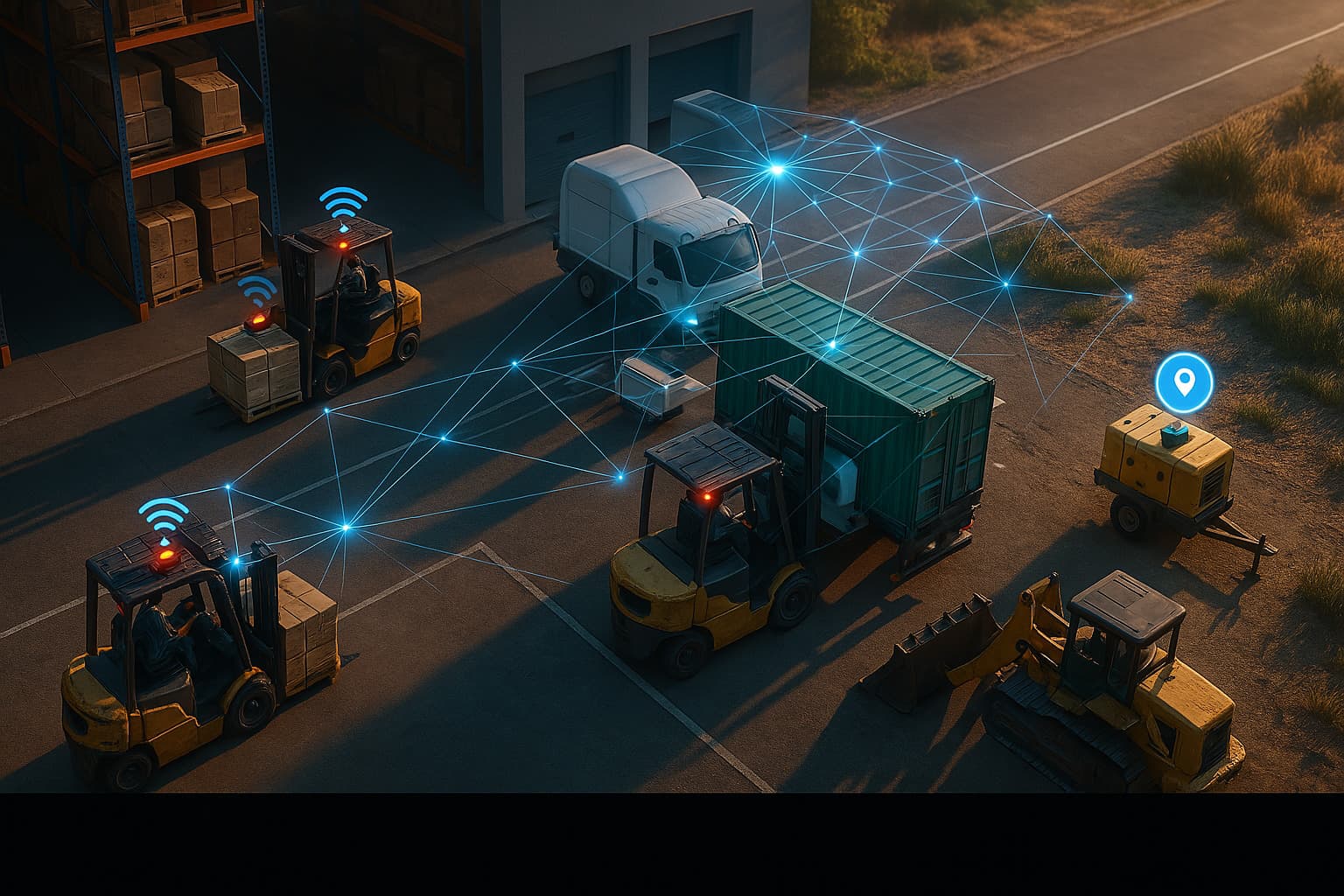
Airpinpoint beacons broadcast on Apple's Find My network. Any iPhone, iPad, or Mac in Bluetooth range relays a beacon's position back to Airpinpoint. Location updates without scanning, check-ins, or manual input. The dashboard shows every tagged asset on a live map with last-known location and timestamp.
Geofence Alerts
Draw a polygon around a job site, warehouse, or yard. If a tracked asset crosses that boundary, you get an alert. Add schedules so you only hear about after-hours movement. This is the accountability and theft-prevention layer a CMMS is not built to provide.
Location History
Every update is stored. Pull up any asset and see where it has been over the past week or month. That data answers questions a work order cannot: which site did this machine spend the most time at, when did it arrive, was it moved over a weekend.
Hardware That Disappears
Airpinpoint's custom NRF52810 beacons run a 7-year battery on a continuous 5-second advertising interval. Attach one and forget it. No battery swaps, no QR stickers that scratch off, no labels to re-scan.
The Real Decision: Maintenance vs. Location
This is not either/or. It is a question of which problem you solve first, and whether you need both.
You need UpKeep (or a CMMS like it) when:
- Scheduling and tracking preventive maintenance
- Managing work order assignments and labor
- Running parts inventory and purchase orders
- Monitoring machine condition with IoT sensors
- Getting a maintenance team off paper and spreadsheets
You need Airpinpoint when:
- Assets move between locations and you need to know where they are now
- Theft or unauthorized movement is a real risk
- Multiple crews share equipment across job sites
- You need location data for insurance, utilization, or billing disputes
- Manual location fields keep falling behind reality
You need both when:
- Your CMMS is accurate about maintenance but useless for finding the asset
- Technicians lose time locating equipment before they can work on it
- You want to correlate location patterns with maintenance frequency
Cost Comparison
UpKeep (25 technicians, Premium)
- Per user: $55/user/mo
- Monthly: $1,375/mo
- Annual: $16,500/year
Airpinpoint (50 assets)
- Hardware: 50 beacons at $12-25 each = $600-1,250 (one-time)
- Subscription: $11.99/device/mo = $599.50/mo
- Annual: $7,194 + hardware
Both Together (25 technicians, 50 assets)
- UpKeep Premium: $1,375/mo
- Airpinpoint: $599.50/mo
- Total: roughly $1,975/mo for full maintenance operations plus real-time location
The two costs scale on different axes. UpKeep grows with the size of your maintenance team. Airpinpoint grows with the number of assets you tag. For most operations, the technician count and the high-value asset count are very different numbers.
Migration Path
If you run UpKeep today and want location tracking, nothing in your UpKeep setup changes.
- Keep UpKeep for work orders, PM scheduling, parts, and condition monitoring
- Sign up for Airpinpoint at airpinpoint.com
- Order beacons for the assets you most need to locate quickly
- Attach beacons to high-value or high-mobility assets first
- Use Airpinpoint's REST API to sync location into UpKeep asset records if you want position visible inside the work order
Start with 10-15 beacons on the assets that cause the most "where is it" friction, then expand. No changes to your UpKeep instance, no data migration, no downtime.
The Bottom Line
UpKeep is a strong CMMS and asset operations platform. The 4.5 G2 score across more than a thousand reviews reflects real product quality.
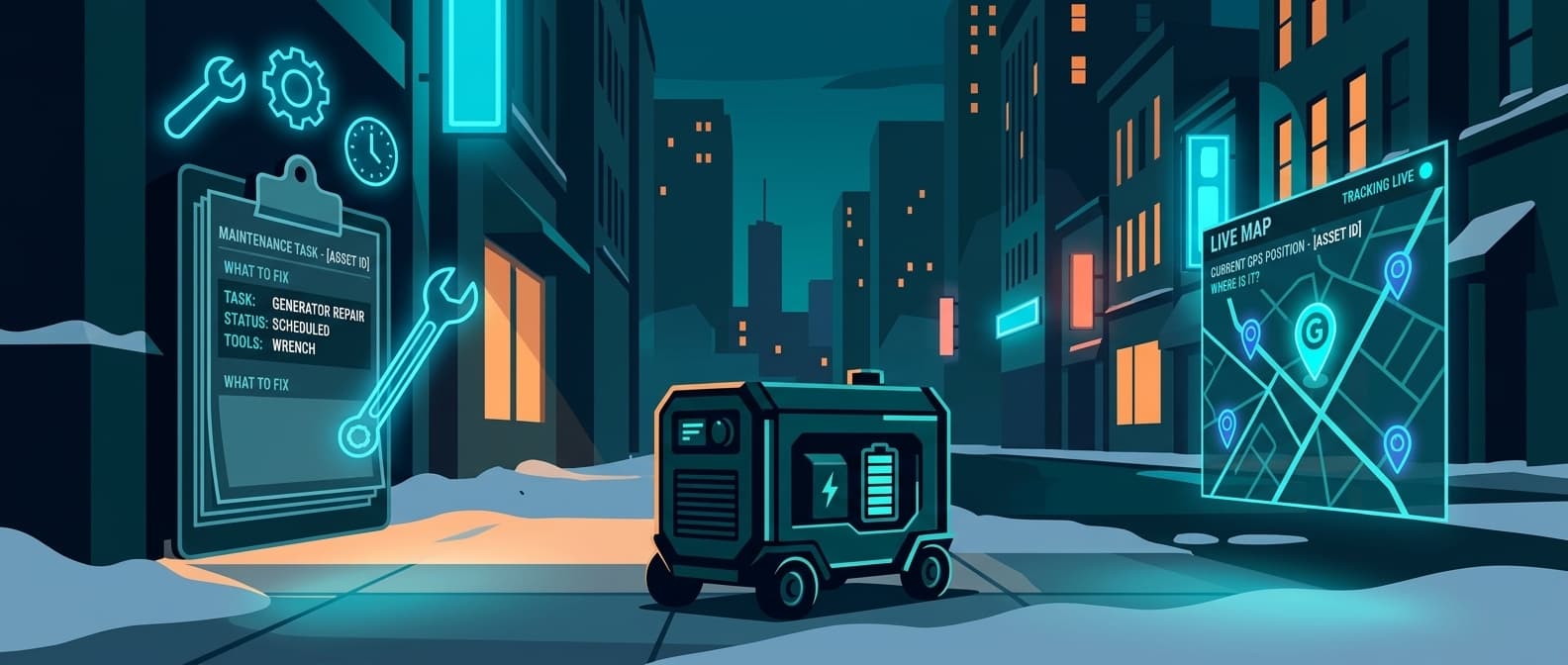
But a CMMS manages maintenance. It does not track position. UpKeep knows an asset has a PM due Friday, was last serviced by a specific tech, and has two open work orders. It does not know the asset is currently in the east yard, arrived Tuesday, and has not moved since. A QR scan only tells you that once someone is already standing next to it.
One tool keeps maintenance on schedule. The other finds the asset you are trying to maintain. For operations where equipment moves, a CMMS without a location layer answers half the question.

 Our Solution