AirTags vs Limble CMMS: When Your Maintenance System Needs a Location Layer
Limble is rated 4.8/5 on G2 across 665 reviews, the top-rated CMMS on the market. It manages work orders, PM schedules, spare parts, and compliance documentation better than almost anything else. It does not tell you where the equipment is.
That gap shows up the moment a technician gets dispatched. Limble knows the generator needs a PM this week, what parts to bring, and who's scheduled to do it. It does not know the generator is in Lot C instead of Bay 2, where it sat last week.
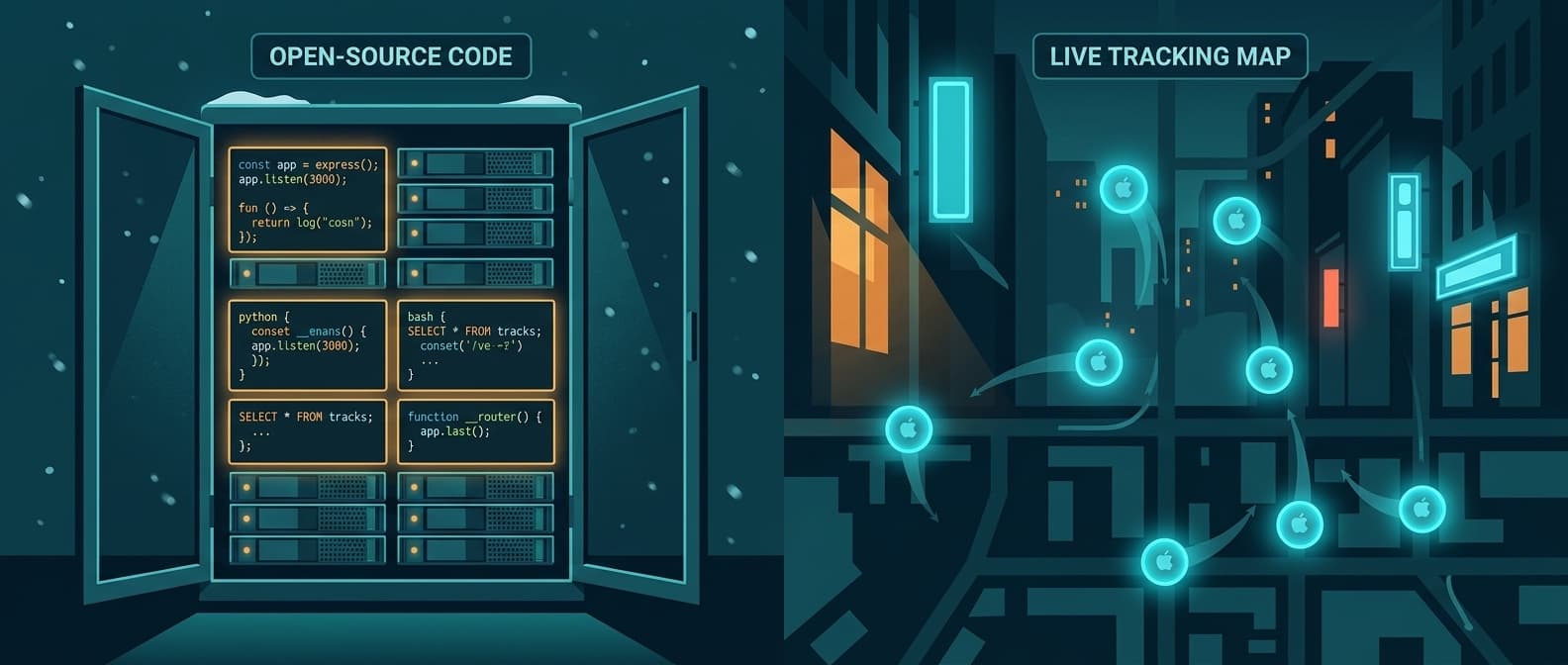
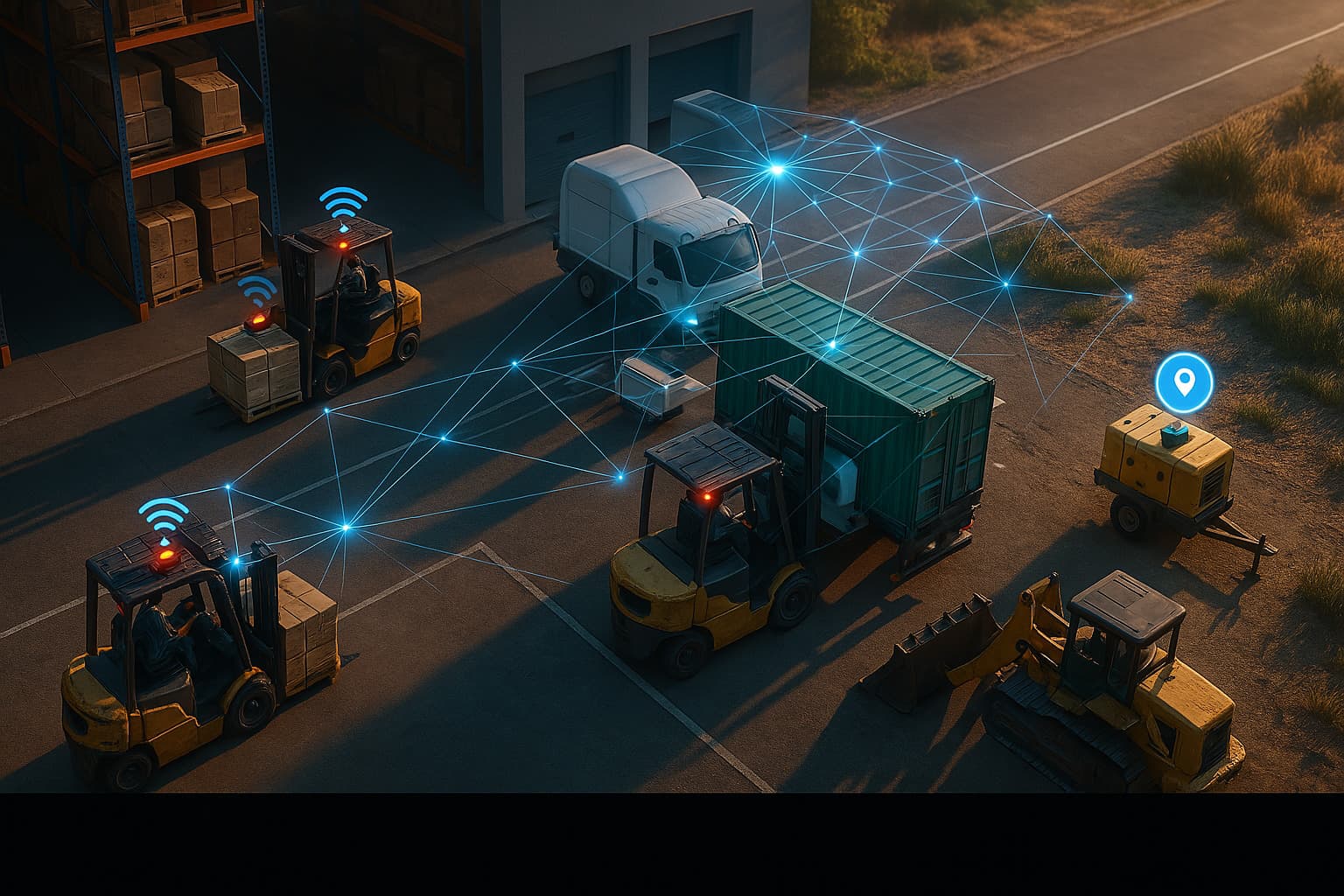
Airpinpoint closes that gap. Attach a beacon, and the asset's position updates automatically through Apple's Find My network, no manual check-ins, no location fields to update, no "last known: see Limble record."
What Each Tool Actually Does
These aren't competitors. They solve different problems that share a noun: "assets."
Limble is a maintenance execution platform. It answers: what maintenance is due, who's doing the work, what parts are needed, what was done last time, and whether the PM schedule is compliant. It's a mobile-first CMMS trusted by over 50,000 maintenance professionals across manufacturing, facilities, food and beverage, utilities, and healthcare.
Airpinpoint is a location tracking platform. It answers: where is this asset right now, where has it been, did it cross a geofence, did it move after hours. It's a live map with alerts, history, and a REST API, built on Apple's 2.5-billion-device Find My network.
Head-to-Head Comparison
| Feature | Limble CMMS | Airpinpoint |
|---|---|---|
| Primary function | Maintenance management and PM execution | Real-time location tracking |
| Price | Quote-based (Standard/Premium+/Enterprise) | $11.99-$14.99/device/mo |
| Location tracking | None, no GPS, no BLE, no mapping | Automatic via Apple Find My network |
| Live map | No | Yes, with full location history |
| Geofence alerts | No | Yes, polygon-based with custom schedules |
| Work order management | Yes, core feature | No |
| PM scheduling | Yes, with automated triggers | No |
| Spare parts inventory | Yes (Premium+ and above) | No |
| Mobile app | Yes, iOS/Android, offline mode | Web app (any browser, any device) |
| QR code asset scanning | Yes, built-in | No (uses BLE beacons instead) |
| Multi-site support | Enterprise tier only | Yes, all plans |
| Reporting | Strong (limited on Standard) | Location history and movement data |
| API | Yes | REST API |
| Hardware required | None (software only) | BLE beacons ($12-25 each) |
| G2 rating | 4.8/5 (665 reviews) | N/A (niche B2B product) |
Where Limble Excels
Limble earned its G2 position honestly. It consistently tops CMMS rankings for ease of use, mobile experience, and implementation speed, and the reviews back it up.
Preventive Maintenance Automation
Limble's core strength is PM scheduling. Set triggers based on calendar dates, meter readings, or usage thresholds and Limble auto-generates work orders before failures happen. For maintenance teams running deferred maintenance backlogs, this is operationally transformative.
Mobile-First Execution
Technicians work on phones and tablets, not desktops. Limble's mobile app handles offline mode (Premium+ and above), photo attachments, QR code scanning, and work order updates from the field. 91% of G2 reviewers give five stars, unusually high for enterprise software, and it's largely driven by the mobile experience.
Spare Parts and Purchasing
Premium+ adds spare parts inventory management and purchase orders. Enterprise adds cycle counts, inter-location transfers, and custom budget approval workflows. For maintenance teams burning hours on parts runs, this is the feature that pays for itself fastest.
Compliance Documentation
Limble keeps a full audit trail: who did what, when, what parts were used, what procedures were followed. For regulated industries (food manufacturing, pharmaceuticals, Limble supports 21 CFR Part 11 on Enterprise), this documentation is non-negotiable.
Where Limble Falls Short
The limitation is structural, not a missing feature: Limble was built for maintenance execution, not spatial awareness.
No Physical Location Tracking
Limble has no GPS integration, no BLE, and no map view. One power systems engineer in utilities on G2 put it directly: "the lack of GIS or mapping functionality makes it challenging to manage certain assets, particularly when field workers are required to travel off-site." Asset records can have a location field, but it's text you update manually. If equipment moves, Limble doesn't know until someone updates the record.
Dispatch Without Coordinates
A technician dispatched via a Limble work order knows what to fix. They don't know exactly where the asset is. For facilities with dozens of assets spread across large sites or multiple locations, "it should be in Bay 3" and "it is in Bay 3" are different sentences.
No Movement Alerts
Limble can notify you when a PM is overdue or a work order is unacknowledged. It cannot notify you when a compressor leaves the facility at 11 PM, when a generator hasn't been at the scheduled job site for 48 hours, or when high-value equipment crosses a perimeter during non-business hours.
Multi-Site Location Blind Spots
Multi-site support exists in Limble's Enterprise tier, but it covers maintenance coordination across sites, not asset movement between them. If a trailer moves from Site A to Site B, Limble's reports don't capture the transit. Airpinpoint's history log does.
Where Airpinpoint Fills the Gap
Automatic Location Updates
Airpinpoint beacons broadcast their position through Apple's Find My network. Any iPhone, iPad, or Mac within range relays the signal, anonymously, in the background, without the asset owner or beacon carrier needing to do anything. The dashboard updates automatically. No one has to scan a QR code, update a field, or check in.
Geofence Alerts
Draw a polygon around a job site, facility perimeter, or storage yard. Airpinpoint sends an alert when a tracked asset crosses that boundary. Set schedules so you only receive alerts for after-hours movement. For maintenance teams managing expensive mobile equipment, this is the theft deterrent and accountability layer that a CMMS cannot provide.
Location History for Maintenance Context
Every location update is stored. Pull up any asset and see where it traveled over the past week or month. For maintenance teams, this data has direct operational value: equipment that hasn't moved in 30 days may not need the PM that's scheduled, and equipment that moved five times last week may need one sooner. Airpinpoint's history makes utilization visible in a way Limble's work order log can't.
Long Battery, Zero Maintenance
Airpinpoint's custom NRF52810 beacons run for approximately 7 years on a single battery. Attach one and forget it. No battery swaps, no barcode sticker re-printing, no QR codes fading in industrial environments. For maintenance teams who track maintenance on everything else, the last thing they need is another thing to maintain.
The Real Decision: Maintenance vs. Location
This isn't either/or. It's a sequencing and scope decision.
You need Limble (or a CMMS like it) when:
- Managing PM schedules, work order queues, and maintenance compliance
- Tracking spare parts inventory and purchase orders
- Documenting maintenance history for audits or regulatory requirements
- Dispatching technicians and tracking labor time on jobs
- Running a mobile maintenance team that needs offline capability
You need Airpinpoint when:
- Assets move between locations and you need to know where they are now
- Technicians spend time finding equipment before they can start work
- Theft, unauthorized removal, or after-hours movement is a risk
- You need location data for insurance claims or utilization analysis
- Manual location updates in your CMMS are always out of date
You need both when:
- Your Limble records are accurate about maintenance history but useless for dispatch routing
- You want PM triggers based on actual utilization, not just calendar dates
- Compliance requires both maintenance documentation and location documentation
- High-value mobile assets need tracking between sites as well as scheduled maintenance
Cost Comparison
Limble CMMS
- Free plan: None
- Standard: Quote-based, core PM scheduling, work orders, 3 advanced reports/month
- Premium+: Quote-based, adds spare parts, purchase orders, unlimited analytics, offline mobile
- Enterprise: Quote-based, multi-site, AI scheduling, cycle counts, 21 CFR Part 11 compliance
- Implementation: Additional cost, varies by deployment size
- Data migration: Separate line item for teams moving from legacy CMMS
Exact numbers require contacting Limble sales or using their pricing calculator at limble.com.
Airpinpoint (100 assets)
- Hardware: 100 beacons at $12-25 each = $1,200-2,500 (one-time)
- Subscription: $11.99/device/mo = $1,199/mo
- Annual software cost: $14,388 + hardware
Both Together
Running both Limble and Airpinpoint is a common configuration for mid-market maintenance operations. Limble handles the maintenance program; Airpinpoint handles the location layer. The combined cost depends on your Limble tier and beacon count, but the operational case is straightforward: if your maintenance team spends 20 minutes per dispatch finding equipment, and you have 5 dispatches per day, that's over 1.5 hours of tech time lost daily to a problem Airpinpoint eliminates.
Migration Path
If you're running Limble today and want to add location awareness, nothing needs to change in Limble.
- Keep Limble for PM scheduling, work orders, spare parts, and compliance documentation
- Sign up for Airpinpoint at airpinpoint.com
- Order beacons for the assets your team spends the most time locating
- Attach beacons to high-mobility or high-value assets first, generators, compressors, trailers, specialty tools
- Use Airpinpoint's REST API to push current location into Limble's asset location field automatically if you want one record of truth
Start with 10-20 beacons on the assets that cause the most dispatch friction. Expand from there. No changes to your Limble configuration required.
The Bottom Line
Limble is the best CMMS available for maintenance teams that care about ease of use. Its 4.8/5 G2 rating across 665 reviews isn't an accident, the PM scheduling, mobile experience, and parts management are genuinely best-in-class.
But Limble manages maintenance. It doesn't manage location. When a technician arrives at the job site and the equipment isn't where it should be, Limble's work order is still accurate. Airpinpoint knows where the equipment actually went.
One tool runs your maintenance program. The other finds your assets before the program can run. Most maintenance operations that grow beyond a single fixed facility eventually need both.

 Our Solution