Asset Tracking Tags: BLE vs GPS vs RFID vs Find My Compared
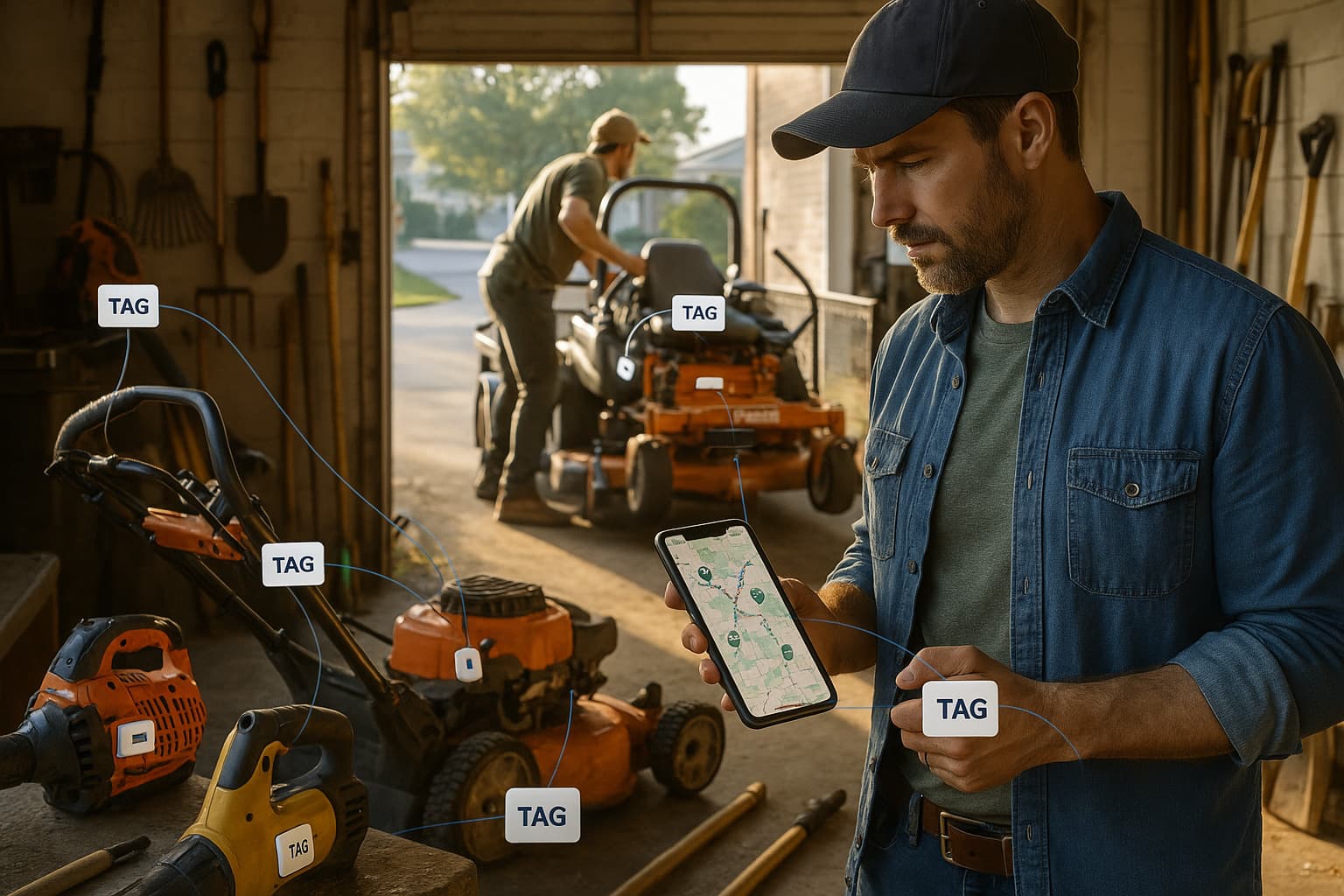
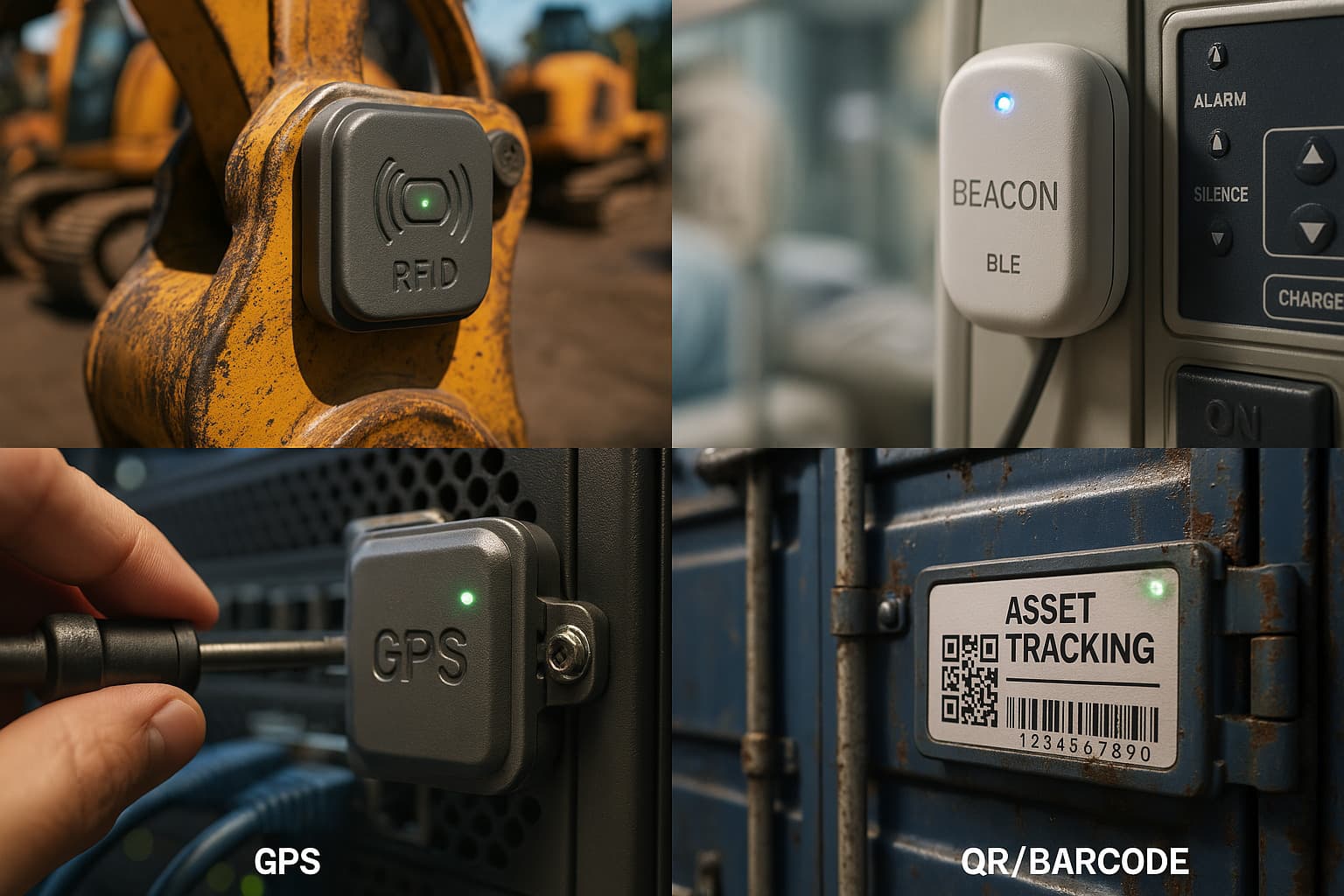
Asset tracking tags are the physical tags you attach to tools, equipment, containers, and inventory so a business can see where each asset is. There are four types: Find My tags (AirTags and compatible beacons), BLE beacon tags, GPS tags, and RFID tags. For most businesses, a Find My tag tracked through Airpinpoint gives the best coverage per dollar, because it locates through 2.5 billion nearby Apple devices with no gateways to install and no monthly per-tag data plan. It costs $29 per tag plus $11.99 per device per month.
The four types differ on four things that decide which one fits: cost per tag, how much coverage you get, battery life, and whether you have to install reader or gateway hardware to make the tag report at all.
- Find My tag (AirTag). Broadcasts Bluetooth that 2.5 billion Apple devices relay anonymously. No gateways to buy, no cellular plan. Appears on a map anywhere people go.
- BLE beacon tag. Also broadcasts Bluetooth, but only your own gateways pick it up. Works only at the fixed points where you install hardware.
- GPS tag. Carries its own cellular and satellite radio. Works anywhere with coverage, including rural areas, but is bulky, costs the most, and drains battery fast.
- RFID tag. Cheap and batteryless, but only registers when it passes a reader. Tells you presence at a gate, not live location between gates.
What types of asset tracking tags are there?
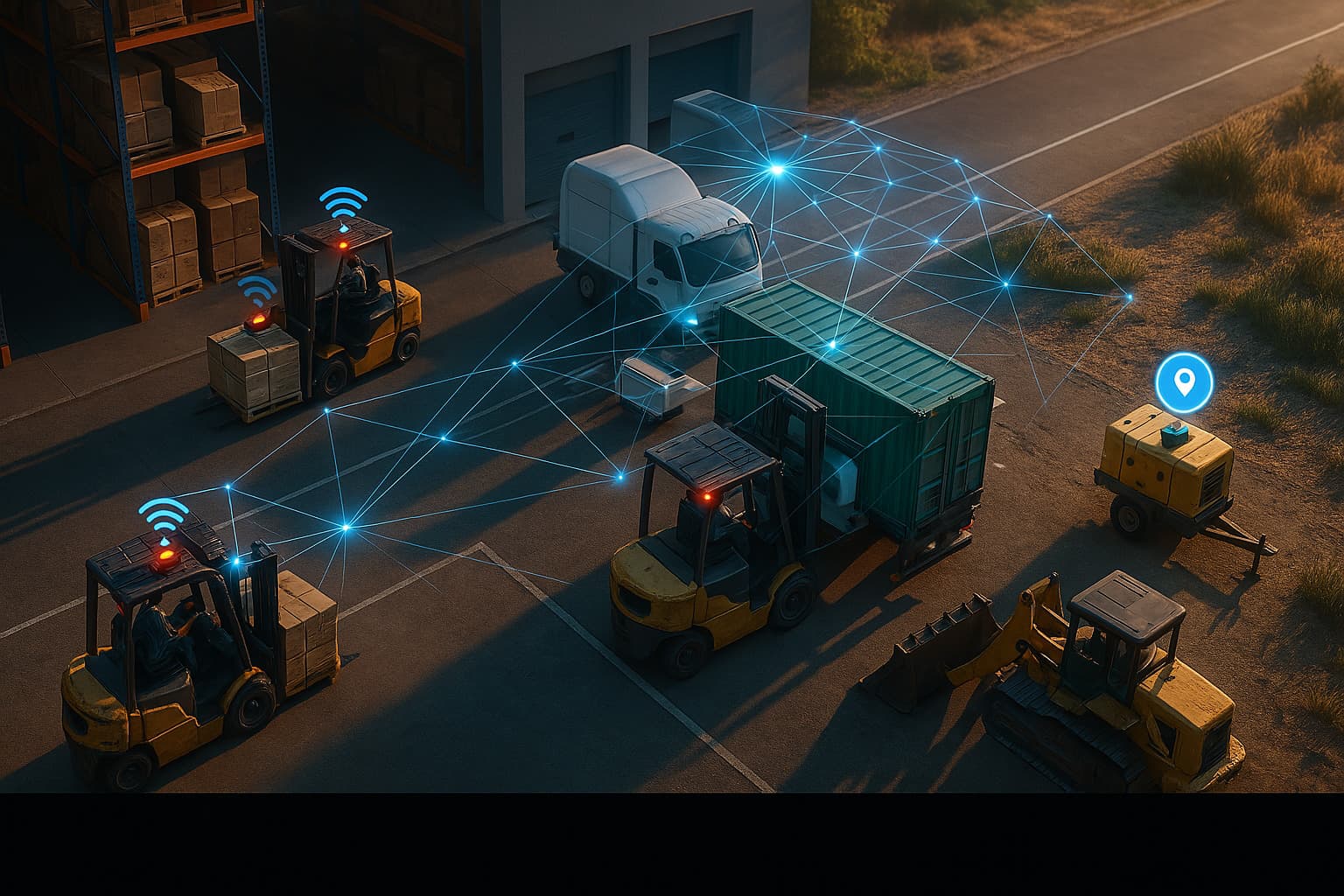
There are four main types of asset tracking tag, and they split on one question: what does the locating for you? With a BLE beacon tag, you do, by installing your own gateway network. With a Find My tag, 2.5 billion existing Apple devices do it for free. With a GPS tag, the tag itself does it with an onboard cellular radio. With an RFID tag, a reader does it, but only at the checkpoint where the reader sits.
| Tag type | Cost each | Coverage | Battery | Gateways/readers needed | Live location |
|---|---|---|---|---|---|
| Find My tag (AirTag) via Airpinpoint | $29 | Anywhere Apple devices pass (2.5B) | 12+ months (7+ yrs custom) | None | Near real-time (minutes) |
| BLE beacon tag | $5-20 | Only at your own gateways | 1-5 years | Yes, you build the network | Only at fixed choke points |
| GPS tag | $100-200 + $30-50/mo | Anywhere with cellular | Days to weeks in real-time mode | None (uses cellular) | Yes (seconds) |
| RFID tag (passive) | Cents to a few dollars | Only at readers | None (no battery) | Yes, $1,500-$20,000+ per reader | No, presence at a gate only |
Costs are general category figures, not quoted prices. Find My tags and GPS tags do the locating themselves; BLE and RFID tags are cheap because the cost and the work move into the reader or gateway hardware you install and maintain.
Find My / AirTag Asset Tracking Tags
A Find My tag is the one tag here that locates itself without you building anything. It broadcasts Bluetooth like any beacon, but instead of needing your own readers, every iPhone within about 30 meters anonymously relays its location through Apple's network of 2.5 billion devices. Tag the asset and it appears on a map. No reader, no gateway, no cellular plan.
- Cost: $29 per tag, no per-tag cellular fee
- Battery: 12+ months on a $1 coin cell (standard AirTag), up to 7 years on custom beacons
- Coverage: anywhere Apple devices pass nearby, with no infrastructure to install
- Best for: tools, trailers, equipment, and containers that spend time near people
Airpinpoint adds the business layer on top of those tags: one shared map for the whole team, PostGIS geofence alerts by email and webhook, location history, team access controls, and a REST API on the Enterprise plan, for $11.99 per device per month. There is no 32-item Apple ID cap; customers track 500+ assets on a single dashboard. The tradeoff to know about is cadence: locations refresh when Apple devices pass nearby, which is minutes in towns and on job sites and longer in remote areas, so Find My tags are not built for live turn-by-turn dispatch. For most asset tracking, "where is it right now, on a map" is the whole job.
BLE Beacon Asset Tracking Tags
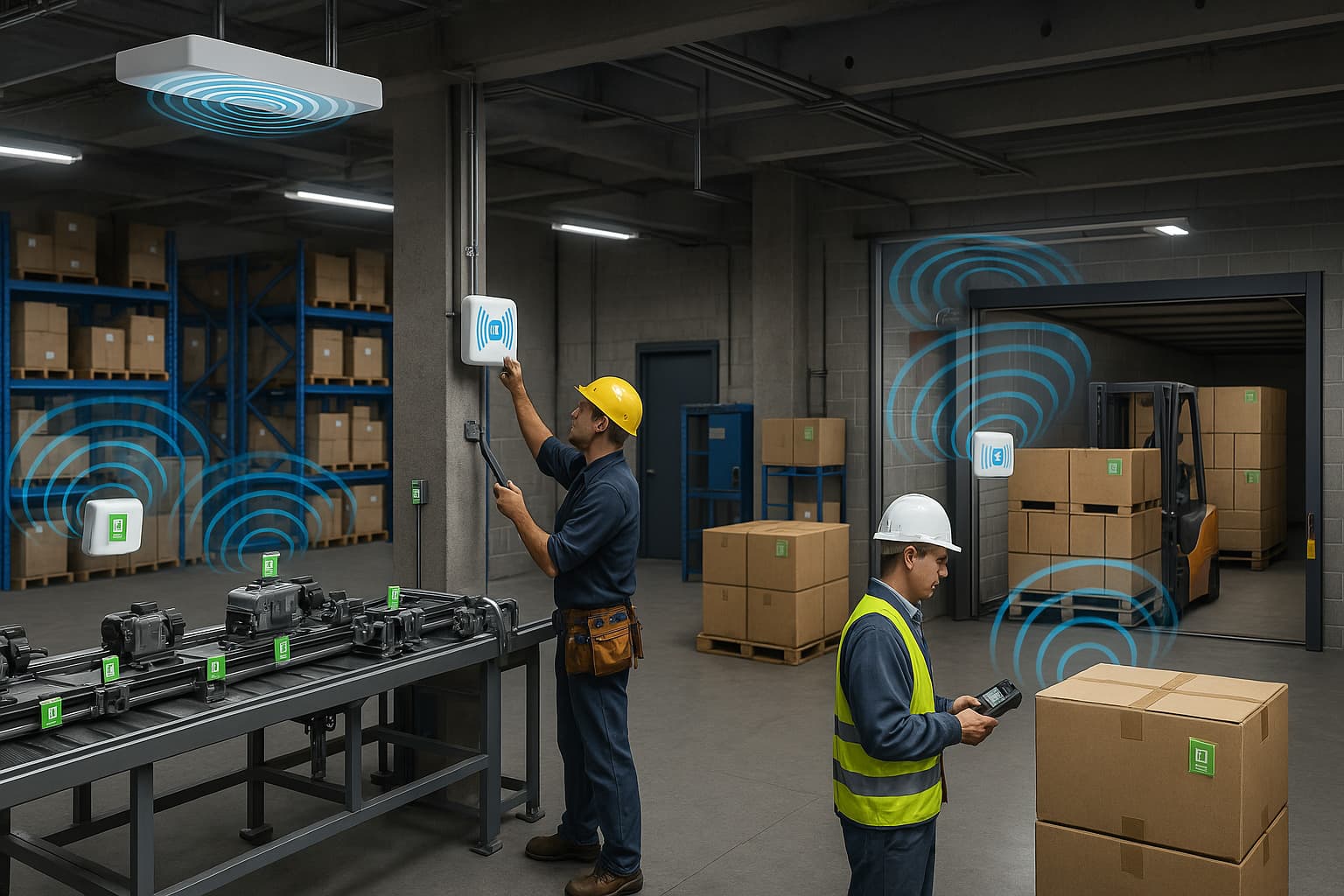
A BLE beacon tag broadcasts the same kind of Bluetooth signal a Find My tag does. The difference is who listens. A Find My tag is heard by every Apple device nearby; a BLE beacon is heard only by gateways you buy, mount, and maintain. That makes BLE tags cheap per tag and useful at fixed indoor points you control, but blind everywhere you have not installed a gateway.
- Cost: $5-20 per tag, plus your own gateway network
- Battery: 1-5 years depending on broadcast interval
- Coverage: only where you have installed gateways
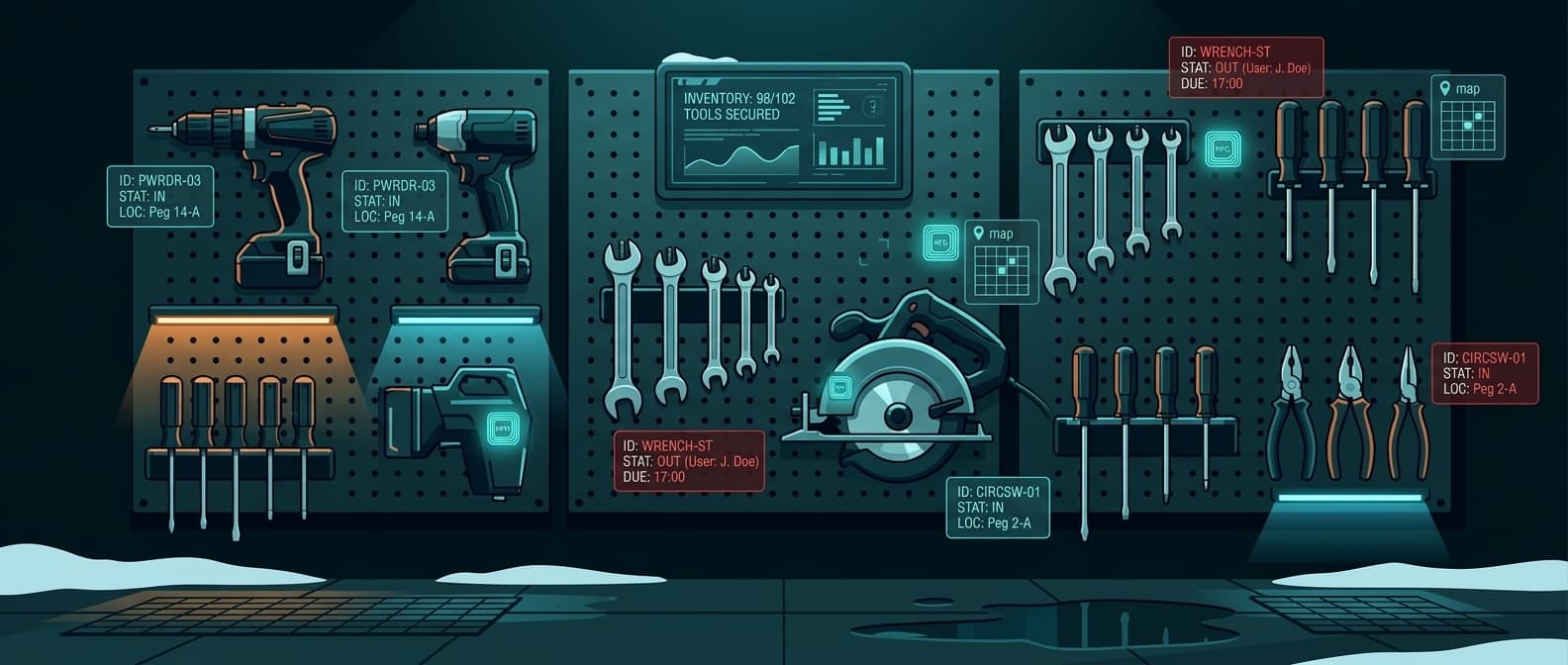
- Best for: fixed indoor choke points like a warehouse dock, a tool crib, or a single building
The honest tradeoff: BLE beacons are excellent for "is this asset inside the building," but they go dark the moment an asset leaves your gateway footprint. If your assets travel between sites or off-site at all, the gateway you would need to cover them everywhere is the whole Find My network, which Apple already built. See the BLE tags and BLE vs RFID breakdowns for the technology details.
GPS Asset Tracking Tags
A GPS tag is the only type that works anywhere with no help from nearby phones or readers, because it carries its own cellular and satellite radio. That independence is what you pay for: GPS tags run $100-200 per unit plus a $30-50 monthly cellular plan per tag, they are bulky, and in real-time mode the battery lasts days to weeks rather than months.
- Cost: $100-200 per unit plus $30-50/month per tag
- Battery: days to weeks at frequent updates; longer only at one or two check-ins per day
- Coverage: anywhere with cellular coverage, including rural areas
- Best for: assets that travel through areas with few Apple devices, or that need second-by-second positioning
GPS earns its cost when an asset spends real time in rural areas where few Apple devices pass, or when you genuinely need live dispatch routing. Note the battery fine print: the multi-year figures GPS vendors quote assume roughly one update per day. By contrast, Airpinpoint tags on active sites log 200+ updates per day. See AirTag vs GPS trackers for the full cost and update comparison.
RFID Asset Tracking Tags
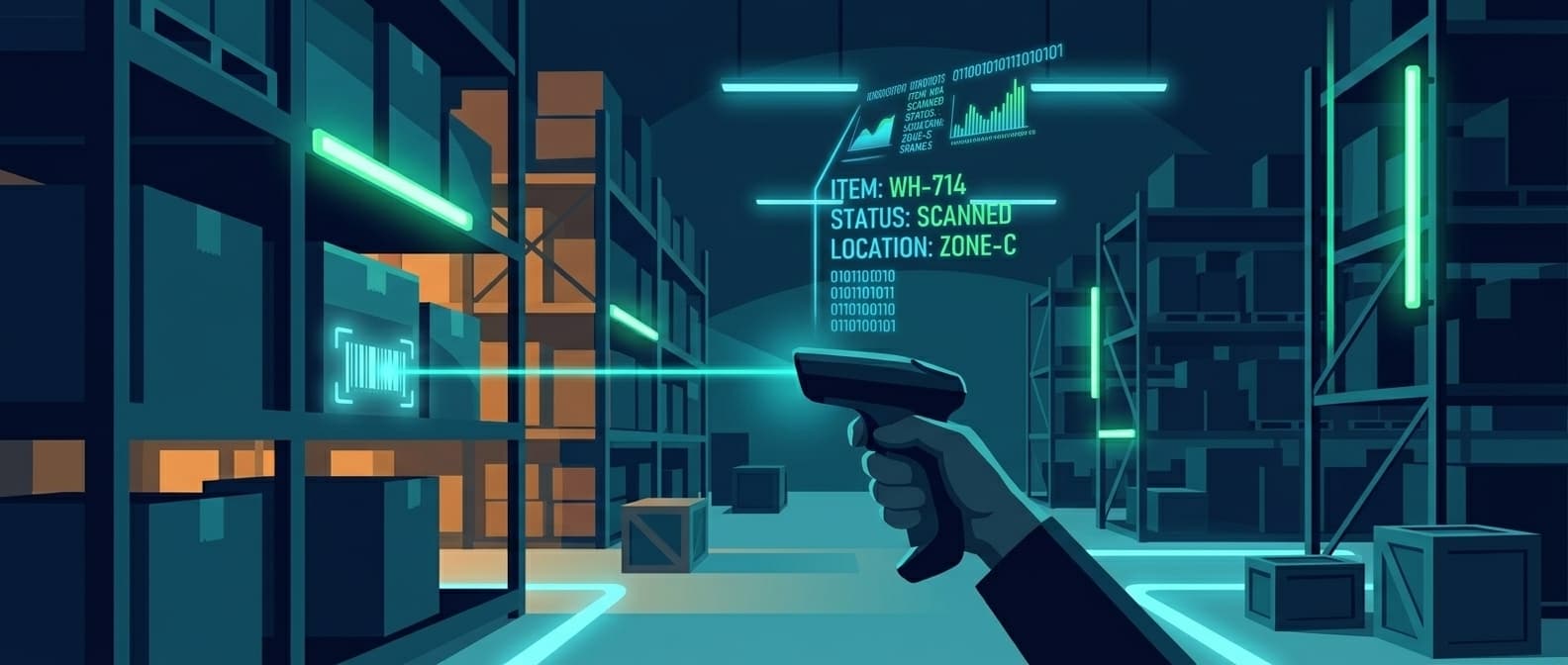
RFID tags read without line of sight and can be scanned in bulk, which is why high-volume operations use them. A passive RFID tag has no battery and costs from cents to a few dollars. The catch is the reader: every place you want to read a tag needs hardware, and a single fixed reader portal runs from roughly $1,500 to over $20,000 installed.
- Cost: low per tag, high per reader
- Scanning: no line of sight, 100+ tags at once, but only within reader range
- Best for: thousands of items moving through fixed checkpoints like dock doors and gates
RFID tells you an asset passed a gate at a moment in time, not where it is between gates. For hundreds of assets spread across job sites instead of streaming through a doorway, RFID's reader bill makes it usually overkill. The tag is cheap; the infrastructure to read it everywhere is not.
Which asset tracking tag is best?
The decision is rarely one type for everything. It is matching the tag to where the asset lives.
| If your assets | Use | Why |
|---|---|---|
| Spend time near people, on or off site | Find My tag via Airpinpoint | Best coverage per dollar, no gateways, $29 + $11.99/mo |
| Sit at fixed indoor points you control | BLE beacon tag | Cheap per tag where you have your own gateways |
| Travel through rural areas or need live dispatch | GPS tag | Works anywhere with cellular, second-by-second |
| Pass through fixed gates by the thousand | RFID tag | Bulk reads, cents per tag, presence at a checkpoint |
Tip: For most businesses, the cheapest reliable setup is a $29 Find My tag on anything valuable or mobile enough to go missing, tracked on Airpinpoint. You skip the gateway network BLE needs, the cellular bill GPS charges, and the reader portals RFID requires, and you still see every asset on one map.
For most businesses, a Find My tag tracked through Airpinpoint is the best asset tracking tag because it gives map-level location with no gateways to install and no monthly per-tag data plan. BLE wins only where you fully control a fixed indoor space, GPS wins where assets leave Apple-device coverage, and RFID wins where you count high volumes at fixed gates. Airpinpoint connects Find My tags to a fleet-wide map with PostGIS geofences, email and webhook alerts, location history, and a REST API at $11.99 per device per month, with no readers, gateways, or contracts.

 Our Solution