
Construction Equipment Rental Software
Construction equipment rental has unique demands that general rental software can't address. Heavy machinery requires hour-based billing, DOT compliance, operator certifications, and job site logistics that party rental software never considered.
Why Construction Rentals Need Specialized Software
| Challenge | General Software | Construction-Specific Software |
|---|---|---|
| Hour metering | Not supported | Automatic hour tracking |
| DOT compliance | Manual tracking | Automated alerts |
| Operator certs | Basic notes field | Verification workflow |
| Job site delivery | Address only | Route optimization, POD |
| Equipment size | Standard items | Complex configurations |
| Maintenance | Basic scheduling | Hour-based triggers |
Top Construction Equipment Rental Software
Point of Rental
Best for: Large rental houses, multi-location operations
The industry leader with 40+ years serving construction rentals.
Construction-Specific Features:
- Hour meter tracking with billing thresholds
- Equipment specification management
- DOT inspection scheduling
- Operator qualification tracking
- Telematics integration
Pricing: Custom (typically $500-1500/month)
Quipli
Best for: Modern heavy equipment rental operations
Built from the ground up for construction and heavy equipment.
Construction-Specific Features:
- Heavy equipment inventory optimization
- Modern e-commerce booking
- Utilization analytics dashboard
- Mobile-first design
- Growing integration ecosystem
Pricing: Starting at $299/month
InTempo
Best for: Large fleets with ERP requirements
Enterprise-grade solution for complex construction rental operations.
Construction-Specific Features:
- Full ERP capabilities
- Advanced fleet management
- Multi-company support
- Comprehensive compliance
- Deep customization
Pricing: Custom enterprise pricing
Texada
Best for: Mid-sized construction rental
Strong construction focus with reasonable pricing.
Construction-Specific Features:
- Equipment configuration management
- Service and maintenance tracking
- Customer portal
- Rental rate optimization
- Canadian tax compliance
Pricing: Custom (mid-market pricing)
Essential Features for Construction Rentals
1. Hour Meter Tracking
Construction equipment bills by hours, not days. Your software must:
- Record hour readings at checkout and return
- Calculate billing based on hour thresholds
- Track utilization rates for fleet optimization
- Flag excessive usage for maintenance
2. Maintenance Management
Heavy equipment requires rigorous maintenance:
- Hour-based service scheduling (every 250 hours, etc.)
- Pre/post rental inspections
- Service history by unit
- Parts inventory integration
- Warranty tracking
3. Compliance Tracking
Construction equipment has regulatory requirements:
- DOT inspection schedules
- Emissions certifications
- Safety equipment verification
- Insurance documentation
- Operator qualification records
4. Job Site Logistics
Delivering excavators isn't like shipping packages:
- Delivery scheduling and routing
- Permit requirements (oversize loads)
- Proof of delivery capture
- Site access instructions
- Pickup coordination
5. Complex Configurations
Construction equipment has attachments and options:
- Base unit + attachment combinations
- Bucket sizes, boom lengths, etc.
- Configuration-based pricing
- Attachment availability tracking
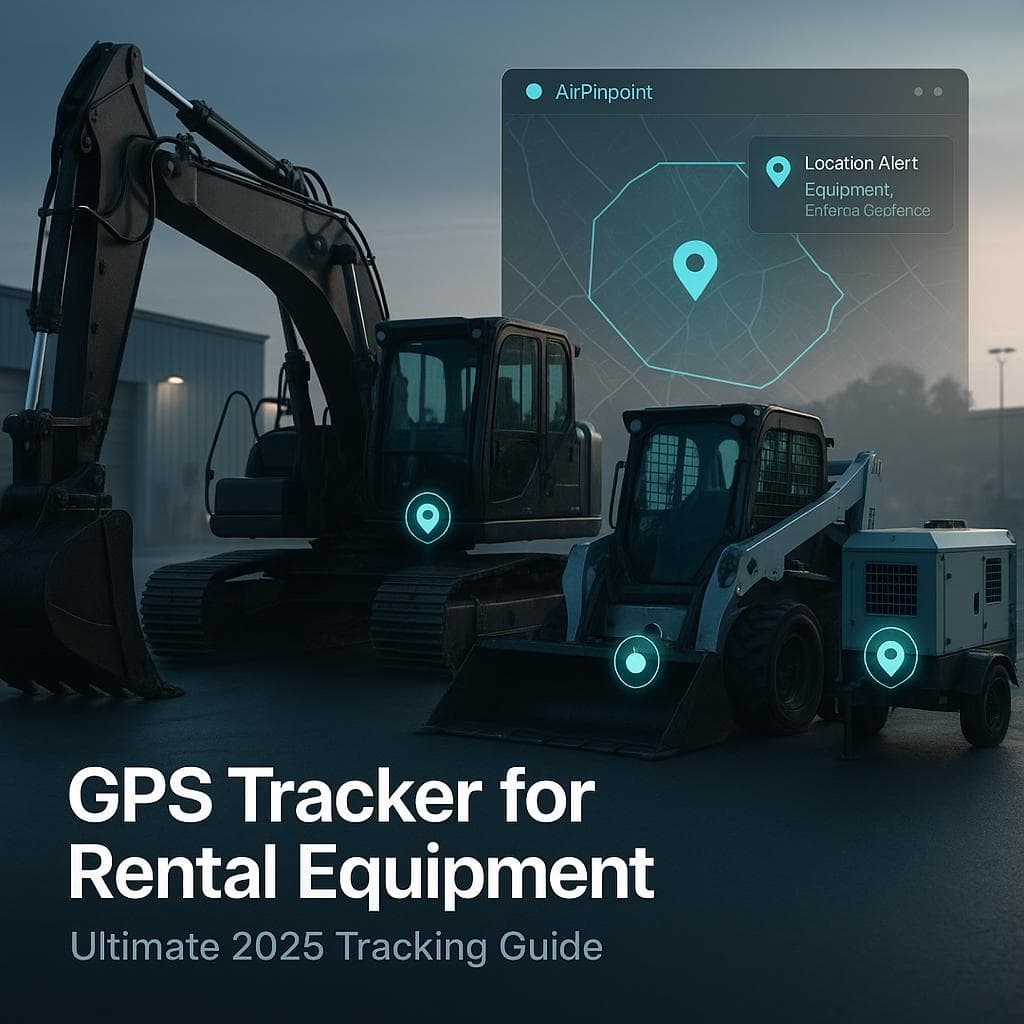
GPS Tracking Integration
Construction equipment at remote job sites needs real-time visibility:
What GPS Adds to Rental Software
| Rental Software Data | GPS Data |
|---|---|
| "Rented to ABC Contractors" | "Currently at 456 Industrial Pkwy" |
| "Due back Friday" | "Left job site heading south" |
| "4 hours billed" | "Actual runtime: 6.2 hours" |
| "Return requested" | "Still at delivery location" |
GPS Benefits for Construction Rentals
- Theft prevention: Alert when equipment leaves job site
- Utilization verification: Actual usage vs billed usage
- Recovery: Locate stolen equipment within hours
- Delivery confirmation: Verify arrival at job sites
- Hour verification: Cross-check reported vs actual hours
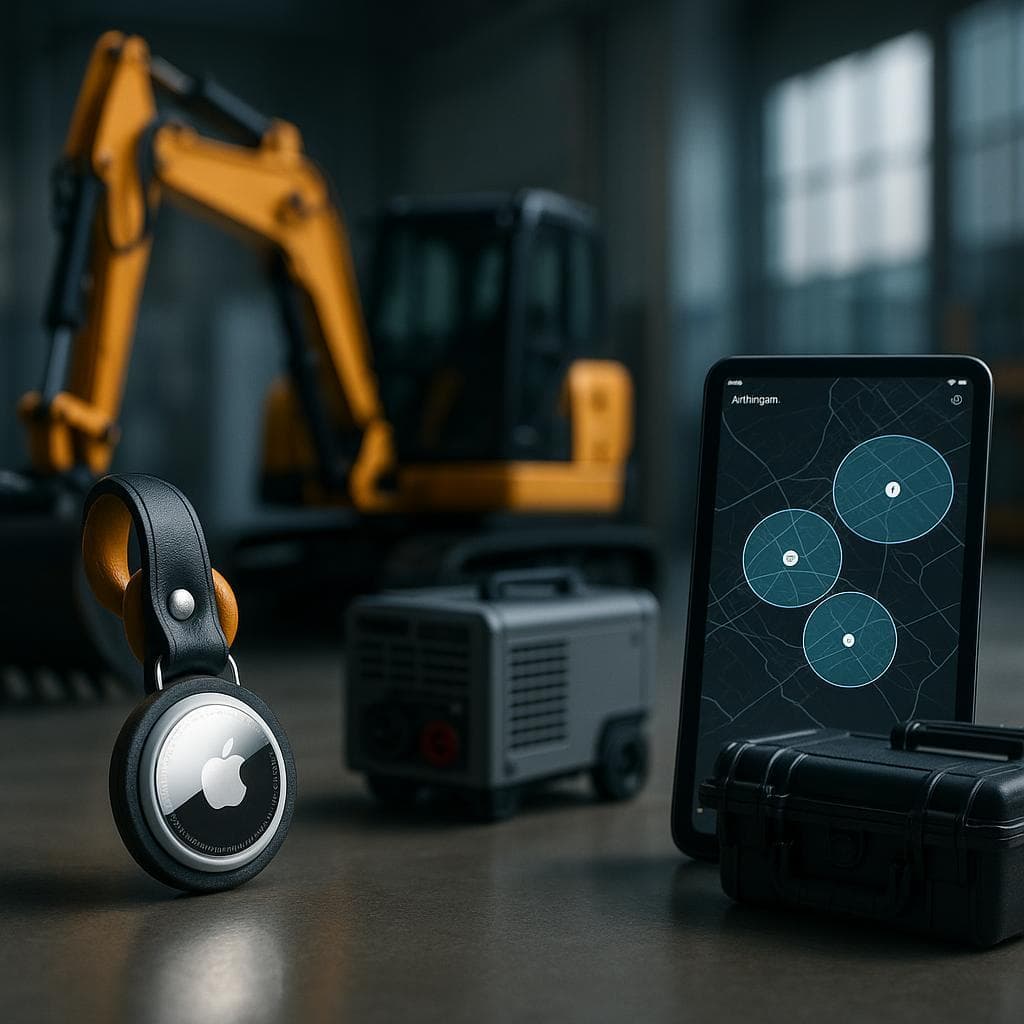
Airpinpoint provides GPS tracking that integrates with construction rental software to provide complete visibility.
Implementation for Construction Rental
Phase 1: Data Migration (2-4 weeks)
Construction rental data is complex:
- Equipment with serial numbers, specs, attachments
- Active rentals and contracts
- Customer job site information
- Maintenance histories
- Hour meter readings
Phase 2: Configuration (2-3 weeks)
Construction-specific setup:
- Rate structures (hourly, daily, weekly, monthly)
- Maintenance schedules by equipment type
- Compliance alert thresholds
- Delivery zones and pricing
- Document templates
Phase 3: Integration (1-2 weeks)
Connect essential systems:
- Accounting software
- GPS/telematics
- Payment processing
- Customer portal
Phase 4: Training (1-2 weeks)
Role-specific training:
- Counter staff: Reservations, contracts, billing
- Yard personnel: Checkout, inspections, returns
- Drivers: Delivery app, proof of delivery
- Service: Maintenance workflows
- Management: Reporting, analytics
ROI for Construction Rental Operations
For a 100-unit construction rental fleet:
| Improvement | Annual Value |
|---|---|
| 15% utilization increase | $180,000 |
| 50% reduction in admin time | $40,000 |
| 80% reduction in theft/loss | $60,000 |
| Accurate hour billing | $25,000 |
| Reduced maintenance costs | $20,000 |
| Total Annual Benefit | $325,000 |
Typical software cost: $10,000-30,000/year ROI: 10-30x
Selection Criteria
When evaluating construction equipment rental software:
Must-Have Features
- Hour meter tracking and billing
- Maintenance scheduling by hours
- Equipment configuration management
- Delivery/logistics support
- GPS/telematics integration
- Mobile access for field staff
Important Features
- DOT compliance tracking
- Operator certification management
- Customer portal
- Rate optimization tools
- Multi-location support
Nice-to-Have Features
- Telematics data integration
- Route optimization
- Predictive maintenance
- AI-powered demand forecasting
Next Steps
- Document your fleet: Equipment types, configurations, current tracking
- List pain points: What's broken in current process
- Set requirements: Must-have vs nice-to-have features
- Demo vendors: See Point of Rental, Quipli, Texada
- Check references: Talk to similar-sized rental operations
- Plan implementation: Timeline, resources, budget
- Add GPS: Integrate location tracking from day one
Construction equipment rental software is a significant investment that pays for itself quickly. Choose carefully, implement thoroughly, and watch your operation transform.




 Our Solution