Comprehensive Container Management & Mobile Asset Tracking System
For rental businesses, your equipment is both your inventory and your revenue source. An asset you can't locate is an asset you can't rent, and an asset you can't prove the location of is an asset you'll argue about. Airpinpoint puts an Apple Find My tag on each piece of equipment and gives you one map, one inventory list, and a location history you can export. This page is specific about what that does for a rental operation and equally specific about what it doesn't do, because the second half is what decides whether it fits your yard.
The Unique Challenges of Rental Equipment Management
Rental operations face distinct challenges that general asset tracking solutions can't adequately address:
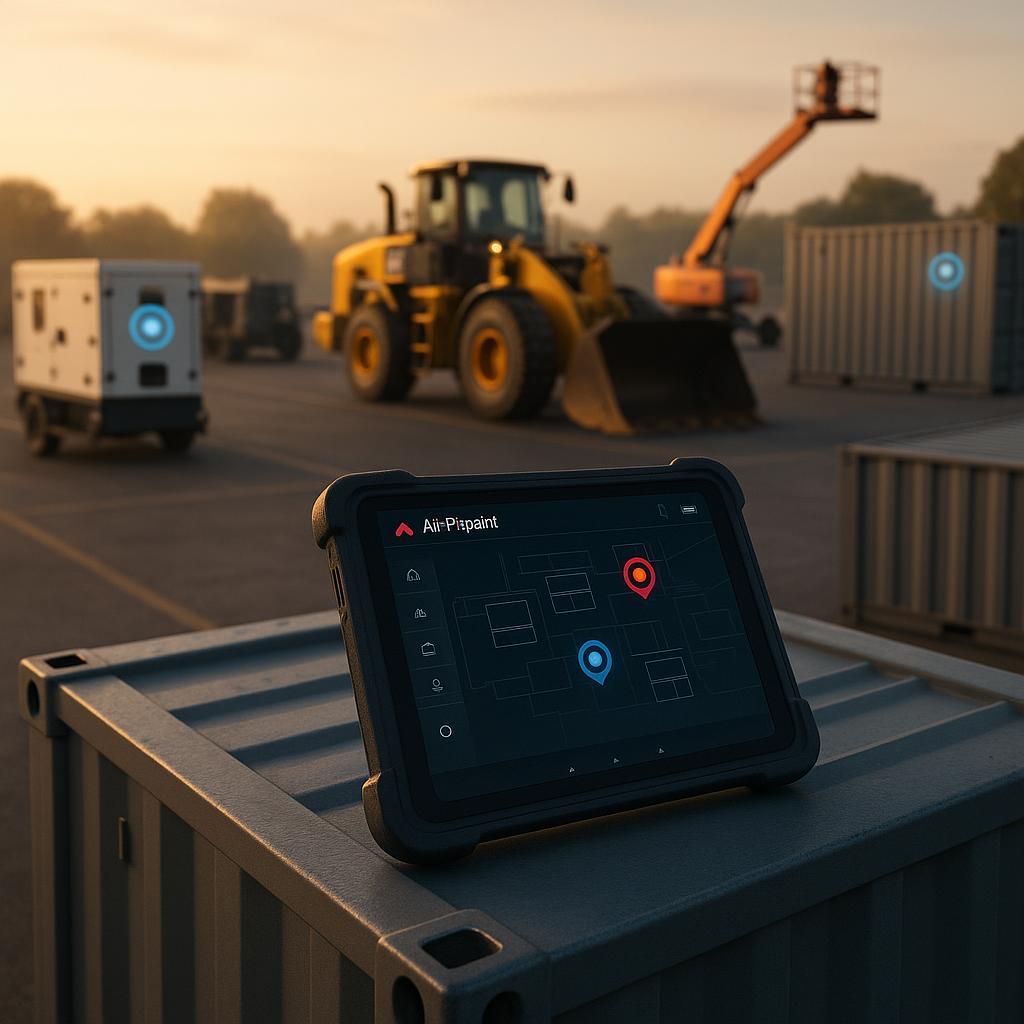
Rental-Specific Management Obstacles
- Constant Equipment Movement: Managing assets that regularly change locations
- Diverse Inventory: Tracking everything from small tools to large equipment
- Container Organization: Managing both containers and their contents efficiently
- Customer Possession: Monitoring assets while under customer control
- Utilization Pressure: Maximizing rental days and revenue generation
- Maintenance Timing: Servicing equipment without disrupting availability
- Loss Prevention: Reducing shrinkage in a high-turnover environment
- Operational Efficiency: Streamlining check-out and return processes
Airpinpoint addresses the location half of that list directly: movement, customer possession, utilization measured from check-out logs, loss, and the search time buried inside check-out and return. It does not address maintenance timing, because it cannot read a machine's hours. Be clear with yourself about which of those eight problems is actually costing you money before you buy anything.
Mobile Asset Tracking System: Complete Visibility Anywhere
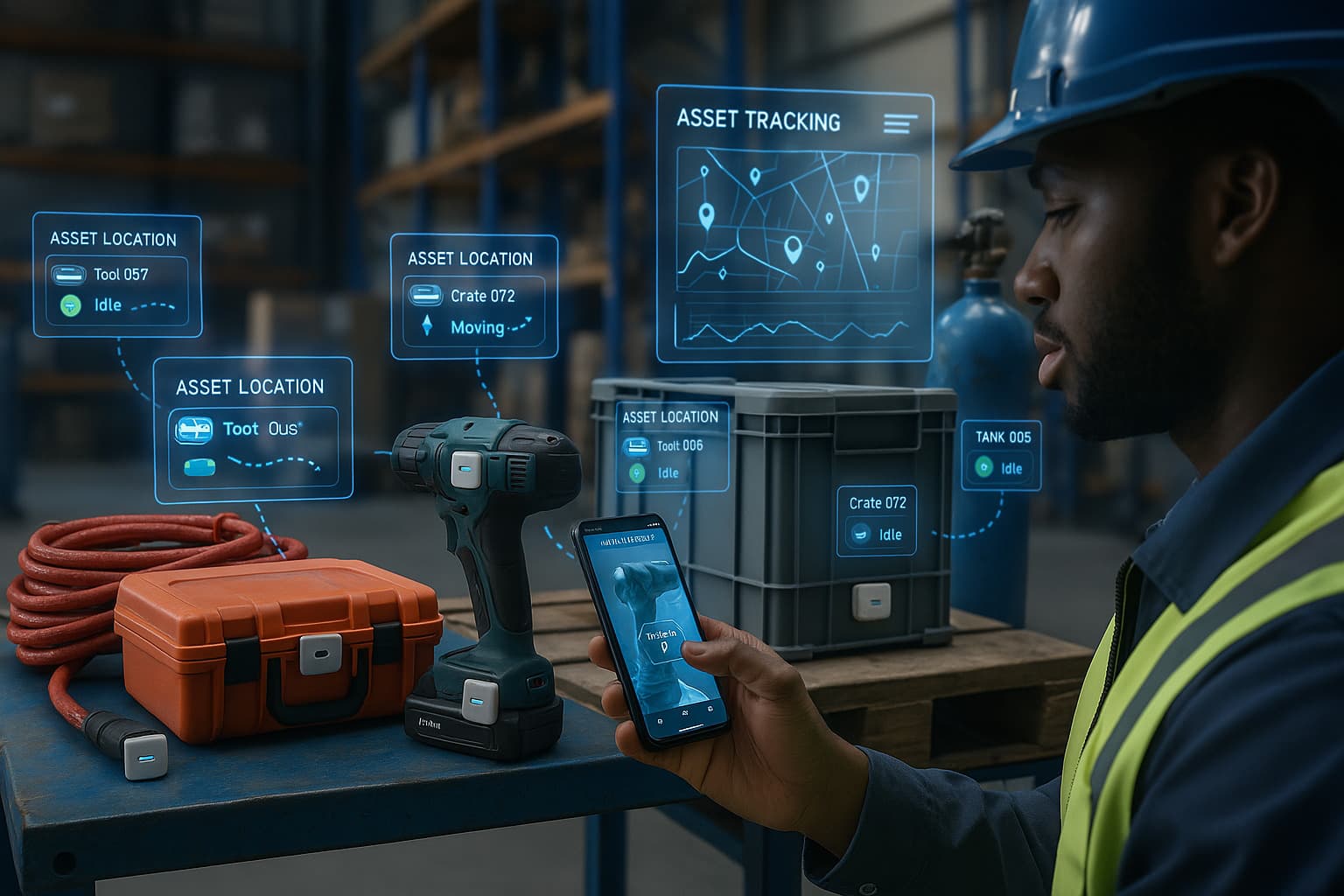
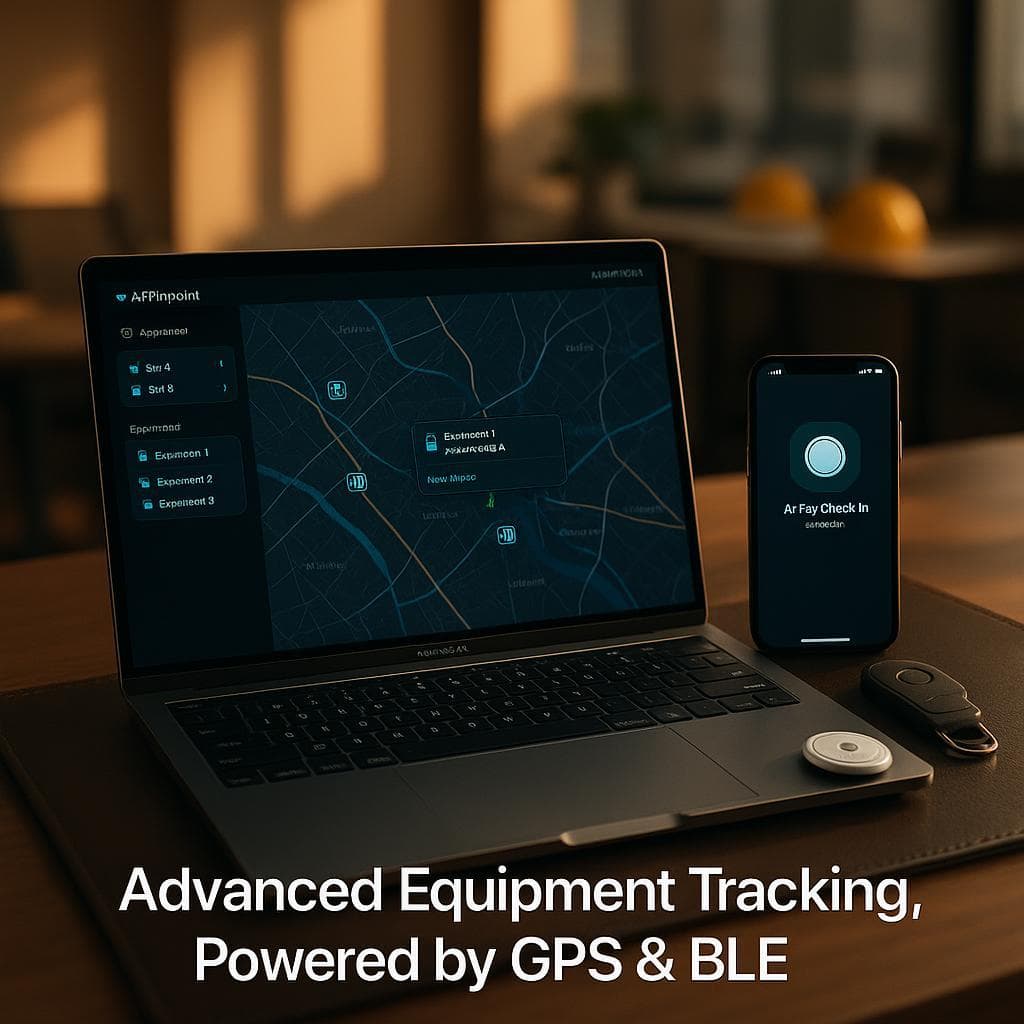
Every tagged asset appears on one map and in one inventory list, with its full position history behind it.
Real-Time Location Visibility
- Find My Network Positioning: Each tag's position is relayed by the Apple devices that pass near it, a network Apple describes as over a billion devices
- Accuracy of roughly 10 to 30 meters: Address level, not shelf level. You'll know the yard and the building. You won't know the bay.
- Map-Based Interface: Every tagged asset as a pin, filterable by group
- Historical Trails: Complete movement history per asset, replayable and exportable
- Tag Groups: Color-coded buckets so a container and its tagged contents read as one unit
- Last-Known Position: When a tag goes quiet, the dashboard holds the last confirmed fix and its timestamp, which is the number that matters in a theft report
- No SIM, no cellular fee: The tag has no radio to pay for, which is why a tag costs $29 instead of $200
The honest constraint on all of this: a Find My tag is passive. It reports when an Apple device walks or drives past it. On an urban job site that's near continuous. In a rural yard at 3am, or inside a steel shipping container, it can be hours. Anyone selling you Find My tracking as real-time telemetry is selling you something the hardware doesn't do.
Status Monitoring Beyond Location
- Utilization Rate: Days checked out divided by days since the tag was added, computed from your own check-out log
- Idle Flagging: The inventory list marks assets that haven't moved, which is how underused equipment surfaces
- Check-Out and Check-In: Log who has an asset and when it went out, with the duration recorded automatically
- Delivery Confirmation: Give an asset a delivery address and geofence, and the dashboard shows whether it actually arrived
- Battery Reminders: Track when each tag's battery was last replaced so a dead tag doesn't quietly become an untracked asset
- Alert Conditions: Email, Slack and WhatsApp notifications on geofence entry and exit
- Customer Assignment: Clear indication of who currently holds each asset
What is not on this list, deliberately: engine hours, fuel level, operating temperature, impact detection, tilt. A Find My tag has no sensors that read a machine. If a vendor's status list includes engine diagnostics on a $29 Bluetooth tag, ask them which wire it connects to.
Container Management Enhancement for Rental Operations
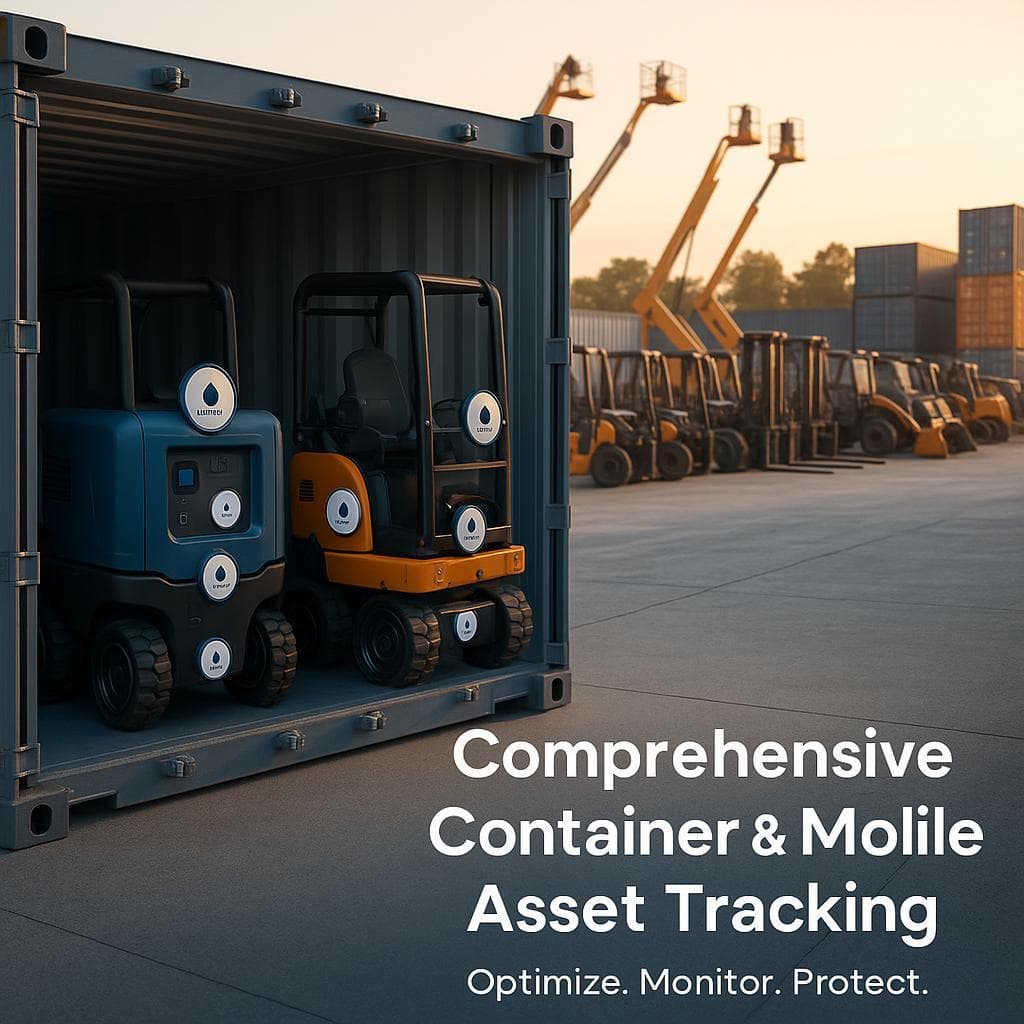
For rental businesses moving equipment in cases, crates and containers, the unit that matters is the container, not the item.
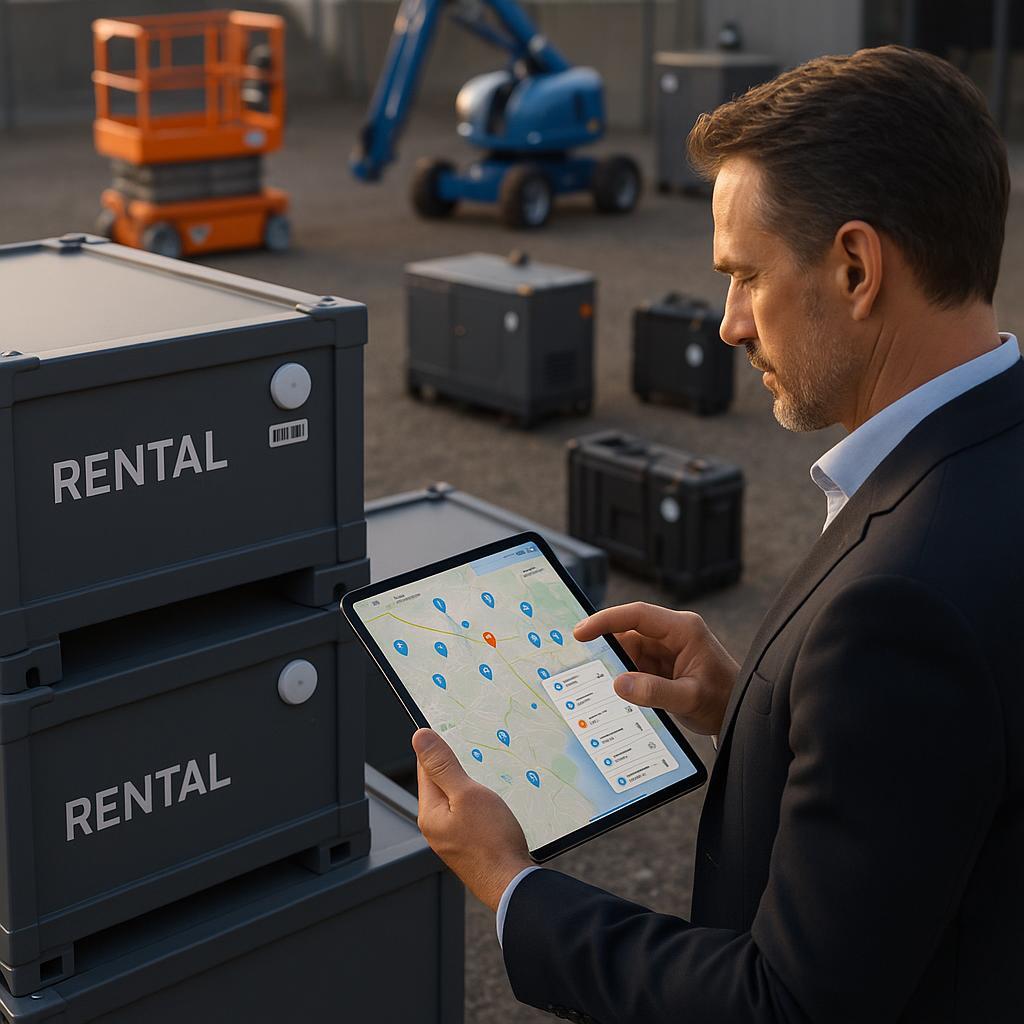
Container-Level Features
- Container Tracking: A tag on the case, crate or storage unit itself
- Tag Groups: Name and color a group so the whole kit filters as one thing in the inventory list
- Geofenced Return Verification: A geofence on your yard tells you the container came home, without anyone confirming it by hand
- Customer Assignment: Check the container out against the rental and the log carries the duration
- Utilization by Container: See which kits earn their keep and which sit
- Location History per Container: Exportable, which is what you want when a customer disputes a return date
- Delivery Address per Container: Dispatch to a site and confirm arrival against that site's geofence
Content-Level Management
The honest version of content management, because this is where tracking vendors oversell hardest.
- Tag What's Worth Tagging: Put a separate tag on the high-value contents and group them with the container's tag. A $900 laser level gets its own tag. Forty stakes do not.
- Group Membership as a Manifest: The group tells you what should be with the container. It's a list you maintain, not one the system discovers.
- Split Detection: If a grouped tag stops moving with its container, you can see that on the map. It's a visual check, not an automated missing-item alarm.
- What Airpinpoint Does Not Do: There is no RFID, no barcode scanning, no scan-to-claim, and no automated content verification. Nothing tells you a case is two drivers short without a human opening it.
- Where the Manifest Should Live: In your rental software or on a packing list. Airpinpoint is a location layer, not an inventory system of record.
- Kit Completeness: Still a human counting at the tailgate. Tracking makes the recount faster because you know the case is present before anyone opens it.
Key Benefits for Rental Businesses
Four areas where tracking changes something you can actually measure, with the measurement named in each case.
1. Enhanced Operational Efficiency
- Stop searching the yard: the map answers "where is it" before anyone starts walking
- Check-out and check-in are logged, so rental duration is recorded rather than remembered
- Return verification happens against a yard geofence instead of a clipboard
- Export location history to CSV or JSON and reconcile it against your billing system
- Fewer phone calls to customers asking whether a machine is still on site
Measure it: have a yard hand log time spent looking for equipment over one normal week. Multiply by fifty. That's your annual search cost, and it's the number tracking attacks most directly. We're not going to hand you a percentage for this, because the honest answer depends entirely on how disorganized your yard is today.
2. Improved Asset Utilization and Revenue
- Utilization rate per asset, computed from your own check-out log, not estimated
- Idle flagging surfaces the machines that haven't moved in months
- Rental duration data shows where actual return times drift from contracted ones
- Location clustering shows which regions are absorbing which equipment
- Historical patterns inform what to buy next, and what to sell
Measure it: pull utilization on your twenty highest-value assets after one full season. Anything under your fleet average is either mispriced, in the wrong branch, or should be sold. That decision is worth more than any tracking subscription costs.
3. Reduced Loss and Theft
- Geofence alerts when a tagged asset leaves an authorized area
- A location trail that converts a theft report from a date range into an address
- Documentation for insurance claims and for customer disputes about where equipment went
- Fewer assets misplaced inside your own yard, which is a larger share of "missing" than most operators admit
The mechanism, stated plainly: a stolen generator with a location trail is a police report with an address in it. That's a fundamentally different conversation from a report saying the yard was full Friday and empty Monday. Tracking doesn't stop the theft. It changes what the detective has to work with.
The limits: alerts land 15 to 40 minutes after departure, not instantly. A determined thief can find and discard a tag. Equipment taken to a remote location may not report again until someone with an iPhone passes it. And Airpinpoint has no police relationships, so recovery moves at the speed of your local department.
4. Enhanced Customer Experience
- Answer "is my delivery there yet" from the dashboard instead of calling the driver
- Settle return-date disputes with exported history rather than argument
- Confirm equipment reached the right site before the customer calls to say it didn't
- Stop promising availability on a machine that's still checked out
Measure it: count the credits and goodwill discounts you issued last year over disputes about where equipment was or when it came back. That's the line tracking should move.
Specialized Hardware for Rental Applications
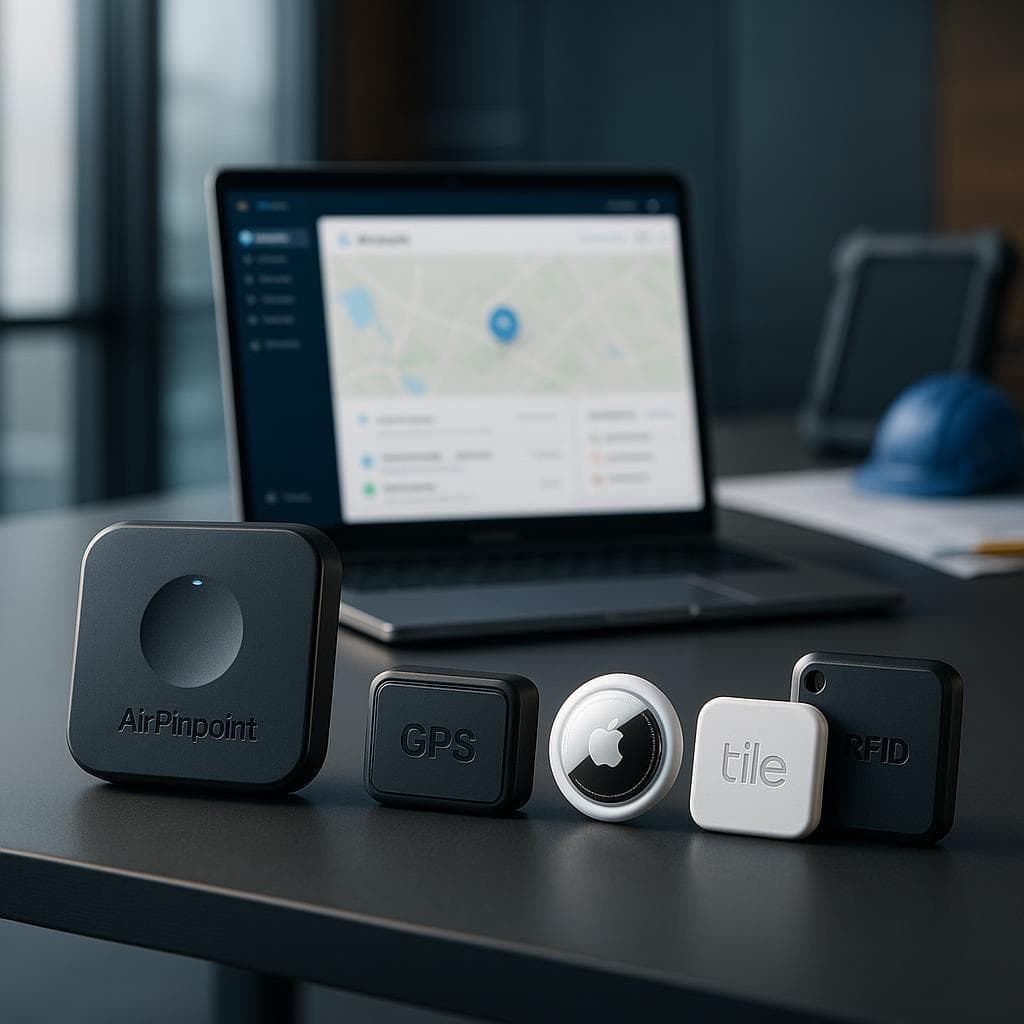
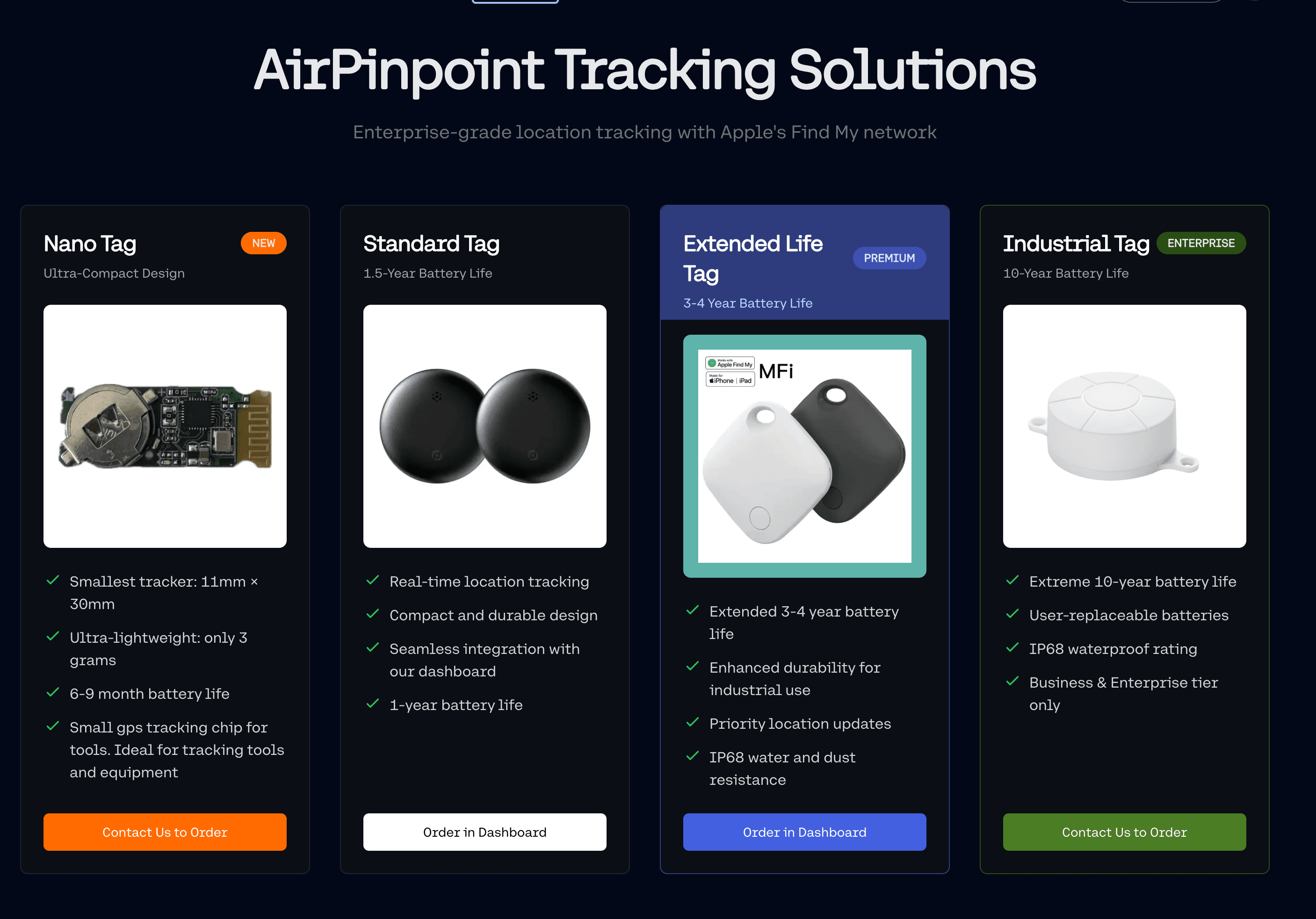
Airpinpoint runs on Apple Find My tags, not on proprietary hardware. That's a deliberate trade, and it cuts both ways.
Ruggedized Design for Rental Conditions
- Cost: $29 per tag, one time. A tag destroyed on a job site is a $29 problem, not a $300 one.
- Battery: A user-replaceable coin cell, roughly a year of life, with replacement reminders in the dashboard
- No SIM and no cellular fee: Nothing to activate, suspend, or pay a carrier for
- Mounting: Adhesive mounts, screw mounts, and concealed placement inside cases, handles and cavities
- Concealed Installation: The most effective anti-tamper measure available here is hiding the tag, because there is no tamper sensor
- Weather: Tags survive outdoor use, but they are not rated for permanent submersion
- Compact Size: Small enough to conceal, which is the whole point
The trade you're making: a purpose-built GPS tracker reports on its own schedule, works in a rural yard with nobody around, and can carry tamper detection and a hardwired power connection. It also costs $200 to $500 plus $20 to $40 a month per asset. A Find My tag costs $29 plus $11.99 a month and reports only when an Apple device passes it. For a fleet of two hundred assets, that difference is real money. For a single trailer that lives alone in a field, GPS is the correct tool and we'll say so.
Tracking Options for Different Rental Categories
| Equipment Type | Recommended Approach | Why |
|---|---|---|
| Small Tools & Equipment | One tag per case, not per tool | A tag costs more than many hand tools; the case is the unit that goes missing |
| Large Equipment | One concealed tag per machine | High value justifies its own tag; conceal it because there's no tamper alarm |
| Containers & Cases | Tag the container, group the tagged contents | Gives you one pin for the kit and a visible split if contents separate |
| Delivery Vehicles | Cellular GPS, not Find My | Vehicles need continuous position; Find My reports only near Apple devices |
| Trailers & Transport | Cellular GPS, or Find My plus a geofence if it parks in populated areas | A trailer stolen from a rural lot is exactly the case Find My handles worst |
Comprehensive Software Platform for Rental Management
The dashboard is a location and inventory layer. It's built to sit alongside your rental software, not to replace it.
Rental-Specific Features
- Inventory List: Every tag with its name, type, notes, photo, group and current status
- Customer Assignment: Check an asset out to a customer and check it back in
- Rental Duration Monitoring: The check-out log records actual out and in times per asset
- Utilization Reporting: Rate per asset, derived from that log
- Delivery Verification: Per-asset delivery address and geofence, with arrival status
- Geofences: Polygon boundaries around your yard, branches and job sites, with entry and exit alerts
- Team and Organization Permissions: Owner, admin and viewer roles, so a branch manager sees their branch
Not included, and you should plan around it: reservation management, a rental calendar, contract storage, invoicing, and maintenance scheduling. Airpinpoint does not schedule service and cannot, because it has no way to read a machine's hours. If maintenance timing is your main problem, you need telematics on the machine, not a Bluetooth tag.
Intuitive Interface for Rental Personnel
- Mobile-First Design: The dashboard works from a phone in the yard
- Role-Based Views: Owner, admin and viewer permissions across a team or organization
- Map and List Side by Side: Filter the list, see the pins update
- Group Filtering: Color-coded groups for branches, kits or containers
- CSV and JSON Export: Pull location history out whenever you want it, for any tag
- REST API: Generate an API key from the dashboard and read the same data your dashboard reads
- Outbound Webhooks: Geofence entry and exit POST to a URL you control
Implementation Approach for Rental Businesses
There's no professional services engagement here. You set it up yourself, and it takes an afternoon. The phases below are how we'd sequence it, not a consulting deliverable.
1. Operational Assessment
Before you buy tags, work out what you're actually solving:
- Pull last year's write-offs and separate equipment that was stolen from equipment that was destroyed or worn out. Only the first category is a tracking problem.
- Count the disputes where you issued a credit because you couldn't prove where equipment was or when it returned
- Estimate hours per week your staff spend physically looking for equipment
- List your twenty highest-value assets and ask whether you know where each one is right now
- Note which of your assets live in populated areas and which sit in remote yards, because that determines whether Find My or cellular GPS is right
2. Solution Design
- Decide your tagging unit per category: per machine, per case, or per kit
- Draw geofences around your yard, each branch, and any recurring job site
- Create tag groups matching how your operation already thinks: by branch, by kit, by container
- Decide where alerts go: email for the yard manager, Slack for the ops channel, WhatsApp for the owner
- If you run rental software, plan how location data reaches it. Airpinpoint has no pre-built connector to Point of Rental, Texada, InTempo or anyone else. The REST API and webhooks are the integration path, and they need someone to write the glue.
3. Phased Deployment
- Start with your highest-value assets, where one recovery covers a lot of subscription
- Add container and kit tags once the high-value set is stable
- Turn on geofence alerts after a week of watching normal movement, so you tune boundaries against real traffic rather than guesses
- Wire webhooks last, once you know which events you actually care about
- Expand to lower-value categories only if the first phases justified themselves
4. Staff Enablement
- Show the yard crew the map on a phone. That's most of the training.
- Agree one rule: every asset gets checked out to a customer, every time, or the utilization numbers are worthless
- Assign someone to own battery replacement, because a dead tag is an untracked asset that looks tracked
- Set the expectation that geofence alerts lag 15 to 40 minutes, so nobody treats a quiet dashboard as proof nothing moved
Mobile Asset Tracking System: Technical Capabilities
Multi-Technology Approach
- Bluetooth Low Energy: The tag broadcasts; nearby Apple devices hear it
- Apple Find My Network: Those devices relay an encrypted position to Apple, which Airpinpoint reads on your behalf
- End-to-end encryption: Apple's design means the relaying device learns nothing about your asset
- Server-side history: Airpinpoint stores the position trail so you have more than Apple's own retention window
- PostGIS geofencing: Real polygon boundaries, not radius circles, so a geofence can follow a property line
- Webhooks and REST API: Your systems read the same data the dashboard does
Not used, despite being common on competitor pages: cellular modems, mesh networking, RFID and barcode scanning. Airpinpoint does not have them. For a fleet in populated areas that's a cost advantage. For remote assets it's a real limitation, and the right answer there is cellular GPS hardware.
Advanced Features for Rental Applications
- Consecutive-Reading Alert Logic: A geofence crossing needs multiple confirming readings before it fires, which is why alerts take 15 to 40 minutes and why you don't get woken at 2am by a stray fix
- Idle Detection: Assets that haven't moved surface in the inventory list
- Utilization Calculation: Derived from check-out and check-in timestamps
- Battery Replacement Tracking: Per-tag record of when the cell was last changed
- Group-Based Filtering: Across map, list and exports
- Full History Export: CSV and JSON, per tag, over any period you've been tracking
Sensors Airpinpoint does not have: temperature, humidity, light, tilt, accelerometer, or impact. Any page claiming a Find My tag monitors environmental conditions for sensitive equipment is describing different hardware.
Container Management Enhancement: Detailed Capabilities
Container Tracking and Organization
- Two-Level Structure: Tags, and groups of tags. Deeper nesting isn't supported, and in practice two levels covers container plus contents.
- Location per Container: The pin you care about when a kit goes out
- Group Membership: The list of what should be travelling together, maintained by you
- Condition and Notes: A free-text notes field and a photo per tag, which is where most operators record condition at check-out
- Assignment History: The check-out log is the deployment history
- Return Confirmation: A yard geofence answers "did it come back" without a physical check
- What Is Not Automated: Content verification, space utilization analytics, and packing guidance. Those are clipboard jobs and we're not going to pretend otherwise.
Integration with Rental Processes
- Checkout: Check the container's tag out to a customer; note the grouped contents on your own paperwork
- Returns: The yard geofence tells you the container arrived; a human still counts the contents
- Dispute Resolution: Export the container's location history and the check-out log
- Package Rentals: Groups make a pre-configured kit one row in the list
- Finding a Container in the Yard: Map view, plus the tag's own sound if you're within Bluetooth range
- Reconciliation: Export to CSV and compare against your rental system's record of what went out
Real-World Results: Rental Business Case Studies
We have no published customer case studies and no permission to name anyone, so we're not going to print invented ones. What follows instead is the arithmetic, using inputs you already have on hand. Run it on your own fleet and you'll get a number you can defend, which is worth more than a number we made up.
Construction Equipment Rental: Loss Prevention
Take your own write-off line from last year and split it in two: equipment stolen or never returned, and equipment destroyed, worn out or damaged beyond repair. Tracking only touches the first number. If your stolen-and-unreturned figure was $40,000 across 200 assets, tagging all 200 costs $5,800 once plus $28,776 a year at list. That only works if tracking recovers most of what you're currently losing, which is a strong assumption.
The version that usually works: tag the top decile by value. Twenty assets at $8,000 each, $580 in tags, $2,878 a year. One recovered machine covers three years. That's the arithmetic that actually closes, and it's why we'd rather you start at twenty tags than two hundred.
The mechanism behind the recovery, stated once more because it's the whole argument: a machine with a location trail gives police an address to visit. Without it, your report is a date range and a description.
Event Rental Company: Container Management
The number to find here isn't theft, it's search time and short returns. Two inputs: hours your crew spends locating kit during load-out, and the dollar value of components that quietly don't come back each season.
Most event companies have never separated that second figure from general supplies, and separating it costs nothing. Do that first. If "consumables" turns out to be $18,000 a year of stakes, cables and pole bags that were never actually consumed, tagging fifty cases at $1,450 plus $7,194 a year is an obvious trade. If it turns out to be $2,000, it isn't, and you should tag ten cases instead of fifty.
Tool Rental Operation: Utilization Improvement
This one doesn't depend on loss at all. Check out and check in every tool, let the log run for a season, then read the utilization rate per asset.
The value is in what you find at the bottom of that list. Assets sitting at a fraction of your fleet average are mispriced, stationed at the wrong branch, or should be sold. A rental operation that sells ten genuinely idle machines and redeploys the capital has made a decision worth considerably more than the tracking cost, and it's a decision you cannot make on instinct because instinct systematically overestimates how busy the equipment you paid most for actually is.
Caveat, because it determines whether this works: the utilization number is only as good as your check-out discipline. If half the tools go out without being checked out, the rate is noise.
Integration Capabilities for Rental Operations
Compatible Rental Platforms
Airpinpoint has no pre-built connector to any rental management platform. Not Point of Rental, not Texada, not InTempo, not RentalResult, not Alert Rental. If another tracking vendor tells you integration is turnkey, ask to see the connector running.
What Airpinpoint gives you instead is a documented path to build it:
- REST API: Generate an API key from the dashboard and read tags, positions, history and geofences
- Outbound Webhooks: Geofence entry and exit POST to any URL you control
- CSV and JSON Export: For reporting, reconciliation and one-off analysis without writing code
- Slack and WhatsApp Notifications: Alerts into channels your team already reads
- What This Costs You: Developer time. A basic sync that pushes location into your rental system is a small job for someone who knows your stack, and it is not zero.
Integration Benefits
- Location data lands in whatever system your staff already use
- Return times from the check-out log can feed your billing reconciliation
- Geofence webhooks can trigger dispatch or notification logic you already run
- Exports give finance a reconciliation source that isn't a memory
- One API key, scoped to your account, rather than per-integration credentials
ROI Analysis: The Business Case for Rental Asset Tracking
We won't publish a typical ROI figure, because the honest answer is that it varies enormously by operation and we haven't measured it across customers. Here is the calculation instead, with every input coming from your records rather than ours.
Typical First-Year Benefits
For a rental operation with 500 assets valued at $2 million, here's what tracking costs and what you need to compare it against.
The cost side, which is known:
| Item | Year One |
|---|---|
| Tags, 500 x $29 | $14,500 one time |
| Airpinpoint Business, 500 x $11.99 x 12 | $71,940 |
| Total year one | $86,440 |
| Per asset, per year, ongoing | $144 |
The benefit side, which only you can fill in. Four lines, each from a record you already keep:
- Stolen and unreturned equipment. From last year's write-offs, excluding damage and wear. What fraction of that would a location trail plausibly have recovered? Be pessimistic here; recovery still depends on police.
- Credits and goodwill discounts issued over location or return-date disputes. Your accounting system knows this figure.
- Search time. Hours per week your staff spend looking for equipment, times your loaded labor rate, times fifty.
- Idle capital. After a season of utilization data, the value of equipment you'd sell or redeploy. This line is usually the largest and is the one nobody counts.
If those four add up to more than $144 per tagged asset per year, tracking pays. If they don't at 500 assets, they almost certainly do at 50, because the first three lines concentrate heavily in your highest-value equipment. Tag the top and expand from evidence.
What we'd tell you not to count: maintenance savings. Airpinpoint cannot read engine hours, so it cannot drive usage-based servicing, and any ROI model that includes a maintenance line for a Bluetooth tag is padding.
Why Rental Companies Choose Airpinpoint
- Cost Structure: $29 per tag once and $11.99 per tag per month, with no SIM, no activation and no carrier contract. At fleet scale that difference against cellular GPS is the whole decision.
- Tag Groups: Containers, kits and branches as first-class organizing units
- Utilization From Real Data: Computed from your check-out log, not estimated from movement
- Geofences That Follow Property Lines: Polygon boundaries with email, Slack and WhatsApp alerts
- Data You Can Take With You: Full history export as CSV or JSON, and a REST API with your own key
- Honest About Its Limits: No engine hours, no maintenance scheduling, no tamper sensors, no pre-built rental software connectors, no police partnerships, and alerts that take 15 to 40 minutes rather than seconds
That last point is the one worth weighing hardest. Find My tracking is unusually cheap per asset and unusually well suited to equipment that lives where people are. It's a poor fit for a single trailer in an empty field, and if that's your problem, buy cellular GPS for it and use tags for everything else.
Work the numbers on your own fleet, start with your highest-value twenty, and expand when the data says to.
 Our Solution