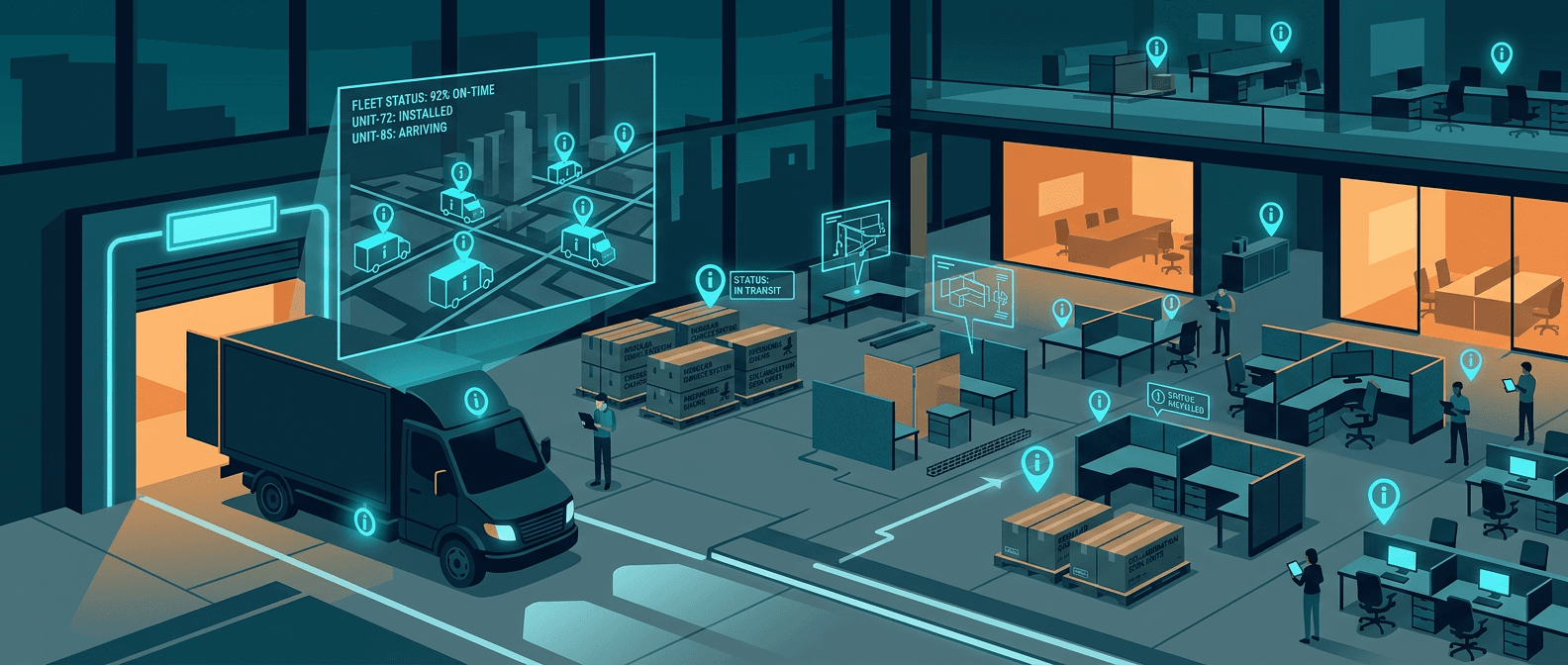
Office Furniture Delivery & Installation Tracking
Commercial furniture installation is a logistics problem disguised as a construction trade. A typical office buildout involves hundreds of components shipped from multiple manufacturers, staged in a warehouse, loaded onto trucks in a specific sequence, delivered to a job site, and installed across multiple floors on a tight schedule. When a single missing panel box delays an entire floor's installation, the cost isn't the $200 panel. It's the idle crew, the missed deadline, and the client calling to ask why floor 6 is still empty.
The US commercial office furniture market exceeds $16 billion annually. The companies that deliver and install this furniture operate in a constant state of controlled chaos, juggling dozens of active projects, thousands of components, and delivery schedules that change daily.
Why Furniture Installation Companies Lose Track of Inventory
The typical commercial furniture dealer or installer manages a pipeline that looks something like this:
| Stage | What Can Go Wrong |
|---|---|
| Manufacturer shipment | Partial orders arrive on different days, pieces go to the wrong warehouse |
| Warehouse receiving | Components aren't matched to projects, sit untagged on shelves |
| Staging & loading | Wrong items loaded for the wrong job site, sequence errors |
| Transit | Driver goes to Building A when the load was for Building B |
| On-site delivery | Components dumped on the wrong floor, left in loading dock |
| Installation | Missing pieces discovered mid-install, crew waits for parts |
| Punch list | Replacement parts shipped but never confirmed as received |
Each handoff is a potential failure point. And unlike a retail furniture delivery where one couch goes to one address, a commercial installation might involve 400 workstations spread across 8 floors, with components arriving from 3 different manufacturers over 6 weeks.
The Real Cost of Lost or Misrouted Furniture
Average furniture carriers report damage rates of 12-15%. Common carriers see rates as high as 30%. For commercial installations, the damage issue is compounded by misrouting: components that arrive at the right building but end up on the wrong floor, or panels that get mixed between two simultaneous projects.
For a company running 15-20 active installation projects:
| Problem | Typical Cost Per Incident |
|---|---|
| Wrong items delivered to job site | $500-2,000 (crew idle time + redelivery) |
| Missing components discovered mid-install | $1,000-3,000 (delayed completion) |
| Damage claim without delivery proof | $2,000-5,000 (absorbed cost) |
| Full floor delay from staging error | $3,000-8,000 (crew + penalty) |
| Lost components in warehouse | $500-1,500 (reorder + expedited shipping) |
A company handling $5M in annual installations losing 2-3% to logistics errors is burning $100,000-$150,000 per year. Most of that is preventable with better visibility into where things actually are.
How Tracking Changes the Workflow
Warehouse to Truck
Tag high-value items and shipping crates at the warehouse during staging. When your team loads a truck for the morning's deliveries, the dashboard confirms that everything assigned to Project #4721 (Meridian Tower, Floors 3-5) is actually on the truck. No more discovering at the job site that half the load was for a different project.
In Transit
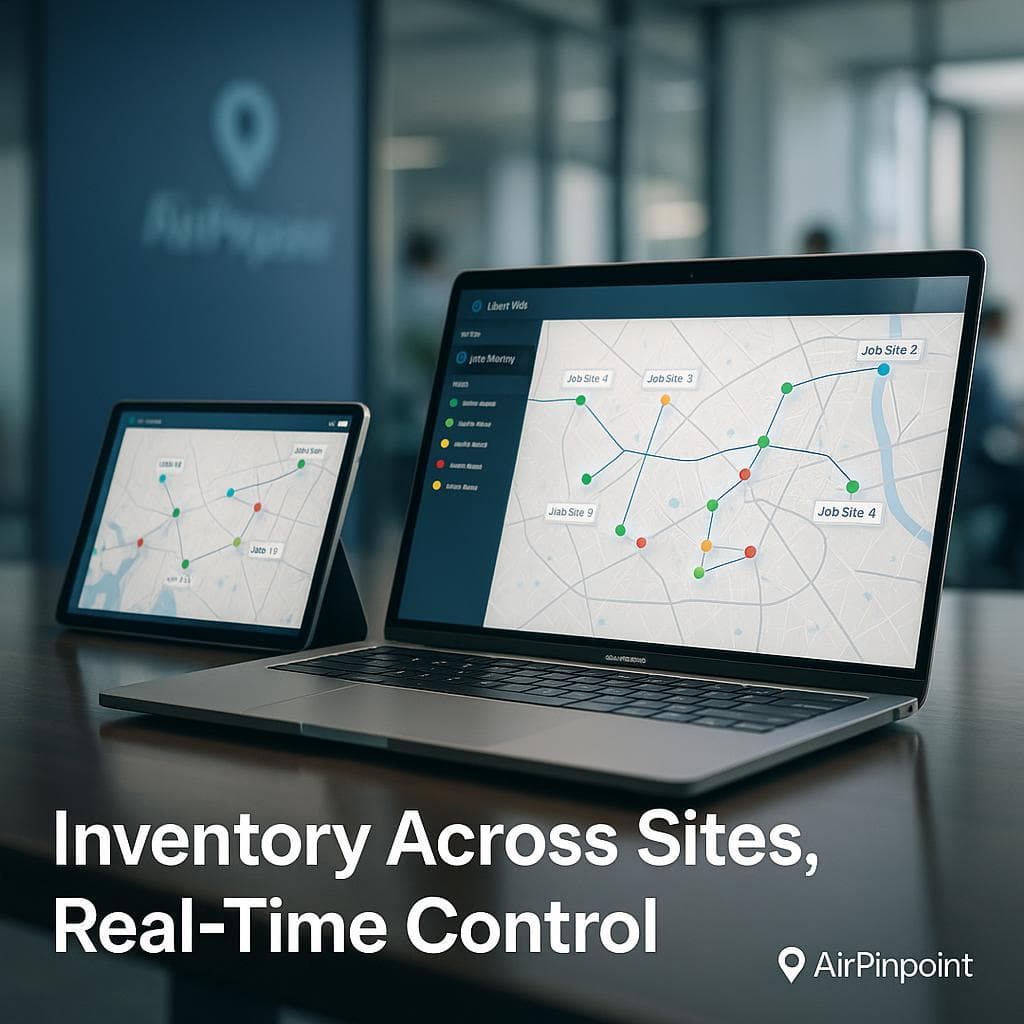
Real-time location shows where each delivery truck is and roughly when it will arrive. Your on-site project manager can coordinate with the building's loading dock and freight elevator schedule instead of waiting around for a truck that's still 45 minutes out.
On-Site Delivery
When components arrive at a multi-floor buildout, tags confirm that shipments are going to the correct staging area. If the delivery crew drops Floor 7 panels at the Floor 3 staging area, you'll see it in the dashboard before the installation crew shows up the next morning to find the wrong parts.
Installation & Punch List
After primary installation, the punch list phase often requires replacement parts or additional components. Track these items from order through delivery to ensure they actually arrive at the correct job site and don't sit in your warehouse for two weeks because someone forgot to schedule the delivery.
What to Track (and What Not To)
You don't need to tag every individual chair. Commercial furniture companies get the most value from tracking:
Always tag:
- Panel system shipments (high value, frequently misrouted between projects)
- Standing desk mechanisms and motorized components
- Conference table assemblies
- AV/technology integration components
- Specialty items on backorder (the pieces that delay completion)
Tag the container, not every piece:
- Crates of task chairs (one tag per crate of 10-20)
- Boxes of keyboard trays or monitor arms
- Bulk hardware kits
Skip tracking:
- Individual small accessories (power strips, cable management clips)
- Items that ship directly to the client from the manufacturer
A typical 50-75 tag deployment covers a full commercial furniture operation, providing visibility on the items that actually cause delays when they go missing.
Multi-Floor Installation Projects
The most complex scenario for furniture installers is the multi-floor corporate buildout. You're furnishing 10 floors of an office tower with different configurations per floor, components arriving from multiple manufacturers on different schedules, and a construction timeline that shifts weekly.
Floor-by-Floor Tracking
Organize tracked assets by project zone:
Meridian Tower Project #4721
├── Floor 3: 45 workstations (12 panel shipments tagged)
│   ├── Panels: Delivered ✓
│   ├── Surfaces: Delivered ✓
│   └── Pedestals: In transit, ETA 2:30 PM
├── Floor 4: 52 workstations (14 panel shipments tagged)
│   ├── Panels: At warehouse, staged for tomorrow
│   └── Surfaces: Backordered, tracking replacement
├── Floor 5: 38 workstations (10 panel shipments tagged)
│   └── All components: At warehouse, not yet staged
└── Punch list items: 3 replacement panels (tagged, in transit)
This view eliminates the daily status call where the project manager asks the warehouse which components have shipped and the warehouse says "we'll check and call you back."
Coordinating With Building Management
Commercial buildings have strict delivery windows, often limited to early morning or evening hours to avoid disrupting existing tenants. When you can show the building manager exactly when your truck will arrive and how long unloading will take, you build credibility and get better time slots.
Proof of Delivery and Damage Resolution
Damage claims are a constant friction point in commercial furniture delivery. The manufacturer says the item left their facility in perfect condition. Your warehouse says it was fine when it shipped. The client says it arrived damaged. Without a clear chain of custody, someone eats the cost.
Location history creates an objective timeline:
- Item received at warehouse (timestamp + location)
- Item loaded on truck (left warehouse at specific time)
- Item arrived at job site (timestamp + location)
- Item on correct floor (location within building)
This won't prevent all damage, but it eliminates the "we never received it" disputes and narrows down where in the chain problems occur. If 80% of your damage claims happen on items that sat in the building's loading dock overnight before your crew brought them upstairs, that's an actionable insight.
Warehouse Operations
For furniture dealers with their own warehouse, tracking extends beyond the delivery truck:
Receiving and Reconciliation
When manufacturer shipments arrive, scan or tag items against the purchase order. Many commercial furniture orders arrive as partial shipments over weeks. Tracking prevents the situation where Floor 4's panels have been sitting in the warehouse for three weeks while everyone assumes they haven't shipped yet.
Project Staging
Pre-stage items by project and delivery date. Tags confirm that the correct items are in the correct staging zone before the truck is loaded. This is especially valuable when you're running 15-20 active projects and components for different clients are stored in the same warehouse.
Returns and Defective Items
Track returned or defective items separately. When a client rejects a damaged conference table, you need to confirm it came back to your warehouse and wasn't lost in transit. The replacement needs its own tracking to confirm delivery.
Getting Started
Phase 1: Tag Your Pain Points (Week 1)
Start with whatever causes you the most problems. For most furniture installers, that's high-value panel systems and backordered items. Buy 20-30 AirTags and tag outgoing shipments for your three largest active projects.
Phase 2: Standardize the Process (Weeks 2-4)
Once your team sees the value, build tagging into the warehouse staging workflow. Every project gets tags assigned during the staging process. Warehouse staff tucks tags into panel frames or shipping crates as they prepare loads.
Phase 3: Full Deployment (Month 2+)
Expand to 50-75 tags covering all active projects. Set up geofence alerts for your warehouse and major job sites so you get notifications when shipments arrive. Share dashboard access with project managers so they can check status without calling the warehouse.
Cost for a Typical Operation
| Deployment Size | Monthly Cost | Annual Cost | Coverage |
|---|---|---|---|
| 25 tags (small installer) | $300/mo | $3,600/yr | Top 5-8 active projects |
| 50 tags (mid-size dealer) | $600/mo | $7,200/yr | All active projects + warehouse |
| 75 tags (large operation) | $900/mo | $10,800/yr | Full coverage including punch list items |
Compare that to the $100,000-$150,000 in annual logistics errors for a $5M installation company. Even preventing two or three major incidents per year more than covers the cost.
Limitations to Consider
AirTags use Apple's Find My network, which relies on nearby iPhones to relay location data. In most commercial settings this works well because construction sites and office buildings have plenty of workers carrying phones. But there are scenarios where coverage is limited:
- Rural warehouse locations with few people nearby may have less frequent updates
- Underground parking garages used as staging areas may have weaker coverage
- After-hours tracking at empty construction sites will have less frequent pings than during the workday
For most commercial furniture operations, these limitations are minor. Your assets are primarily in warehouses, on delivery trucks, and in occupied (or soon-to-be-occupied) office buildings, all places with strong Find My network density.
Beyond Delivery: Ongoing Asset Management
Some furniture dealers leave tags in place after installation for ongoing asset management. This is particularly useful for:
- Furniture-as-a-service models where the dealer retains ownership
- Lease-end furniture recovery to track which assets need to be retrieved
- Warranty service to locate specific items when warranty claims come in
- Restack and reconfiguration projects where furniture moves between floors
The same tags that tracked your delivery can become a permanent asset register for the installed furniture, giving you and your client visibility into what's where for the life of the furniture.

 Our Solution