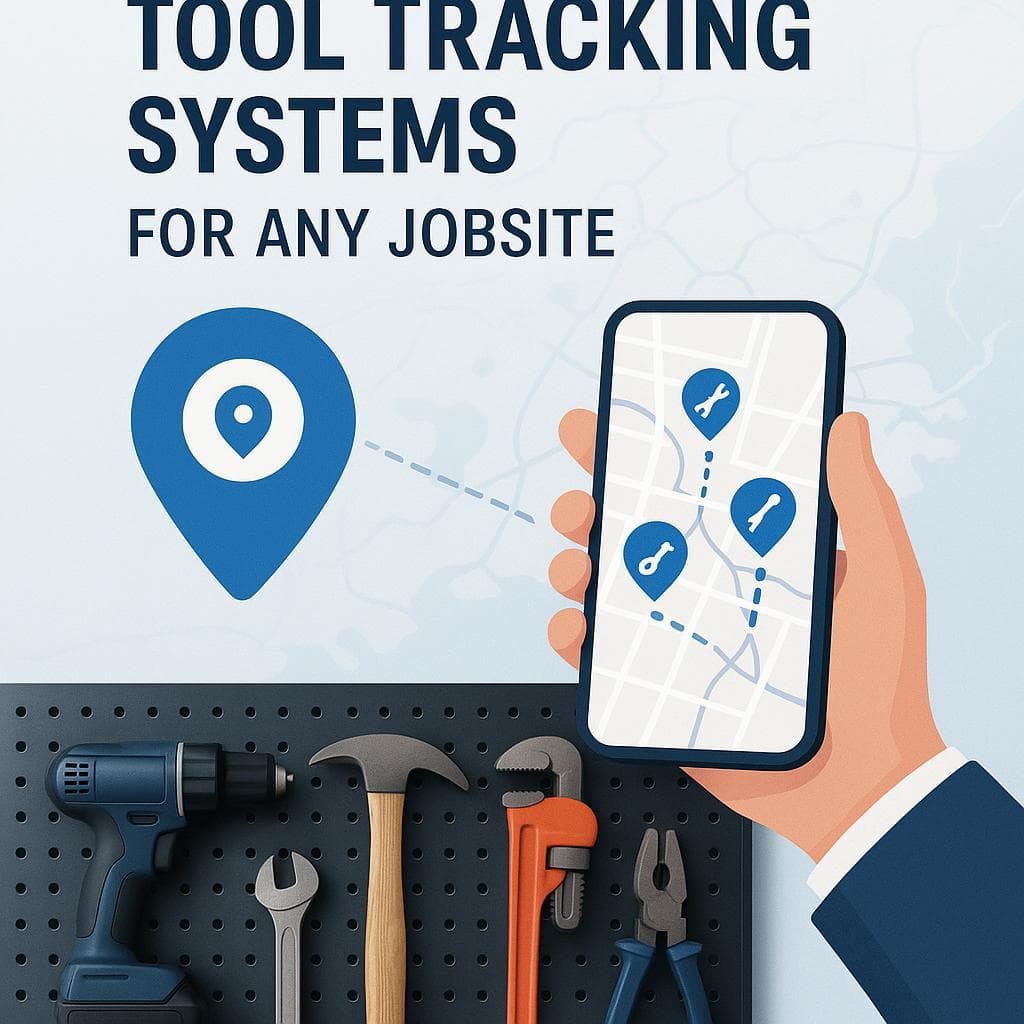
Tool Tracking System: Tags, Dashboard, and Alerts Without Monthly Fees
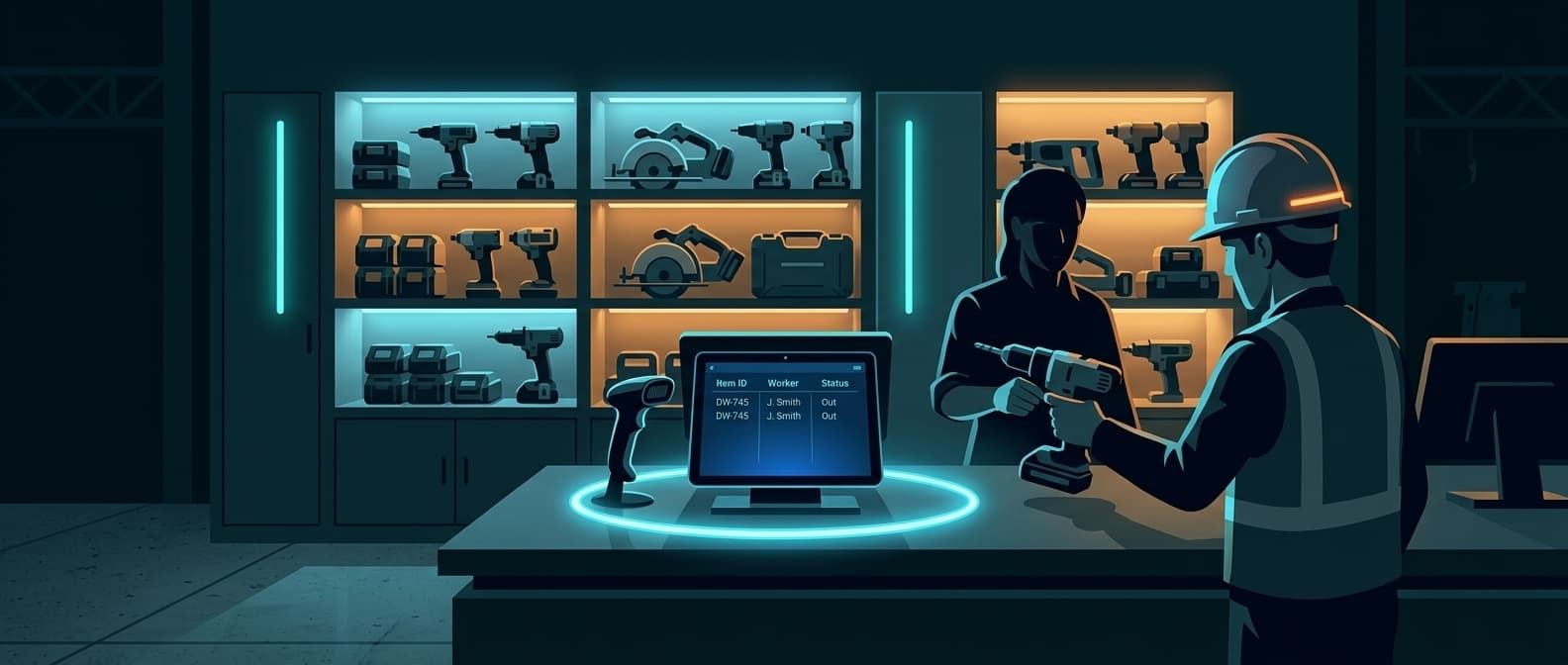
A tool tracking system is three parts working together: a tracker on every tool, a dashboard that shows where the tools are, and alerts that fire when one moves. Buy only the tags and you have hardware with no oversight. Buy only software and you are typing serial numbers by hand. The system is what turns a pile of tools into something you can see and get warned about.
Airpinpoint builds that system on Apple Find My tags, so the hardware carries no SIM and no per-tool monthly fee. The tags sit in the cases, the dashboard tracks unlimited tools across every site, and geofence and check-out alerts tell you the moment a tool leaves where it belongs.
The Three Parts of a Tool Tracking System
| Part | What it does | What Airpinpoint provides |
|---|---|---|
| Tags (hardware) | Physical tracker on each tool | IP67 Find My tags, more than a year per CR2032 cell, no SIM |
| Dashboard (software) | Shows location, history, and who has what | Unlimited tools, crew assignment, location history, web and mobile |
| Alerts (logic) | Warns you when a tool moves or leaves | Geofence boundaries and check-out alerts via email or webhook |
A tool tracker on its own answers "where is this one tool." A tool tracking system answers "where is every tool, who has it, and did anything leave the yard last night." That second question is the one that stops the quarterly replacement bill.
How the System Works End to End
Tag every tool worth tracking
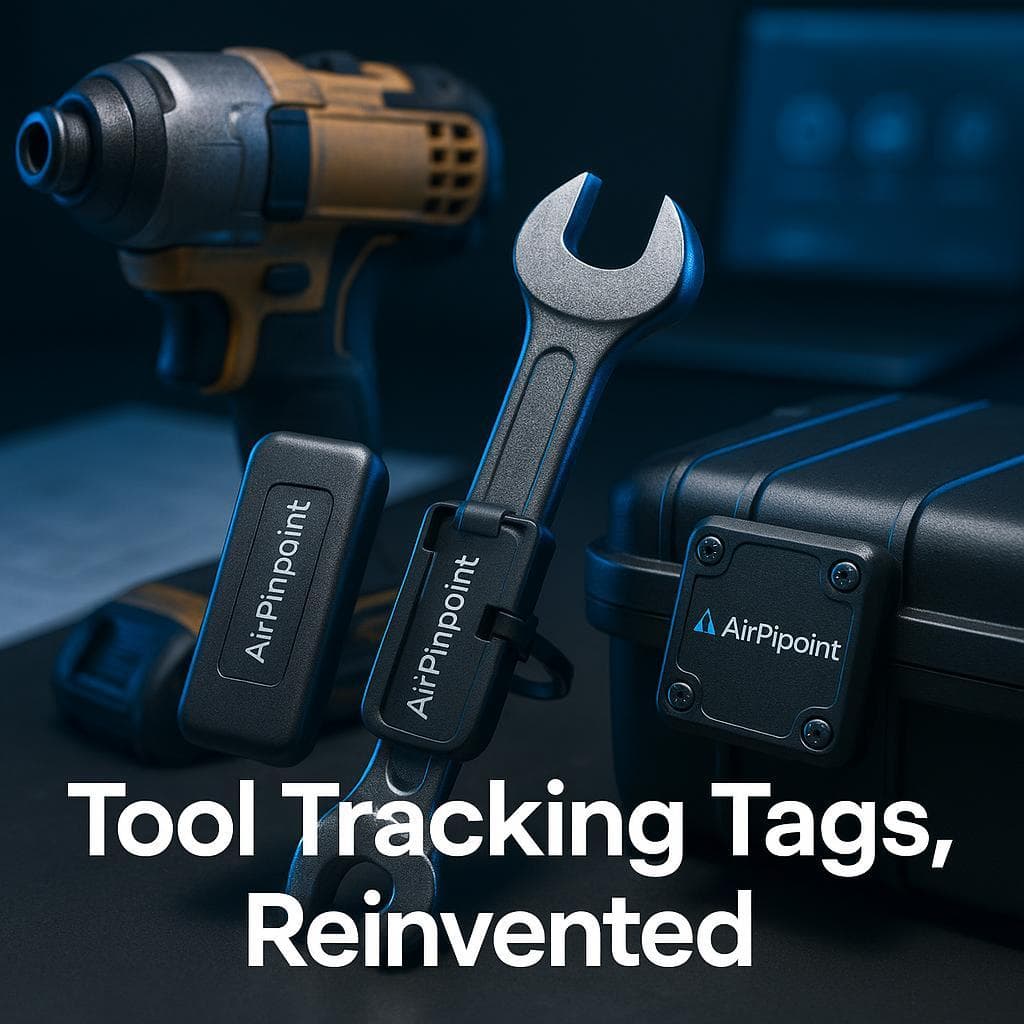
Attach a Find My tag to each tool, kit case, or gang box. Tags work on any brand, so one system covers Milwaukee, DeWalt, Makita, and the hand tools nothing else tracks. The tag broadcasts a Bluetooth signal at microamp currents, which is why a single CR2032 coin cell lasts more than a year.
Let the network do the locating
Any iPhone that passes within Bluetooth range of a tag relays its location to Apple, anonymously and encrypted. You do not install gateways or readers. A tool on a remote site still gets located by phones on nearby roads, and the dashboard receives the update.
See everything on the dashboard
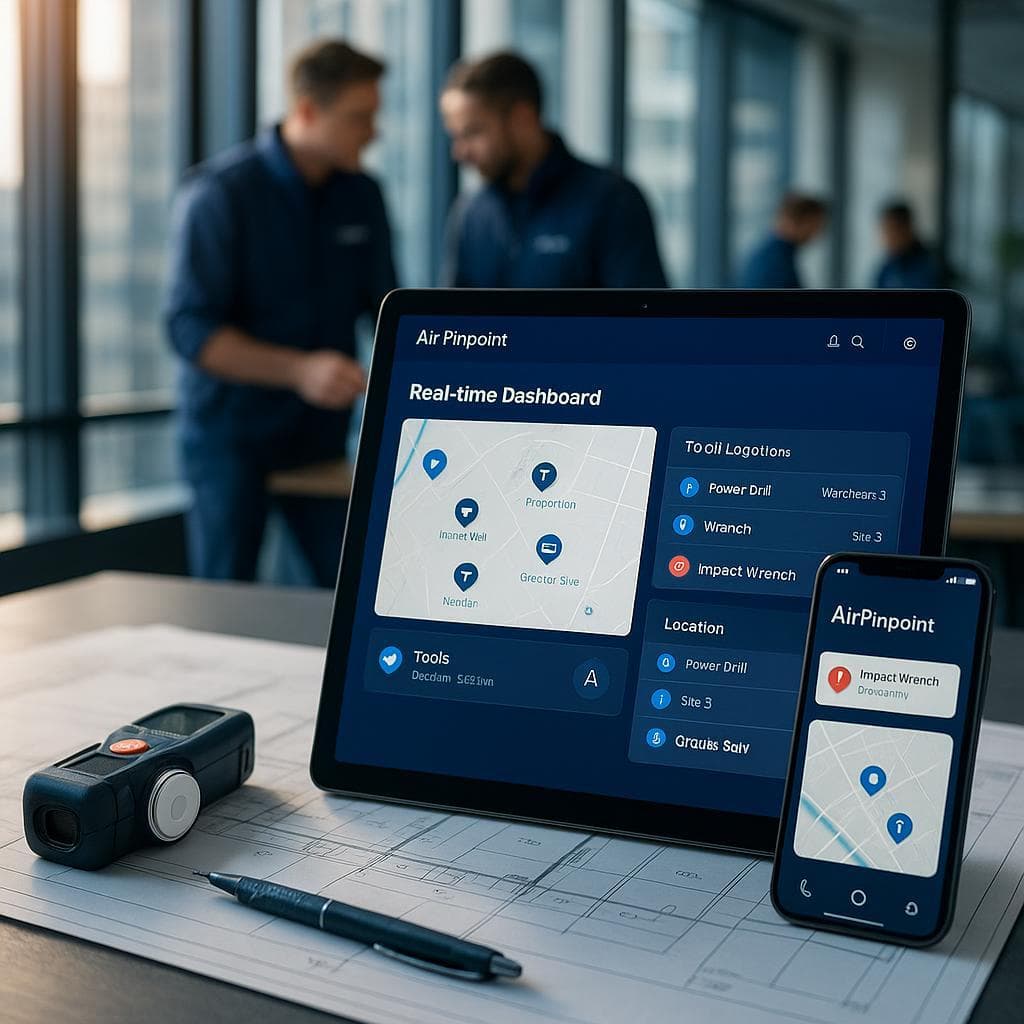
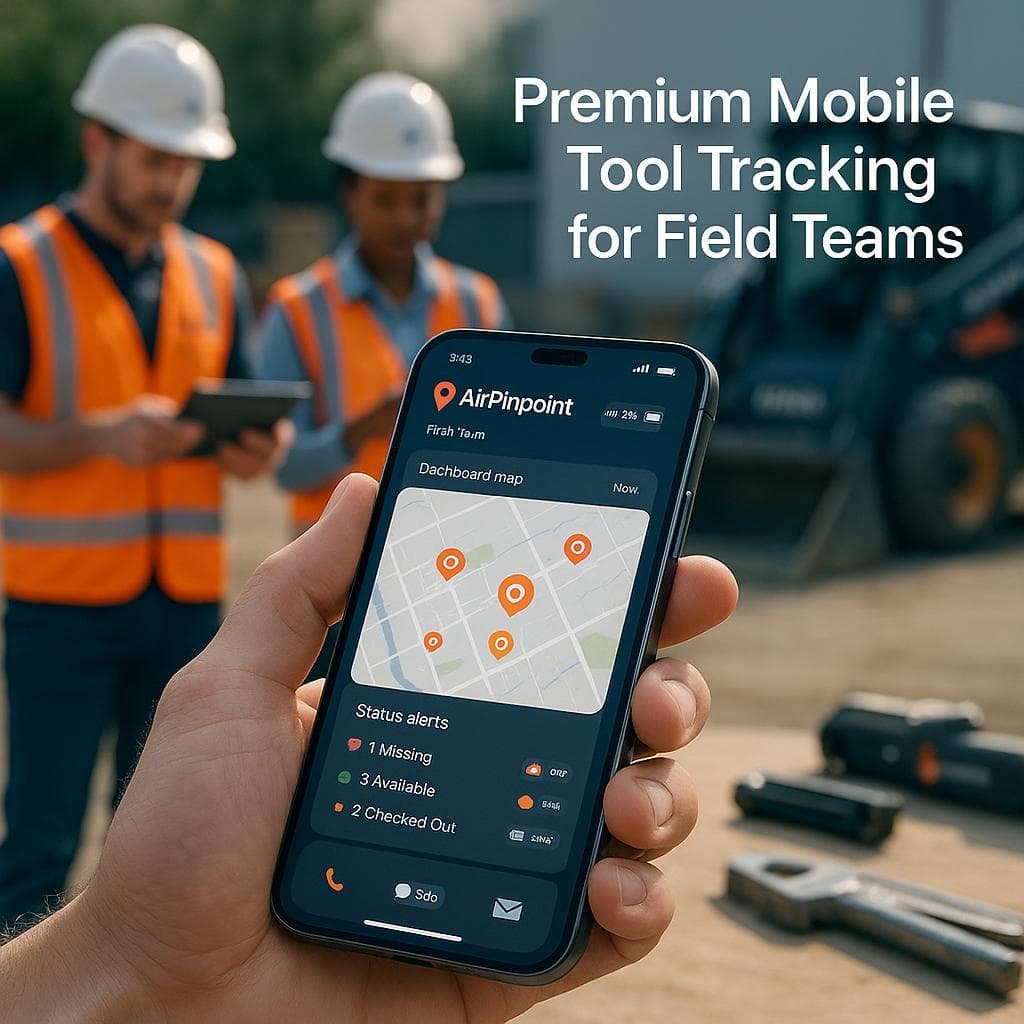
The dashboard plots every tool on a map, stores location history, and lets you assign tools to crews or job sites. Field crews check tool locations from the mobile app; the office reviews the full fleet from the web view.
Draw geofences and set check-out rules
Draw a boundary around the shop or each active site. Assign tools to the crew that signed them out. The system now knows where each tool should be and who is responsible for it.
Get the alert when something leaves
When a tagged tool crosses a geofence, the system sends an email alert or fires a webhook into your own tools. You learn a saw left the yard at 2am instead of discovering it gone at the next inventory count.
Tool Tracking System Types Compared
Not every system tracks the same way. The four common approaches trade off range, manual effort, and ongoing cost differently.
| System type | How it locates | Manual scan needed | Ongoing per-tool cost | Best for |
|---|---|---|---|---|
| Find My / Bluetooth tag | Nearby iPhones relay the tag's signal | No | No SIM; managed dashboard only | Mixed tool fleets, off-site recovery |
| RFID | A reader scans tags in range at a choke point | Yes, at each reader | Reader hardware, no data plan | Tool cribs with a single in/out door |
| Barcode | A worker scans each label by hand | Yes, every check-out | Cheapest hardware, most labor | Check-out accountability on a budget |
| Cellular GPS | A SIM in each tracker reports over the cell network | No | A data plan on every device | Vehicles and powered equipment |
The tradeoffs in plain terms:
- RFID and barcode know what passed a reader or got scanned, not where a tool is right now. They build accountability (who took it) but do not find a tool already off-site. RFID needs a worker to walk tools past a reader; barcode needs a hand scan on every check-out.
- Cellular GPS reports live location anywhere with signal, which is why it fits trucks and excavators. The cost is a SIM and a data plan on every unit, plus a battery that drains in days at live update rates rather than lasting a year. For a pile of hand tools, that economics rarely works.
- Find My tags sit in the middle: no scan, no SIM, location anywhere there are iPhones, and a coin cell that runs more than a year. The gap is truly remote sites with no foot or road traffic, where detection slows until a phone passes.
Most contractors land on a Find My system for the bulk of the fleet and reserve cellular GPS for the few powered machines that justify a data plan.
What This System Page Is Not
This page covers the full system: hardware tags, the dashboard, and the alert logic together. If you want a deeper look at just one layer:
- Tool Tracking Tags: The physical Find My tags: mounting, durability, and battery.
- Tool Tracking Software: The dashboard and app layer compared to manufacturer systems.
- Tool Check-Out System: Assigning tools to crews and tracking who has what.
Why No Per-Tool Subscription Matters at Scale
A cellular GPS system charges a monthly data fee on every device. For a 50-tool fleet, that fee recurs 50 times a month whether or not a tool ever moves. The math compounds: the more tools you tag, the more you pay every month just to keep the locations flowing.
A Find My system breaks that link. The tags ride Apple's network instead of a SIM, so adding the 51st tool does not add a 51st cellular bill. You pay for the dashboard, the alerts, and unlimited tracked tools, not for each tag to phone home.
The tags carry no SIM and no per-device cellular plan. Airpinpoint charges for the managed dashboard, geofence and check-out alerts, and unlimited tracked tools, not a recurring fee on each piece of hardware.
Setting Up the System for a Construction Fleet
For a jobsite fleet, the order of operations that works:
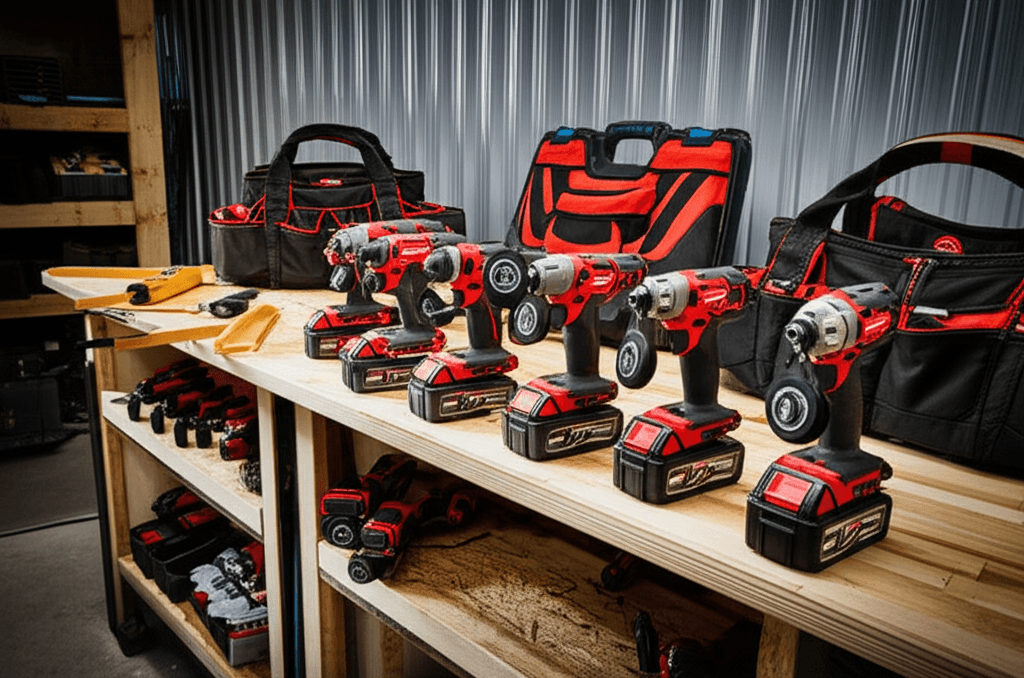
- Tag the high-value tools first. Cordless drills, impact drivers, laser levels, and specialty equipment carry the most loss risk. A tag on a $500 hammer drill pays for itself the first time it prevents a walk-off.
- Tag by kit where it makes sense. Hand-tool sets travel as a kit. One tag on the case tracks the whole set instead of every wrench.
- Draw a geofence around the shop and each active site. This is what turns "where is it" into "tell me when it leaves."
- Assign tools to crews. Check-out turns an anonymous fleet into a record of who is responsible for what.
- Wire the alerts into how you already work. Email for the foreman, webhook for a dashboard if you run one.
The durability holds up on site: the tags are rated IP67 (water and dust resistant to one meter for thirty minutes per Apple's spec) and survive the boxes, the rain, and the rough handling that kill consumer electronics.
Conclusion
A tool tracking system is more than a tracker. It is the tag, the dashboard, and the alert working as one, so you can see every tool, know who has it, and get warned the moment one leaves. Build it on Find My tags and the hardware carries no SIM and no per-tool monthly fee, which is what makes tracking the whole fleet, not just the few most expensive pieces, actually affordable.
Start with the highest-value tools, draw your geofences, and let the alerts do the watching.

 Our Solution