AirTag Range and Accuracy: How Far Can You Track an AirTag, and How Accurate Is It?
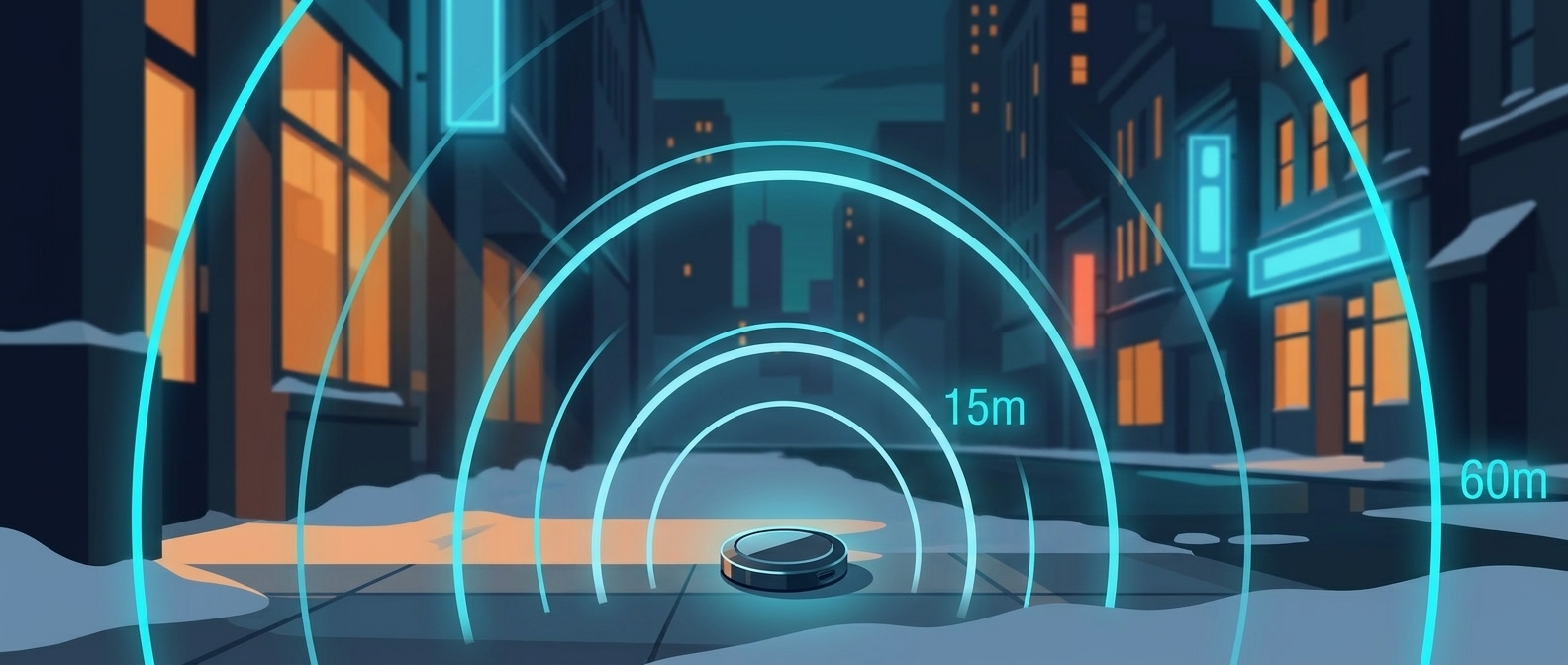
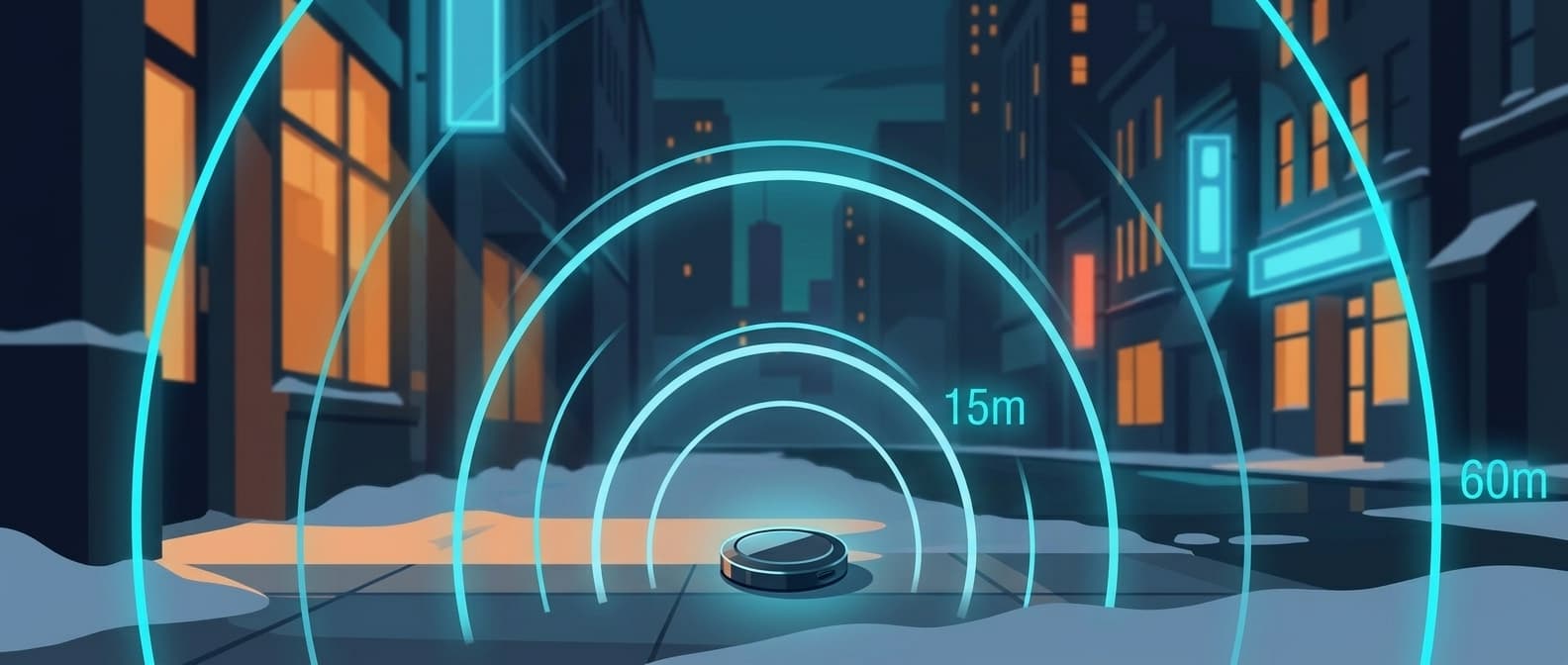
An AirTag's direct Bluetooth range is roughly 30 to 100 feet (10 to 30 m). You get close to 100 ft outdoors in open air, dropping to about 30 to 50 ft indoors and 10 to 15 ft through interior walls. Beyond that radio range, tracking distance is effectively unlimited: any nearby Apple device picks up the tag and relays its location through the Find My network, so an AirTag shows up in Find My even when it is miles away or in another country.
How accurate is an AirTag? Within inches up close, and usually within 10 to 100 m from a distance. With Precision Finding, your iPhone's Ultra Wideband chip measures the tag's exact distance and direction. Over the Find My network, each report is the location of the passing iPhone that heard the tag, so a single report carries an accuracy radius of about 50 to 100 m. Pins built from many reports in busy areas land closer.
For walking the last few feet to an item, UWB Precision Finding adds a directional arrow. Apple publishes no distance for it. Reviewers lost the original AirTag's arrow at 30 to 50 ft (CNN Underscored, Mashable, Tom's Guide). Apple says AirTag 2 guides you from up to 50 percent farther away when paired with a second-generation UWB iPhone (iPhone 15 or newer except iPhone 16e, or iPhone Air), and Tom's Guide measured about 74 ft with an iPhone 17 Pro.
So there are two different "ranges" people mean. The Bluetooth radio (30 to 100 ft) is how far your own phone sees the tag directly. The Find My network (worldwide) is how far you can locate it overall. The Bluetooth number only matters for the final approach. For tracking many tags across a business, the range that matters is the network range, and Airpinpoint gives you one dashboard, location history, and geofence alerts on top of it.
How Far Can You Track an AirTag?
AirTag range is not one number. Your own phone's direct connection is short. The Find My network is global.
Here is the direct Bluetooth trio, the radio link between your iPhone and the AirTag:
| Condition | Typical direct range |
|---|---|
| Outdoors, open air, line of sight | ~30m (100 ft) |
| Indoors, open room | 10-15m (30-50 ft) |
| Through an interior wall | 3-5m (10-15 ft) |
Bluetooth Low Energy can carry much farther in perfect conditions, but a small coin-cell tag like an AirTag broadcasts at low power, so 100 ft outdoors is the practical ceiling for most people. Walls, furniture, and your own body cut that down fast.
The Find My relay is what makes the tag useful past arm's reach. The AirTag does not connect to Wi-Fi or cellular. It just broadcasts an encrypted Bluetooth beacon. When any of the more than a billion iPhones, iPads, and Macs in the Find My network passes within Bluetooth range, that device anonymously reports the AirTag's location to Apple, and you see it on your map. You never connect to the tag yourself for this. A stranger's phone does the relay without either of you knowing.
Can You Track an AirTag Miles Away?
Yes. The Find My network has no distance limit. An AirTag in another city or another country shows up in your Find My app as long as some Apple device passes near it and relays the location. That is how people locate stolen bags, parked cars, and shipped packages hundreds of miles from their phone.
The catch is the relay. The AirTag's own radio only reaches about 30 to 100 ft. It cannot "broadcast" across miles. Somebody's Apple device has to walk within Bluetooth range of the tag to report it. In a busy airport or downtown that happens every couple of minutes. In a rural area with few iPhones around, the tag can go hours or days between updates because no device is close enough to hear it.
So "track an AirTag miles away" works through other people's phones, not through a long-range radio. Dense Apple-device areas update often. Empty areas update rarely. The kilometer-scale tracking everyone sees in Find My is the network at work, not the tag's own range.
How Accurate Are AirTags?
An AirTag is accurate to within inches when you are close enough for Precision Finding, and usually to within 10 to 100 m when it is located over the Find My network. The two numbers differ because an AirTag has no GPS. Up close, your own iPhone measures the tag. Far away, a stranger's iPhone reports its own position.
Here is AirTag accuracy by how the tag is being located:
| How the tag is located | Typical accuracy | Where the number comes from |
|---|---|---|
| Precision Finding (UWB iPhone, tag in range) | Inches, with a distance readout and direction arrow | Your iPhone measures the tag directly over Ultra Wideband |
| Bluetooth only (no UWB chip, or UWB restricted in your country) | Somewhere within 30 to 100 ft, no arrow | Your phone knows the tag is in radio range, not where; you play a sound |
| One Find My network report | Accuracy radius of 48 to 98 m for the middle half of reports (median 74 m) | 419,189 reports Airpinpoint stored for 2,516 tags on Sept 15-16, 2026 |
| Find My pin in a busy area, many reports | Roughly 10 to 30 m | Combining reports cut average error from 81 m to 26 m for a walking device in a 2021 study of Find My reports |
| Tag moving in a car or train | Hundreds of meters, and the pin trails the vehicle | The same study measured 440 to 580 m average error for single reports in a train and a car |
| Low-traffic or rural area | The position may be fine, but hours or days old | No passing Apple device means no new report |
The spread comes from where the location is measured. When you are near the tag, your iPhone's Ultra Wideband chip measures the exact direction and distance, which is how Precision Finding walks you to within inches. When you are far away, the tag is located by whichever Apple device happened to pass within Bluetooth range, so the pin lands near that device, and the error is that device's own GPS or Wi-Fi error plus its distance from the tag.
For business tracking, accuracy is rarely the limit. A 50 to 100 m circle answers "is the trailer at the yard or at the job site?" It does not answer "which parking space?" For that last step, walk over and use Precision Finding. Airpinpoint stores each tag's Find My reports as a location history and drops phantom "jump-back" pings before they reach the map, so a cluster of reports shows where an asset sits even when a single pin is off.
Does an AirTag Show Its Exact Location?
No. Outside Precision Finding range, an AirTag's location in Find My is where some Apple device was when it heard the tag, not a fix taken by the tag itself. An AirTag has no GPS chip, so every far-away location is borrowed from an iPhone or iPad that passed within Bluetooth range.
Here is what happens for each Find My network report, and where error gets in:
- A passing Apple device hears the tag. The AirTag broadcasts a Bluetooth beacon carrying a rotating public key. Any finder device in Bluetooth range can pick it up. Error added: the distance between that device and the tag, from inches to about 30 m.
- The finder attaches its own location. It takes its current position, encrypts it with the tag's public key, and uploads it to Apple. Error added: however far off the finder's own fix is. A phone indoors on Wi-Fi positioning is less precise than one outdoors on GPS.
- The report is stamped with the time the finder heard the tag. A finder without a connection uploads later, so a report can arrive hours after the moment it describes. If the tag was moving, the pin shows where it was, not where it is.
- The finder includes an accuracy radius. Each decrypted report holds latitude, longitude, a one-byte accuracy value in meters (so it tops out at 255), and a status byte that carries battery level. In our 419,189-report sample, no radius was tighter than 19 m, 80 percent were 100 m or under, and 1.4 percent were 200 m or more.
- Find My combines reports into the pin you see. Apple keeps about seven days of reports per tag, and the Find My app combines several of them when it draws a location. More reports means a tighter pin, which is why accuracy follows Apple-device density.
The accuracy radius is not a reliable quality score. Running the Find My fetch pipeline for customer tags, we see wide radii on perfectly good points and tight radii on phantom ones. So Airpinpoint filters by geometry instead: a report that jumps more than 150 m from a stable position, followed by reports back near that position, is treated as a phantom and dropped. If your pin is far off or stuck rather than a few dozen meters out, work through AirTag not updating or showing the wrong location.
What Determines Real-World AirTag Range
Three things decide how far your AirTag actually reaches in the field, and they matter more than the spec sheet.
Obstructions between the tag and the receiver. Drywall barely dents the signal. Concrete and brick cut it 40 to 60 percent. Solid metal, like a shipping container, a safe, or a sealed steel toolbox, blocks it almost entirely. Water absorbs RF too: a tag pressed against the body loses range, and a submerged AirTag can't be heard beyond a few inches.
Apple-device density nearby. Find My range depends entirely on how many iPhones, iPads, and Macs pass by. A tag in a crowded terminal gets relayed every minute or two. The same tag on a quiet rural property may sit silent for hours simply because nothing walks past it. This is the single biggest factor for tracking something you cannot see.
Tag placement and orientation. A tag mounted high, near a window, or on a non-metal surface with line of sight to passing devices gets detected far more often than one buried in a metal box or wedged under heavy equipment. In practice, the effective re-detection range outdoors is usually well below the radio maximum, and metal enclosures plus low Apple-device density are what shrink it most. Move the tag toward a vent, gap, or exterior-facing surface and detection improves immediately.
AirTag 2 vs AirTag 1: Range Comparison
Several review outlets tested both models side by side. The pattern is consistent: AirTag 2 picks up signal where the original shows "Searching..."
| Environment | AirTag 1 Precision Finding | AirTag 2 Precision Finding | Source |
|---|---|---|---|
| Precision Finding distance, Apple's claim | Baseline | Up to 50% farther | Apple |
| Walking away, iPhone 17 Pro | Lost at 50 ft | Held to about 74 ft | Tom's Guide |
| Precision Finding range, iPhone 17 Pro Max | About 30 ft | About 60 ft | CNN Underscored |
| About 60 ft apart, old walls and a closed door | Did not show up | Showed up in Precision Finding | CNN Underscored |
| Apartment, two walls, iPhone 17 Pro Max | About 30 ft at best | Detected at about 49 ft (15 m), pinpointed at 36 ft (11 m) | Mashable |
| In a backpack out of sight, office building | Needed to be closer to connect | Connected from farther away, even from a different floor | MacRumors |
Tom's Guide placed both tags in one spot and walked away with an iPhone 17 Pro: 74 ft vs 50 ft, a 1.48x gain. Macworld saw about 40 percent more range in its own tests, and CNN Underscored measured roughly double. Apple's own claim is "up to 50 percent farther."
Three Types of AirTag Range
AirTag range is not one number. Three distinct systems, each with different reach.
1. Bluetooth Low Energy (BLE) Range
The raw radio connection between your iPhone and the AirTag. Determines whether Find My can see the tag at all when you are nearby.
| Condition | Typical direct range |
|---|---|
| Outdoors, open air | 30m (100 ft) |
| Indoors, open room | 10-15m (30-50 ft) |
| Through drywall | 5-10m (15-30 ft) |
| Through concrete | 3-5m (10-15 ft) |
| Metal container | Blocked |
These are typical field figures, not Apple numbers: Apple publishes no Bluetooth distance for either model. For AirTag 2 it says only that "an upgraded Bluetooth chip expands the range at which items can be located," so expect somewhat more reach than the original, with no official figure to plan around.
2. UWB Precision Finding Range
The directional arrow, distance counter, and haptic feedback. Requires a U1 or U2 chip in your iPhone or Apple Watch.
AirTag 1: Apple gives no distance. Reviewers lost the arrow at 30 to 50 ft (CNN Underscored, Mashable, Tom's Guide). Requires iPhone 11 or later.
AirTag 2: up to 50 percent farther than AirTag 1, per Apple. Full range on iPhone 15 or later (except iPhone 16e) and iPhone Air, which carry the U2 chip, plus Apple Watch Series 9+ and Apple Watch Ultra 2+. Falls back to U1-level range on iPhone 11-14. In reviewer tests with iPhone 17 Pro models, CNN Underscored measured about 60 ft and Tom's Guide about 74 ft.
Precision Finding is also the most accurate mode. It is the only time your own device measures the tag directly, which is why its distance readout is good to inches while a Find My network pin is good to tens of meters.
The U2 chip improves both ranging accuracy and angle-of-arrival measurements:
- Faster signal lock-on when you open Find My
- Directional arrow stays stable at greater distances
- Better performance through walls and floors
- Works across large indoor spaces like airports and warehouses
3. Find My Network Range
Unlimited. Every iPhone, iPad, and Mac acts as a relay. When any Apple device passes within BLE range of your AirTag, it encrypts the location and uploads it to Apple's servers.
More than a billion Apple devices participate, per Apple. The AirTag needs no phone, Wi-Fi, or cellular. Just one Apple device walking by. When none has passed for a while, the pin goes stale; here's why an AirTag stops updating.
| Location Type | Update Frequency |
|---|---|
| Airport terminal | Every 1-3 minutes |
| City street | Every 1-5 minutes |
| Shopping mall | Every 1-5 minutes |
| Office building | Every 1-10 minutes |
| Suburban parking lot | Every 15-60 minutes |
| Highway (parked nearby) | Every 30 min - 2 hours |
| Rural area | Hours to days |
Other Factors That Affect AirTag Range
Beyond obstructions, device density, and placement, a few secondary factors move the needle.
RF interference. Dense Wi-Fi, other Bluetooth devices, microwave ovens, and fluorescent lighting all add noise. A warehouse full of IoT sensors will see shorter BLE range than an empty one.
Battery level. A dying CR2032 reduces transmit power, which shortens range before the battery fully gives out. Both models use the same battery. Expected life: about 1 year. A fresh cell outputs full transmit power from day one.
Temperature. Below 0C or above 35C, range degrades. Outdoor tags in freezing winters or hot dashboards will underperform.
Elevation and line of sight. A tag mounted high on equipment or near a window has clear line of sight to passing devices and gets detected more often. Outdoor, elevated, and unobstructed is where you hit the longer Precision Finding distances.
AirTag 2 Range vs Competitors
| Tracker | BLE Range | Precision Finding | Network Size | Monthly Fee |
|---|---|---|---|---|
| AirTag 2 | Longer than AirTag 1 (Apple gives no figure) | Up to 50% farther than AirTag 1 (Apple); about 60-74 ft in CNN Underscored and Tom's Guide tests | 1B+ Apple devices (per Apple) | $0 |
| AirTag 1 | ~30m (100 ft), typical | 30-50 ft in CNN Underscored, Mashable, and Tom's Guide tests | 1B+ Apple devices (per Apple) | $0 |
| Tile Pro | ~150m (500 ft), Tile's rating | None | Tile and Life360 app users | $0-3/mo |
| Samsung SmartTag 2 | ~120m (390 ft) | 30m (Galaxy UWB phones) | Samsung Galaxy users | $0 |
| Chipolo ONE Point | ~60m (200 ft), Chipolo's claim | None (no UWB) | Google's Android network | $0 |
| GPS Tracker (cellular) | N/A | N/A | Anywhere with cell signal | $10-30/mo |
AirTag's BLE range is shorter than Tile or Samsung. The advantage is network size: more than a billion Apple devices relay locations passively, while Tile depends on phones running the Tile or Life360 app. Full breakdown: Tile vs AirTag.
Samsung's SmartTag 2 has UWB on Galaxy phones, but Galaxy device density is far lower in the US and Europe.
Which iPhone and Apple Watch Models Support Full AirTag 2 Range
AirTag 2's extended Precision Finding requires a U2 chip.
Full AirTag 2 Precision Finding range (U2 chip):
- iPhone 15, 15 Plus, 15 Pro, 15 Pro Max
- iPhone 16, 16 Plus, 16 Pro, 16 Pro Max (excluding 16e)
- iPhone 17, 17 Pro, 17 Pro Max, and iPhone Air (excluding 17e)
- Apple Watch Series 9 or later, on watchOS 26.2.1
- Apple Watch Ultra 2, Ultra 3
Original-AirTag-level Precision Finding (U1 chip):
- iPhone 11 through iPhone 14 (all models)
No Precision Finding:
- iPhone SE (all generations)
- iPhone 16e, iPhone 17e
- Apple Watch SE (all generations)
- Apple Watch Series 8 and earlier
If your team uses older iPhones, AirTag 2 still works for BLE detection and Find My network tracking. You lose the extended directional guidance.
AirTag Range for Business Tracking
For businesses managing fleets, equipment, or inventory, the AirTag 2 range improvements affect daily operations.
Warehouse inventory. Workers find tagged items faster. Longer Precision Finding range means less aisle-walking before the arrow appears. The louder speaker cuts search time further.
Construction equipment. On a site with 10-20 tagged assets, a foreman gets directional arrows from farther away than with the original, which reviewers lost at 30 to 50 ft.
Vehicle fleets. In a large lot, AirTag 2 picks up a tagged vehicle from more rows away than the original, so there is less walking row by row.
Tool checkout. When a tool does not return to the crib, the louder speaker and longer Precision Finding range make physical recovery faster.
If you manage more than a handful of AirTags, Airpinpoint provides the dashboard layer: location history, geofence alerts, team sharing, and API access. AirTag 2 drops into existing Airpinpoint setups with zero changes.
FAQ
What is the AirTag's range?
An AirTag's direct Bluetooth range is roughly 30 to 100 ft (10 to 30 m) device to phone: close to 100 ft outdoors, about 30 to 50 ft indoors, 10 to 15 ft through an interior wall. Beyond that radio range, effective tracking range is global. Apple's Find My network of more than a billion devices relays the tag's location anywhere a nearby Apple device passes, so the tag shows up in Find My even miles away or in another country. The Bluetooth number only matters for walking the last few feet to the item.
How far do AirTags work?
An AirTag works at any distance, with one catch: your own phone only sees it directly within about 30 to 100 ft, and everything past that depends on some other Apple device walking within Bluetooth range of the tag. In a city or airport that happens constantly, so the pin updates every few minutes. On a rural road or in a sealed metal container with no one around, the tag reports nothing until someone with an iPhone passes it.
What does "AirTag detected near you" mean?
It is Apple's unwanted tracking alert, titled "AirTag Found Moving With You" on iPhone. It fires when an AirTag away from its owner keeps showing up within Bluetooth range of your phone as you move. Here is what the AirTag detected near you alert means and what to do.
How close does an AirTag need to be to be detected?
Within Bluetooth range: about 30 to 100 ft in open air, 30 to 50 ft indoors, and 10 to 15 ft through an interior wall. That applies to your own iPhone and to any passing Apple device that relays the tag's location. Precision Finding needs you closer still: reviewers lost the original AirTag's arrow at 30 to 50 ft.
How accurate are AirTags?
Two very different numbers. Up close, Precision Finding measures the tag over Ultra Wideband and gets you to within inches. From a distance, a Find My network report is where a passing iPhone was when it heard the tag, with an accuracy radius of about 50 to 100 m. In busy areas where many reports combine, the pin tightens to roughly 10 to 30 m.
How accurate is AirTag location?
An AirTag location on the map is usually good to 10 to 100 m. Each Find My report carries the finder iPhone's own position plus an accuracy radius. Across 419,189 reports Airpinpoint stored in one day of September 2026, that radius had a median of 74 m and was never under 19 m. Moving tags are worse, often off by hundreds of meters.
Does an AirTag give an exact location?
Only when you are close. Precision Finding on an Ultra Wideband iPhone gives an exact distance and direction. Everywhere else, the location comes from a stranger's Apple device that heard the tag, so the pin marks that device's position, not the tag's. Treat it as the right building or block, then walk over and use Precision Finding.
How precise are AirTags compared to GPS?
Precision Finding is more precise than GPS at close range: inches versus the 3 to 5 m a GPS tracker gives. Over distance it is the reverse in raw terms: GPS holds 3 to 5 m continuously, while a Find My pin lands within about 10 to 100 m whenever an Apple device passes. The practical difference is update style: GPS is a constant live fix that drains battery, while an AirTag gets frequent passive fixes near people at no cellular cost. For locating assets rather than live-driving a route, the AirTag's frequency usually beats GPS's raw precision.
Why is my AirTag location slightly off?
Because a far-away AirTag is located by a stranger's passing Apple device, not by GPS. The pin lands wherever that device was when it heard the tag, which adds the device's own GPS or Wi-Fi error plus up to about 30 m of Bluetooth distance. It can also show the last outdoor point before the tag went inside a building where no phone could see it. Accuracy improves the moment you get within Precision Finding range and your own phone measures the tag directly.
Do AirTags work in remote areas?
The tag keeps working, but its location only updates when an Apple device comes within Bluetooth range, about 30 to 100 ft. On a remote job site, trail, or rural yard that can mean hours or days between updates, and nothing at all at sea or deep in the wilderness. For assets that live far from people, a cellular GPS tracker is the better tool.
What is the AirTag range for business tracking?
For business tracking, the range that matters is the Find My network range, which is global wherever Apple devices are nearby, not the 30 to 100 ft Bluetooth radio. On an active site, a tagged asset gets relayed every few minutes; in a low-traffic rural yard it can be hours between updates. To track many tags across a fleet, Airpinpoint adds the layer Find My lacks: one dashboard for 500+ assets with no 32-item Apple ID limit, location history, geofence alerts, team access, and an API. Airpinpoint delivers 280,000+ Find My location updates across customer assets every day at $11.99 per device per month.
What is the range of AirTag 2?
Three ranges. Bluetooth: longer than the original's, though Apple gives no figure. UWB Precision Finding: up to 50 percent farther than the original AirTag, per Apple, with a U2-equipped iPhone or Apple Watch; CNN Underscored measured about 60 ft and Tom's Guide about 74 ft. Find My network: worldwide.
Is AirTag 2 range better than AirTag 1?
Yes. Apple says Precision Finding works from up to 50 percent farther away, and reviewers measured gains from about 40 percent (Macworld) to 1.48x (Tom's Guide) to roughly double (CNN Underscored). Apple also says the upgraded Bluetooth chip expands the range at which items can be located, without giving a number. Find My network range is the same (unlimited) since it depends on Apple device density, not AirTag hardware.
How far can AirTag 2 track?
No distance limit. The Find My network uses more than a billion Apple devices worldwide to relay locations. An AirTag 2 in another country shows up in Find My as long as Apple devices pass near it. The Precision Finding range only applies to the last step: walking to the item with directional guidance.
What is the distance range of the original AirTag?
The original AirTag's Bluetooth range is about 30m (100 ft) outdoors and 10-25 ft through interior walls. Reviewers lost its Precision Finding arrow at 30 to 50 ft (CNN Underscored, Mashable, Tom's Guide). Like AirTag 2, its tracking distance through the Find My network is unlimited. The Bluetooth figure only matters for direct detection by your own phone.
Does AirTag 2 work through walls?
Yes. CNN Underscored found AirTag 2 in Precision Finding about 60 ft away through old walls and a closed door, where the original did not show up. Mashable detected it about 15 m (49 ft) away through two walls and pinpointed it at 11 m (36 ft). MacRumors kept a connection from a different floor. Concrete and metal reduce range more than drywall. Solid metal blocks signal entirely.
Does AirTag 2 Precision Finding work on Apple Watch?
Yes. AirTag 2 is the first AirTag with Apple Watch Precision Finding. Requires Series 9+, or Ultra 2+, running watchOS 26.2.1+. The original AirTag does not support this.
How far can you track an AirTag without your phone?
Worldwide. The AirTag broadcasts a BLE signal that any of the more than a billion Apple devices in Find My can pick up. Check the location from any Apple device signed into your iCloud account, or from iCloud.com.
AirTag 2 range vs GPS tracker range?
GPS trackers use cellular for continuous, real-time tracking. AirTag 2 uses Find My for periodic updates wherever Apple devices exist. Different tradeoffs:
| Feature | AirTag 2 | GPS Tracker |
|---|---|---|
| Tracking range | Worldwide (via Find My) | Worldwide (via cellular) |
| Update frequency | Every 1-5 min in populated areas | Continuous (every 10-60 sec) if battery allows |
| Works indoors | Yes | GPS signal blocked indoors |
| Works without cell signal | Yes | No |
| Monthly cost | $0 hardware subscription | $10-30/month |
| Battery life | ~1 year at full update rate (~100,000+ updates) | Days to weeks at frequent updates; "years" only at ~1 update/day |
| Hardware cost | $29 | $50-200 |
GPS trackers advertising 3-year batteries get there by updating once per day, roughly 1,100 total updates. At AirTag update rates that battery holds about three days. Each GPS update requires a satellite fix (GPS radio on up to 30 seconds) plus a cellular transmission pulling hundreds of milliamps. An AirTag broadcasts at microamp-level current and delegates the expensive work to nearby iPhones. The two-year battery claim and the real-time update claim cannot both be true for a battery-powered GPS tracker.
Why does my AirTag only update when I am nearby?
The item is likely in a low-traffic area where few Apple devices pass by. Other possibilities: Find My network disabled on your iPhone (in Settings, tap your name, then Find My), low battery, or iCloud sync issues. Moving the AirTag to a more visible position (near a window, higher up) improves detection.
Track Hundreds of AirTags From One Dashboard
Managing AirTags for business? Airpinpoint gives you what Find My does not:
- Location history for every tagged asset
- Geofence alerts when items leave a job site, warehouse, or yard
- Team access so multiple people can track without sharing an Apple ID
- API and webhooks for integration with your existing systems
- Export and reporting for compliance and audits
Works with both AirTag 1 and AirTag 2. No hardware changes needed.
Updated September 2026. Range figures compiled from Apple's AirTag (2nd generation) announcement and specs, the Bluetooth SIG, and hands-on testing by Tom's Guide, CNN Underscored, Mashable, MacRumors, and Macworld. Accuracy figures come from Airpinpoint's own Find My report data (419,189 reports from 2,516 tags, September 15-16, 2026) and Heinrich et al., "Who Can Find My Devices?" (Proceedings on Privacy Enhancing Technologies, 2021). Actual range and accuracy vary with environment, obstructions, device model, and battery level.
Tracking equipment for a business?
Most people reading this are tracking personal items, which AirTags handle fine on their own. If you manage gear for a company, Airpinpoint runs 6,700+ AirTags across construction equipment, trailers, medical devices, and AV gear from one dashboard.
