Digital Inventory Management
Digital inventory management replaces clipboards, paper logs, and spreadsheets with software that tracks every item in real-time. If you're still counting inventory manually, you're losing money.
Paper vs Digital: The Real Difference
| Factor | Paper/Spreadsheets | Digital System |
|---|---|---|
| Update speed | Hours to days | Real-time |
| Accuracy | 60-80% | 95-99% |
| Search time | Minutes | Seconds |
| Multi-location | Chaos | One shared view |
| Audit trail | Reconstructed | Automatic |
| Reporting | Manual creation | One click |
| Cost per error | $50-500+ | Near zero |
Benefits of Going Digital
1. Real-Time Visibility
Know what you have right now, not what you had yesterday:
- Current stock levels
- Items in transit
- Reserved inventory
- Incoming shipments
No more calling the warehouse to check if something's in stock.
2. Reduced Human Error
Manual data entry errors cost businesses 1-3% of revenue:
- Barcode scanning eliminates typing mistakes
- System validations catch impossible entries
- Automatic calculations prevent math errors
- Audit trails track who changed what
3. Time Savings
Digital inventory dramatically reduces time spent on:
| Task | Manual Time | Digital Time |
|---|---|---|
| Full inventory count | 8-40 hours | 2-8 hours |
| Looking up stock | 5-15 minutes | 5-30 seconds |
| Generating reports | 2-4 hours | 1 click |
| Reconciling errors | Hours/week | Minutes/week |
4. Better Decision Making
Digital data enables analysis:
- Which items sell fastest
- Seasonal demand patterns
- Optimal reorder points
- Slow-moving inventory
- Shrinkage patterns
5. Scalability
Paper systems collapse as you grow. Digital scales:
- Add locations without more paperwork
- Handle more SKUs without more staff
- Process more transactions without manual re-entry
- Support remote teams
Components of Digital Inventory
Software Platform
The brain of your system:
- Central database
- User interface
- Reporting engine
- Integration capabilities
Options: Sortly, Cin7, Fishbowl, NetSuite, custom solutions
Barcode/RFID Hardware
Capture data without typing:
- Barcode scanners (handheld, fixed)
- Label printers
- RFID readers (for higher volume)
- Mobile devices with camera scanning
Mobile Access
Work anywhere:
- Smartphone apps
- Tablet interfaces
- Offline capability
- Real-time sync
Tracking Devices
For assets that move:
- GPS trackers
- BLE beacons
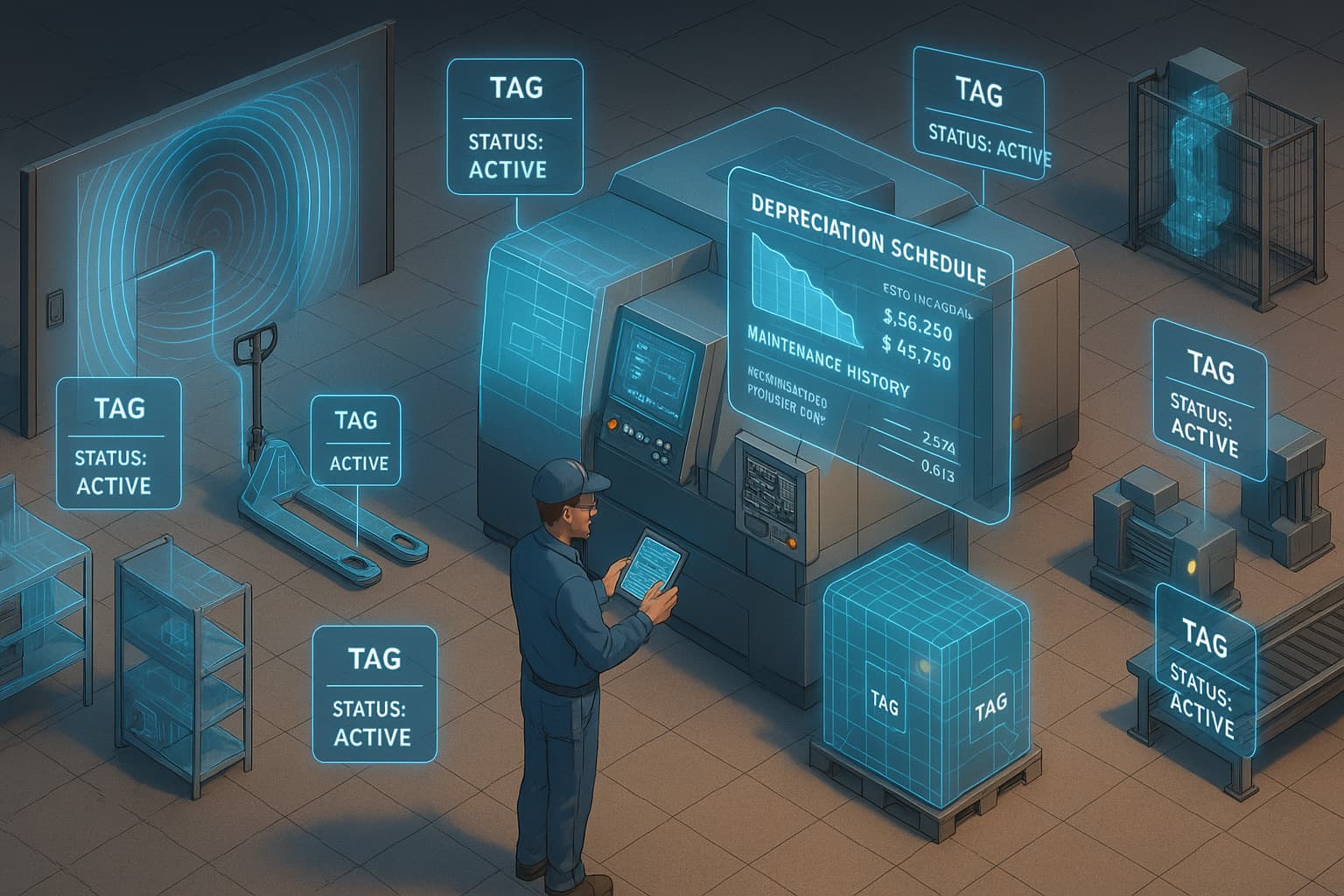
- RFID tags
- QR codes
Implementation Roadmap
Phase 1: Assessment (Week 1-2)
Understand your current state:
- How many SKUs/assets?
- How many locations?
- Current pain points?
- Integration requirements?
- Budget constraints?
Phase 2: Software Selection (Week 2-4)
Choose your platform:
- Define requirements
- Demo 3-5 options
- Check references
- Negotiate pricing
- Make decision
Phase 3: Data Preparation (Week 3-6)
Clean your data before migration:
- Audit current inventory
- Standardize naming conventions
- Deduplicate records
- Organize categories
- Assign unique identifiers
Phase 4: Hardware Setup (Week 5-7)
Deploy physical infrastructure:
- Install barcode printers
- Configure scanners
- Set up mobile devices
- Print initial labels
- Test connectivity
Phase 5: Software Configuration (Week 6-8)
Set up your system:
- Import inventory data
- Configure locations
- Set user permissions
- Define workflows
- Create reports
Phase 6: Training (Week 8-10)
Prepare your team:
- Train all users
- Document procedures
- Practice scenarios
- Identify super-users
- Plan for questions
Phase 7: Go-Live (Week 10-12)
Launch and stabilize:
- Parallel operation (optional)
- Monitor closely
- Fix issues quickly
- Gather feedback
- Optimize workflows
Digital Inventory Software Options
For Small Business
| Software | Starting Price | Best For |
|---|---|---|
| Sortly | $49/month | Visual tracking, simple needs |
| inFlow | $89/month | Product-based businesses |
| Zoho Inventory | $49/month | Zoho ecosystem users |
For Mid-Market
| Software | Starting Price | Best For |
|---|---|---|
| Cin7 | $349/month | Multi-channel retail |
| Fishbowl | $329/month | Manufacturing |
| DEAR | $249/month | Wholesale/distribution |
For Enterprise
| Software | Starting Price | Best For |
|---|---|---|
| NetSuite | $999+/month | Full ERP needs |
| SAP Business One | Custom | Large organizations |
| Microsoft Dynamics | Custom | Microsoft shops |
Adding GPS Tracking
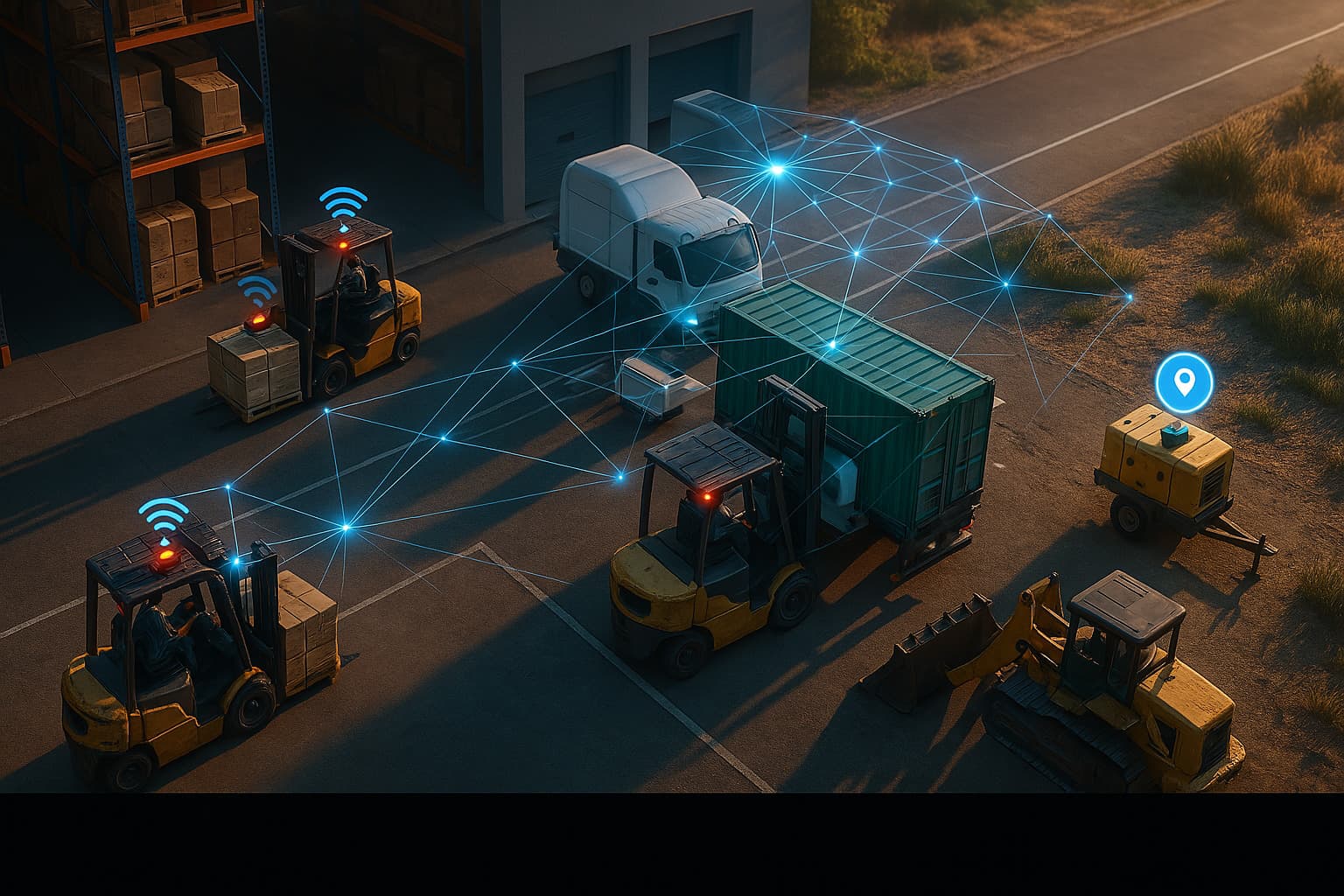
Digital inventory tells you quantities. GPS tracking tells you location:
| Digital Inventory | GPS Tracking |
|---|---|
| "10 units at Warehouse A" | "Specifically in Aisle 3, Bin 7" |
| "5 units in transit" | "Currently at 123 Main St" |
| "Equipment checked out" | "At customer job site" |
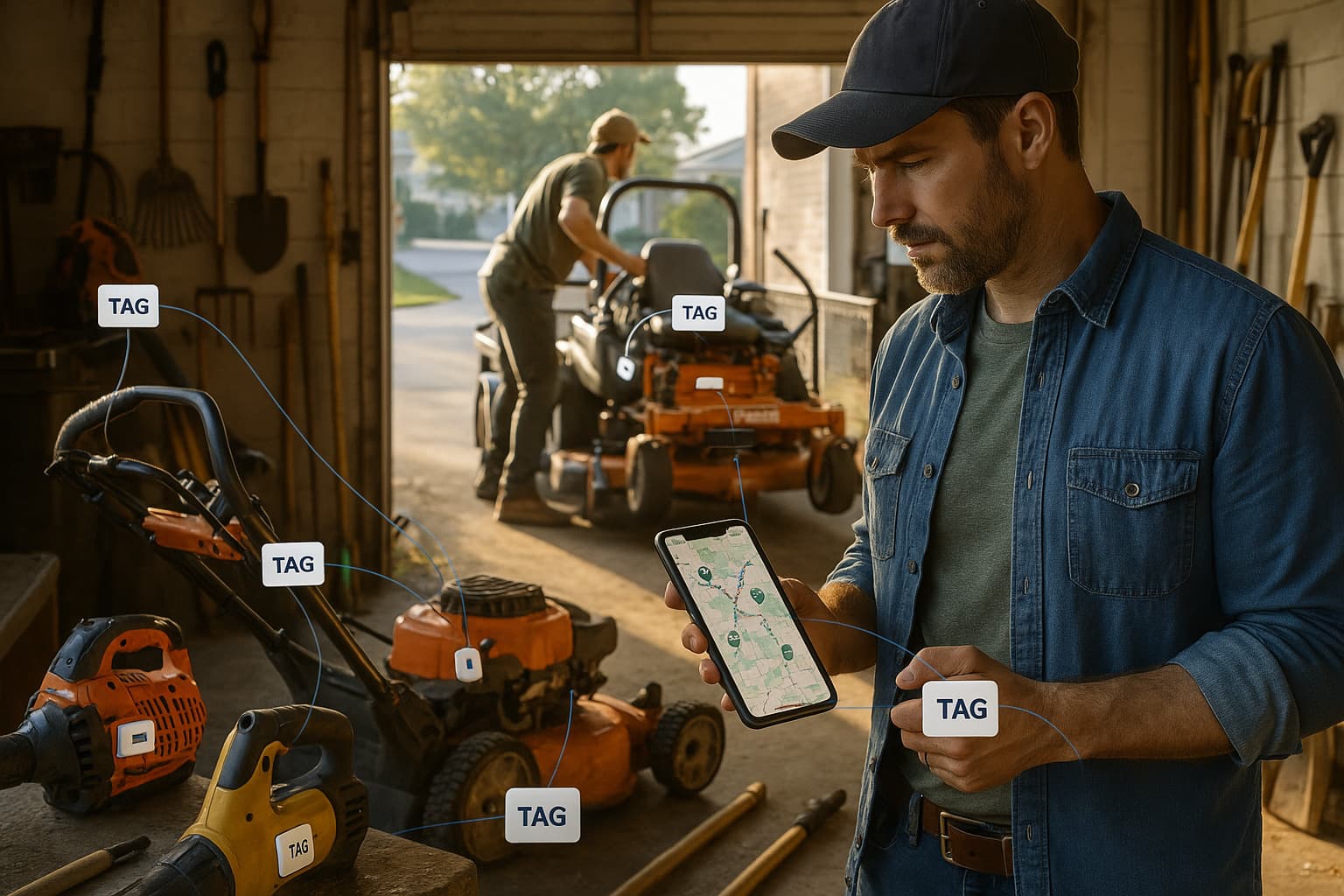
For mobile assets, combining digital inventory with GPS provides complete visibility.
ROI Calculation
For a business with $1M inventory and 1,000 SKUs:
Current Costs (Manual)
| Item | Annual Cost |
|---|---|
| Inventory counting labor | $15,000 |
| Stock search time | $8,000 |
| Stockout lost sales | $25,000 |
| Overstock carrying costs | $20,000 |
| Error correction | $5,000 |
| Total | $73,000 |
Digital Costs
| Item | Annual Cost |
|---|---|
| Software subscription | $3,600 |
| Hardware (amortized) | $1,000 |
| Training (one-time) | $500 |
| Reduced labor | -$11,250 |
| Reduced stockouts | -$20,000 |
| Reduced overstock | -$14,000 |
| Net Savings | $40,150 |
ROI: 900%+ in first year
Common Mistakes to Avoid
1. Skipping the Data Cleanup
Garbage in, garbage out. Clean your data before migration.
2. Undertraining Staff
The system only works if people use it correctly. Invest in training.
3. Going Too Complex
Start simple, add features later. Don't overwhelm users.
4. Ignoring Mobile
Your team works everywhere. Ensure mobile access.
5. No Backup Plan
Digital systems can fail. Have a recovery plan.
Getting Started
- Assess your situation: What problems need solving?
- Calculate your costs: How much is manual tracking costing?
- Research options: Demo software that fits your size
- Plan implementation: Timeline, resources, milestones
- Execute in phases: Don't try to do everything at once
- Add tracking: GPS for mobile/valuable assets
Digital inventory isn't the future. It's the present. Every day you wait is money lost to inefficiency.

 Our Solution