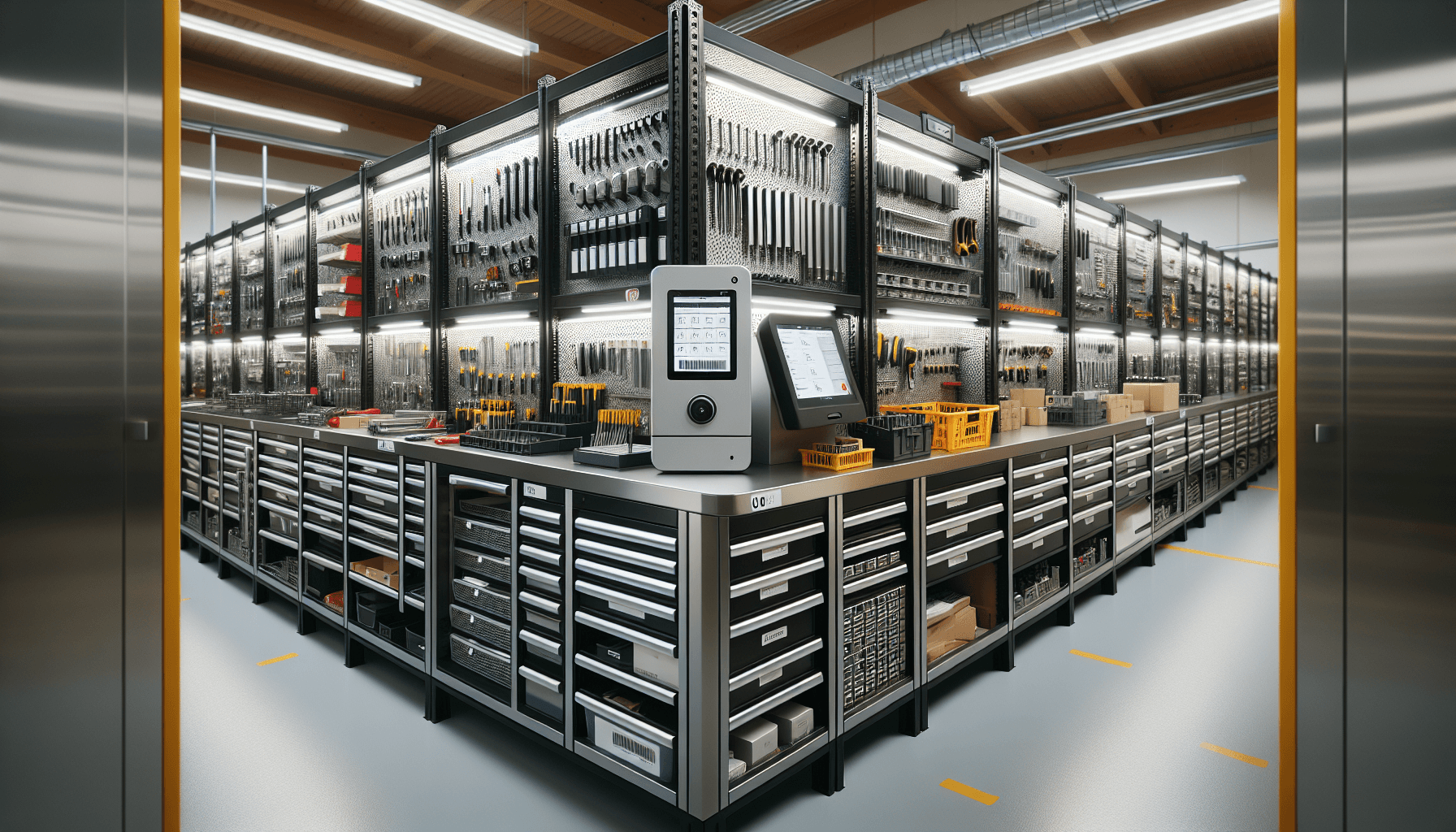
Tool Crib Management Software
Tool crib management software runs the check-out and return process for shared tools in a plant or contractor warehouse. It records who took which tool, when it is due back, and what is left on the shelf, so a missing tool traces to a person instead of a shrug. The gap in almost every package: it logs the transaction but never tells you where the tool physically is. Airpinpoint closes that gap with Apple Find My tags, so you can locate a tagged tool without scanning it and get an alert in tens of minutes when it leaves the crib.
This page covers what tool crib management software does, how a modern crib works step by step, and how the main packages compare. For the inventory-method side (perpetual vs periodic, cycle counting, ABC classification) see tool crib inventory management. For the person who runs the crib, see the tool crib manager guide.
What Tool Crib Management Software Actually Does
Strip away the marketing and every tool crib package does four things:
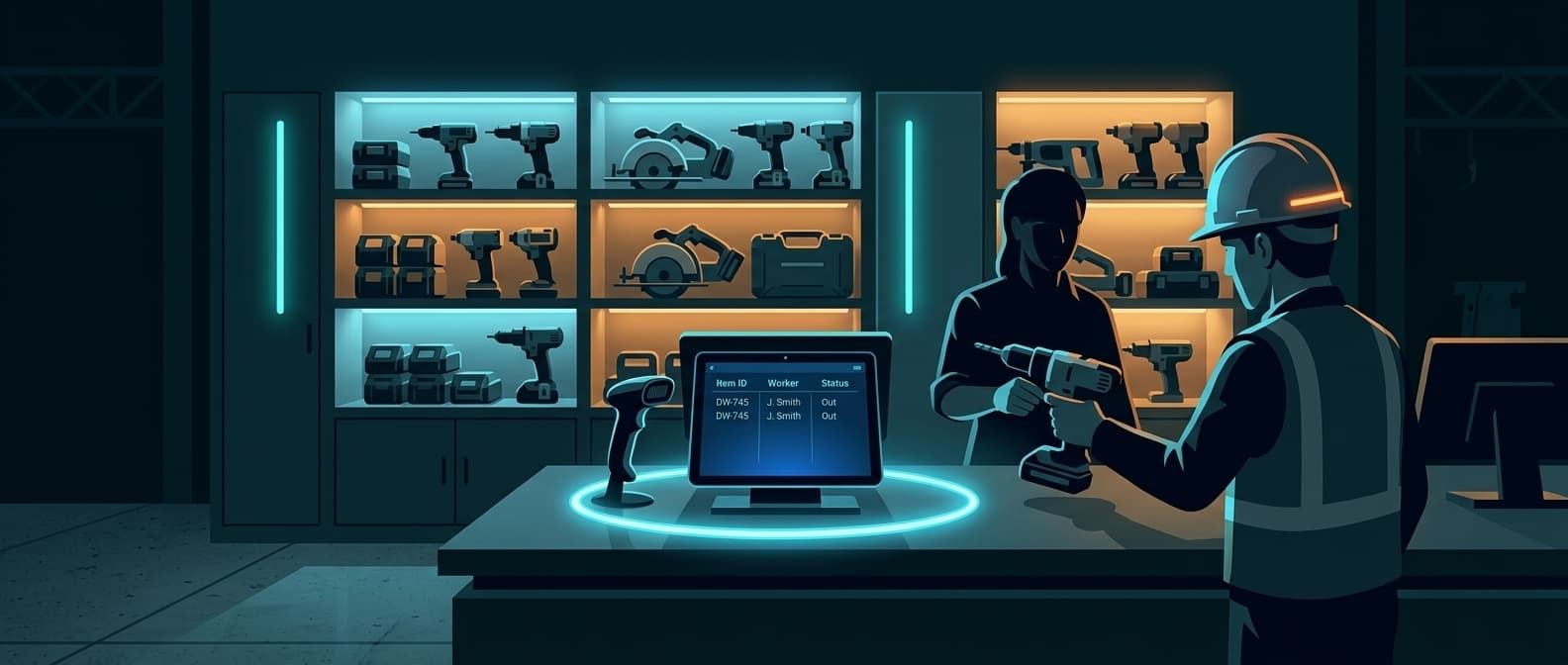
- Records check-out and check-in. A worker takes a tool, the system logs who, what, and when. On return, it logs the tool back in. This is the core: accountability.
- Keeps a live inventory count. When a tool checks out, available stock drops by one. You always know what is on the shelf without walking the crib.
- Sends alerts. Overdue returns, low consumable stock, calibration due dates. The system nags so the manager does not have to.
- Reports. Who uses what, how often, which tools go missing most. Usage data drives reorder and replacement decisions.
Note: The thing crib software does NOT do is tell you where a tool is once it leaves the crib. The checkout log says "Mike took the rotary hammer Monday." It does not say the hammer is now in a truck at a different job site. That is a location problem, not a checkout problem.
How a Modern Tool Crib Works
Tag every tool
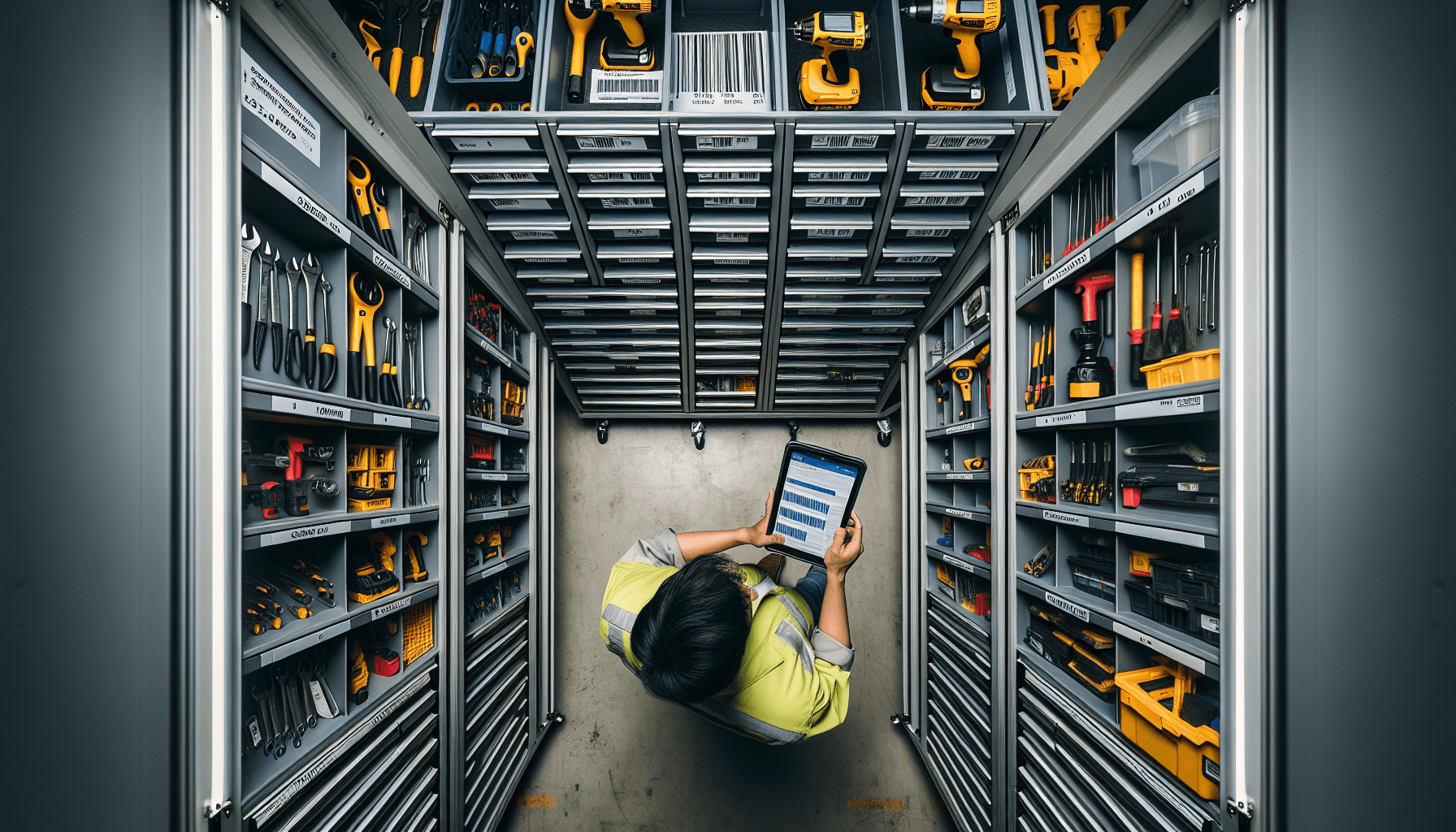
Each tool gets an identifier. Barcode or QR label for cheap, RFID for bulk scanning, or a physical Find My location tag for tools you need to locate later. High-value portables get the location tag.
Require a logged checkout
Every tool that leaves the crib goes through one check-out station. No paper sign-out, no "I will grab it real quick." The scan or tap is the only way out. This is where compliance lives or dies.
Track the live count
The software decrements the shelf count on checkout and increments it on return. The manager sees availability without counting. Reorder triggers fire when consumables hit a minimum.
Locate what walks off
When a checked-out tool does not come back, the checkout log gives you a name. A location tag gives you a map pin. For a $1,200 rotary hammer that "Mike returned," that is the difference between recovering it and buying another one.
Cycle count daily
A rotating daily count of a small sample beats a disruptive monthly full count. Discrepancies surface while the trail is fresh. See tool crib inventory management for the ABC cycle-count method.
Tool Crib Management Software Compared (2026)
The split that matters: pure check-out software records the transaction, location software tells you where the tool is. Most cribs need both.
| Software | Location tracking | Check-out / check-in | Hardware tag cost | Monthly fee | Best for |
|---|---|---|---|---|---|
| ShareMyToolbox | GPS captured at scan only (last-scanned point) | Yes, barcode / QR | Barcode label, cents each | $100/mo first admin, +$10/employee (blocks of 5) | Small to mid contractors, mobile checkout |
| ToolHound | No, stocking-location records only | Yes, barcode / RFID | RFID tag varies | From $5,595/year | Multi-site industrial, mining, energy |
| AssetPanda | No, QR / barcode scan records | Yes, QR / barcode | Asset label varies | Custom quote | Asset records across many categories |
| Airpinpoint | Yes, continuous via Find My network | Pairs with your checkout system | $29 per tag (one-time) | $11.99/mo per tracker, unlimited users | Locating tools and crib-exit alerts |
ShareMyToolbox does capture a GPS coordinate when a tool is scanned, so it shows a last-scanned location, not a live position. ToolHound and AssetPanda track which stocking location a tool belongs to, not where it physically is. Pricing for ToolHound and AssetPanda is quote-based beyond the published starting figures. Verify current pricing with each vendor.
Where each one fits
- ShareMyToolbox is the mobile-first checkout choice for contractors. Clean app, barcode scanning, GPS stamped on each scan. Accuracy depends on people scanning.
- ToolHound is built for multi-site industrial operations with RFID and self-service kiosks. Strong on transaction control, no live location.
- AssetPanda is a flexible asset database with QR scanning. Good for tracking many asset types, not built to locate a tool in the field.
- Airpinpoint is not a checkout system. It adds the location layer the other three lack: a physical tag that keeps reporting position through nearby Apple devices, plus a geofence alert when a tool crosses the crib boundary.
The Check-Out vs Location Gap
Every checkout package answers one question well: who took the tool?
None of them reliably answers the second question: where is the tool right now?
A checkout record says "Mike checked out the Hilti at 7:12am, assigned to Oak Street." Useful. Three days later the tool is not logged as returned and the project manager at Elm Street needs it. The record tells you to call Mike. Mike says he handed it off. The hand-off was never logged. Now the tool is somewhere in a fleet of trucks and the checkout software has nothing more to give.
Warning: A checkout system only works when every person scans every time. One skipped scan and the data is wrong in both directions: the system shows a tool out when it is back, or back when it is in someone's truck. Compliance below 90 percent turns the database into fiction.
This is where location tags change the math. A tool with a Find My tag reports its position whether or not anyone scanned it. The checkout log handles accountability. The tag handles verification. When both agree the tool is at Site B, you are fine. When the log says Site B and the tag shows Site C, you caught a loss before it happened.
How Airpinpoint Adds Location to a Tool Crib
Airpinpoint sits alongside your checkout software, not instead of it.
Tag the high-value tools
A small Find My tag ($29, one-time) goes on each tool worth locating. Rotary hammers, total stations, laser levels, generators. Epoxy mount, zip tie, or adhesive.
Tools report position passively
The tag broadcasts over Bluetooth. Any nearby Apple device relays its location to your dashboard. No gateways to install, no readers at doors, no scan required. With over a billion Apple devices in the network, coverage is dense in any populated area.
Draw a geofence around the crib
Mark the crib and each job site on the map. When a tagged tool crosses the boundary outside work hours, you get an alert in tens of minutes, while the tool is still a few miles away rather than at the next crib count.
See everything on one map
Filter every tagged tool by site, by type, by last-seen time. No per-user fee, so the whole team can view the dashboard.
Pricing
- $29 per tag, one-time, bulk discounts available.
- $11.99/mo per tracker for location updates, geofence alerts, and dashboard access.
- Unlimited users. No per-seat fee.
For 50 high-value tools that is $1,450 in tags plus about $600/mo. Pair it with ShareMyToolbox for checkout ($100/mo plus employee blocks) and you have accountability and location for less than most enterprise crib platforms cost on their own.
Tip: Tag the tools that hurt when they vanish, not every wrench in the crib. Most contractors tag everything over $300 in value and let the barcode checkout handle the rest.
Choosing Your Setup
-
Small crib, one site Under 100 tools, single location. A barcode checkout system like ShareMyToolbox plus Find My tags on your 20 most expensive tools covers it.
-
Multi-site operation Tools moving between sites. Use ToolHound or barcode software for checkout, Airpinpoint for location verification on anything over $500.
-
Who runs the crib The role, responsibilities, and the software a tool crib manager actually uses day to day.
-
Tag the tools Order Find My location tags and start with your top 20 most expensive tools.
Getting Started
- Pick a checkout package for accountability. ShareMyToolbox for mobile-first contractors, ToolHound for multi-site industrial, AssetPanda for broad asset records.
- Set one check-out station and require a logged checkout for every tool that leaves. Kill the paper sign-out sheet.
- Tag the expensive portables with Find My tags so a missing-tool report becomes a map pin instead of a phone call.
- Draw geofences around the crib and each job site. Turn on exit alerts outside work hours.
- Cycle count daily on a rotating sample. Fifteen minutes a day beats eight hours a month.
Checkout software tells you who had the tool. Location tags tell you where it is. A modern tool crib runs on both.


 Our Solution