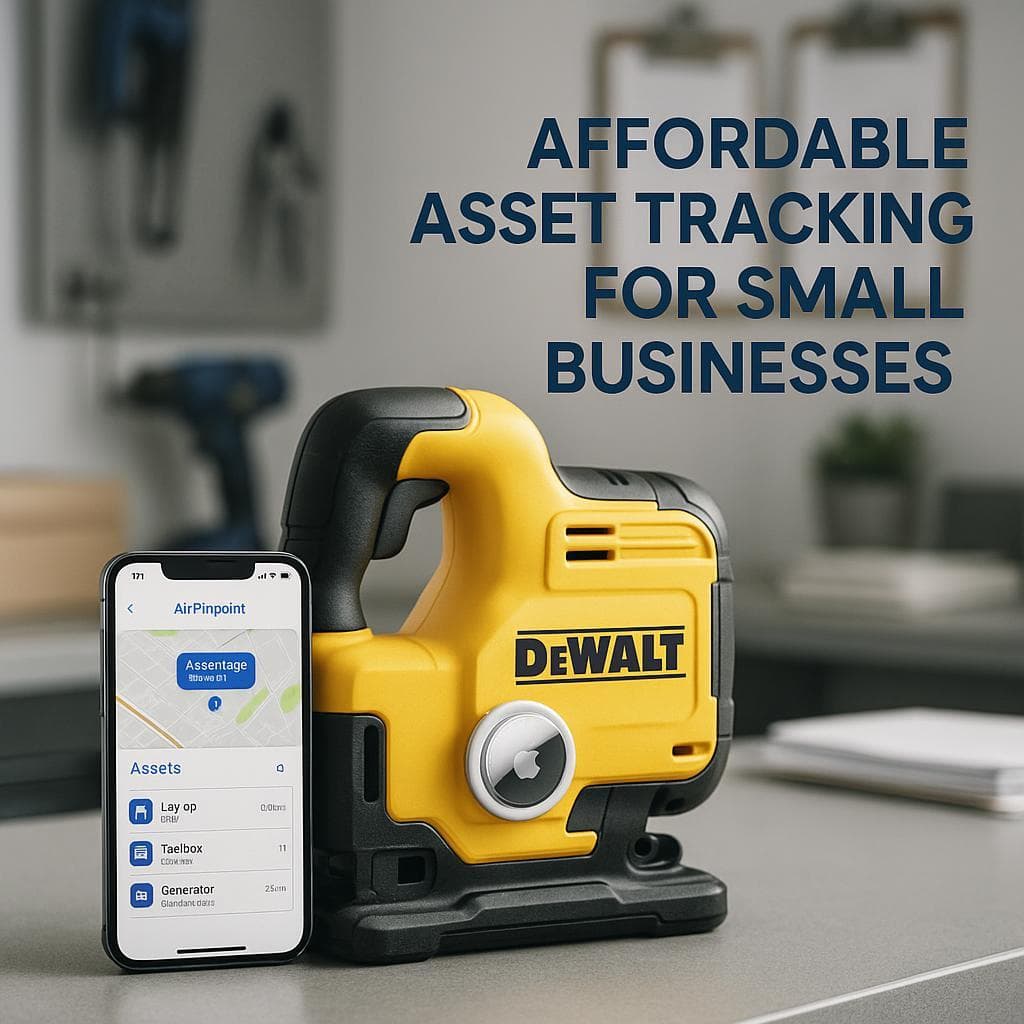
AirTags vs ToolWatch: What Quote-Only Pricing Actually Costs
The Core Problem with ToolWatch
ToolWatch will not tell you what it costs. As of June 2026, all three tiers (Essentials, Pro, Enterprise) on the AlignOps pricing page show no dollar amounts, only "Book a Demo." Customers and third-party listings fill in the blanks: roughly $2,520/year to start, per-user estimates of $50-$150/user/month, implementation projects of $2,500-$10,000 for SMBs and $20,000+ for enterprise, and one Capterra reviewer whose price tripled in a single year after a cost-structure change.
Even after you pay, small-tool location still comes from manual barcode scans. An AirTag costs $29, posted publicly, and reports location automatically.
One clarification matters before any comparison: these are different product categories. ToolWatch is construction asset management software (inventory database, maintenance, job costing) where location is a byproduct of scanning. AirTags are dedicated location trackers. This page compares them on the question most buyers are actually asking: what does it cost to know where my tools are?
What Happened to ToolWatch (2021-2026)
The company you would be buying from in 2026 is not the standalone tool-tracking firm founded in 1991. It is now one product inside a private-equity roll-up that has changed its name twice in two years.
| Date | Event | Source |
|---|---|---|
| 1991 | ToolWatch founded by electrical contractor Don Kafka in Englewood, Colorado | PR Newswire |
| June 2021 | The Riverside Company (private equity) invests; 39 million tools under management at the time | PR Newswire |
| February 2022 | Acquires Safety Reports (safety compliance) | Riverside Company |
| January 2023 | Launches Heavy Equipment solution using integrated Geotab GPS trackers | RFID Journal |
| November 2023 | Acquires busybusy (time tracking) | Riverside Company |
| January 2024 | Company rebrands from ToolWatch to Align Technologies | PR Newswire |
| August 2024 | Acquires FleetWatcher (heavy civil fleet and materials) | PR Newswire |
| 2025 | Rebrands again, from Align Technologies to AlignOps | AlignOps blog |
AlignOps says existing ToolWatch logins are unchanged. What did change is the sales motion: ToolWatch is now sold as part of a four-product platform (ToolWatch, SafetyReports, BusyBusy, FleetWatcher), and reviewers report being charged for added features "whether we use them or not". Feature bundling under a PE roll-up is the textbook mechanism behind the renewal increases reviewers describe.
ToolWatch Actual Pricing: What Customers Report Paying
Since AlignOps publishes nothing, here is every cost data point we could verify from third-party listings and reviews.
| Cost component | Reported figure | Source |
|---|---|---|
| Published price | None. All 3 tiers quote-only (June 2026) | alignops.com/pricing |
| Starting subscription | ~$2,520/year, asset-based scaling | Capterra |
| Per-user estimate | $50-$150/user/month | TrustRadius |
| Implementation (SMB) | $2,500-$10,000 | ITQlick |
| Implementation (enterprise) | $20,000+ | ITQlick |
| Renewal repricing | One reviewer: "tripled in a year" after cost-structure change | Capterra reviews |
| GPS for heavy equipment | Separate Geotab tracker hardware per machine | RFID Journal |
| Barcode/RFID labels | Per-asset consumable cost | Vendor-standard for scan-based systems |
Airpinpoint Pricing (Published)
| Cost component | Price |
|---|---|
| AirTag hardware | $29 each one-time, $24.75 each in 4-packs |
| Business plan | $11.99/device/month |
| Enterprise plan | $14.99/device/month |
| Implementation | $0 |
| Contract | None, cancel anytime |
25 High-Value Tools, 3 Years
| ToolWatch (reported entry pricing) | AirTags + Airpinpoint | |
|---|---|---|
| Software/platform | $2,520 × 3 = $7,560 | $11.99 × 25 × 36 = $10,791 |
| Implementation | $2,500-$10,000 | $0 |
| Hardware/labels | Labels ~$50 | 25 AirTags (4-packs) ~$619 + batteries ~$125 |
| Training | Workforce-wide scanning training | None |
| 3-year total | ~$10,110-$17,610 | ~$11,535 |
| What you get for location | Last scan, if someone scanned | Automatic updates via billion-device Find My network |
The totals land in the same range. The difference is what the money buys: ToolWatch's number assumes its lowest reported tier and buys a database that knows where a tool was last scanned. Airpinpoint's number is published, has no quote process, and buys automatic location that works whether or not anyone follows procedure.
How Each System Works
ToolWatch
- Enter tools into the database (serial numbers, costs, descriptions)
- Attach barcode, RFID, or BLE labels
- Workers scan tools at check-out and check-in; the system records who has what, on which job
- For heavy equipment: install Geotab GPS trackers for real-time location (added January 2023)
- Generate reports: usage, maintenance, job costing
Small-tool location equals the last scan. If a tool left the site unscanned, ToolWatch shows it where it is not.
AirTags + Airpinpoint
- Buy AirTags ($29 each)
- Attach to tools
- Location updates automatically whenever any of Apple's billion-plus Find My devices passes nearby; Airpinpoint adds the web dashboard, location history, polygon geofencing, webhooks, REST API, and team access
No scanning, no training, no compliance dependency.
Feature Comparison
| Feature | ToolWatch | AirTags + Airpinpoint |
|---|---|---|
| Published pricing | No, quote-only | Yes ($29 hardware, $11.99/device/mo) |
| Primary purpose | Asset management database | Location tracking |
| Small-tool location | Manual scan (barcode/RFID/BLE) | Automatic, crowd-sourced |
| Heavy-equipment GPS | Yes, via separate Geotab hardware | AirTag works on any asset, no install |
| Works without user compliance | No | Yes |
| Implementation cost | $2,500-$20,000+ reported | $0 |
| Setup time | Weeks to months | Minutes |
| Maintenance/calibration tracking | Yes (core strength) | No |
| Job costing | Yes | No |
| Check-in/check-out workflows | Yes | Not needed |
| ERP integrations | Sage 300, Procore, CMiC | Webhooks + REST API |
| Geofence alerts | GPS-equipped heavy assets | Yes, polygon geofences on every tag |
| Contract | Custom quote terms | None |
| Training required | Yes, workforce-wide | None |
Where ToolWatch Genuinely Wins
Be clear-eyed about this: ToolWatch does things AirTags cannot, and for some contractors those things justify the cost.
Maintenance and calibration management. Service intervals by time or hours of use, calibration records for compliance audits, repair history per asset. AirTags have no concept of any of this.
Job costing. ToolWatch allocates tool costs to specific projects, calculates internal rental charges, and tracks depreciation, with integrations into Sage 300 CRE, Procore, and CMiC. If your accounting depends on tool charge-out, that is ToolWatch's home turf.
The full tool-crib workflow. Field workers request tools through the app, warehouse staff see availability, and transfers between sites are documented. When the workforce actually follows the process, the accountability record is genuinely useful.
Documented recovery at scale. Jenco, an Arizona contractor, recovered around $250,000 in lost or unreported equipment over five years after implementing ToolWatch, mostly by discovering its previous system had been underreporting assets.
Support and training materials. Even critical reviews frequently praise phone support and the training library. The product holds a 4.2/5 across 62 reviews on GetApp.
What Reviewers Say
The recurring complaint patterns, with sources:
Pricing increases and feature bundling. A Capterra reviewer reported their price "tripled in a year" after ToolWatch changed its cost structure, adding that features kept being added and charged for whether used or not. Another wrote that they only need check-in/check-out and reports, and wished the added features were optional.
Freezes and lag between modules. A reviewer in June 2025 described "freezing or lagging... when I was moving between warehouse and jobsite modules." GetApp's review summary cites "occasional bugs, such as system freezes, sync delays, and crashes, which can disrupt workflow," with fixes that "can take considerable time."
Sync and ERP delays. Reviewers on Capterra report recurring sync annoyances, including multi-hour ERP syncs with Sage 300, and transfer mistakes that cannot be edited after the fact.
Mobile app quality. The ToolWatch Android app holds a 2.6/5 rating across 19 Google Play ratings, with users reporting tools failing to load and the app erroring out.
Support inconsistency. GetApp reviewers split on support: many call it responsive and knowledgeable, others report it "unhelpful, slow to respond, or condescending" on simple changes.
Use Case Breakdown
Small Tools on Job Sites
AirTags. Small-tool location in ToolWatch depends on every worker scanning every tool every time. Busy crews skip scans, and the database drifts from reality. An AirTag in a drill case reports its position regardless of anyone's discipline.
Heavy Equipment
Split decision. ToolWatch's Heavy Equipment solution delivers engine hours, operator authorization, and utilization data through Geotab GPS hardware, which AirTags cannot match on powered metrics. If you only need location and geofence alerts on machines, an AirTag plus Airpinpoint costs $29 plus $11.99/month versus installed GPS hardware plus a quoted subscription.
Tool Crib and Warehouse Management
ToolWatch, if you will enforce the process. Check-out accountability, maintenance scheduling, and job costing are its core product. Nothing in the AirTag ecosystem replaces a tool-crib database.
Theft Recovery
AirTags. A stolen tool with an AirTag keeps reporting its location through every iPhone it passes. A stolen tool in ToolWatch is a database row showing the last scan before it disappeared.
The Combined Approach
Contractors who need both records and location run both. ToolWatch holds the inventory database, maintenance history, and job costing. AirTags via Airpinpoint go on the assets that cannot go missing, providing the live location that scan-based tracking structurally cannot. When the database says a tool is in the crib and the AirTag says it is in a truck, the AirTag is right.
Our Recommendation
Choose ToolWatch if you are buying asset management, not location: maintenance and calibration compliance, tool charge-out to jobs, Sage 300/Procore/CMiC integration, and you have the budget for a quoted subscription plus $2,500-$20,000+ implementation and the management will to enforce scanning. Go in with eyes open about the quote-only pricing, the renewal repricing reviewers report, and the fact that you are now buying from AlignOps, a four-product PE platform, not the old standalone ToolWatch.
Choose AirTags with Airpinpoint if your question is "where are my tools right now." You get automatic location through Apple's billion-device network, polygon geofencing, location history, webhooks, and an API for $29 per tag and $11.99/device/month, all published, with no implementation project, no training, and no contract.
For most small and mid-sized contractors, the honest math favors AirTags: comparable or lower 3-year cost, zero deployment time, and location data that does not depend on whether a crew member remembered to scan.

 Our Solution