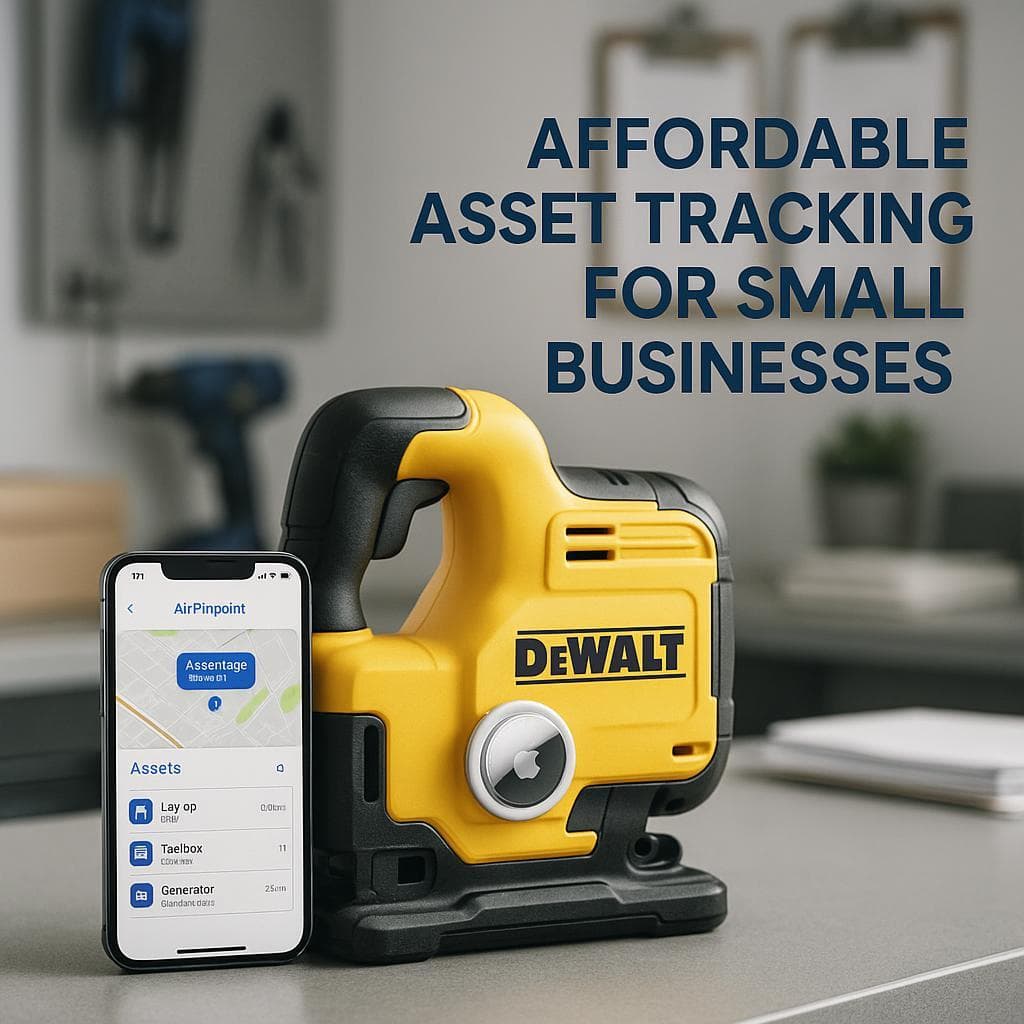
AirTags vs QR Code Asset Tracking: Complete Comparison 2025
The Fundamental Difference
This comparison addresses two different approaches to asset management:
QR Code Asset Tracking uses software systems where assets are labeled with QR codes. When someone scans a code with their smartphone, the system records who scanned it, when, and where (GPS from the phone). This creates audit trails, enables check-in/check-out workflows, and tracks asset history, but only when someone actually scans.
Apple AirTags are automatic location trackers. Attach one to an asset, and it continuously broadcasts via Bluetooth. Nearby Apple devices (iPhones, iPads, Macs) anonymously relay the location to Apple's servers. You see current location in Find My without anyone scanning anything.
These solve different problems. QR codes manage asset workflows and accountability. AirTags answer "where is this thing right now?" Many businesses need both.
How Each System Works
QR Code Asset Tracking
- Setup software: Configure asset database with fields, workflows, users
- Create labels: Generate QR codes linked to asset records
- Attach labels: Apply QR stickers to physical assets
- Scan to interact: Workers scan codes to check out, return, update status
- GPS captured: Phone's coordinates recorded at time of scan
- Reports generated: View asset history, assignments, locations over time
Location accuracy: Based on phone GPS at scan time (3-10 meters)
Update frequency: Only when someone scans, could be hours, days, or weeks between updates
Apple AirTags
- Purchase: Buy AirTags ($29 each)
- Attach: Secure to assets
- Track: Location updates automatically via Find My network
Location accuracy: 3-15 meters (under 1 foot with Precision Finding on iPhone 11+)
Update frequency: Whenever near Apple devices (near-continuous in populated areas)
Pricing Comparison
QR Code System Costs
| Provider | Monthly/Annual Cost | Assets Included | Key Features |
|---|---|---|---|
| GoCodes Premium | $1,000/year | 500 assets, 5 users | Patented QR labels, no app needed |
| GoCodes Professional | $2,500/year | 2,000 assets, 20 users | Full features, GPS tracking |
| GoCodes Enterprise | $3,500+/year | 3,000+ assets | Custom features |
| EZOfficeInventory Essential | $40/user/month | 250 assets base | QR/barcode/RFID support |
| EZOfficeInventory Premium | $65/user/month | Scalable | Advanced controls, integrations |
| UpKeep | $45/user/month | Varies | CMMS, maintenance focus |
| Asset Panda | Custom quote | Varies | Highly customizable |
QR label costs: $0.05-$0.50 each (standard) to $1-$5 (rugged/weatherproof)
Hardware required: None, uses existing smartphones
AirTags + Airpinpoint Costs
| Component | Cost |
|---|---|
| AirTags | $29 each (one-time) |
| QR labels | Not needed |
| Platform (fleet management) | ~$100-200/month total |
| Per-asset equivalent | ~$2-4/asset/month |
| Battery replacement | ~$5/year per AirTag |
200-Asset Fleet Comparison (3 Years)
QR Code System (GoCodes Professional):
- Software: $2,500 × 3 = $7,500
- Labels (rugged): 200 × $2 = $400
- Setup time: Several days
- Total: ~$7,900
- Location tracking: Scan-based only
AirTags + Airpinpoint:
- Hardware: 200 × $29 = $5,800
- Platform: $150 × 36 = $5,400
- Batteries: 200 × $5 × 3 = $3,000
- Total: ~$14,200
- Location tracking: Automatic, continuous
Key insight: QR systems cost less but provide location data only when someone scans. AirTags cost more but provide automatic location tracking. The question is whether scan-based updates are sufficient for your needs.
What QR Code Systems Do Well
Check-In/Check-Out Workflows
QR systems excel at managing asset assignments:
- Tool checkout: Worker scans to check out, scan to return
- Accountability: Clear record of who has what
- Automated alerts: Overdue returns, missing check-ins
- Digital signatures: Capture who took what and when
- Prevent disputes: Indisputable audit trail
Comprehensive Audit Trails
Every scan creates a permanent record:
- Who: Which user scanned
- What: Which asset
- When: Timestamp
- Where: GPS coordinates
- Action: Checkout, return, maintenance, transfer
This documentation is essential for compliance, insurance, and accountability.
Maintenance and Service Tracking
QR codes link physical assets to digital records:
- Service history: Log every maintenance event
- Calibration tracking: Schedule and verify calibrations
- Parts replacement: Track what was replaced and when
- Cost allocation: Assign maintenance costs to departments
- Warranty management: Track warranty status and claims
Cost Efficiency for Large Inventories
For organizations with thousands of assets:
- Labels cost pennies (vs $29 per AirTag)
- No hardware investment (use existing phones)
- Comprehensive data capture at each scan
- Scales easily: adding assets means printing labels
Universal Compatibility
QR codes work everywhere:
- Any smartphone (iPhone or Android)
- No app required (many systems use browser-based scanning)
- Works offline (scan now, sync later)
- No network effect dependency
QR Code System Limitations
Location Only Updates When Someone Scans
This is the fundamental limitation:
- No automatic tracking: System only knows location from scans
- Gaps between scans: Asset could move anywhere between scans
- "Last known location": Could be days or weeks old
- Dependent on user behavior: If workers skip scans, data is incomplete
For "where is this asset right now?", QR codes can only tell you where it was last scanned.
Line-of-Sight Access Required
To scan a QR code, someone must:
- Physically reach the asset
- Have clear view of the label
- Have their phone available
- Remember to scan
Assets that are stolen, misplaced, or moved without scanning become invisible to the system.
Label Durability Challenges
QR codes face environmental challenges:
- Harsh conditions: Labels can wear, fade, or peel
- Metal surfaces: Adhesion problems
- Weather exposure: UV degradation, moisture damage
- Abrasion: Labels scratched or rubbed off
- Chemicals: Solvents and cleaners can damage labels
Rugged labels ($1-$5 each) mitigate but don't eliminate these issues.
Compliance Dependency
The system is only as good as user behavior:
- Workers must scan consistently
- Shortcuts (skipping scans) create data gaps
- Training and enforcement required
- Culture change may be needed
No Real-Time Theft Prevention
If an asset is stolen:
- Thief likely won't scan the QR code
- You'll know it's missing, not where it went
- "Last scanned at warehouse Tuesday" doesn't help recovery
- No tracking beyond your premises
Feature Comparison
| Feature | QR Code Systems | Apple AirTags |
|---|---|---|
| Primary purpose | Workflow management | Location tracking |
| Location method | GPS at scan time | Automatic (crowd-sourced) |
| Update frequency | Only when scanned | Continuous (when near Apple devices) |
| Check-in/check-out | Yes (core feature) | No |
| Audit trail | Yes (comprehensive) | Basic |
| Maintenance tracking | Yes (most platforms) | No |
| Tag cost | $0.05-$5 | $29 |
| Monthly software | $40-200+/user | Platform-based |
| Works without scanning | No | Yes |
| Works on any smartphone | Yes | iPhone only (Android limited) |
| Precision Finding | No | Yes (iPhone 11+) |
| Works when asset stolen | No | Yes (via Find My network) |
| Setup complexity | Medium (software configuration) | Low (attach and go) |
| Staff training required | Yes (workflows, scanning) | Minimal |
When to Choose Each Solution
Choose QR Code Systems When:
- Workflows matter most: Check-in/out, assignments, approvals
- Audit trails are essential: Compliance, insurance, accountability
- Maintenance tracking needed: Service schedules, calibration, repairs
- Large inventory: Thousands of low-value items to track
- Budget-conscious: Can't afford $29 per asset
- Android users: Team uses Android phones primarily
- Scan compliance is reliable: Workers will consistently scan
- Location between scans not critical: "Last scanned" is sufficient
Choose AirTags When:
- Finding assets is the priority: "Where is it right now?"
- Assets move between locations: Job sites, vehicles, customer locations
- Scanning won't happen reliably: Workers skip procedures
- Theft recovery matters: Want to locate stolen equipment
- High-value equipment: $29 per asset is reasonable investment
- iPhone ecosystem: Team uses iPhones
- Simple deployment: Need tracking today, not after configuration
- No workflow complexity: Don't need check-in/out or maintenance logs
The Combined Approach
Many organizations optimize by using both:
Use QR Code Systems for:
- Check-in/check-out accountability
- Maintenance and calibration records
- Audit trail and compliance documentation
- Low-value items (hundreds/thousands of small tools)
- Assets that stay in controlled environments
Use AirTags for:
- High-value equipment that moves
- Assets that leave your facilities
- Finding things when QR data says "last scanned 3 days ago"
- Backup tracking on critical items
- Theft recovery capability
This approach provides workflow management (QR) plus actual findability (AirTags).
QR Code vs Barcode: Quick Comparison
If you're considering QR codes, here's how they compare to traditional barcodes:
| Factor | Barcodes | QR Codes |
|---|---|---|
| Data capacity | 20-25 characters | Up to 4,296 characters |
| Unique per asset | Usually no (same SKU = same code) | Yes (unique identifier per item) |
| Scan angle | Must be aligned | Any angle |
| Damage tolerance | Low | 7-30% error correction |
| Size flexibility | Fixed ratio | Can be 10x smaller |
| Data types | Numbers/text only | URLs, GPS, images, any data |
| Best for | Retail, high-speed scanning | Asset tracking, rich data |
For asset tracking specifically, QR codes are the better choice between these two technologies: they enable unique identification per asset and can encode GPS coordinates and URLs.
Popular QR Code Asset Tracking Software
GoCodes
Best for: General contractors, facilities management, companies wanting simplicity
- Patented QR code labels included
- No app required (browser-based scanning)
- GPS captured at every scan
- Rugged label options for harsh environments
- Pricing: $1,000-$3,500/year
EZOfficeInventory
Best for: Organizations wanting flexibility (QR, barcode, or RFID)
- Supports multiple tagging technologies
- Advanced depreciation and reporting
- Service ticket management
- Integrations with Zendesk, Jira, Salesforce
- Pricing: $40-65/user/month
UpKeep
Best for: Maintenance-focused operations
- Mobile-first CMMS design
- Work order management
- Parts inventory integration
- IoT sensor connectivity
- Pricing: ~$45/user/month
Asset Panda
Best for: Organizations with complex, custom requirements
- Highly customizable fields and workflows
- Mobile app with offline capability
- Extensive integration options
- Pricing: Custom quotes (~$1,400+/year)
Our Recommendation
For workflow and accountability management: QR code systems deliver excellent value. If your primary needs are check-in/check-out tracking, maintenance logging, and audit trails, QR systems provide comprehensive features at reasonable cost. The labels are cheap, the software is mature, and the workflows are proven.
For knowing where assets are located: QR codes alone won't help. Scan-based tracking means you only know where something was when someone last scanned it, which could be hours, days, or weeks ago. If assets move frequently or "where is it right now?" is a common question, scan-based systems create frustration.
For most operations with mobile assets: Use both. QR codes for the workflow layer (who has what, maintenance records, accountability) and AirTags for the location layer (where things actually are). When QR data shows "last scanned Tuesday at the warehouse" but the equipment isn't there, AirTags show you where it actually went.
The key question: Do you need to manage asset workflows or find asset locations? QR systems excel at workflows: checking out, returning, logging, auditing. AirTags excel at finding: knowing where something is right now without depending on someone having scanned it. Most operations benefit from both capabilities.

 Our Solution