Company Car GPS Tracking: What Employers Can and Can't Do
In 2005, a Coca-Cola employee in Missouri discovered a GPS device on the company truck he drove to service vending machines. He sued for invasion of privacy. The court dismissed his claim. The vehicle belonged to Coca-Cola, and the company had a legitimate reason to track it (Elgin v. Coca-Cola Bottling Co., E.D. Mo. 2005).
Eight years later, the result flipped. In Cunningham v. New York Department of Labor (2013), a New York court ruled that a government employer went too far by placing a GPS tracker on an employee's personal car, even though it was used for work.
The line between these two cases is the line every employer needs to understand. Company-owned vehicle? Almost always legal. Personal vehicle? Almost always a lawsuit waiting to happen.
The Federal Baseline: No GPS-Specific Law
There is no federal statute that directly addresses employer GPS tracking. The Electronic Communications Privacy Act (ECPA), passed in 1986, covers wiretapping and electronic communications but was written before GPS tracking existed in its current form. Courts have generally held that ECPA does not apply to GPS location data.
This means GPS tracking of company vehicles is governed almost entirely by state law, common law privacy principles, and the Fourth Amendment (which only applies to government employers, not private companies).
For private employers, the legal framework is simple: you can track what you own, as long as you tell people about it.
State-by-State Requirements
States That Require Explicit Written Consent
California has the strictest rules. Employers must obtain explicit written consent before GPS monitoring, and that consent must be separate from other employment agreements. A line buried in an employee handbook does not count. Employers face fines up to $1,000 per employee per day for unauthorized tracking. Tracking outside work hours without consent is specifically prohibited.
Texas requires consent from the vehicle's owner or operator before installing a tracking device. Since the company owns the vehicle, the company can consent on its own behalf. But tracking an employee's personal vehicle requires the employee's consent.
Delaware requires employers to give written notice before GPS monitoring begins.
States That Require Notice (Not Consent)
Connecticut requires employers to provide advance written notice of electronic monitoring, including GPS tracking, before it begins.
Illinois requires notice and has specific protections under its state privacy laws that limit how location data can be used and retained.
States With GPS-Specific Statutes
New York, Oregon, Georgia, and Washington have enacted laws that address GPS tracking, primarily focused on preventing stalking and unauthorized surveillance. These laws generally permit employer tracking of company-owned assets with notification.
All Other States
Most states have no specific GPS tracking statute for employers. Courts in these states rely on common law privacy torts, particularly "intrusion upon seclusion," to evaluate claims. The consistent finding: tracking company-owned vehicles during work hours, with employee notice, does not constitute an invasion of privacy.
The Three-Part Test for Legal Compliance
Across all jurisdictions, legal GPS tracking of company vehicles requires three things:
1. Company Ownership. The vehicle must belong to the company. Tracking personal vehicles, even those used for work, enters a different legal territory with higher consent requirements and real litigation risk.
2. Written Notice. Employees must know they're being tracked before tracking begins. In strict-consent states (California, Texas, Delaware), this means a separate signed document. In all other states, written notice in a standalone policy with signed acknowledgment is the standard.
3. Legitimate Business Purpose. Tracking must serve a genuine operational need: theft recovery, route verification, asset utilization, safety compliance, or customer service. "We want to see what employees do on lunch breaks" is not a legitimate business purpose.
Why Companies Track Vehicles
The reasons fall into five categories, and courts have recognized all of them as legitimate:
Theft and recovery. Construction companies, service fleets, and delivery operations lose vehicles to theft. GPS tracking is the fastest path to recovery and is often required by insurers for high-value vehicles.
Unauthorized use. The American Trucking Association estimates that personal use of company vehicles costs the average fleet 5-10% in excess fuel and maintenance. GPS tracking provides the data to enforce use policies.
Liability reduction. If a company vehicle is involved in an accident, the employer may be liable. Tracking data establishes whether the vehicle was on an authorized route and whether the driver was on duty.
Route and time verification. Field service companies, delivery fleets, and home health agencies use location data to verify that employees are where they're supposed to be during work hours.
Insurance discounts. Many commercial auto insurers offer 5-15% premium reductions for GPS-tracked fleets.
Technology Options for Company Vehicle Tracking
OBD-II Plug-In Trackers ($20-100 + $20-45/month)
Plug into the vehicle's diagnostic port. Collect location, speed, engine codes, hard braking, acceleration, idling time, and fuel consumption. Examples: Samsara, Verizon Connect, Geotab.
Pros: Rich data for fleet optimization. Cons: Most invasive option. Collects driving behavior that employees see as surveillance. Creates more data you need to protect and retain. Higher monthly cost per vehicle.
Hardwired GPS Trackers ($100-300 + $15-35/month)
Permanently installed, connected to the vehicle's power. Collect location and sometimes speed. Examples: Fleet Complete, LandAirSea Overdrive.
Pros: No battery to maintain. Harder to tamper with. Cons: Professional installation required. Still collects more data than many employers need.
AirTag-Based Tracking ($29 + $11.99/month with Airpinpoint)
Apple AirTags placed in the vehicle, managed through Airpinpoint's business dashboard. Collect location only, via Apple's Find My network of over a billion devices.
Pros: Least invasive. No OBD data, no speed, no driver behavior. Location-only tracking is the minimum data footprint, which is exactly what privacy law favors. No installation, no wiring, $29 per tag. Monthly cost is lower than any traditional GPS fleet system.
Cons: Updates every 1-15 minutes depending on Apple device density (not real-time second-by-second). No engine diagnostics or driving behavior data.
Why "Minimum Data" Matters Legally
Privacy law consistently favors the principle of data minimization: collect only what you need for your stated purpose. If your purpose is "know where our vehicles are," collecting speed, braking patterns, engine idling, and acceleration data creates unnecessary legal exposure.
Every additional data point is:
- More data to secure under breach notification laws
- More data employees can claim was collected without consent
- More data that can be subpoenaed in employment disputes
- More data that needs a defined retention and deletion policy
AirTag-based tracking through Airpinpoint collects location and nothing else. No speed data to suggest you were monitoring driving behavior. No OBD data to imply you were building performance profiles. Just coordinates and timestamps.
For employers whose goal is vehicle location and theft recovery, not driver surveillance, this is the cleanest legal position.
How to Implement Company Vehicle Tracking (Compliance Checklist)
Step 1: Draft a Standalone GPS Tracking Policy
Do not bury this in your employee handbook. Create a separate document that includes:
- What is tracked: company-owned vehicles only
- What data is collected: location coordinates and timestamps (no speed, no driving behavior)
- Why: theft recovery, route verification, asset utilization, insurance requirements
- When: during work hours only (or 24/7 with explanation if vehicles are taken home)
- Who sees the data: specific roles (fleet manager, operations director)
- How long data is kept: define a retention period (90 days is common)
- What happens if you tamper: consequences for removing or disabling trackers
- Employee rights: how to request their own location data, how to report concerns
Step 2: Get Signed Acknowledgment
Have every employee who drives a company vehicle sign and date the policy. In California, Texas, and Delaware, this is legally required. In all other states, it eliminates the most common legal defense: "I didn't know."
Keep signed copies in personnel files.
Step 3: Communicate Before You Track
Hold a meeting or send a written announcement before trackers go live. Explain the business reasons. Answer questions. Employees who understand why they're being tracked are far less likely to file complaints or tamper with devices.
Step 4: Install Trackers
With Airpinpoint, this means placing an AirTag in each company vehicle (glove box, under a seat, or in a dedicated holder). No wiring, no OBD connection, no professional installation.
Step 5: Set Up Geofences and Alerts
Use Airpinpoint's dashboard to create geofences around job sites, offices, and service areas. Get alerts when vehicles enter or leave defined zones during work hours. This provides the accountability data you need without monitoring every movement in real time.
Step 6: Review and Update Annually
GPS tracking laws change. California's rules have tightened twice in the last five years. Review your policy annually, update it when state law changes, and have employees re-sign.
What Not to Do
Don't track personal vehicles. Even if employees use personal cars for work errands, placing a tracker on a vehicle you don't own requires explicit consent in most states and invites litigation everywhere.
Don't track without notice. "Covert" tracking of company vehicles has been upheld in some cases, but it's a poor strategy. The legal protection notice provides far outweighs any investigative advantage of secrecy.
Don't share data broadly. Location data should be accessible to a small number of managers with a business need. Sharing an employee's location with the entire company creates liability.
Don't use tracking data punitively without clear policy. If your policy says tracking is for "theft recovery and route optimization," you can't fire someone based on tracking data showing they stopped at a coffee shop. Use the data for what you said you'd use it for.
Don't ignore state-specific rules. A policy that's compliant in Texas may violate California law. If you operate in multiple states, your policy needs to meet the strictest standard.
Cost Comparison for a 20-Vehicle Fleet
| Solution | Hardware | Monthly | Annual Cost |
|---|---|---|---|
| Samsara (OBD-II) | $0 (leased) | $33-45/vehicle | $7,920-10,800 |
| Verizon Connect | $0 (leased) | $25-40/vehicle | $6,000-9,600 |
| Hardwired GPS | $2,000-6,000 | $15-35/vehicle | $5,600-14,400 |
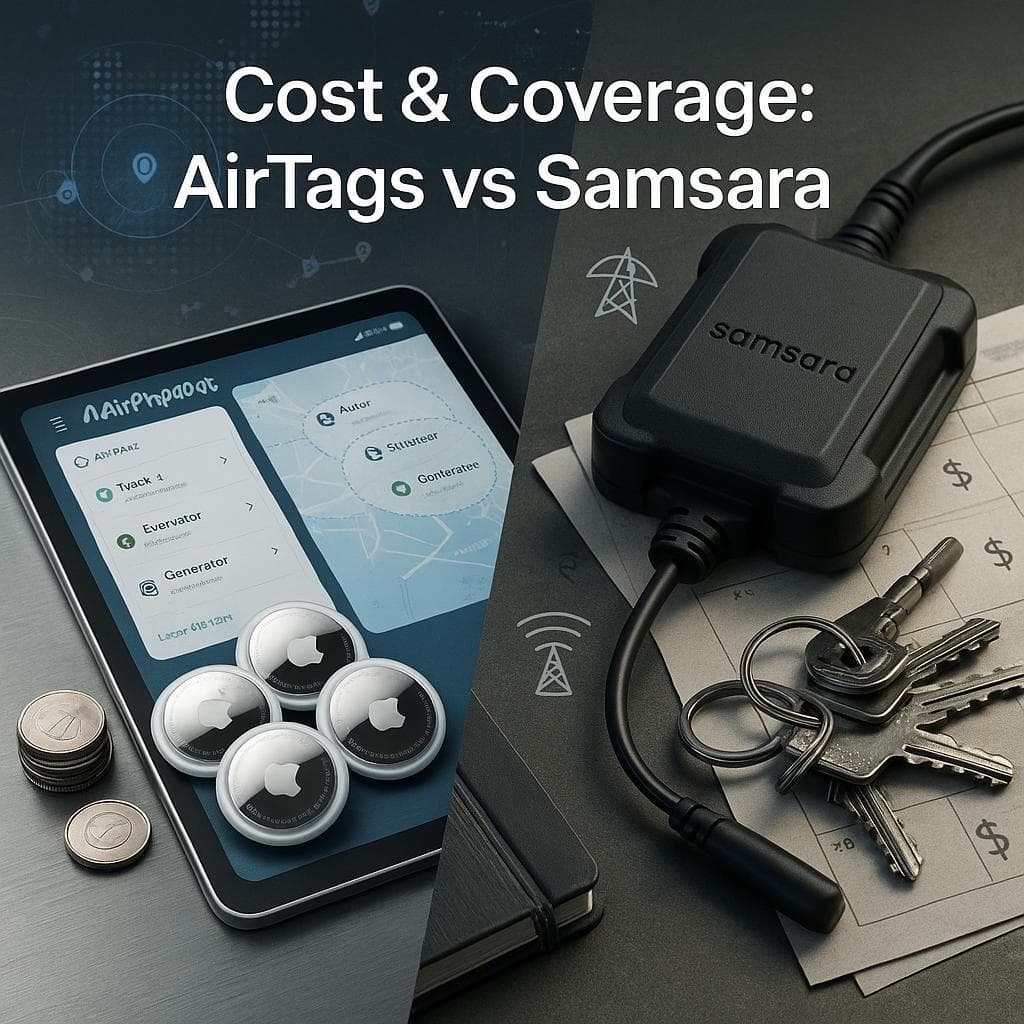
| Airpinpoint | $580 (20 AirTags) | $11.99 flat | $724 |
Airpinpoint's pricing is per account, not per vehicle. One subscription covers your entire fleet.
Getting Started
- Buy AirTags. $29 each from Apple. For 20+ units, bulk pricing is available through Apple Business.
- Sign up for Airpinpoint. Connect your Apple ID, add your tags, and access the dashboard in under 10 minutes.
- Place tags in vehicles. No installation, no wiring, no downtime.
- Set up geofences. Draw zones around your lots, job sites, and service areas.
- Draft your policy. Use the checklist above. Get signatures.
- Start tracking. Location data flows through Apple's Find My network to your Airpinpoint dashboard automatically.
For companies that need to know where their vehicles are without building a surveillance apparatus, Airpinpoint provides location tracking at 90% lower cost, with the smallest possible data footprint, and the simplest legal compliance story.

 Our Solution