
Best Equipment Rental Software
Equipment rental software manages your entire rental operation—reservations, contracts, inventory, billing, and maintenance—in one system. The right software can increase utilization by 20-30% while reducing administrative overhead.
How Rental Software Automates Your Workflow
Without software, each step involves manual coordination. Modern rental platforms automate the full cycle:
- Customer requests rental → System checks availability instantly
- Quote generated → Pricing rules applied automatically
- Contract signed → Digital signature, no paper
- Equipment checked out → Inventory updated, alerts set
- Rental period tracked → Extension offers, return reminders
- Equipment returned → Condition logged, maintenance scheduled
- Invoice generated → Automatic billing, payment processing
Top Equipment Rental Software Compared
| Software | Best For | Starting Price | Free Trial |
|---|---|---|---|
| Point of Rental | Enterprise/Multi-location | Custom | Demo only |
| EZRentOut | Mid-market rentals | $79/mo | 15 days |
| Quipli | Heavy equipment | $299/mo | Demo only |
| Booqable | Small/Online rentals | $29/mo | 14 days |
| Rentec Direct | Party/Event rentals | $45/mo | Free tier |
| Current RMS | AV/Event production | $99/mo | 14 days |
Point of Rental
Best for: Large rental operations, multi-location businesses
Point of Rental is the industry standard for enterprise rental management with 40+ years in the market.
Strengths:
- Comprehensive feature set for complex operations
- Strong multi-location support
- Extensive integration ecosystem
- Dedicated implementation support
Weaknesses:
- Premium pricing
- Steeper learning curve
- Overkill for smaller operations
Pricing: Custom quotes, typically $300-1000+/month
EZRentOut
Best for: Mid-sized rental businesses, general equipment
EZRentOut offers the best balance of features and affordability for growing rental companies.
Strengths:
- Intuitive interface
- Strong inventory management
- Good mobile app
- Reasonable pricing
Weaknesses:
- Limited heavy equipment features
- Basic reporting
- Fewer integrations than enterprise options
Pricing: $79-349/month based on assets and users
Quipli
Best for: Heavy equipment, construction rentals
Built specifically for heavy equipment rentals with features like utilization tracking and maintenance scheduling.
Strengths:
- Purpose-built for heavy equipment
- Modern, clean interface
- Strong e-commerce integration
- Growing feature set
Weaknesses:
- Newer company (less track record)
- Higher starting price
- Fewer third-party integrations
Pricing: Starting at $299/month
Booqable
Best for: Small rentals, online-first businesses
Booqable excels at online bookings and works well for smaller operations or businesses adding rental to existing operations.
Strengths:
- Beautiful online booking
- Easy to set up
- Affordable pricing
- Good for hybrid retail/rental
Weaknesses:
- Limited operational features
- Basic inventory management
- Not suited for complex operations
Pricing: $29-299/month
Key Features to Evaluate
1. Reservation Management
- Online booking portal
- Availability calendar
- Conflict prevention
- Quote generation
2. Inventory Control
- Real-time availability
- Maintenance scheduling
- Depreciation tracking
- Multi-location visibility
3. Contract & Billing
- Digital contracts
- Flexible pricing rules
- Automatic invoicing
- Payment processing
4. Reporting & Analytics
- Utilization reports
- Revenue analytics
- Customer insights
- Equipment performance
5. Integrations
- Accounting (QuickBooks, Xero)
- GPS tracking
- Payment processors
- E-commerce platforms
GPS Tracking Integration
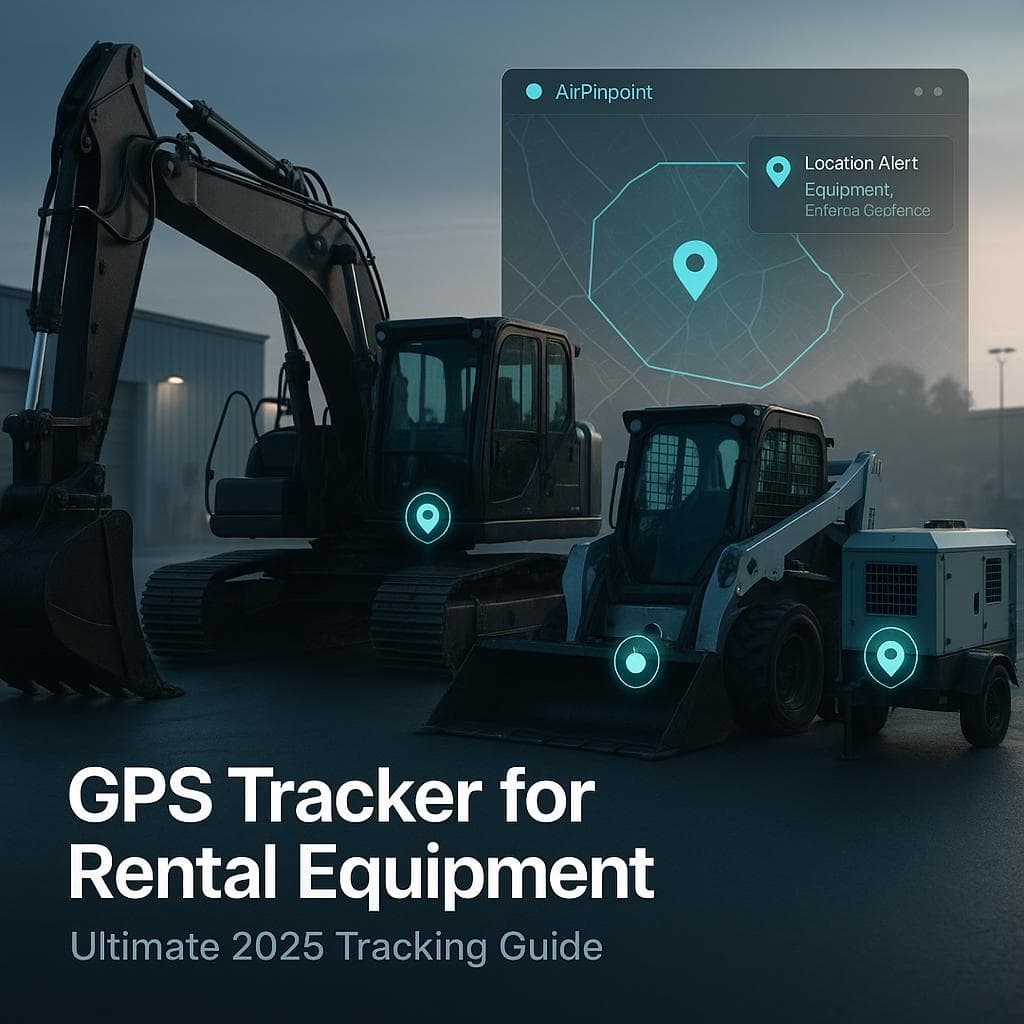
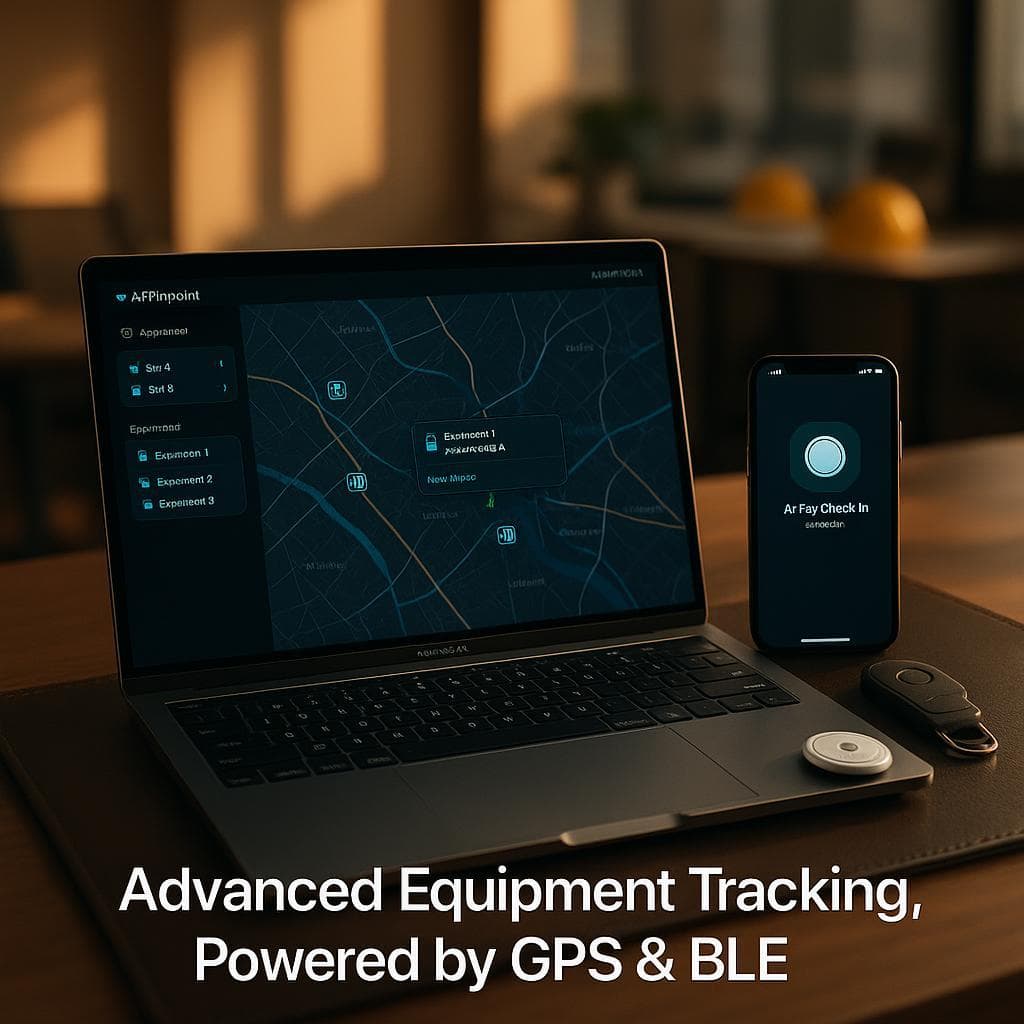
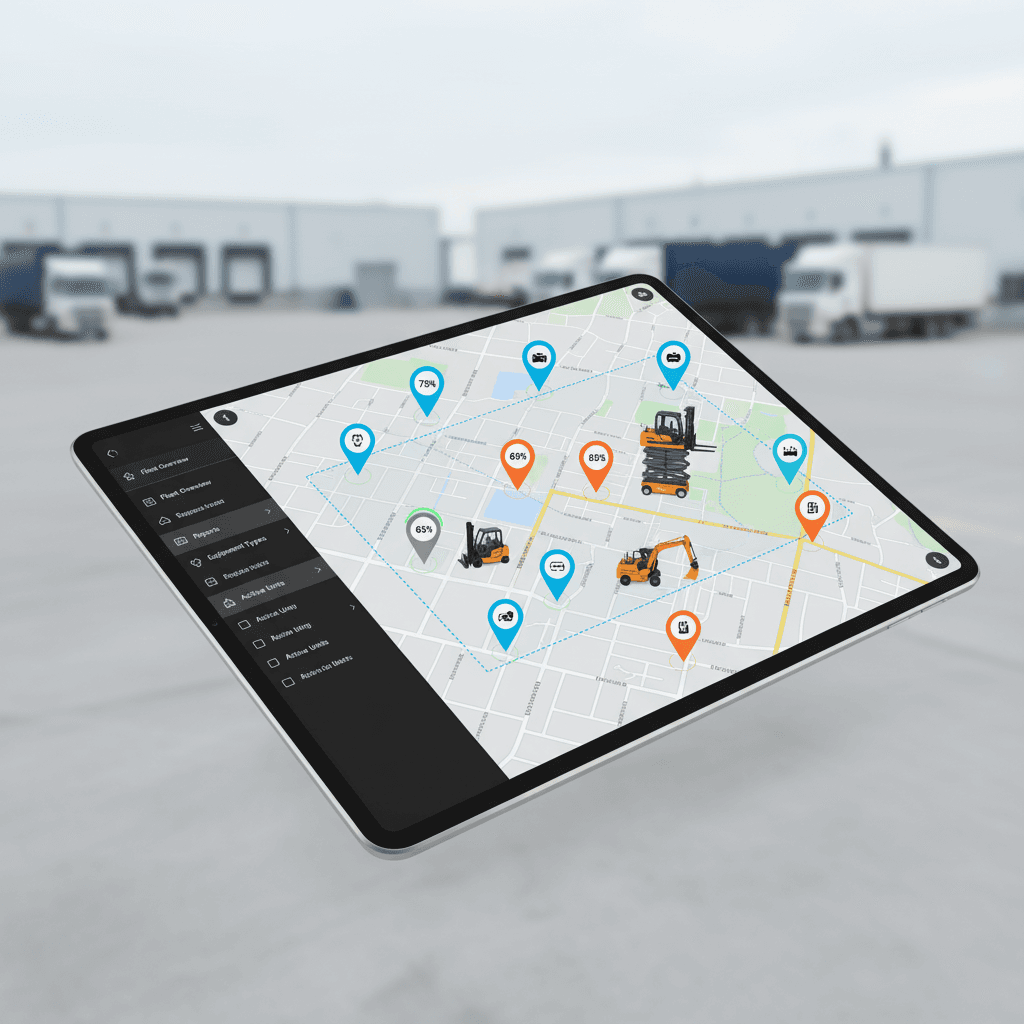
Modern rental software integrates with GPS tracking to provide:
| Feature | Benefit |
|---|---|
| Real-time location | Know where every asset is |
| Automatic check-in/out | Reduce admin work |
| Geofence alerts | Unauthorized use detection |
| Usage verification | Accurate billing |
| Theft recovery | Locate stolen equipment |
Airpinpoint integrates with major rental platforms to add GPS visibility to your rental operation.
Implementation Timeline
| Phase | Duration | Activities |
|---|---|---|
| Discovery | 1-2 weeks | Requirements gathering, system selection |
| Setup | 2-4 weeks | Configuration, data migration |
| Training | 1-2 weeks | Staff onboarding, process documentation |
| Go-Live | 1 week | Parallel operation, issue resolution |
| Optimization | Ongoing | Refinement based on usage |
Total: 5-9 weeks for most mid-market implementations
ROI Calculation
For a rental operation with 200 assets and $1M annual revenue:
| Improvement | Impact | Annual Value |
|---|---|---|
| 15% utilization increase | More rental days | $150,000 |
| 50% faster checkout | Labor savings | $25,000 |
| Eliminate double-bookings | Customer satisfaction | $15,000 |
| Automated billing | Reduced AR days | $10,000 |
| Total Annual Benefit | $200,000 |
With software costs of $3,000-10,000/year, ROI is typically achieved within 1-3 months.
Choosing the Right Software
Small Operation (<50 assets)
Recommended: Booqable or Rentec Direct
- Simple setup
- Low cost
- Online booking focus
Mid-Market (50-500 assets)
Recommended: EZRentOut or Current RMS
- Full feature set
- Reasonable pricing
- Room to grow
Enterprise (500+ assets)
Recommended: Point of Rental or Quipli
- Complex operation support
- Multi-location
- Advanced integrations
Party & Event Rentals
If your operation focuses on party supplies, AV, or event production, these platforms are purpose-built:
| Software | Monthly Cost | Strengths |
|---|---|---|
| Rentec Direct | $45+ | Affordable, event-focused |
| Goodshuffle Pro | $150+ | Event planning integration |
| Current RMS | $99+ | Quote-heavy workflows |
| Flex Rental | $200+ | Theatrical/production |
Selection Checklist
Before committing to a platform:
- List all equipment types you rent
- Count active customers and monthly transactions
- Document current pain points
- Identify required integrations (accounting, GPS, payments)
- Set budget (software + implementation)
- Get demos from 3+ vendors
- Check references from similar businesses
- Review contract terms (especially cancellation)
- Plan implementation timeline
- Assign internal project owner
Next Steps
- Define requirements: List must-have vs nice-to-have features
- Request demos: See 3-4 options in action
- Check references: Talk to similar businesses
- Trial if possible: Test with real scenarios
- Plan implementation: Budget time for setup and training
The best equipment rental software is the one your team actually uses. Prioritize usability alongside features.



 Our Solution