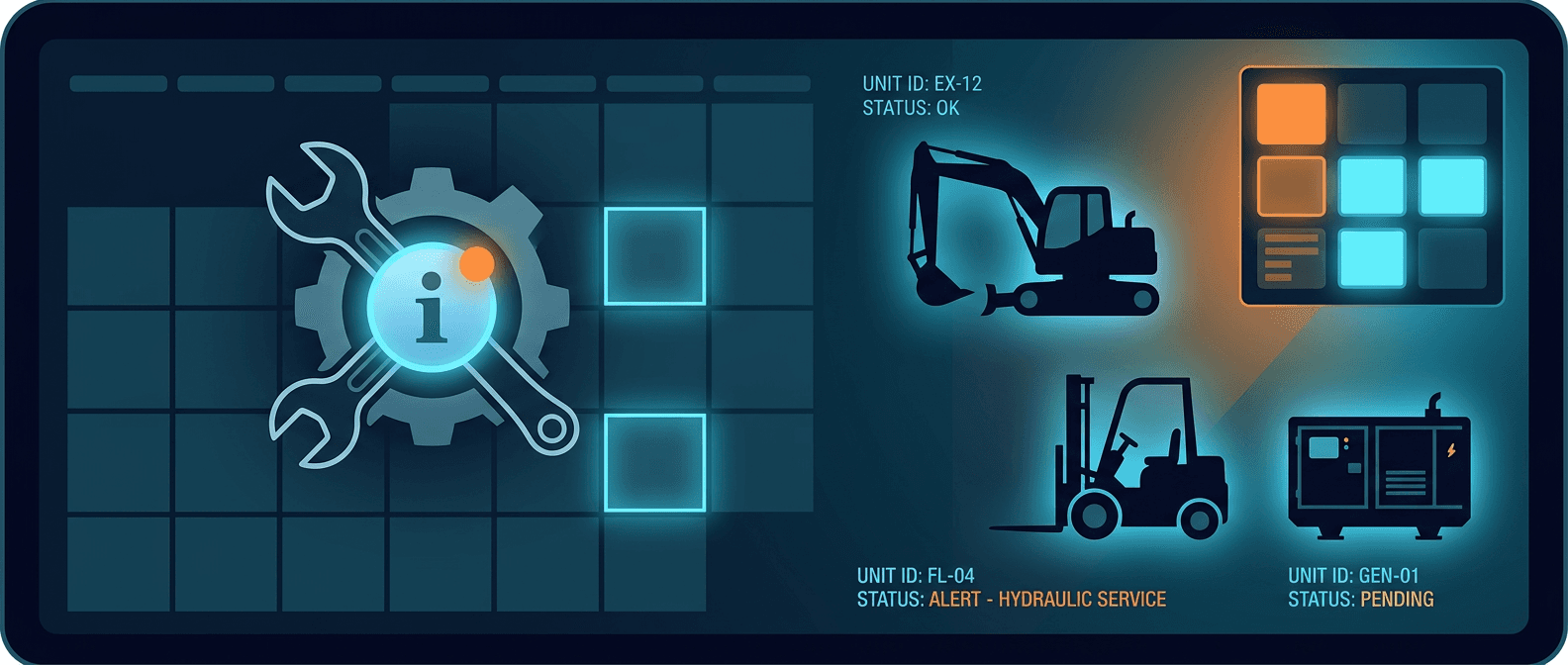
Equipment Maintenance Tracking: Software, Methods, and Cost Comparison (2026)
The $50 Billion Problem
Unplanned equipment downtime costs U.S. manufacturers $50 billion per year. Fortune 500 companies lose an average of $129 million per facility annually, a 65% increase since 2019. The average manufacturing site experiences 25 unplanned downtime events per month, totaling 326 hours of lost production per year.
Most of this is preventable. Companies with mature preventive maintenance programs spend 12-18% less on total maintenance costs. Every dollar invested in preventive maintenance returns $5 in avoided emergency repairs, reduced downtime, and extended equipment life.
The gap between top performers and everyone else is wide. World-class operations achieve 92%+ equipment availability. The industry average sits at 72-78%. The difference comes down to one thing: systematic maintenance tracking.
Four Levels of Maintenance Tracking
Not all maintenance tracking is equal. Organizations typically progress through four levels:
Level 1: Reactive (Run-to-Failure)
Fix equipment after it breaks. No tracking, no scheduling, no data. Emergency repairs cost 4-5x more than planned maintenance. This is where roughly 45% of organizations still operate for at least some of their equipment.
Level 2: Preventive (Calendar or Usage-Based)
Schedule maintenance at fixed intervals. Oil changes every 250 engine hours. Filter replacements every 30 days. Inspections every quarter. This is the minimum standard for any organization that takes equipment reliability seriously.
Key metrics at this level:
- PM Compliance: percentage of scheduled work orders completed on time (target: 95%+)
- Planned vs. Unplanned ratio: target 80:20 (industry average: 55:39)
Level 3: Condition-Based
Use sensor data and inspections to trigger maintenance when conditions warrant it, not on a fixed schedule. A vibration sensor detects bearing wear. An oil analysis shows contamination. A thermal camera catches an overheating motor. The work order gets created based on actual condition, not a calendar.
Level 4: Predictive
Machine learning models analyze historical failure patterns, sensor data, and operating conditions to predict failures before they happen. The U.S. Department of Energy reports predictive maintenance delivers up to 10:1 ROI. Equipment defects drop by up to 87% compared to preventive maintenance alone.
Most small and mid-size operations should target Level 2 with selective Level 3 capabilities. Level 4 requires significant sensor infrastructure and data maturity.
CMMS Software Comparison (2026 Pricing)
CMMS (Computerized Maintenance Management System) software is the backbone of any maintenance tracking program. The market has matured significantly, with strong options at every price point.
Pricing Overview
| Platform | Free Tier | Entry Price | Mid-Tier | Enterprise |
|---|---|---|---|---|
| UpKeep | No | $20/user/mo | $45-75/user/mo | Custom |
| Fiix | Yes (basic) | $45/user/mo | $75/user/mo | Custom |
| Limble | Yes (limited) | $20/user/mo | $45/user/mo | Custom |
| MaintainX | Yes (limited) | $16/user/mo | $49/user/mo | Custom |
| eMaint | No | $69/user/mo | $85/user/mo | Custom |
| Spreadsheets | Yes | $0 | $0 | $0 |
When Each Option Makes Sense
Spreadsheets ($0): Under 20 assets, single maintenance person, simple PM schedules. You will outgrow this quickly.
Free CMMS tiers (MaintainX, Fiix, Limble): 20-50 assets, 1-3 maintenance staff. Good enough to build discipline around work orders and PM schedules before committing budget.
Mid-range CMMS ($20-75/user/mo): 50-500 assets, dedicated maintenance team. This is where most construction companies, rental fleets, and manufacturing plants land. UpKeep is mobile-first and popular with field teams. Limble is known for a clean interface and drag-and-drop scheduling. MaintainX has the lowest entry price.
Enterprise CMMS ($85-150+/user/mo): 500+ assets, multi-site operations, regulatory compliance requirements. eMaint and IBM Maximo serve this tier. Expect longer implementation timelines and higher total cost of ownership.
Feature Comparison
| Feature | Spreadsheets | Free CMMS | Mid-Range CMMS | Enterprise CMMS |
|---|---|---|---|---|
| Work order management | Manual | Yes | Yes | Yes |
| PM scheduling | Manual | Basic | Advanced | Advanced + AI |
| Parts inventory | Manual | Limited | Yes | Yes |
| Mobile app | No | Yes | Yes | Yes |
| Automated alerts | No | Limited | Yes | Yes |
| Reporting/analytics | Basic | Basic | Yes | Advanced |
| Multi-site support | No | No | Some | Yes |
| API/integrations | No | Limited | Yes | Extensive |
| Compliance/audit trail | No | Limited | Yes | Yes |
| Equipment location | No | No | No | Rare |
Notice that last row. Almost no CMMS platform includes real-time equipment location. This is the gap that matters most for organizations with mobile or distributed equipment.
The Missing Piece: Equipment Location
A CMMS tells you what maintenance needs to happen and when. It does not tell you where the equipment is right now.
For stationary manufacturing equipment, this is not a problem. The CNC machine is on the shop floor where it has always been.
For construction equipment, rental fleets, tool inventories, generators, trailers, and anything that moves between sites, location is the single biggest bottleneck in maintenance execution.
The Real Cost of Not Knowing Where Equipment Is
Consider a typical maintenance scenario without location data:
- CMMS generates a PM work order for an excavator (250-hour service)
- Dispatcher checks the last known location: Site A
- Technician drives to Site A (30 minutes)
- Excavator was moved to Site B last week
- Technician calls around, eventually locates it at Site C
- Technician drives to Site C (45 minutes)
- Service begins 90+ minutes late
This is not an edge case. A 2025 survey of construction fleet managers found that maintenance teams spend an average of 40 minutes per work order locating equipment that has been moved. For a team completing 8-10 work orders per day, that is 5-7 hours of wasted labor daily.
How Location Tracking Fixes This
With real-time location data:
- CMMS generates the work order
- Dispatcher checks AirPinpoint dashboard: excavator is at Site C
- Technician drives directly to Site C (25 minutes)
- Service begins on schedule
Time saved per work order: 40+ minutes. Multiply across thousands of work orders per year, and the math is significant.
Where AirPinpoint Fits
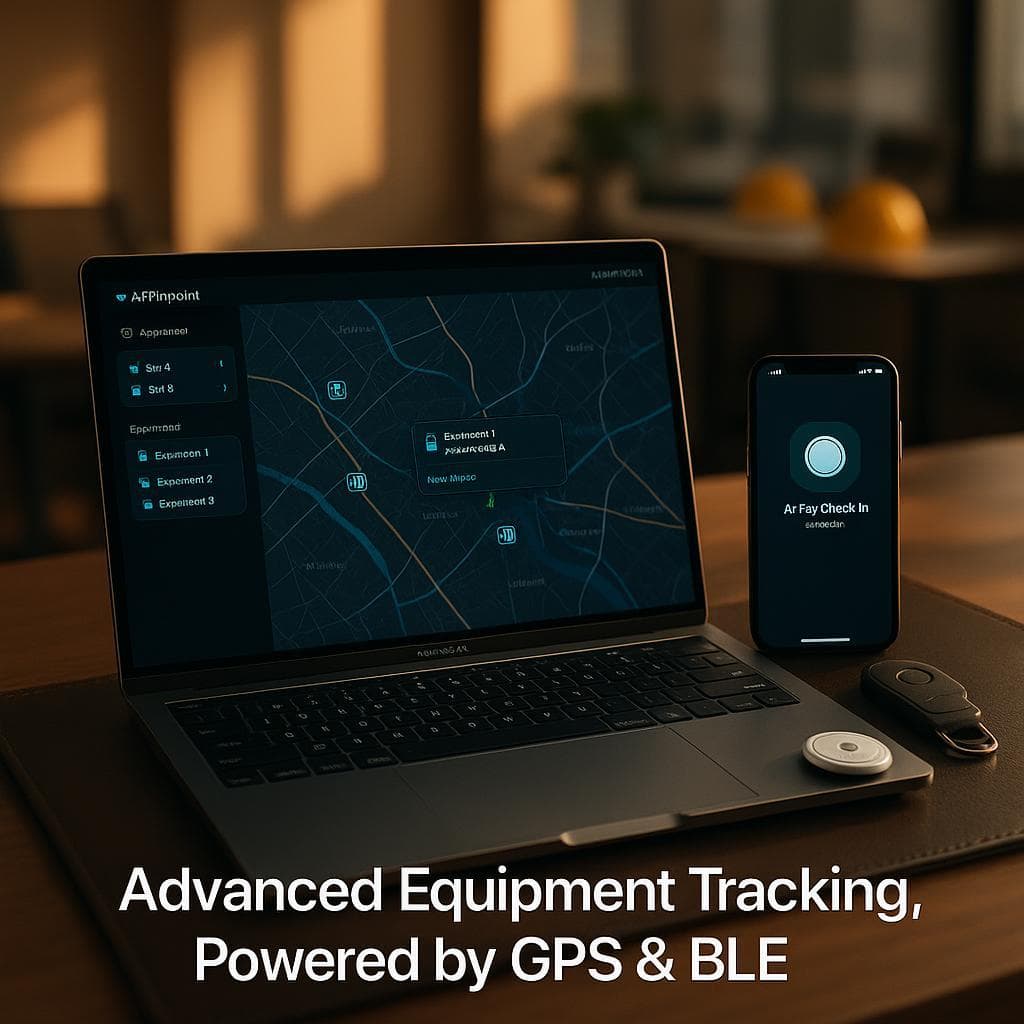
AirPinpoint is not a CMMS. It does not replace UpKeep, Limble, or MaintainX. It is a location tracking platform built on Apple's Find My network that provides the location layer these platforms lack.
What AirPinpoint Does
- Tracks equipment location across sites using AirTag-compatible hardware
- Shows all equipment on a live map dashboard
- Sends geofence alerts when equipment enters or leaves defined zones
- Provides location history for audit and utilization analysis
- Delivers data via webhooks that can feed into your CMMS
What AirPinpoint Does Not Do
- Work order management
- PM scheduling
- Parts inventory
- Compliance documentation
- Sensor-based condition monitoring
Pricing
| Component | Cost |
|---|---|
| AirTag hardware | $29 one-time per device |
| Business plan | $11.99/device/month |
| Enterprise plan | $14.99/device/month |
Compare this to cellular GPS trackers ($25-45/device/month plus hardware) or RTLS systems ($50-200/tag plus infrastructure). For organizations that need "where is it?" without real-time minute-by-minute tracking, AirPinpoint provides a significantly lower-cost option.
Integration Approach: CMMS + Location Tracking
The most effective maintenance tracking setup combines a CMMS for scheduling and work orders with a location platform for equipment visibility.
Recommended Stack by Organization Size
Small fleet (under 50 assets):
- CMMS: MaintainX or Limble free tier
- Location: AirPinpoint Business ($11.99/device/mo)
- Total: $11.99/device/mo + $0-16/user/mo CMMS
Mid-size fleet (50-200 assets):
- CMMS: UpKeep or Limble Starter ($20-45/user/mo)
- Location: AirPinpoint Business ($11.99/device/mo)
- Integration: Webhook-based location updates to CMMS
Large fleet (200+ assets):
- CMMS: eMaint or enterprise platform
- Location: AirPinpoint Enterprise ($14.99/device/mo) for mobile assets, GPS for vehicles
- Integration: API-based bidirectional sync
How the Integration Works
AirPinpoint sends location updates via webhooks. Your CMMS receives these updates and associates them with the corresponding asset record. When a dispatcher creates or assigns a work order, the current location is visible in the CMMS. Technicians see where to go without making phone calls.
For organizations without API capabilities in their CMMS, the simpler approach works just as well: maintenance dispatchers check the AirPinpoint dashboard before assigning work orders. No integration required, just a second browser tab.
Implementation Guide
Phase 1: Foundation (Weeks 1-4)
Asset inventory. Before you can track maintenance, you need a complete list of what you own. For each asset, record: asset ID/serial number, manufacturer, model, purchase date, current location, and criticality rating (A/B/C).
PM schedule creation. Pull manufacturer-recommended maintenance intervals for every asset. Enter these into your CMMS as recurring work orders. Start with the most critical equipment (rated A) and work down.
Location tagging. Attach AirPinpoint tags to all mobile assets. Prioritize equipment that moves between sites frequently, since that is where location data saves the most time.
Phase 2: Discipline (Weeks 5-12)
PM compliance tracking. Measure on-time completion weekly. Target 90% in the first quarter. The industry average is 70-80%, so hitting 90% puts you ahead of most competitors.
Work order data quality. Every work order should capture: labor hours, parts used, failure cause (if unplanned), and completion notes. This data becomes the foundation for future analysis.
Baseline your metrics. Calculate your current MTBF, MTTR, planned vs. unplanned ratio, and equipment availability. You need a starting point to measure improvement against.
Phase 3: Optimization (Months 4-12)
Analyze failure patterns. Which equipment fails most often? Which failure modes repeat? Which assets cost the most to maintain? Use this data to adjust PM intervals. Some equipment needs more frequent service than the manufacturer recommends. Some needs less.
Route optimization. With location data and PM schedules combined, you can cluster work orders geographically. Send technicians to a site and have them complete all pending PMs at that location in a single trip rather than making separate visits.
Utilization analysis. Location data reveals how often equipment actually gets used. Assets sitting idle for weeks are candidates for redeployment or disposal. Assets running continuously may need more aggressive PM schedules.
Maintenance Metrics That Matter
Track these monthly. Trend over time. Share with your team.
| Metric | World-Class | Industry Average | Your Target |
|---|---|---|---|
| Equipment Availability | 92%+ | 72-78% | 85%+ |
| PM Compliance | 95%+ | 70-80% | 90%+ |
| Planned vs. Unplanned | 80:20 | 55:39 | 70:30 |
| MTBF (heavy equipment) | 800+ hours | 400-600 hours | 600+ hours |
| MTTR (planned) | Under 4 hours | 12-18 hours | Under 8 hours |
| First-Time Fix Rate | 90%+ | 65-75% | 80%+ |
Improving from industry average to "your target" in this table does not require massive investment. It requires consistent execution on preventive maintenance, good data capture in your CMMS, and the logistical support of knowing where your equipment is at all times.
The Bottom Line
Equipment maintenance tracking is not a technology problem. Good CMMS software is available at every price point, including free. The real challenge is execution: building PM discipline, capturing quality data, and eliminating the logistical friction that causes work orders to slip.
Location tracking eliminates the biggest source of that friction for mobile equipment fleets. Knowing where your assets are turns a 90-minute search-and-dispatch process into a 10-minute direct assignment.
Start with a CMMS for scheduling. Add AirPinpoint for location. Measure your metrics monthly. The 12-18% reduction in maintenance costs and the jump toward 92% equipment availability follow from there.



 Our Solution