Best Equipment Tracking Apps for 2026: What Actually Works in the Field
Every equipment tracking app demo looks great. Clean interface, smooth barcode scanning, neat little map pins. Then you hand it to a crew foreman at 6 AM on a muddy job site and the whole thing falls apart.
The gap between what tracking apps promise in a conference room and what they deliver in the field is enormous. Most of these products were designed for IT asset managers in climate-controlled offices, then rebranded with "construction" and "field" keywords to chase a bigger market.
This guide covers what the major equipment tracking apps actually do, what they cost, and where each one breaks down for field teams.
The Four Types of Equipment Tracking Apps
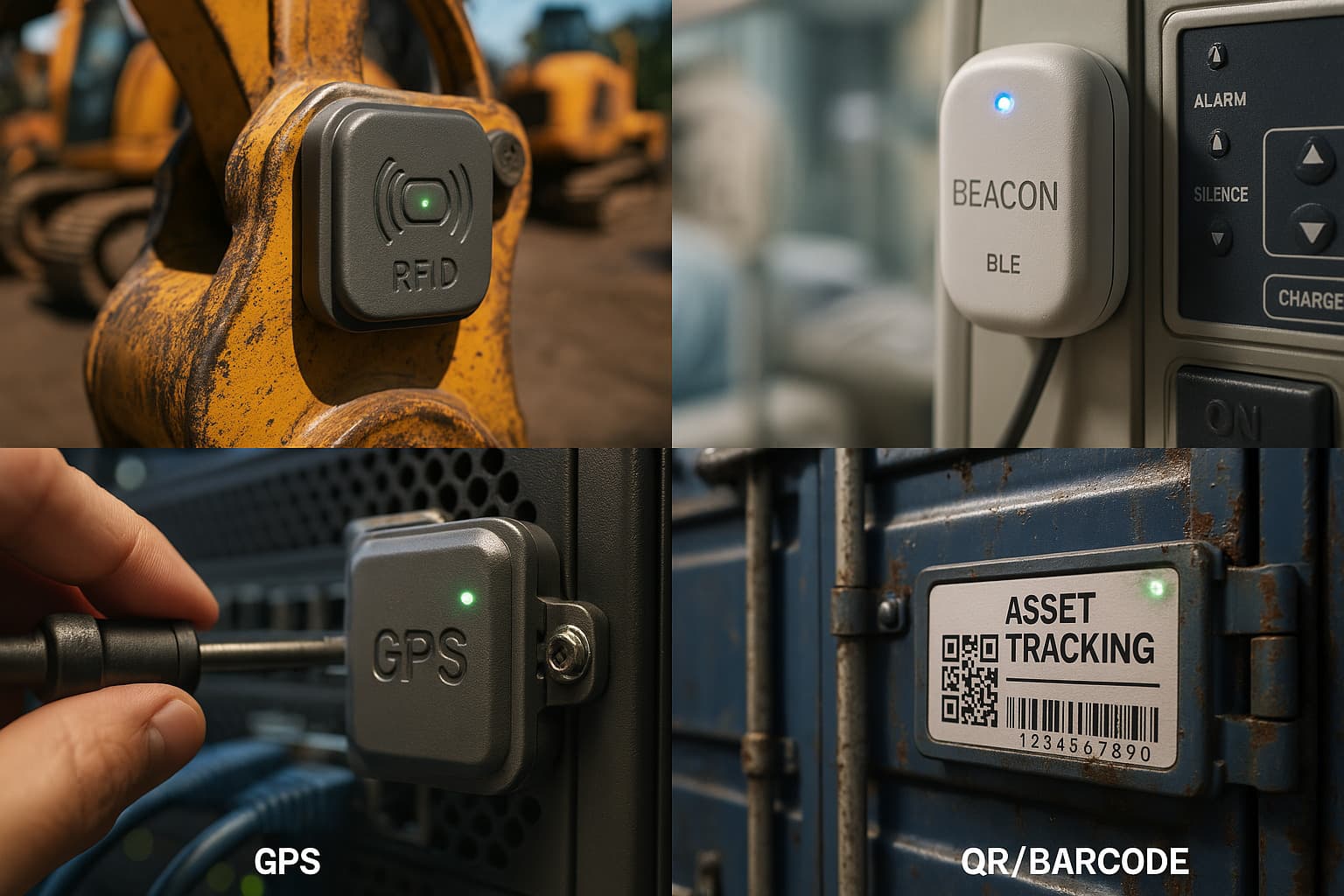
Before comparing specific products, it helps to understand the four approaches to equipment tracking. Each has real trade-offs.
1. Barcode/QR Scanning Apps
How it works: You print labels, stick them on equipment, and someone scans them with a phone camera when checking items in or out.
The upside: Cheap to deploy. Labels cost pennies. Software is affordable. Simple concept that anyone can understand.
The problem: It only works if people actually scan. In practice, adoption on field teams runs 30-60% on a good day. Nobody scans a barcode on a concrete saw before throwing it in the truck at 4:30 PM. You end up with a system that shows where equipment was supposed to be, not where it actually is.
2. GPS Tracking Platforms
How it works: Powered GPS devices with cellular modems report location every few minutes.
The upside: Real-time tracking. Accurate to 10 feet. Works anywhere with cell coverage.
The problem: Each tracker costs $50-200 for hardware and $15-45/month per device for the cellular plan. A fleet of 50 assets runs $750-2,250/month just in data plans. The trackers also need power, which means wiring them in (labor cost) or recharging batteries every 1-4 weeks (compliance headache).
3. Bluetooth/BLE Beacon Apps
How it works: Small Bluetooth tags on equipment get detected by nearby smartphones or fixed readers.
The upside: Tags are small, cheap ($5-30), and batteries last 1-2 years. No cellular plan needed.
The problem: Range is limited to about 30-100 feet. Unless you have fixed readers installed across your site, you only know an item's location when someone with the right app walks past it. Most BLE tracking apps have tiny user networks, so detection is rare and unreliable outside your own facility.
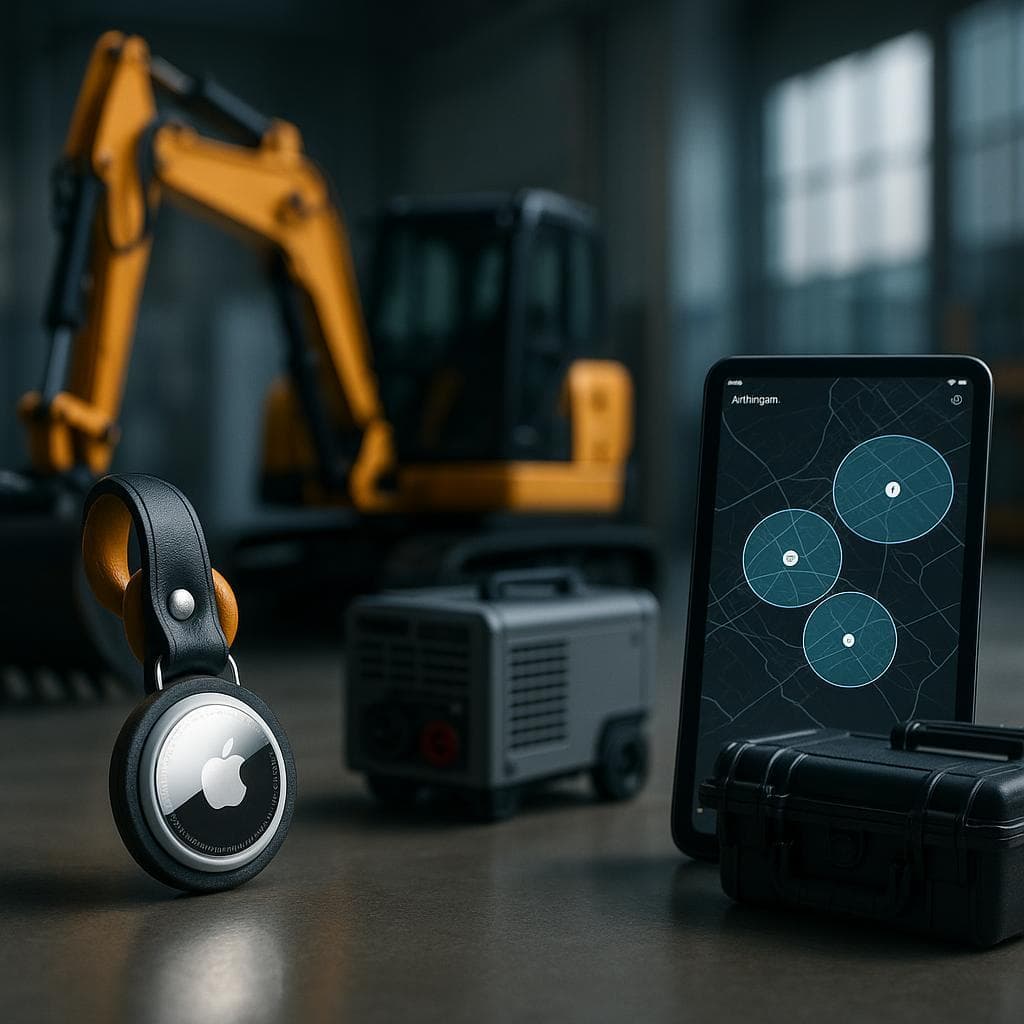
4. Apple Find My Network (AirTag-Based)
How it works: AirTags use Bluetooth to ping nearby Apple devices (iPhones, iPads, Macs). Any of the billion-plus Apple devices worldwide can relay the tag's location. No scanning, no cellular plan, no charging.
The upside: Completely passive. Tags cost $29, batteries last 12+ months, and the detection network is massive. Works on job sites, in transit, in parking lots, anywhere there's even occasional foot traffic.
The limitation: Not real-time like GPS. Location updates depend on Apple devices passing within 30 feet. In urban areas, you might get updates every 5-15 minutes. In truly remote areas with no people, updates are less frequent.
Head-to-Head: 6 Equipment Tracking Apps Compared
Sortly
Approach: Barcode/QR scanning with visual inventory
Best for: Small teams that want a simple, photo-first inventory system
Pricing: Free tier (100 items, 1 user). Advanced plan starts at $49/month for 2 users. Ultra and Premium tiers scale up from there. Annual billing available.
What works: The interface is genuinely well-designed. Adding items with photos is fast. Folder-based organization makes sense for small inventories. QR code generation is built in.
Where it breaks down: No GPS tracking. No automatic location updates. Everything depends on someone opening the app and scanning. For a 5-person crew sharing 200 items across 3 job sites, you are relying entirely on discipline. Sortly is an inventory list, not a tracking system.
Field reality score: 5/10. Great for warehouse inventory. Mediocre for field equipment.
Asset Panda
Approach: Highly customizable barcode scanning platform
Best for: Mid-size companies that need deep customization and IT/ops integration
Pricing: Starts at $3,000/year ($50/user/month, 5-user minimum). Business+ plan is $60/user/month with a 10-user minimum ($7,200/year floor). Collaborator seats at $10/month for view-only access. All billed annually.
What works: The customization is real. You can build any field, workflow, or approval chain you want. Depreciation tracking, maintenance scheduling, compliance documentation. It integrates with ServiceNow, Zendesk, and SCCM. If you need equipment tracking that ties into an IT asset management workflow, Asset Panda has the depth.
Where it breaks down: The $3,000/year starting price is a lot for a barcode scanning app. Like Sortly, it has no automatic location tracking. The mobile app reviews mention sluggish performance and sync issues. For field teams that need location data, not just check-in/check-out logs, Asset Panda is overbuilt and underdelivers.
Field reality score: 4/10. Excellent for IT asset managers. Expensive and scan-dependent for field crews.
GoCodes
Approach: QR labels + GPS check-in via phone
Best for: Small to mid-size teams that want a low-cost scanning system with some location data
Pricing: $500/year for 200 assets and 3 users (Premium). $1,000/year for 500 assets (Premium Elite). $1,750/year for 1,000 assets. $2,500/year for 2,000 assets (Professional). Custom QR labels shipped to you.
What works: The pricing is straightforward and affordable. When someone scans a QR code, GoCodes captures the phone's GPS coordinates, so you get a "last scanned location" for each asset. The labels are durable and pre-printed. Maintenance scheduling is included.
Where it breaks down: Location accuracy depends entirely on scan frequency. If nobody scans the generator for 3 days, the map shows a 3-day-old position. There is no passive or automatic tracking. The "GPS" in their marketing is your phone's GPS at scan time, not a tracker on the equipment.
Field reality score: 6/10. Honest product at a fair price. Just don't expect real-time location data.
EZOfficeInventory
Approach: Full asset lifecycle management with optional GPS integrations
Best for: Companies that need asset lifecycle tracking (procurement, depreciation, maintenance, disposal) with multi-location support
Pricing: Essentials at $40/month (250 items). Advanced at $55/month. Premium at $65/month with GPS visibility, Zendesk/Jira integration, and a dedicated account manager. Unlimited users on all plans.
What works: Unlimited users is a big deal for field teams where you don't want to count seats. The lifecycle management features (depreciation, maintenance alerts, warranty tracking) are genuinely useful for companies with capital-intensive equipment. Integrations with Zendesk and Jira help if your ops team lives in those tools.
Where it breaks down: "GPS visibility" on the Premium plan means integration with third-party GPS providers, not built-in tracking. You still need to buy and manage separate GPS hardware. The asset management features are deep but the mobile scanning experience gets mixed reviews. Several Capterra reviewers note the interface feels dated compared to newer competitors.
Field reality score: 5/10. Strong on lifecycle management. Weak on actual field location tracking.
Cheqroom
Approach: Equipment check-out/check-in with booking and availability management
Best for: AV companies, production houses, and rental operations where equipment is shared across teams and projects
Pricing: Admin-based pricing (pay per manager, unlimited assets and regular users). Specific pricing requires a quote, but expect $100-300+/month depending on admin count and feature tier.
What works: The booking and reservation system is best-in-class. If your business revolves around equipment being checked out to different teams, projects, or clients, Cheqroom handles that workflow better than anyone. Availability calendars, conflict detection, and kit grouping are all solid.
Where it breaks down: Cheqroom is a checkout system, not a location tracking system. It tells you who has equipment and when it's due back. It does not tell you where equipment is right now. For construction, landscaping, or any field operation where equipment moves between sites without formal checkout, Cheqroom misses the point.
Field reality score: 7/10 for AV/rental operations. 3/10 for construction field tracking.
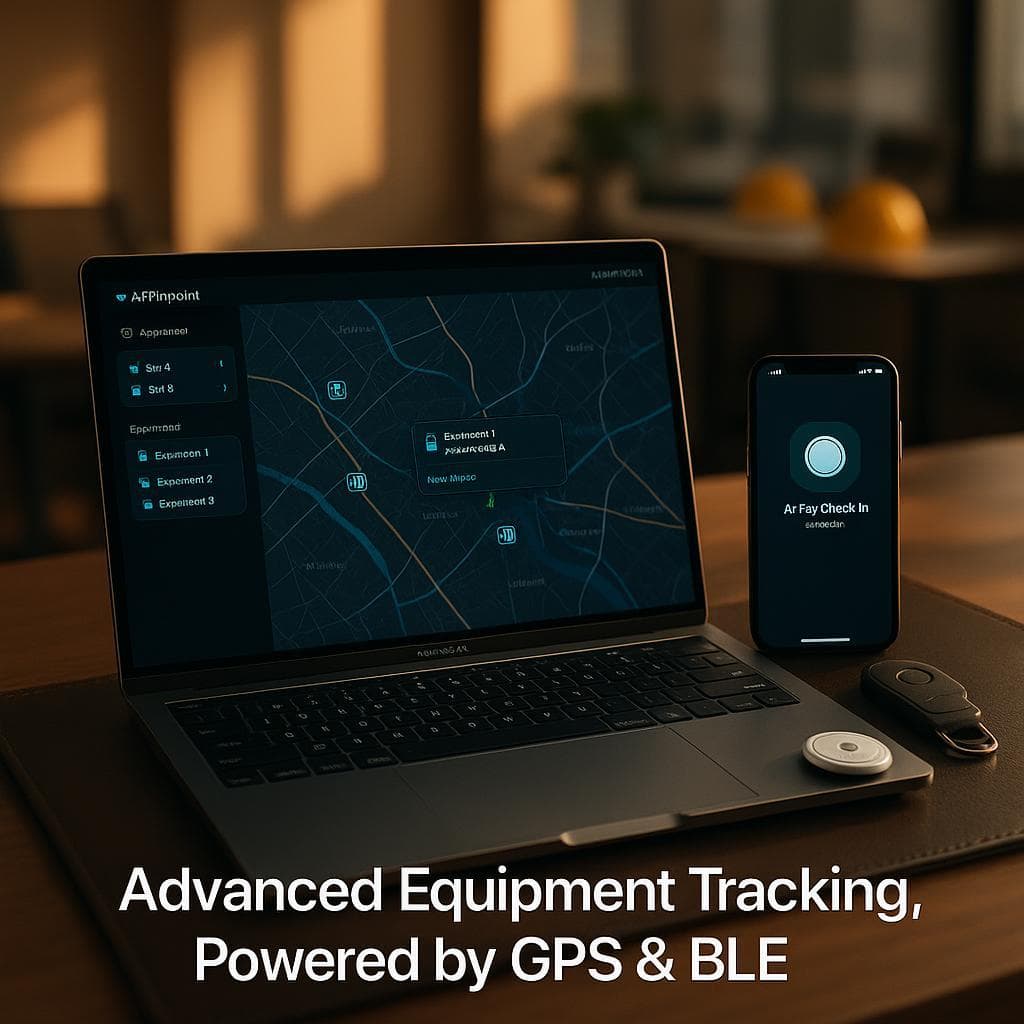
Airpinpoint
Approach: Apple AirTags + Find My network with a business dashboard
Best for: Field teams that need automatic location tracking without scanning workflows or cellular subscriptions
Pricing: $29 per AirTag (one-time). $11.99/month for the dashboard (flat rate, not per-user). No cellular plan. No per-device monthly fee. Battery replacement once a year (standard CR2032, about $3).
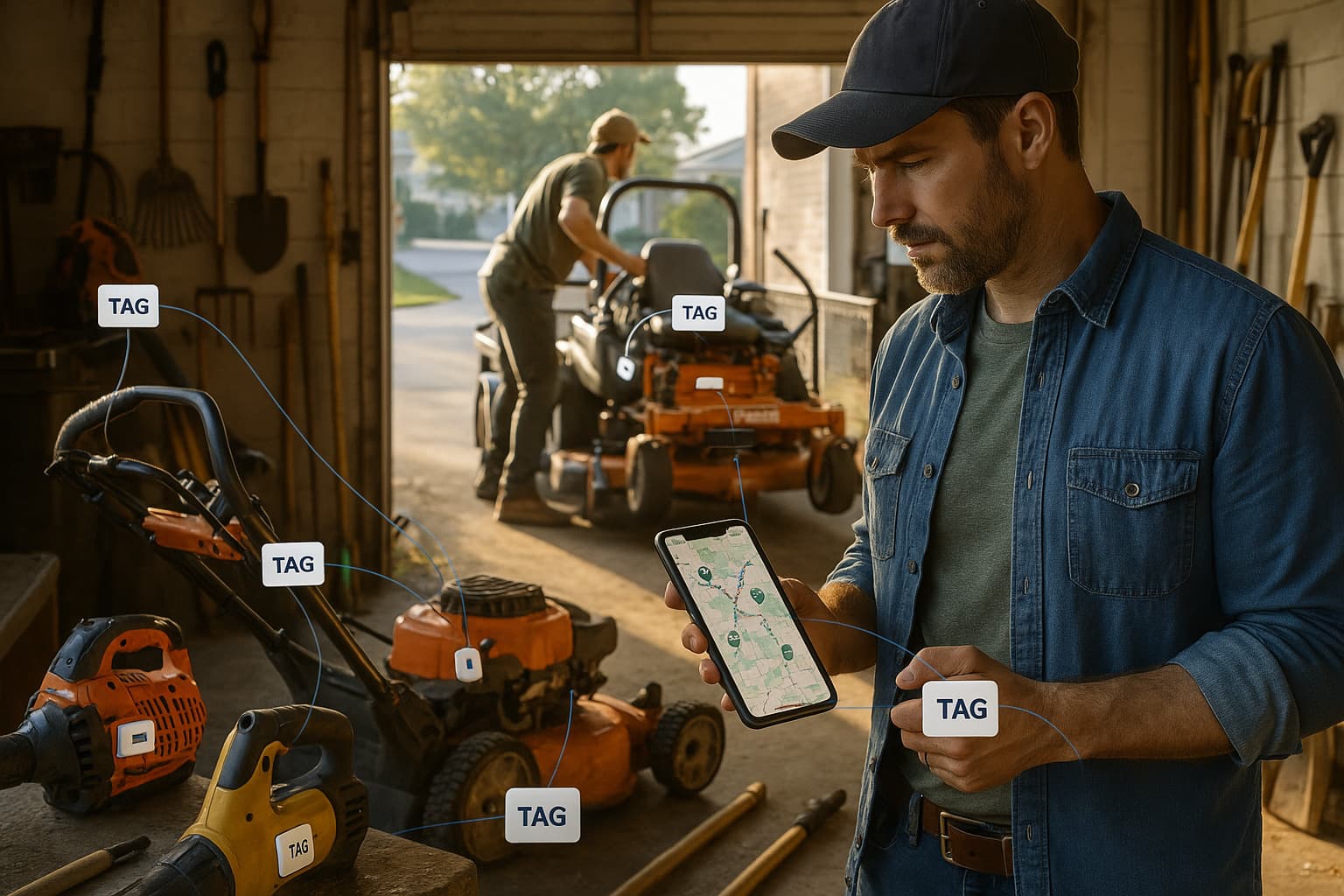
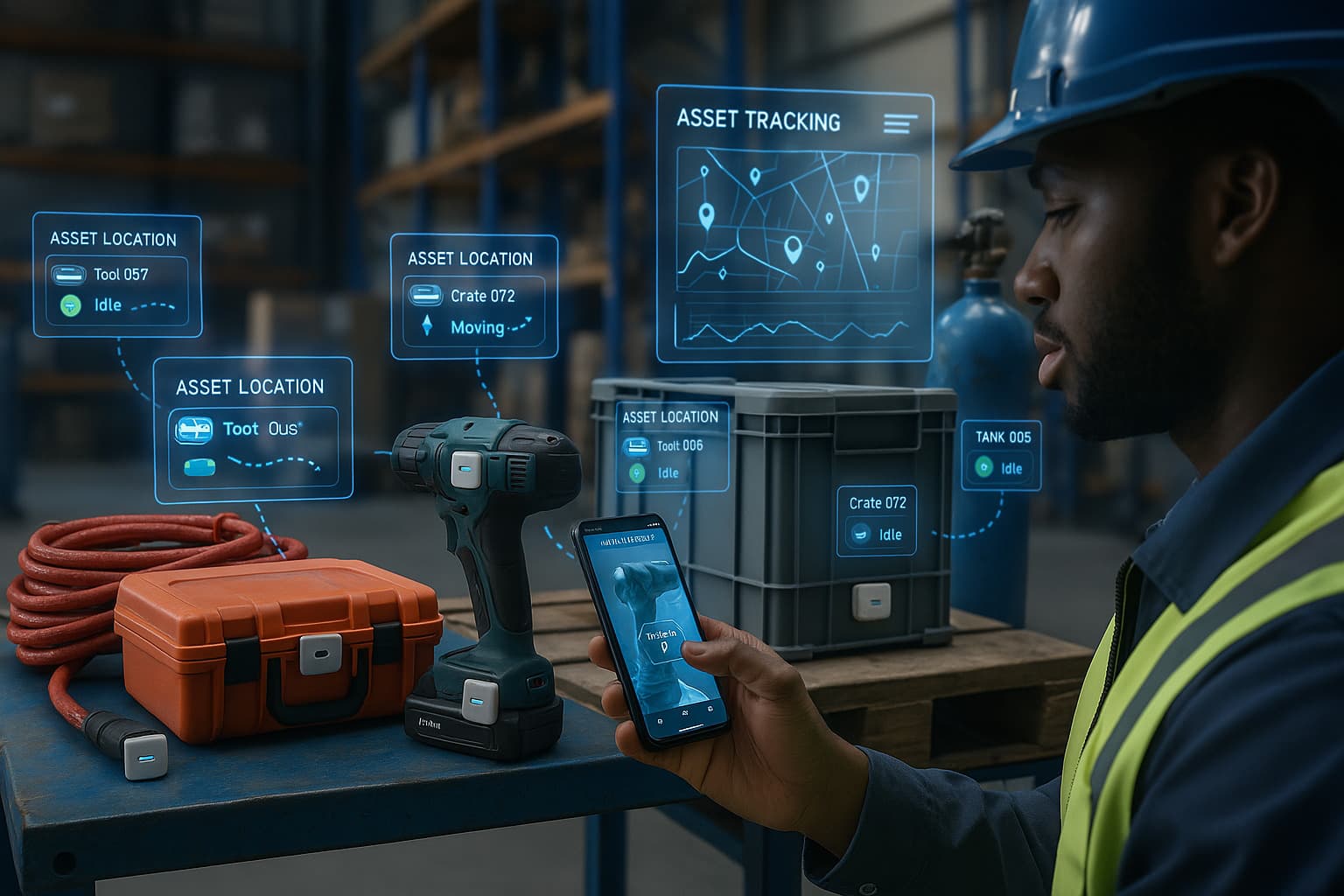
What works: Location tracking is fully automatic. Stick an AirTag on a generator, trailer, or tool case, and it shows up on the dashboard map. No one needs to scan anything. No one needs to charge anything. The billion-device Apple Find My network handles detection passively. Geofence alerts notify you when equipment leaves a job site. Location history shows where each asset has been over time.
Where it breaks down: Updates are not real-time like cellular GPS. In busy areas, you might get location pings every 5-15 minutes. In remote areas with little foot traffic, gaps can be longer. If you need second-by-second vehicle tracking with engine diagnostics, this is not the right tool. Airpinpoint does not do maintenance scheduling, depreciation tracking, or check-out workflows.
Field reality score: 8/10. Does one thing well: tells you where your equipment is, automatically, without depending on human behavior.
The Real Problem With Scanning-Based Apps
Every app that depends on barcode or QR scanning has the same fundamental flaw: it requires consistent human behavior from people who are busy doing something else.
A warehouse worker whose entire job is receiving and shipping inventory will scan reliably. A plumber grabbing a pipe wrench out of the truck at 7 AM will not.
Field adoption rates for scanning apps hover around 30-60% in most deployments. That means 40-70% of your equipment movements go unrecorded. Your "tracking system" becomes a partial inventory list with stale data.
This is not a training problem. It is a workflow design problem. If tracking adds friction to someone's primary job, they will skip it when they are rushed, tired, or annoyed. And field workers are almost always at least one of those three.
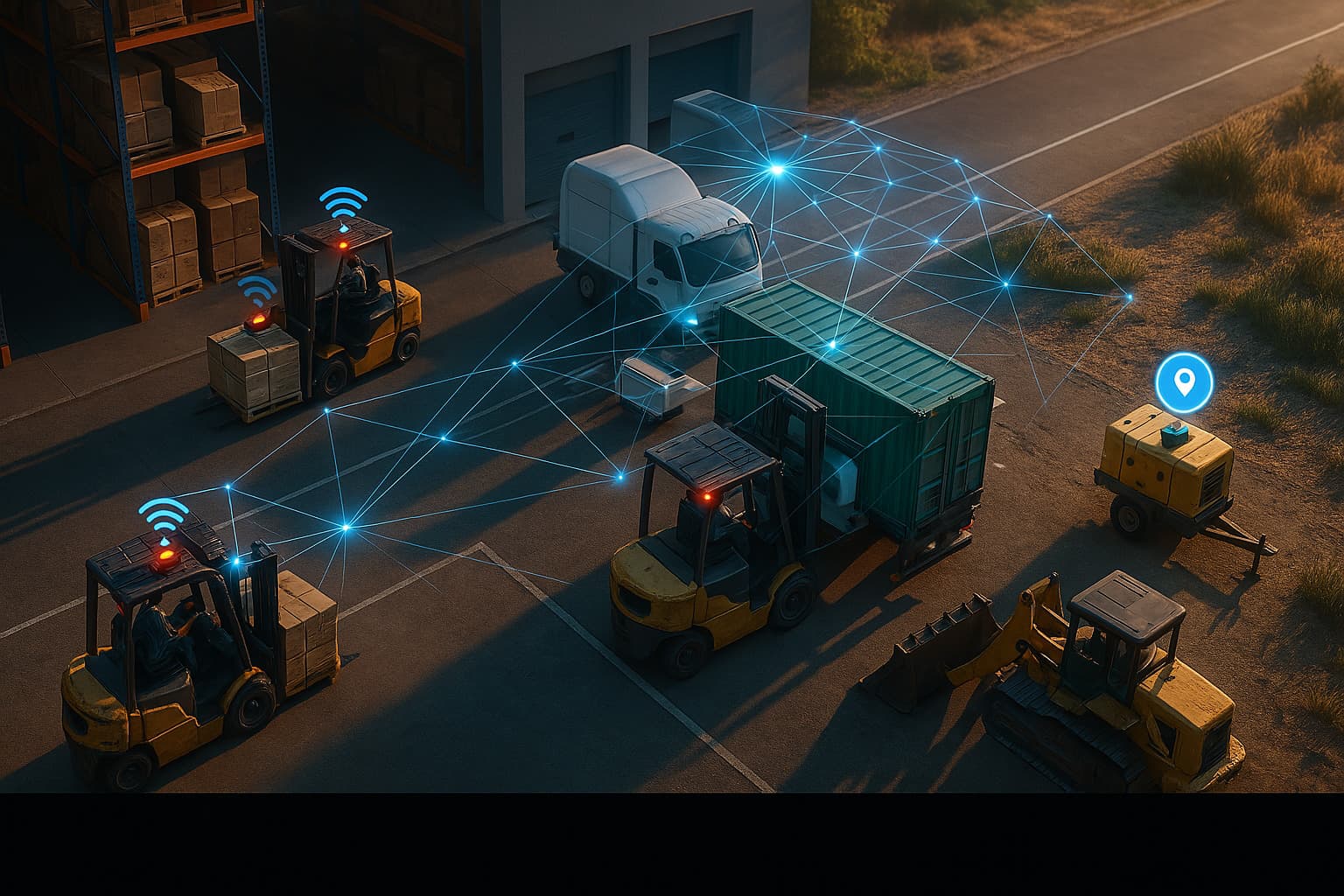
The only way to get reliable tracking data from field teams is to remove the human from the loop. That means either powered GPS devices (expensive, needs charging) or passive Bluetooth networks like Apple Find My (affordable, zero maintenance).
Cost Comparison: 50 Assets Over 2 Years
Here is what tracking 50 pieces of equipment actually costs over 24 months, including all fees:
| Solution | Year 1 | Year 2 | Total (2 Years) |
|---|---|---|---|
| Sortly (Advanced) | $588 | $588 | $1,176 |
| GoCodes (Premium Elite) | $1,000 | $1,000 | $2,000 |
| Asset Panda (5 users) | $3,000 | $3,000 | $6,000 |
| EZOfficeInventory (Premium) | $780 | $780 | $1,560 |
| Cellular GPS (50 units) | $5,500-14,500* | $4,000-13,000* | $9,500-27,500 |
| Airpinpoint (50 AirTags) | $1,594** | $144** | $1,738 |
GPS assumes $50-200 hardware + $15-45/month per device cellular.
Airpinpoint: 50 AirTags at $29 = $1,450 hardware (Year 1 only) + $11.99/month dashboard. Year 2 is dashboard only plus ~$150 in replacement batteries.
The scanning apps are cheap, but you are not paying for location tracking. You are paying for a digital clipboard. The only options that tell you where equipment actually is right now are GPS (expensive) and Airpinpoint (not).
Which App Should You Pick?
Pick Sortly if you have a small team, fewer than 100 items, and just need a visual inventory list. The free tier is genuinely useful for getting started.
Pick GoCodes if you want an affordable scanning system with maintenance scheduling and don't need automatic location. The pricing is honest and the product does what it says.
Pick Asset Panda if you need deep IT asset management with custom workflows, depreciation, and compliance. It is expensive but built for that use case.
Pick EZOfficeInventory if lifecycle management (procurement through disposal) matters more than location tracking and you want unlimited user seats.
Pick Cheqroom if your business is AV rental, production equipment, or anything where check-out/check-in and booking calendars are the core workflow.
Pick Airpinpoint if you need to know where equipment is without relying on people to scan, charge, or check in. You get automatic location via Apple Find My, geofence alerts, location history, and a team dashboard for $29/tag + $11.99/month. No per-user fees, no cellular plans, no hardware to charge.
Getting Started With Airpinpoint
Setup takes about 10 minutes:
- Buy AirTags (any Apple Store, Amazon, or Best Buy). $29 each, or $99 for a 4-pack.
- Sign up at airpinpoint.com. Connect your Apple ID.
- Attach AirTags to equipment. Adhesive mounts, keychain holders, or zip-tie cases all work.
- Open the dashboard. Your equipment shows up on the map automatically.
- Set geofence alerts around job sites so you get notified if anything leaves.
No onboarding call. No implementation project. No training sessions. If your team can attach a keychain, they can deploy Airpinpoint.

 Our Solution