AirTags vs Raken: Raken Doesn't Track Equipment Location (2026 Comparison)
The Core Problem with Raken (For Equipment Tracking)
Raken says it plainly in its own FAQ: "Raken does not use GPS to track the location of your equipment."
That single sentence settles most "AirTags vs Raken" searches. Raken is daily-reporting and production-tracking software for construction crews. Its equipment feature is a logbook: someone types in hours, fuel, condition, and project assignment. If nobody logs anything, Raken's "location" for an asset is wherever someone last said it was. An AirTag reports its physical location automatically through Apple's Find My network of 1B+ devices, with zero manual input.
The two products get compared because both show up when contractors search "construction equipment tracking." They solve different problems, and this page covers both honestly: where Raken is genuinely good, what it actually costs (it hides pricing behind a quote form), and the contract terms buried in its Terms of Service.
What You're Actually Comparing
Raken is field documentation software: daily reports, digital time cards with GPS clock-in verification, photo documentation, safety checklists, and manual equipment logging. It documents what happened on the jobsite.
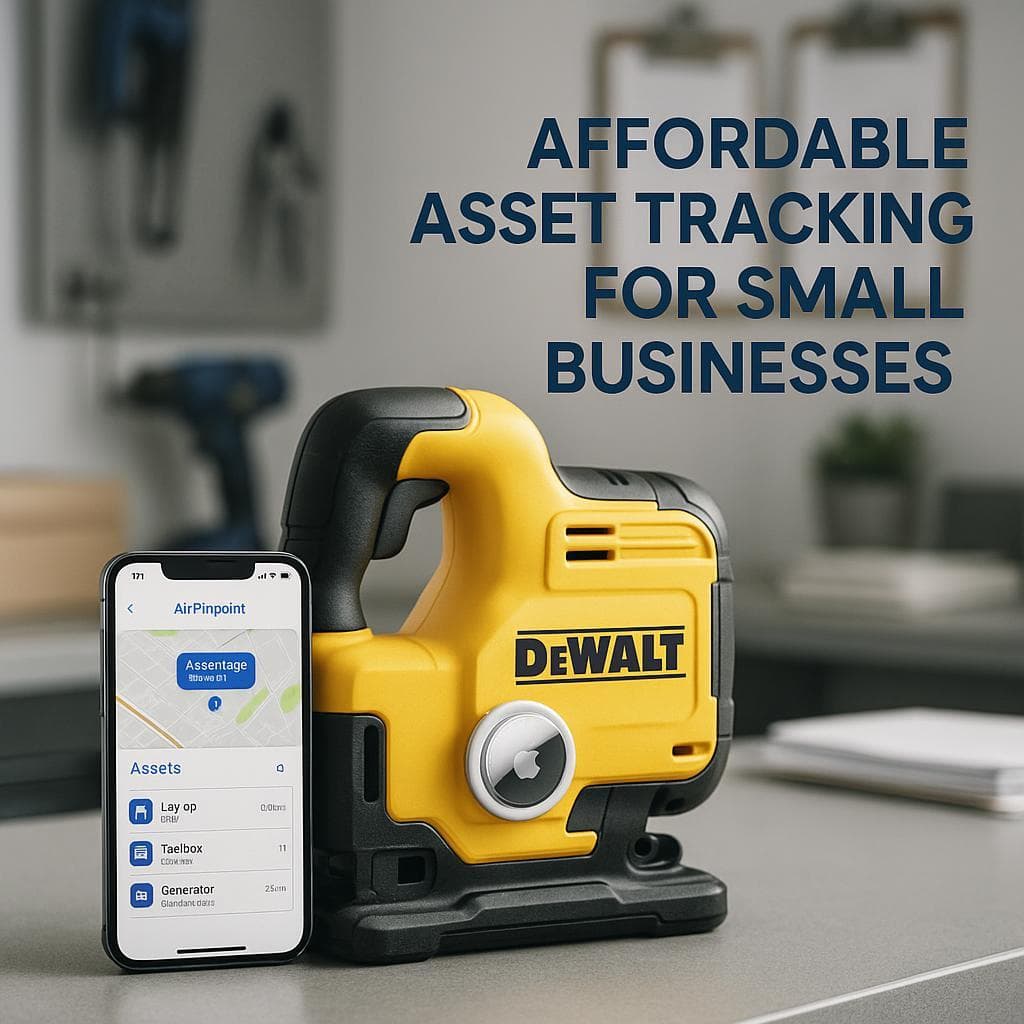
Apple AirTags (paired with Airpinpoint for business use) are location trackers. Attach one to a generator, and its position updates automatically. No reports, no time cards, just "where is this thing right now and where has it been?"
Many construction companies run both. The mistake is buying Raken expecting it to find equipment, or buying AirTags expecting them to produce daily reports.
Raken Actual Pricing: What Customers Report Paying
Raken's pricing page is a quote request form. No prices are published. Here is what third-party reviewers and testers report:
| Plan / scenario | Reported price | Source |
|---|---|---|
| Basic plan, billed annually | $12/user/month | ITQlick |
| Basic plan, billed monthly | $15/user/month | ITQlick |
| Professional plan | ~$25-30/user/month | TrustRadius, ConstructionBids |
| Performance plan | ~$46/user/month | TrustRadius |
| Basic via in-app purchase (Feb 2025 test) | $34.67/user/month | Connecteam review |
| Professional via in-app purchase (Feb 2025 test) | $80.00/user/month | Connecteam review |
| Performance via in-app purchase (Feb 2025 test) | $93.33/user/month | Connecteam review |
| Additional web app seat | $66/month | Connecteam review |
| 8-person field crew, typical quote | $120-$200/month | ConstructionBids |
The spread between the $12/user annual rate and the $93.33/user in-app rate is why Connecteam's reviewer wrote that the "lack of transparent pricing, plus the confusion caused by the available information, makes it difficult to estimate costs upfront." Get your quote in writing and confirm which channel (web subscription vs. app store billing) it applies to.
The Contract Terms Raken's Quote Won't Mention
From Raken's Terms of Service, verified June 2026:
- Section 4.1: "payment obligations under this Agreement are non-cancelable and Fees paid are non-refundable."
- Section 8.2: subscriptions "automatically renew for additional periods of one (1) year each" unless you give notice at least 30 days before the current term ends.
- Section 8.2 also states that for discounted multi-year terms, "the Subscription Term and all scheduled payments thereunder will be strictly enforced."
Airpinpoint, by comparison, has no contracts. The Business plan is $11.99/device/month, month to month, cancel anytime.
Feature Comparison
| Feature | Raken | AirTags + Airpinpoint |
|---|---|---|
| Primary purpose | Field documentation | Equipment location tracking |
| Daily reports | Yes (core feature) | No |
| Time cards | Yes, GPS clock-in verification | No |
| Photo documentation | Yes, with watermarks | No |
| Safety checklists / toolbox talks | Yes | No |
| Equipment usage logging (hours, fuel) | Yes, manual entry | No |
| Automatic equipment location | No (own FAQ) | Yes, via Find My network |
| Location history | No | Yes |
| Geofence alerts on assets | No | Yes, polygon geofencing |
| Webhooks / REST API for location data | No | Yes |
| Pricing model | Per user, quote-only | $29/tag one-time + $11.99/device/month |
| Contract | 1-year auto-renew, non-cancelable | None, month to month |
| Hardware required | None | AirTag per asset ($24.75 each in 4-packs) |
Where Raken Genuinely Wins
Raken is well reviewed for what it actually does: 4.7/5 on the iOS App Store and 4.6-4.7/5 on Capterra. If your problem is documentation rather than location, Raken is a credible buy:
- Daily reporting. This is Raken's core product and reviewers consistently rate it best in class. Contractors run Raken alongside Procore specifically because Raken's daily reports are better than Procore's.
- Time cards. Digital time cards with GPS coordinates captured at clock-in and clock-out, crew-level clocking, and cost code allocation.
- Safety and compliance. Digital toolbox talks, custom inspection checklists, incident reporting, and OSHA-oriented templates.
- Equipment usage logs. The September 2024 equipment expansion added utilization dashboards, fuel and CO2 reporting, maintenance scheduling, and rental return reminders. Useful, as long as crews actually log entries.
- Integrations. Procore, Autodesk Build, QuickBooks, Sage 300, Viewpoint Vista, CMiC, and Foundation (see the integration complaint below before relying on the accounting ones).
- Scale and backing. 70,000+ users across 4,500+ construction firms as of the September 2025 Sverica Capital majority investment, with reported 2024 revenue of $21.8M.
AirTags cannot do any of the above. If you need daily reports and time tracking, buy documentation software. Raken is a strong candidate.
What Raken Users Complain About
The recurring patterns across Capterra, Google Play, and independent tests:
- Android app performance. Google Play reviewers describe "long slow loading, resets itself" and note the app behaves better on iPhone. Google Play sits at 4.2-4.3/5 vs. 4.7/5 on iOS.
- Integration delivery gaps. One Capterra reviewer reports being sold a Sage 300 time card integration with a 6-week setup promise; at 21 weeks it still did not work and Raken refused a refund. Combined with the non-refundable ToS clause above, vet custom integrations before signing.
- Desktop required for admin. Adding a new employee and several other admin tasks cannot be done from the mobile app.
- Unannounced changes. Reviewers report significant app changes shipped without prior notice, forcing re-training mid-project.
- Pricing opacity. "The pricing is way too high for a daily reporting app" appears in Capterra reviews, and the Connecteam test found in-app rates roughly 2-3x the commonly quoted annual rates.
None of these are fatal for a documentation tool. They are worth knowing before a quote call, because the quote form gives you no anchor.
Which Tool for Which Job
| Your situation | Better fit | Why |
|---|---|---|
| Prove what happened on the jobsite daily | Raken | Purpose-built daily reports, photos, weather logs |
| Payroll-accurate field time tracking | Raken | GPS-verified clock-ins, cost codes |
| "Where is the excavator right now?" | AirTags + Airpinpoint | Automatic location, no logging dependency |
| Equipment moving between job sites | AirTags + Airpinpoint | Location history shows every move |
| Theft recovery on generators, trailers, tools | AirTags + Airpinpoint | Find My network keeps reporting after theft |
| Crews that will not log reliably | AirTags + Airpinpoint | Zero manual input required |
| OSHA documentation and toolbox talks | Raken | Built-in templates and checklists |
Cost Example: Tracking 10 High-Value Assets for 3 Years
Tag the equipment that actually goes missing (generators, compressors, trailers, survey gear):
- Hardware: 10 AirTags at $24.75 each (4-pack pricing) = $247.50 one-time
- Platform: 10 devices x $11.99/month x 36 months = $4,316.40
- Total: about $4,564, with geofence alerts, location history, webhooks, and team dashboard access included, and no contract.
A 25-user Raken Professional subscription at the reported $25-30/user rate runs $22,500-$27,000 over the same 3 years, and at the end of it you still cannot locate a single asset. That is not a knock on Raken; location was never what you were paying for. It is the reason not to buy Raken as a tracking solution.
Our Recommendation
For field documentation: Raken. Daily reports, time cards, photos, and safety checklists are its core product, reviewers rate it 4.6+/5 for that job, and contractors pair it with Procore on purpose. Get the quote in writing, confirm web vs. in-app billing, calendar the 30-day non-renewal notice deadline, and pilot any promised accounting integration before committing to a multi-year term.
For equipment location: Not Raken, by its own admission. "Raken does not use GPS to track the location of your equipment" is a direct quote from its FAQ. AirTags with Airpinpoint give you automatic location, polygon geofences, location history, and an API for $29 per tag and $11.99/device/month with no contract.
For complete jobsite visibility: Run both. They do not overlap. Raken tells you what your crews did; AirTags tell you where your equipment is. The combined cost for a mid-size contractor is usually less than one quoted "all-in-one" platform that does neither job as well.

 Our Solution